
Digital Launchpad para PC
Mighty Networks
Descarga Digital Launchpad en PC con GameLoop Emulator
Digital Launchpad en PC
Digital Launchpad, proveniente del desarrollador Mighty Networks, se ejecuta en el sistema Android en el pasado.
Ahora, puedes jugar Digital Launchpad en PC con GameLoop sin problemas.
Descárgalo en la biblioteca de GameLoop o en los resultados de búsqueda. No más mirar la batería o llamadas frustrantes en el momento equivocado nunca más.
Simplemente disfrute de Digital Launchpad PC en la pantalla grande de forma gratuita!
Digital Launchpad Introducción
Kickstart your career the right way.
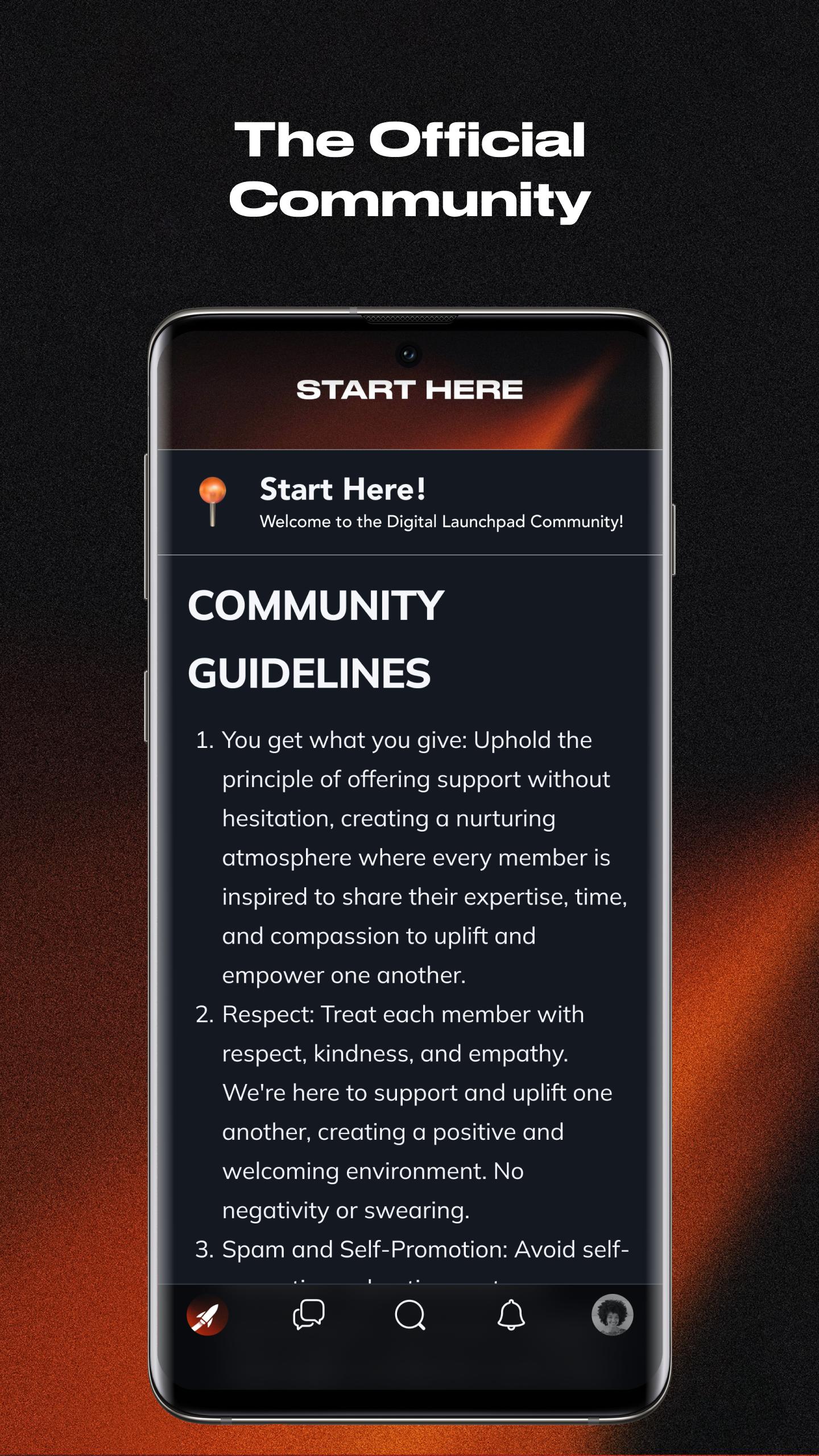
The official community app for the Digital Launchpad program.
Network alongside ambitious individuals in a private closed community only available to Digital Launchpad students.
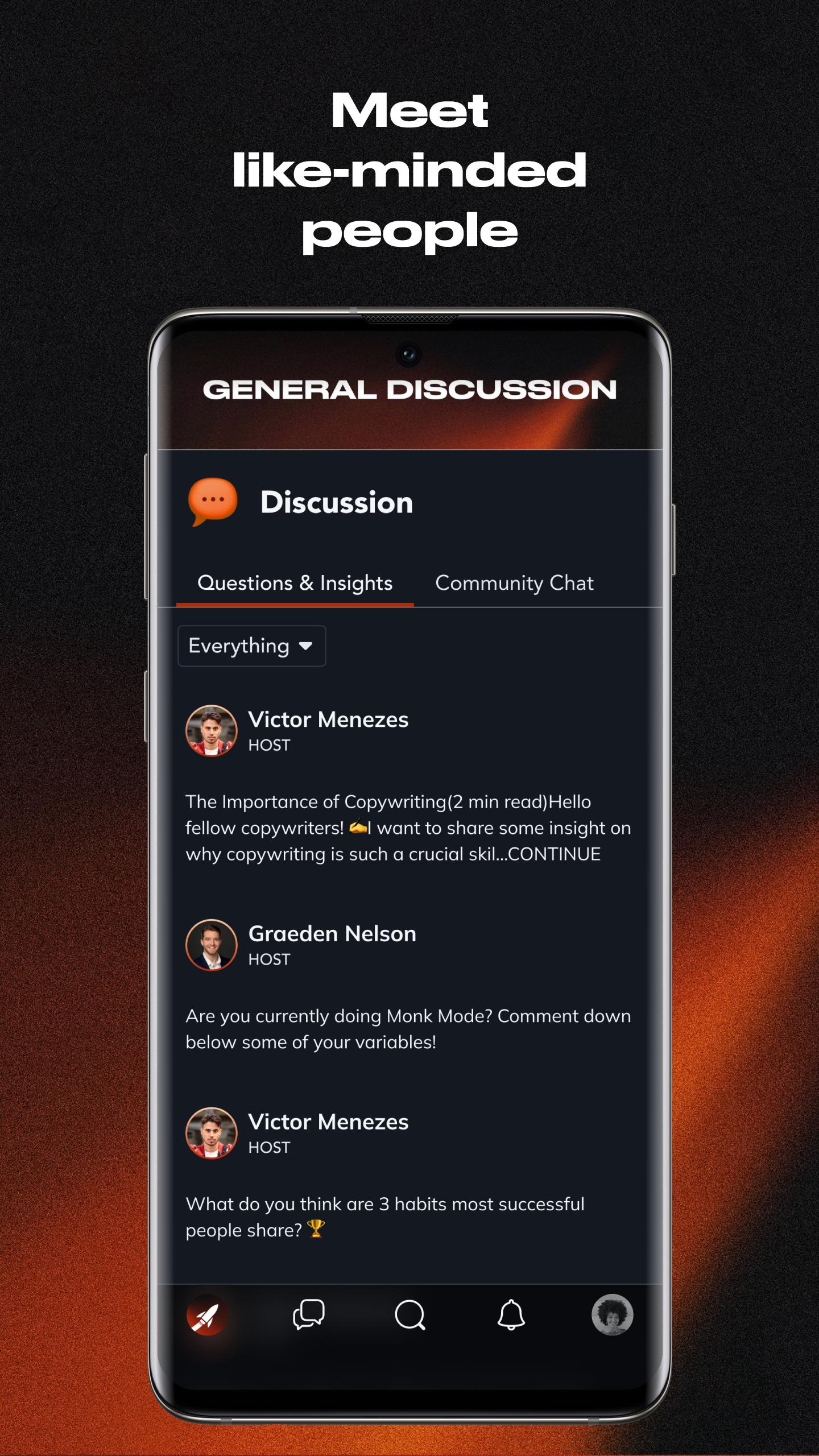
Get Access to a Community of Like-Minded Individuals
Within the Digital Launchpad community, you’ll have the opportunity to interact and talk to other students on a daily basis, building lasting relationships.
Become Better Everyday
Our culture hinges on getting better every day. Our community has a dedicated channel for you to hold yourself accountable. Every day our community posts their progress, pushing everyone to show up and get better.
Accountability Partners
Discover the value of having a reliable accountability partner in your journey to success. In our community, you'll find like-minded individuals ready to support you and achieve your goals.
Membership Terms
Signing up, you agree to the Terms of Service, Privacy Policy, and applicable notices below.
Avance
Etiquetas
SocialesInformación
Desarrollador
Mighty Networks
La última versión
8.147.2
Última actualización
2023-12-13
Categoría
Sociales
Disponible en
Google Play
Mostrar más
Cómo jugar Digital Launchpad con GameLoop en PC
1. Descargue GameLoop desde el sitio web oficial, luego ejecute el archivo exe para instalar GameLoop.
2. Abra GameLoop y busque "Digital Launchpad", busque Digital Launchpad en los resultados de búsqueda y haga clic en "Instalar".
3. Disfruta jugando Digital Launchpad en GameLoop.
Minimum requirements
OS
Windows 8.1 64-bit or Windows 10 64-bit
GPU
GTX 1050
CPU
i3-8300
Memory
8GB RAM
Storage
1GB available space
Recommended requirements
OS
Windows 8.1 64-bit or Windows 10 64-bit
GPU
GTX 1050
CPU
i3-9320
Memory
16GB RAM
Storage
1GB available space