
Congrats Stickers para PC
Ka Rim
Descarga Congrats Stickers en PC con GameLoop Emulator
Congrats Stickers en PC
Congrats Stickers, proveniente del desarrollador Ka Rim, se ejecuta en el sistema Android en el pasado.
Ahora, puedes jugar Congrats Stickers en PC con GameLoop sin problemas.
Descárgalo en la biblioteca de GameLoop o en los resultados de búsqueda. No más mirar la batería o llamadas frustrantes en el momento equivocado nunca más.
Simplemente disfrute de Congrats Stickers PC en la pantalla grande de forma gratuita!
Congrats Stickers Introducción
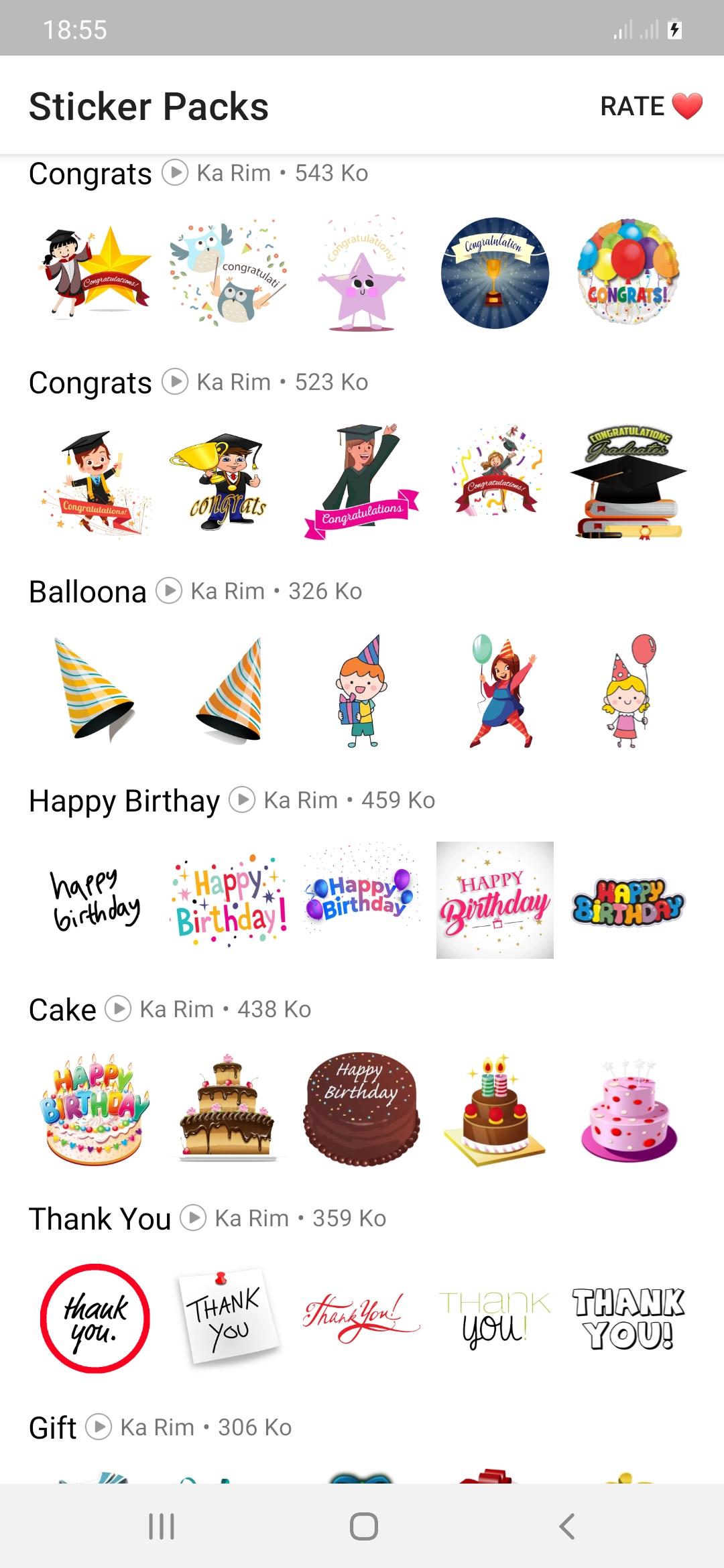
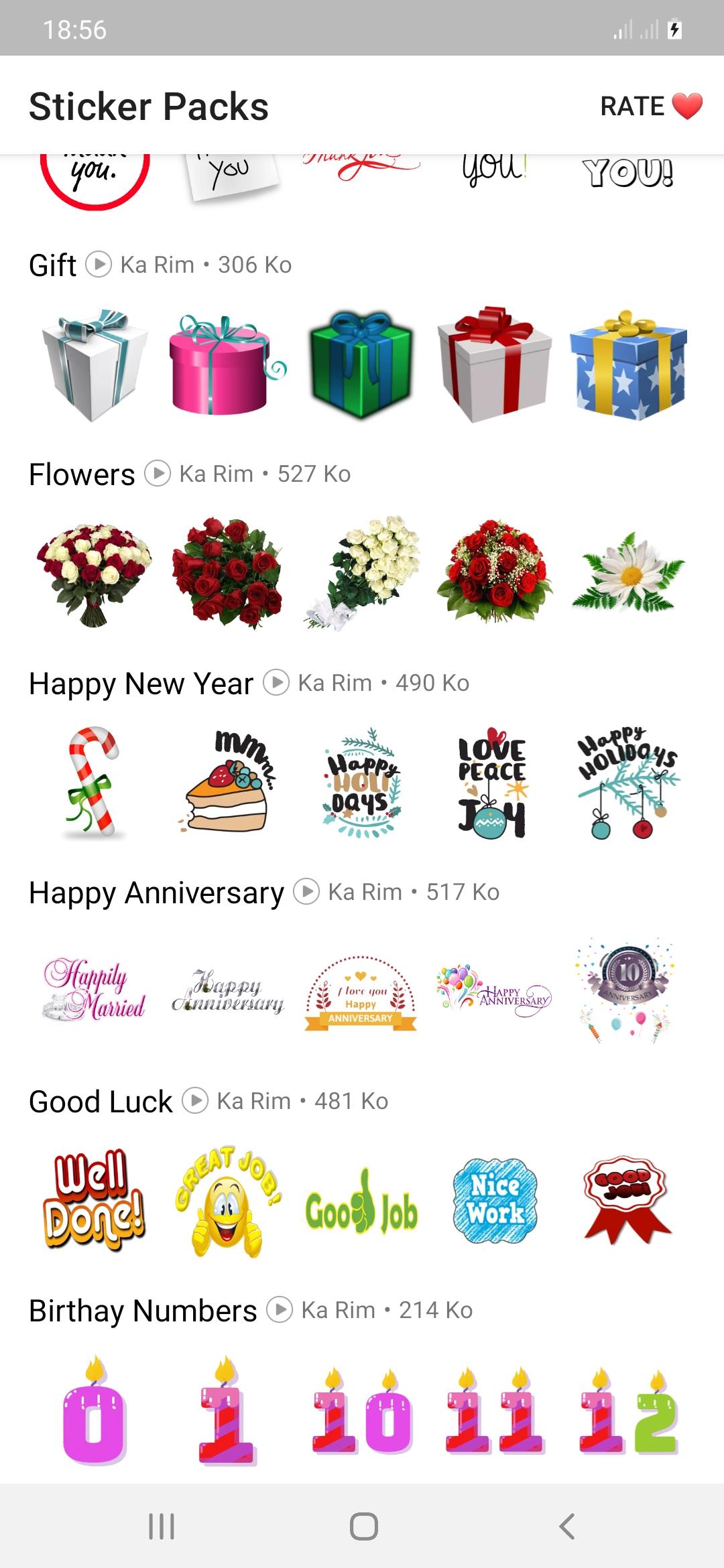
Now you can say congratulations to anyone on occasions such as congratulations on the wedding,
Congratulations on the anniversary, congratulations on the promotion, congratulations on
Graduation, congratulations to parents, congratulations for passing any exam, you will also be good at many occasions, happy birthday, presents, new year, flower stickers, cake, etc.
how to use:
- Download and open this app
- Tap on any sticker set you want.
- Select "Add to WhatsApp"
- Confirm your work
- Open WhatsApp and go to the chat
- Tap on the Emoji icon
- You will see a new sticker icon at the bottom and you can now use this best sticker pack.
Download the best thank you stickers for whatsapp and enjoy it with your friends.
Our goal is to provide you with an application that meets your needs while ensuring an excellent user experience.
Any request to remove a sticker will be honored. If you feel there is a right to a copyright infringement, please contact us.
karimfado00@gmail.com
Avance
Etiquetas
SocialesInformación
Desarrollador
Ka Rim
La última versión
version V.1.2
Última actualización
2022-06-20
Categoría
Sociales
Disponible en
Google Play
Mostrar más
Cómo jugar Congrats Stickers con GameLoop en PC
1. Descargue GameLoop desde el sitio web oficial, luego ejecute el archivo exe para instalar GameLoop.
2. Abra GameLoop y busque "Congrats Stickers", busque Congrats Stickers en los resultados de búsqueda y haga clic en "Instalar".
3. Disfruta jugando Congrats Stickers en GameLoop.
Minimum requirements
OS
Windows 8.1 64-bit or Windows 10 64-bit
GPU
GTX 1050
CPU
i3-8300
Memory
8GB RAM
Storage
1GB available space
Recommended requirements
OS
Windows 8.1 64-bit or Windows 10 64-bit
GPU
GTX 1050
CPU
i3-9320
Memory
16GB RAM
Storage
1GB available space