CityLights para PC
MonBuilding&Co
Descarga CityLights en PC con GameLoop Emulator
CityLights en PC
CityLights, proveniente del desarrollador MonBuilding&Co, se ejecuta en el sistema Android en el pasado.
Ahora, puedes jugar CityLights en PC con GameLoop sin problemas.
Descárgalo en la biblioteca de GameLoop o en los resultados de búsqueda. No más mirar la batería o llamadas frustrantes en el momento equivocado nunca más.
Simplemente disfrute de CityLights PC en la pantalla grande de forma gratuita!
CityLights Introducción
CityLights is now digital!
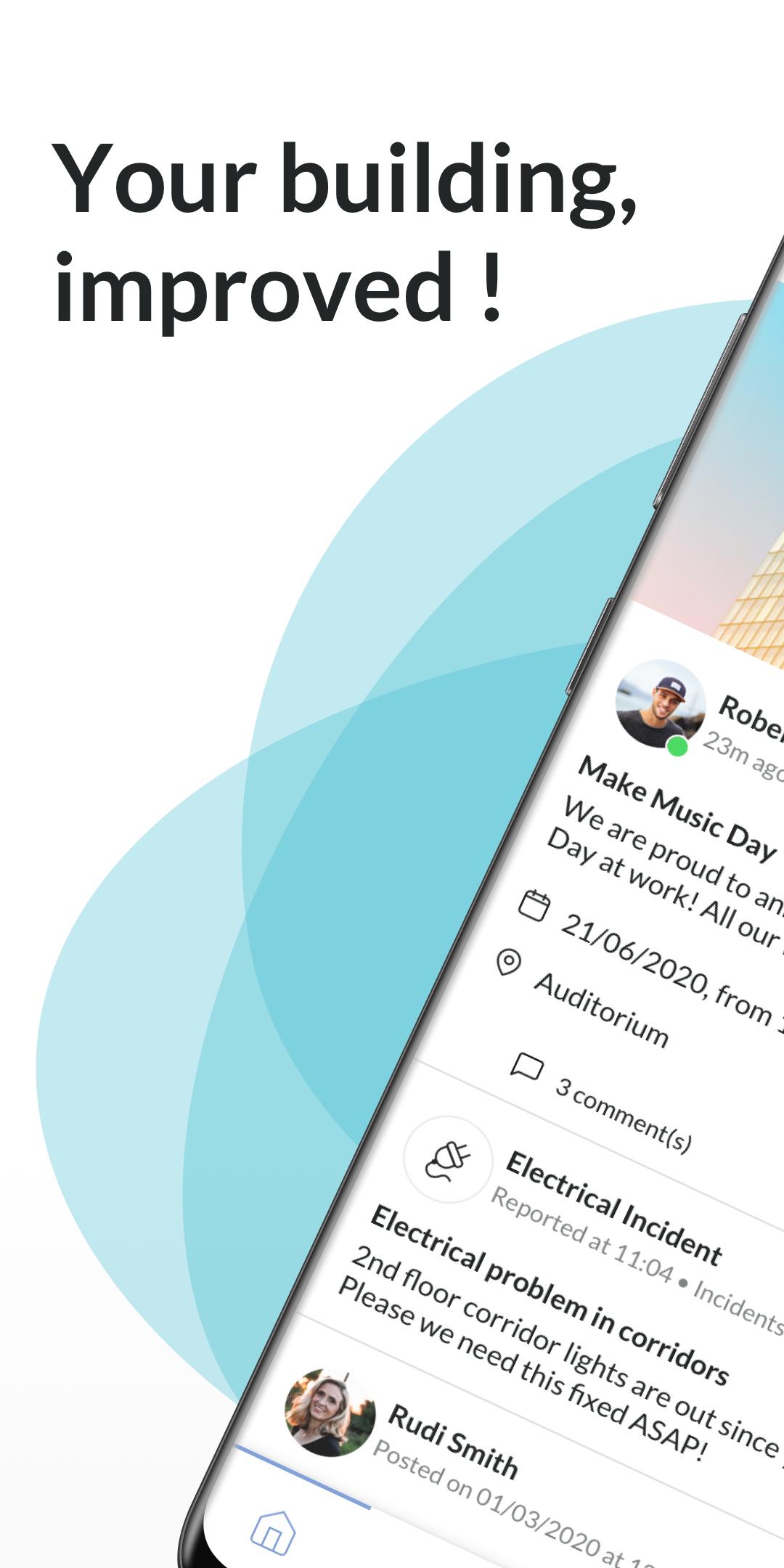
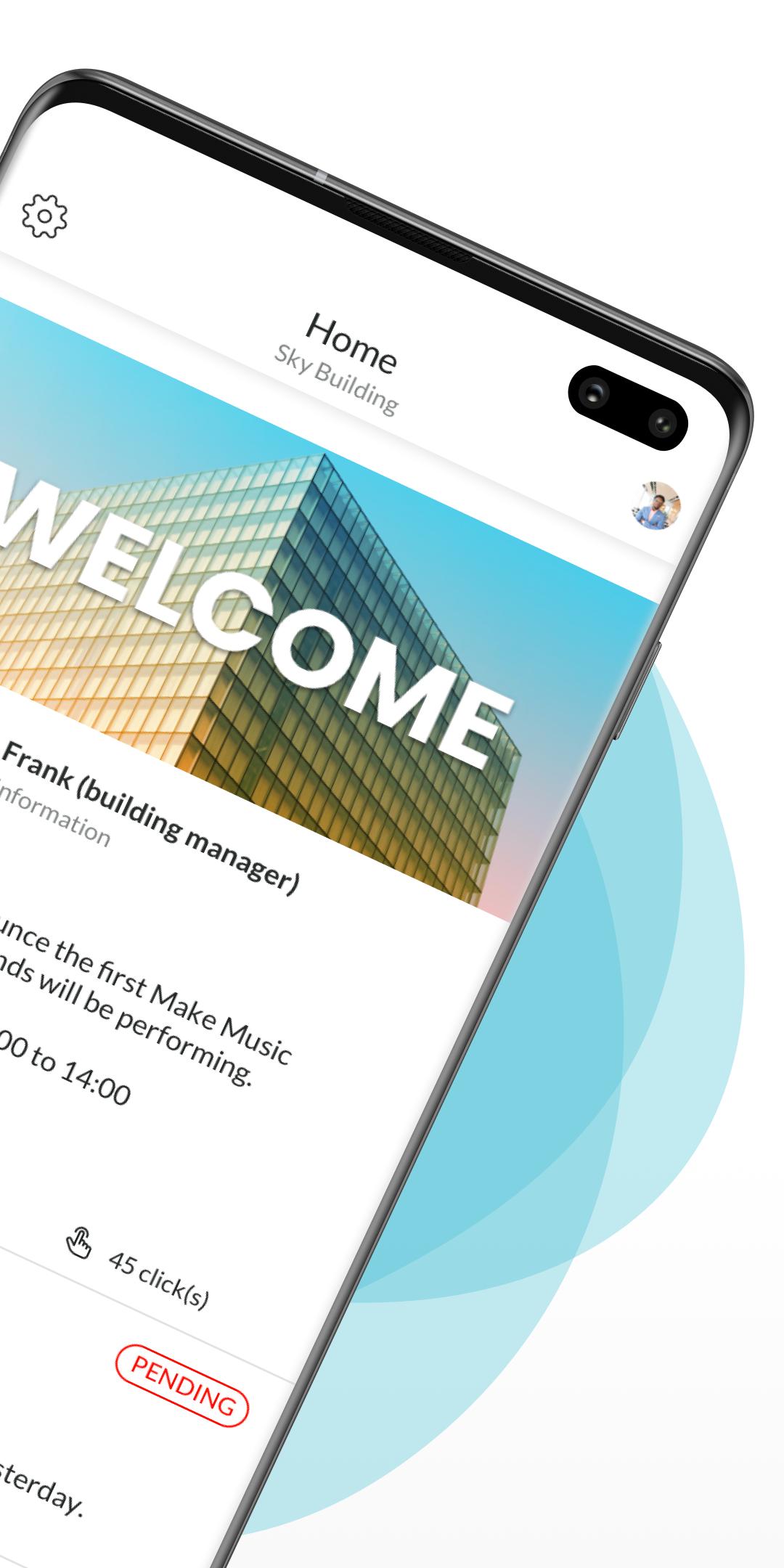
This all-inclusive mobile app dedicated to the building will allow you to access all the services offered in the common areas: concierge services, gym, food services, meeting rooms along with all the information related to the building life (events, messenger, forum).
Through the app, you will be able to:
• Be informed of the CityLights news
• To easily interact with the managers and the other occupants through the messenger, forum and ads sections
• To enjoy a one-stop shop: concierge services, gym, food services, package delivery and conferences hub’s room reservations for the permitted individuals
• To access the local offers negotiated for you (good deals and favorites)
Avance
Etiquetas
SocialesInformación
Desarrollador
MonBuilding&Co
La última versión
3.1.5
Última actualización
2022-07-16
Categoría
Sociales
Disponible en
Google Play
Mostrar más
Cómo jugar CityLights con GameLoop en PC
1. Descargue GameLoop desde el sitio web oficial, luego ejecute el archivo exe para instalar GameLoop.
2. Abra GameLoop y busque "CityLights", busque CityLights en los resultados de búsqueda y haga clic en "Instalar".
3. Disfruta jugando CityLights en GameLoop.
Minimum requirements
OS
Windows 8.1 64-bit or Windows 10 64-bit
GPU
GTX 1050
CPU
i3-8300
Memory
8GB RAM
Storage
1GB available space
Recommended requirements
OS
Windows 8.1 64-bit or Windows 10 64-bit
GPU
GTX 1050
CPU
i3-9320
Memory
16GB RAM
Storage
1GB available space