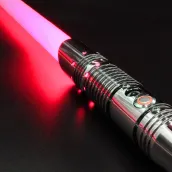
Lightsaber Gun Simulator para PC
King Doodle Games
Descarga Lightsaber Gun Simulator en PC con GameLoop Emulator
Lightsaber Gun Simulator en PC
Lightsaber Gun Simulator, proveniente del desarrollador King Doodle Games, se ejecuta en el sistema Android en el pasado.
Ahora, puedes jugar Lightsaber Gun Simulator en PC con GameLoop sin problemas.
Descárgalo en la biblioteca de GameLoop o en los resultados de búsqueda. No más mirar la batería o llamadas frustrantes en el momento equivocado nunca más.
Simplemente disfrute de Lightsaber Gun Simulator PC en la pantalla grande de forma gratuita!
Lightsaber Gun Simulator Introducción
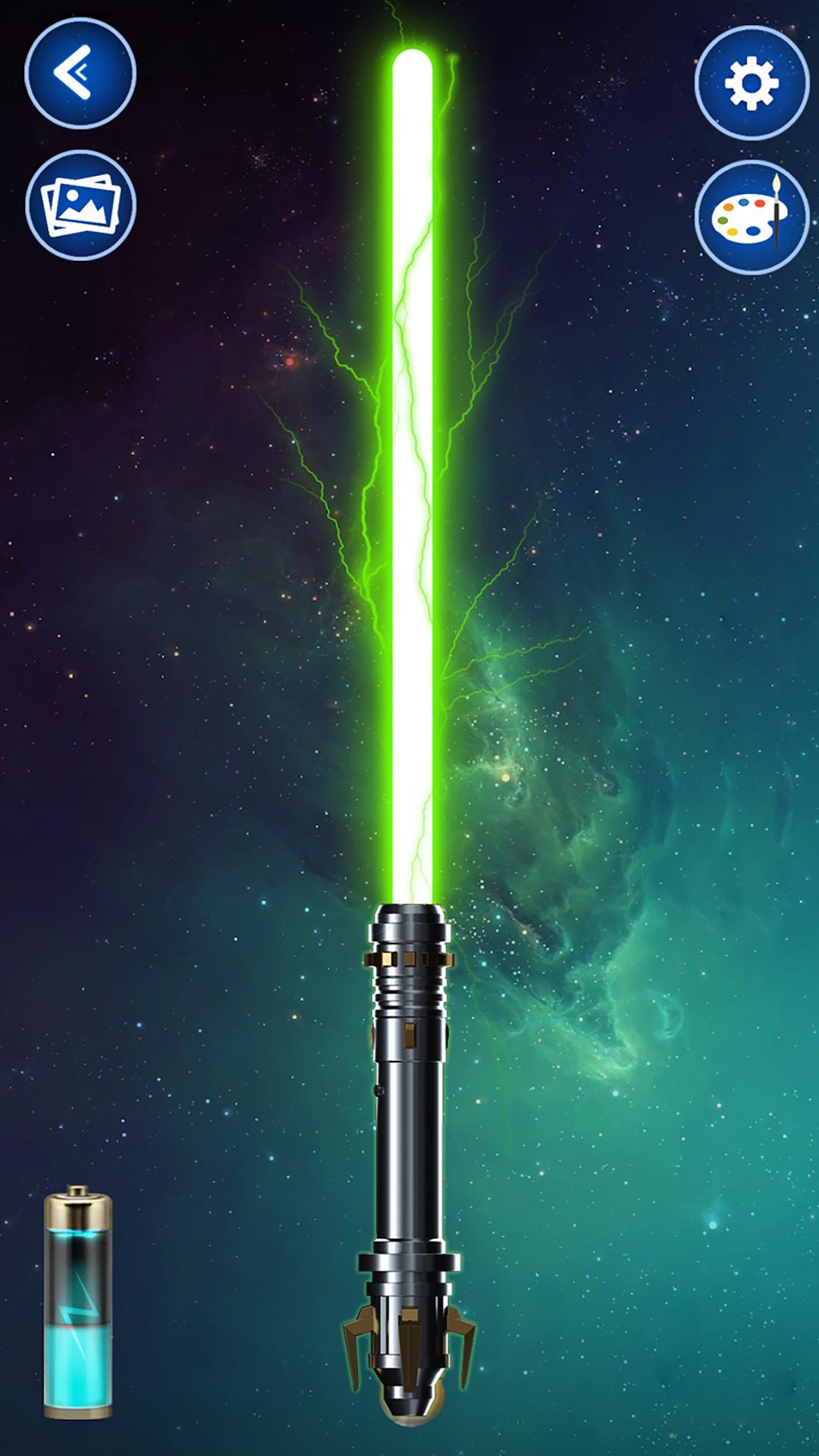
Unleash the power of a laser sword and gun simulator with Lightsaber Gun Simulator – the ultimate sci-fi weapon app! Whether you’re looking for a realistic shooting experience or want to role-play epic battles, this app delivers non-stop action, fun, and sound effects.
🔫 Gun Simulator & Gun Prank App
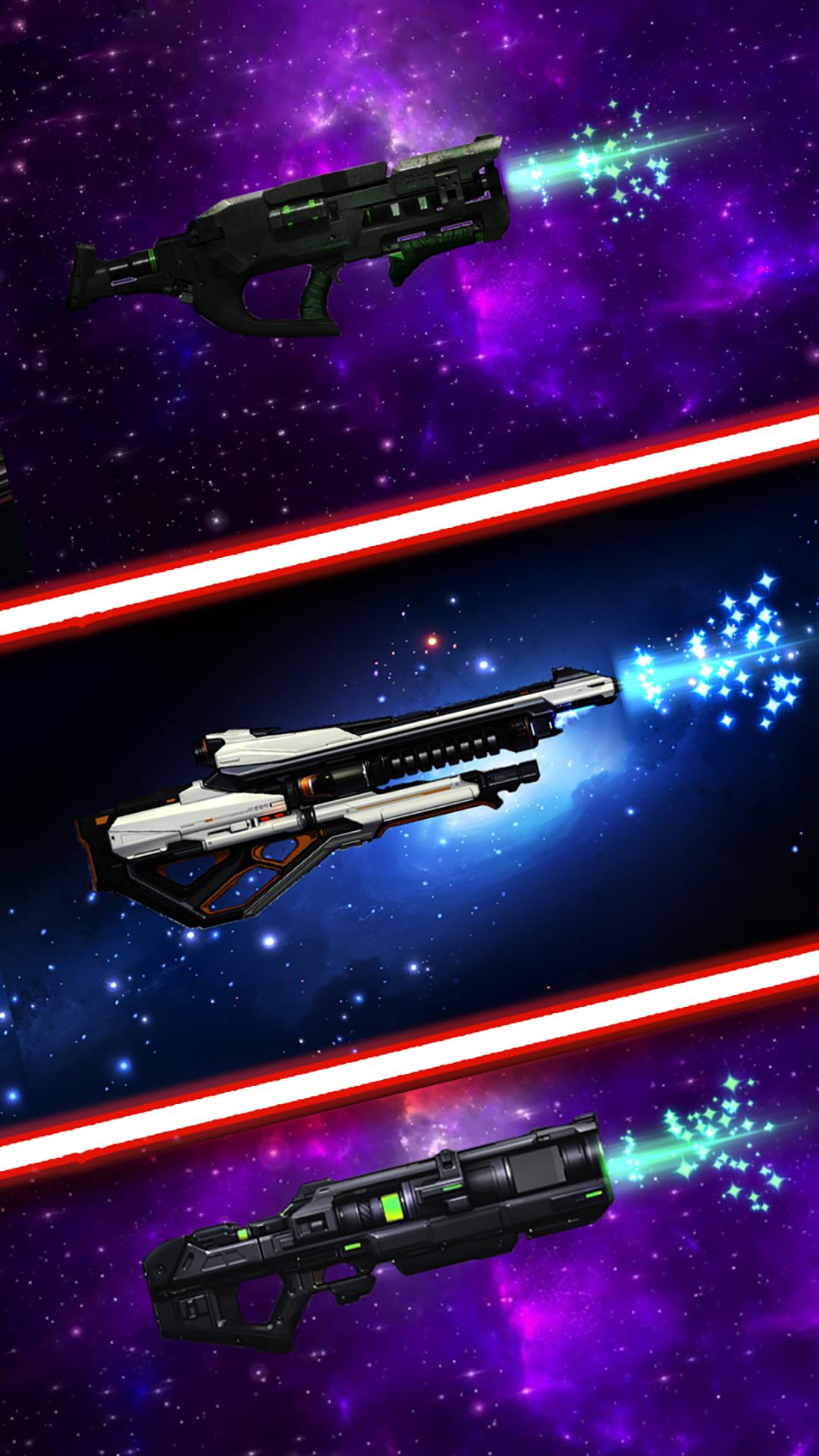
Experience lifelike gun sounds with every tap! Choose from realistic pistols, rifles, shotguns, and sci-fi blasters. Each weapon includes intense sound effects, vibration, and flash. Perfect for pranks or just for fun.
⚔️ Lightsaber & Laser Sword Mode
Ignite your lightsaber with motion or touch! Hear iconic humming, clash, and fight sound effects. Shake your device like a real Jedi warrior. Pick from various saber colors and customize your weapon for the ultimate force experience.
🎮 Features:
Realistic lightsaber & gun sound effects
Laser sword simulator with motion activation
Shooting simulator with vibration & flash
Blaster and sci-fi weapon modes
Gun app for kids and adults
Fight sound effects for battles
Prank your friends with gun sounds
Multiple weapons to choose from
Easy to use & offline compatible
Whether you love Star-style wars, enjoy a good shooting simulator, or just want to prank your friends, this app brings action-packed fun for all ages. Perfect for cosplay, play fights, or simply enjoying cool sound effects.
💥 Download Lightsaber Gun Simulator now and feel the force in your hands—anytime, anywhere!
Avance
Etiquetas
SimulaciónInformación
Desarrollador
King Doodle Games
La última versión
0.11.4
Última actualización
2025-10-15
Categoría
Simulación
Disponible en
Google Play
Mostrar más
Cómo jugar Lightsaber Gun Simulator con GameLoop en PC
1. Descargue GameLoop desde el sitio web oficial, luego ejecute el archivo exe para instalar GameLoop.
2. Abra GameLoop y busque "Lightsaber Gun Simulator", busque Lightsaber Gun Simulator en los resultados de búsqueda y haga clic en "Instalar".
3. Disfruta jugando Lightsaber Gun Simulator en GameLoop.
Minimum requirements
OS
Windows 8.1 64-bit or Windows 10 64-bit
GPU
GTX 1050
CPU
i3-8300
Memory
8GB RAM
Storage
1GB available space
Recommended requirements
OS
Windows 8.1 64-bit or Windows 10 64-bit
GPU
GTX 1050
CPU
i3-9320
Memory
16GB RAM
Storage
1GB available space