
Heja+ para PC
M+W Müller & Weygandt GmbH
Descarga Heja+ en PC con GameLoop Emulator
Heja+ en PC
Heja+, proveniente del desarrollador M+W Müller & Weygandt GmbH, se ejecuta en el sistema Android en el pasado.
Ahora, puedes jugar Heja+ en PC con GameLoop sin problemas.
Descárgalo en la biblioteca de GameLoop o en los resultados de búsqueda. No más mirar la batería o llamadas frustrantes en el momento equivocado nunca más.
Simplemente disfrute de Heja+ PC en la pantalla grande de forma gratuita!
Heja+ Introducción
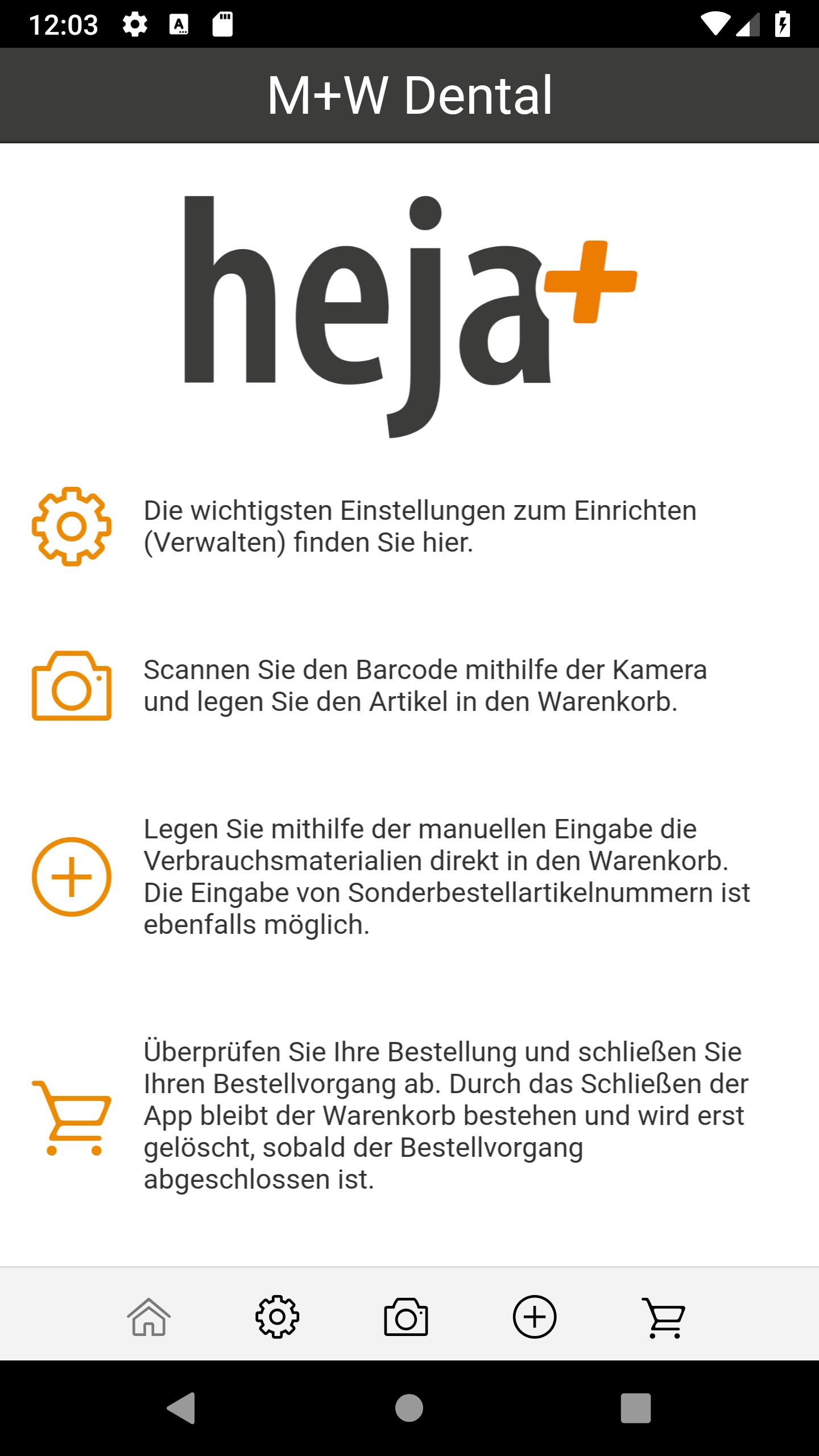
The entire M + W range, over 42,000 dental consumables, in your hands.
Simply M + W Scan the QR code or enter and order the article number.
Quick and easy. More overview. Less paper.
Simplify your order process today!
The best reasons to download the M + W order app directly,
can be found here at a glance:
- Quickly scan M + W QR codes and order them directly via app
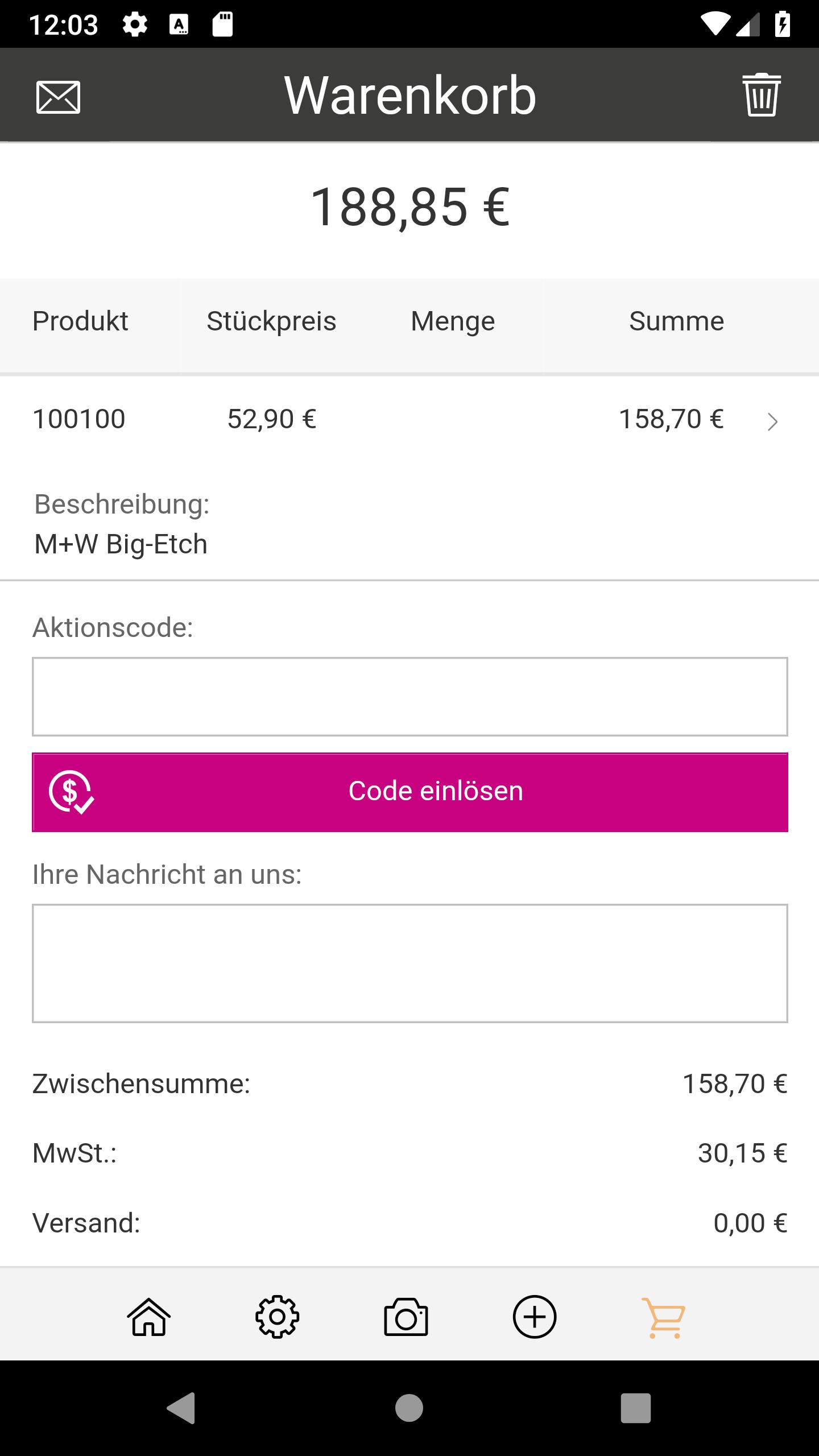
- Send an overview of the basket of goods by e-mail
- Exclusive discounts in the app
- Also order by entering the M + W article number
- Used fast delivery. Ordered by 5pm, delivered tomorrow!
Contact your account representative for your free QR codes
to request articles or product groups:
060 42/88 00 88
Currently available in Germany
Avance
Etiquetas
ComprasInformación
Desarrollador
M+W Müller & Weygandt GmbH
La última versión
1.7.8
Última actualización
2024-10-28
Categoría
Compras
Disponible en
Google Play
Mostrar más
Cómo jugar Heja+ con GameLoop en PC
1. Descargue GameLoop desde el sitio web oficial, luego ejecute el archivo exe para instalar GameLoop.
2. Abra GameLoop y busque "Heja+", busque Heja+ en los resultados de búsqueda y haga clic en "Instalar".
3. Disfruta jugando Heja+ en GameLoop.
Minimum requirements
OS
Windows 8.1 64-bit or Windows 10 64-bit
GPU
GTX 1050
CPU
i3-8300
Memory
8GB RAM
Storage
1GB available space
Recommended requirements
OS
Windows 8.1 64-bit or Windows 10 64-bit
GPU
GTX 1050
CPU
i3-9320
Memory
16GB RAM
Storage
1GB available space