
AEM para PC
AEM TECHNOLOGY LIMITED
Descarga AEM en PC con GameLoop Emulator
AEM en PC
AEM, proveniente del desarrollador AEM TECHNOLOGY LIMITED, se ejecuta en el sistema Android en el pasado.
Ahora, puedes jugar AEM en PC con GameLoop sin problemas.
Descárgalo en la biblioteca de GameLoop o en los resultados de búsqueda. No más mirar la batería o llamadas frustrantes en el momento equivocado nunca más.
Simplemente disfrute de AEM PC en la pantalla grande de forma gratuita!
AEM Introducción
About AEM Technology Limited (AEM)
AEM integrates IT and IOT components across the data center infrastructure with DCIM for designing and building energy saving data centers in APAC. To keep Fortune 500 client's data centers more cost effective and more intelligent, we offer best-in-class data center infrastructure solutions with leading edge global industrial standards by Uptime Institute. As well as partner with top-tier global data center solution suppliers such as Vertiv, CommScope, Black Box, APC to provide cost-effective, sustainable and reliable solutions for our customers.
The New Online Store
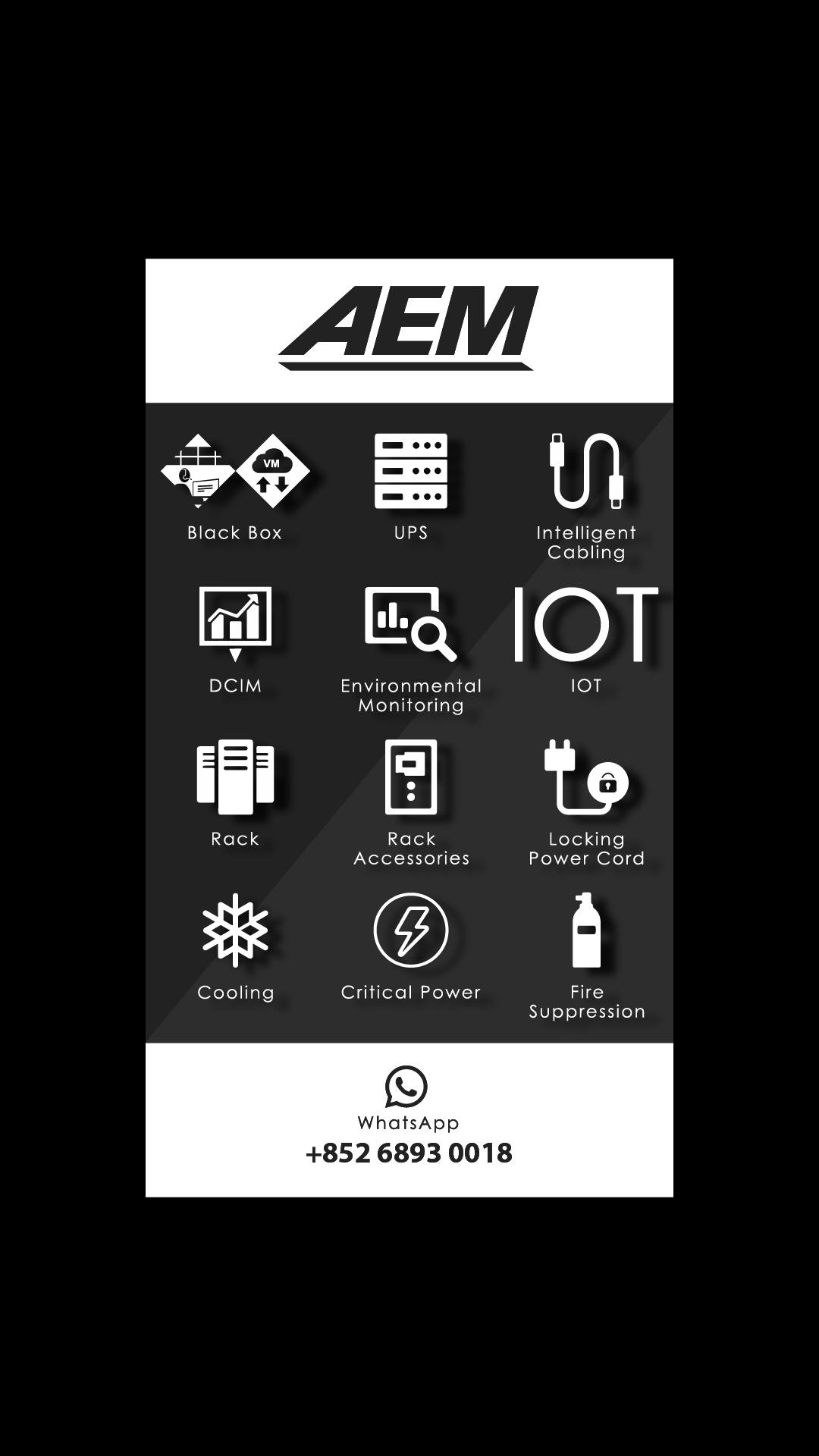
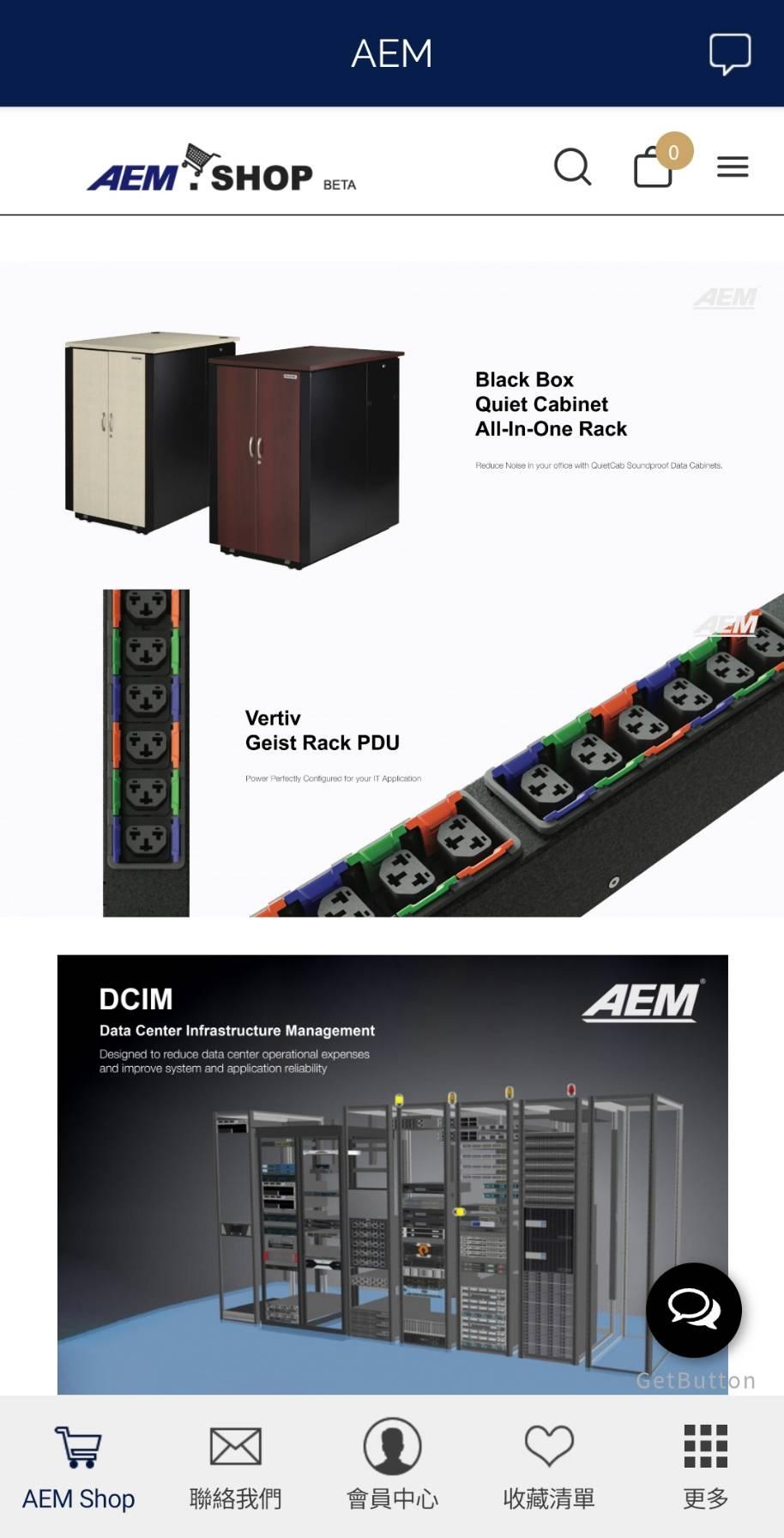
AEM Shop is the new online store, provides 1st Tier Data Center Products in APAC, including BlackBox, Intelligent Cabling, Rack, Rack Accessories, Locking Power Cord, Critical Power and more premier products forthcoming.
Contact AEM
AEM WhatsApp: (852) 6893 0018AEM Office: (852) 3628 6636AEM Shop Email: cs@aem.shopAEM Shop Website: http://www.aem.shop AEM Official Website: http://www.aemtech.com
Avance
Etiquetas
ComprasInformación
Desarrollador
AEM TECHNOLOGY LIMITED
La última versión
2.3.9.0
Última actualización
2022-02-25
Categoría
Compras
Disponible en
Google Play
Mostrar más
Cómo jugar AEM con GameLoop en PC
1. Descargue GameLoop desde el sitio web oficial, luego ejecute el archivo exe para instalar GameLoop.
2. Abra GameLoop y busque "AEM", busque AEM en los resultados de búsqueda y haga clic en "Instalar".
3. Disfruta jugando AEM en GameLoop.
Minimum requirements
OS
Windows 8.1 64-bit or Windows 10 64-bit
GPU
GTX 1050
CPU
i3-8300
Memory
8GB RAM
Storage
1GB available space
Recommended requirements
OS
Windows 8.1 64-bit or Windows 10 64-bit
GPU
GTX 1050
CPU
i3-9320
Memory
16GB RAM
Storage
1GB available space