Sudoku - Classic Puzzle Game para PC
Lezigame
Descarga Sudoku - Classic Puzzle Game en PC con GameLoop Emulator
Sudoku - Classic Puzzle Game en PC
Sudoku - Classic Puzzle Game, proveniente del desarrollador Lezigame, se ejecuta en el sistema Android en el pasado.
Ahora, puedes jugar Sudoku - Classic Puzzle Game en PC con GameLoop sin problemas.
Descárgalo en la biblioteca de GameLoop o en los resultados de búsqueda. No más mirar la batería o llamadas frustrantes en el momento equivocado nunca más.
Simplemente disfrute de Sudoku - Classic Puzzle Game PC en la pantalla grande de forma gratuita!
Sudoku - Classic Puzzle Game Introducción
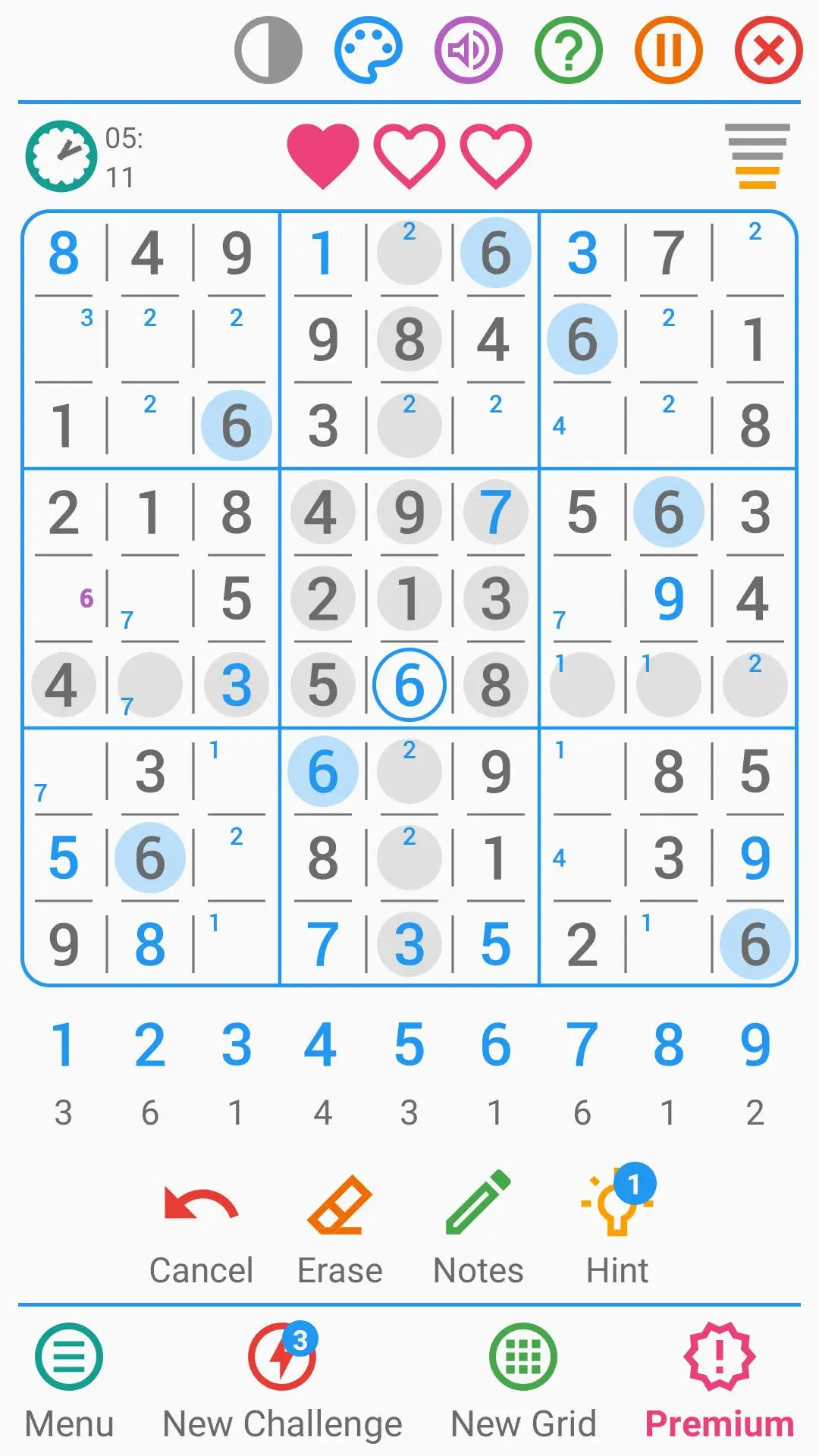
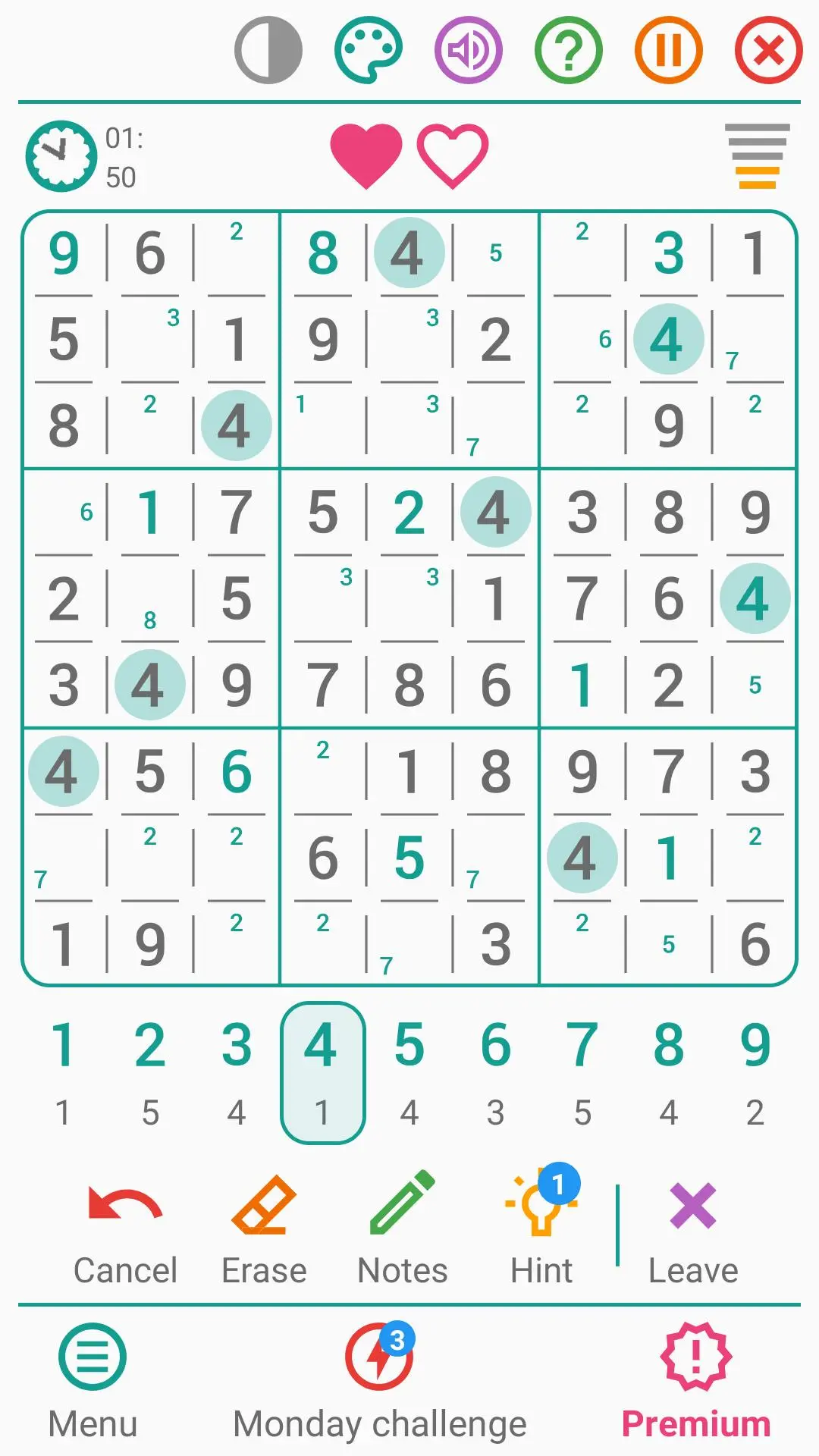
★ Play as often as you like
With an unlimited number of sudoku grids.
★ Take on daily challenges
And win all the challenges of the week to beat your record.
★ Progress at your own pace
With 5 levels of difficulty: very easy, easy, medium, difficult and very difficult.
★ Use the clues
And see which number to place in this puzzle game.
★ Activate quick entry
And finish the game faster.
★ Place notes
And reduce the number of possible solutions.
★ Play as you like
By displaying errors, the number of digits remaining and boxes of the same value.
★ Train your brain
And improve your concentration, thinking and memory.
★ Find out your personal statistics
And analyze your success rate, your best time and your best score.
★ Play with your friends and family
By sharing this logic game with your loved ones.
★ Protect your eyes
By activating the dark mode whenever you want.
★ Play wherever and whenever you want
Whether you're at home, on public transportation or in a waiting room.
★ Customize the game's colors
By selecting one of the 7 available themes.
★ Use your preferred hand
Right- or left-handed, this mind game adapts.
★ Play in your own language
Thanks to the English translation of this brain game.
★ Customize the grid
Classic or irregular, the choice is yours.
★ Improve your best time
Or disable the chronometer in the settings.
★ Finish your game later
Thanks to autosave.
★ Define the game settings
Like colors, animations, sounds and vibrations.
★ Rotate your screen
In portrait or landscape mode.
★ Use it on all your devices
Whether it's on a phone, tablet or Chromebook computer.
★ Play without WIFI or internet connection
And enjoy it even when you're offline.
★ Compare your best times
With those of your friends: 6 rankings available. *
★ Earn achievements
And points for your Google Play Games account. *
* You must be logged into the game with a Google Play Games account.
Avance
Etiquetas
LógicaCasualUn solo jugadorResumenDesconectadoInformación
Desarrollador
Lezigame
La última versión
5.6
Última actualización
2025-06-03
Categoría
Rompecabezas
Disponible en
Google Play
Mostrar más
Cómo jugar Sudoku - Classic Puzzle Game con GameLoop en PC
1. Descargue GameLoop desde el sitio web oficial, luego ejecute el archivo exe para instalar GameLoop.
2. Abra GameLoop y busque "Sudoku - Classic Puzzle Game", busque Sudoku - Classic Puzzle Game en los resultados de búsqueda y haga clic en "Instalar".
3. Disfruta jugando Sudoku - Classic Puzzle Game en GameLoop.
Minimum requirements
OS
Windows 8.1 64-bit or Windows 10 64-bit
GPU
GTX 1050
CPU
i3-8300
Memory
8GB RAM
Storage
1GB available space
Recommended requirements
OS
Windows 8.1 64-bit or Windows 10 64-bit
GPU
GTX 1050
CPU
i3-9320
Memory
16GB RAM
Storage
1GB available space