Game Tetris Classic para PC
BRIAN CURRAN
Descarga Game Tetris Classic en PC con GameLoop Emulator
Game Tetris Classic en PC
Game Tetris Classic, proveniente del desarrollador BRIAN CURRAN, se ejecuta en el sistema Android en el pasado.
Ahora, puedes jugar Game Tetris Classic en PC con GameLoop sin problemas.
Descárgalo en la biblioteca de GameLoop o en los resultados de búsqueda. No más mirar la batería o llamadas frustrantes en el momento equivocado nunca más.
Simplemente disfrute de Game Tetris Classic PC en la pantalla grande de forma gratuita!
Game Tetris Classic Introducción
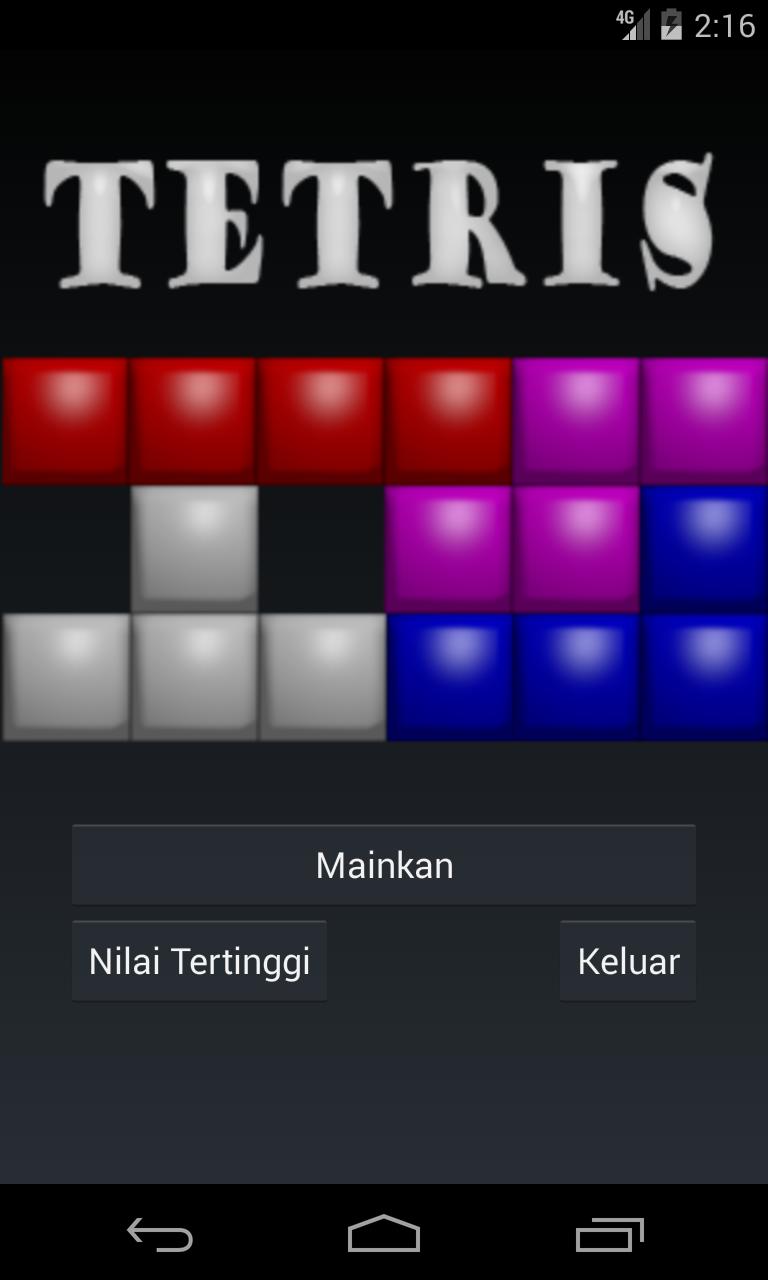
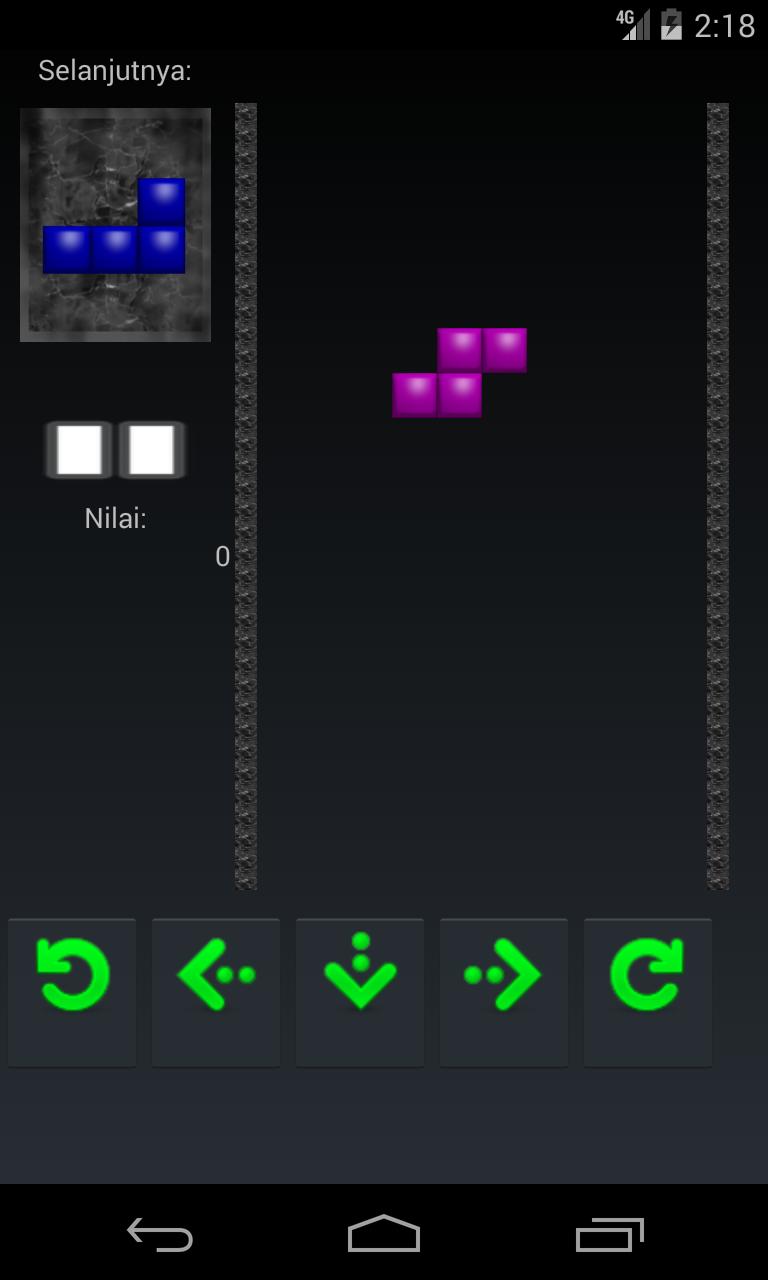
The player must move and turn the pieces as they fall, endeavoring to fit them together. In the event that the player can totally fill one level line with hued squares, that line vanishes and any filled squares above move down. On the off chance that the player can't fill lines totally, the Blocks will stack up and in the end achieve the highest point of the playing field. The diversion closes when another hinders that is set at the highest point of the playing field can't drop at all because of the filled pieces. lets play tetris classic
The distinctive pieces of block:
J-pieces confront the other way as L-squares.
S-hinders for filling little openings.
O-hinders for filling expansive crevices.
Z-squares confront the other way as S-pieces.
I-pieces are helpful for contending four lines immediately.
L-obstructs for filling medium-sized gaps.
Avance
Información
Desarrollador
BRIAN CURRAN
La última versión
1.5
Última actualización
2017-06-10
Categoría
Rompecabezas
Disponible en
Google Play
Mostrar más
Cómo jugar Game Tetris Classic con GameLoop en PC
1. Descargue GameLoop desde el sitio web oficial, luego ejecute el archivo exe para instalar GameLoop.
2. Abra GameLoop y busque "Game Tetris Classic", busque Game Tetris Classic en los resultados de búsqueda y haga clic en "Instalar".
3. Disfruta jugando Game Tetris Classic en GameLoop.
Minimum requirements
OS
Windows 8.1 64-bit or Windows 10 64-bit
GPU
GTX 1050
CPU
i3-8300
Memory
8GB RAM
Storage
1GB available space
Recommended requirements
OS
Windows 8.1 64-bit or Windows 10 64-bit
GPU
GTX 1050
CPU
i3-9320
Memory
16GB RAM
Storage
1GB available space