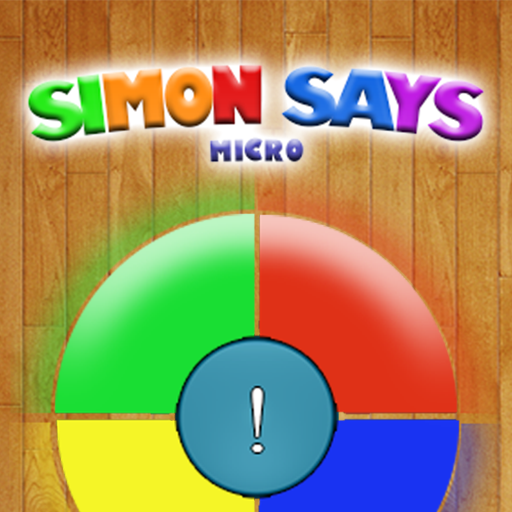
Simon says - Memory Game para PC
MicroMediaLab
Descarga Simon says - Memory Game en PC con GameLoop Emulator
Simon says - Memory Game en PC
Simon says - Memory Game, proveniente del desarrollador MicroMediaLab, se ejecuta en el sistema Android en el pasado.
Ahora, puedes jugar Simon says - Memory Game en PC con GameLoop sin problemas.
Descárgalo en la biblioteca de GameLoop o en los resultados de búsqueda. No más mirar la batería o llamadas frustrantes en el momento equivocado nunca más.
Simplemente disfrute de Simon says - Memory Game PC en la pantalla grande de forma gratuita!
Simon says - Memory Game Introducción
Simon says, fun and educational game with flowers, known to 1980'h's to the present time. It is now available on your phone or tablet. The game can be played by one or two, four or six people.
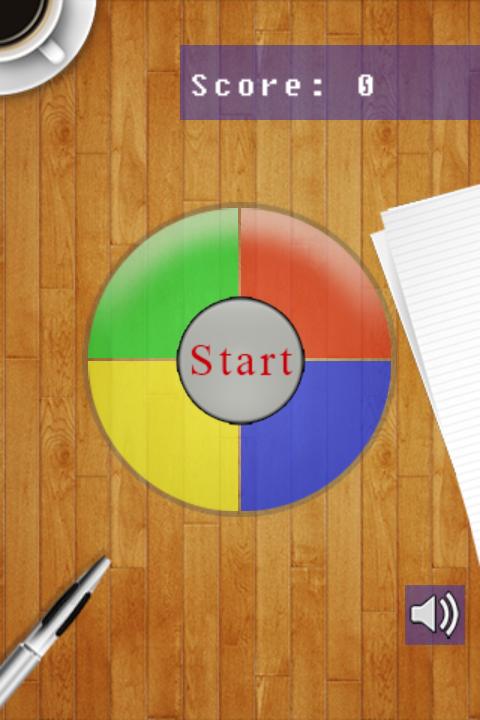
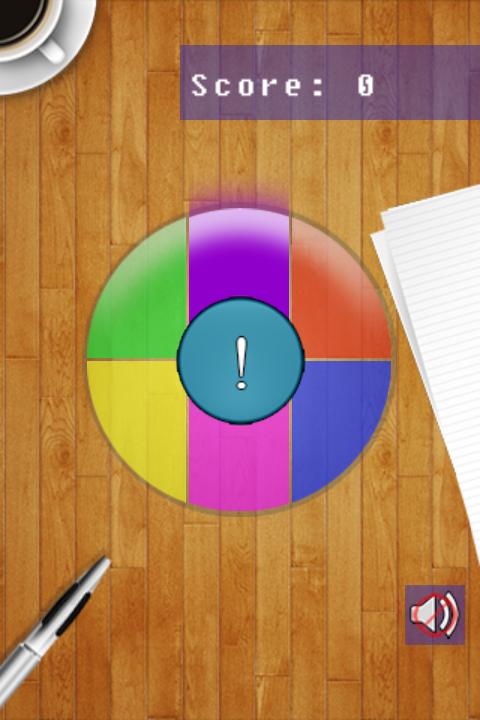
In this game you have to remember and repeat a sequence of actions of the computer by clicking on the different fields of color and sound in the same way. First, the chain consists of a step and each time increased by one more unit and starts from the beginning. Try to score a record number of points, then beat your record company or try to get as many points, provided that everyone wakes responsible for its color.
The game has three difficulty levels:
-Easy (2 colors)
-means (4 colors)
-sulfonic (6 colors)
Simon Says game for all the family, suitable for adults and children and will help train and develop memory.
Avance
Etiquetas
RompecabezasInformación
Desarrollador
MicroMediaLab
La última versión
1.2.3
Última actualización
2022-01-22
Categoría
Rompecabezas
Disponible en
Google Play
Mostrar más
Cómo jugar Simon says - Memory Game con GameLoop en PC
1. Descargue GameLoop desde el sitio web oficial, luego ejecute el archivo exe para instalar GameLoop.
2. Abra GameLoop y busque "Simon says - Memory Game", busque Simon says - Memory Game en los resultados de búsqueda y haga clic en "Instalar".
3. Disfruta jugando Simon says - Memory Game en GameLoop.
Minimum requirements
OS
Windows 8.1 64-bit or Windows 10 64-bit
GPU
GTX 1050
CPU
i3-8300
Memory
8GB RAM
Storage
1GB available space
Recommended requirements
OS
Windows 8.1 64-bit or Windows 10 64-bit
GPU
GTX 1050
CPU
i3-9320
Memory
16GB RAM
Storage
1GB available space