
Vuforia Vantage para PC
PTC Inc.
Descarga Vuforia Vantage en PC con GameLoop Emulator
Vuforia Vantage en PC
Vuforia Vantage, proveniente del desarrollador PTC Inc., se ejecuta en el sistema Android en el pasado.
Ahora, puedes jugar Vuforia Vantage en PC con GameLoop sin problemas.
Descárgalo en la biblioteca de GameLoop o en los resultados de búsqueda. No más mirar la batería o llamadas frustrantes en el momento equivocado nunca más.
Simplemente disfrute de Vuforia Vantage PC en la pantalla grande de forma gratuita!
Vuforia Vantage Introducción
Optimize the delivery of augmented work instructions to frontline workers, when and where they need it most, with Vuforia Vantage.
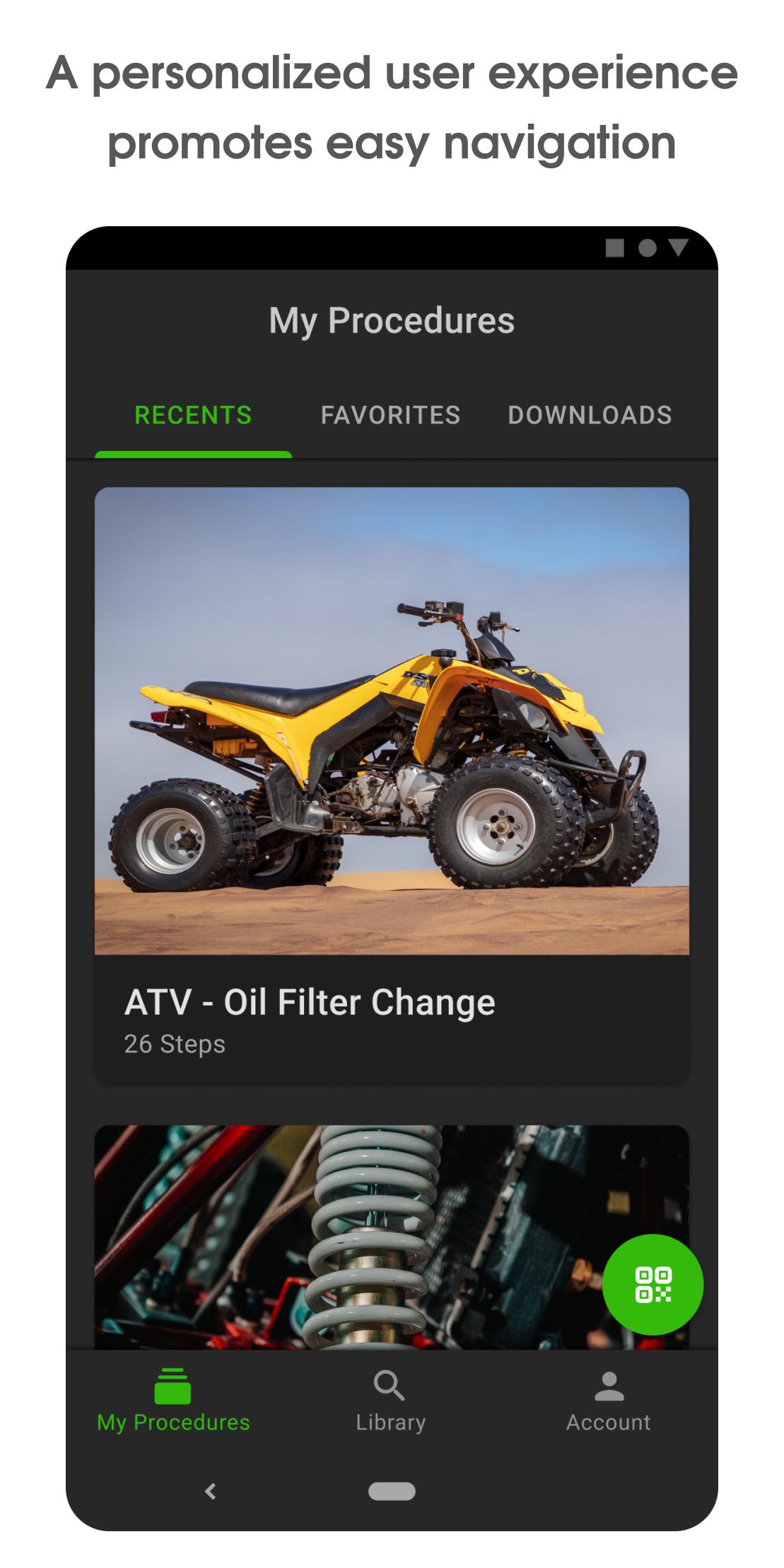
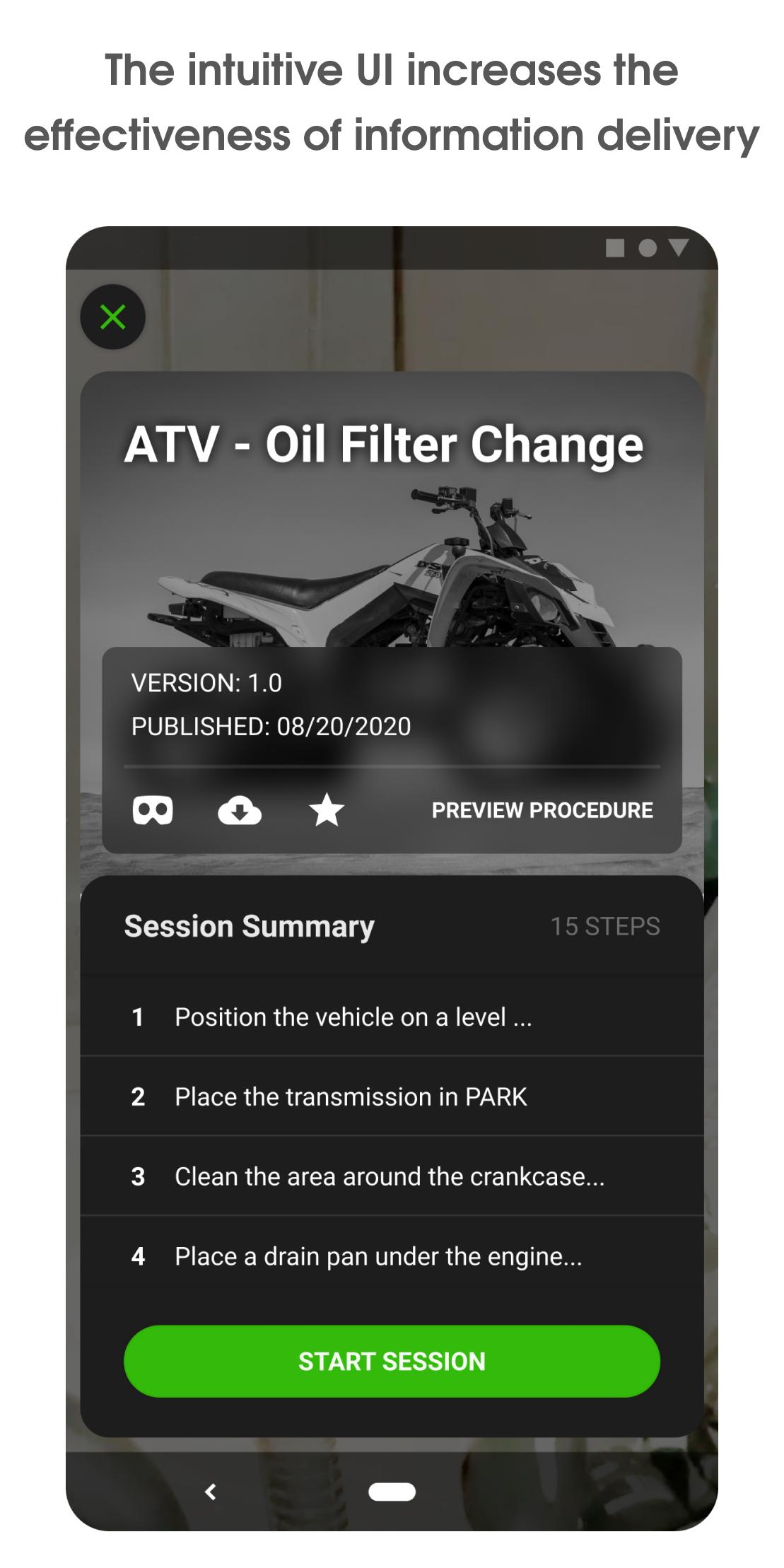
Vuforia Vantage features an intuitive user interface which provides a modern, personalized user experience for accessing, discovering, and consuming procedures created with Vuforia Expert Capture. Visually clear and concise step-by-step instructions delivered in-context with Vuforia Vantage increases the effectiveness of knowledge transfer and retention. Traceability and analysis of frontline procedure execution is facilitated through digital data capture which promotes better communication and process improvement. Vuforia Vantage helps users get started faster, consume information more effectively, and ultimately increase productivity. Vuforia Vantage is the right choice for bringing the value of Vuforia augmented work instructions to frontline teams.
Copyright © 2025 PTC Inc., Its Subsidiary Companies, and /or its Partners. All Rights Reserved.
Avance
Etiquetas
ProductividadInformación
Desarrollador
PTC Inc.
La última versión
3.23.0.8115
Última actualización
2025-08-14
Categoría
Productividad
Disponible en
Google Play
Mostrar más
Cómo jugar Vuforia Vantage con GameLoop en PC
1. Descargue GameLoop desde el sitio web oficial, luego ejecute el archivo exe para instalar GameLoop.
2. Abra GameLoop y busque "Vuforia Vantage", busque Vuforia Vantage en los resultados de búsqueda y haga clic en "Instalar".
3. Disfruta jugando Vuforia Vantage en GameLoop.
Minimum requirements
OS
Windows 8.1 64-bit or Windows 10 64-bit
GPU
GTX 1050
CPU
i3-8300
Memory
8GB RAM
Storage
1GB available space
Recommended requirements
OS
Windows 8.1 64-bit or Windows 10 64-bit
GPU
GTX 1050
CPU
i3-9320
Memory
16GB RAM
Storage
1GB available space