TimeDock - QR Code Time Clock para PC
TimeDock.com
Descarga TimeDock - QR Code Time Clock en PC con GameLoop Emulator
TimeDock - QR Code Time Clock en PC
TimeDock - QR Code Time Clock, proveniente del desarrollador TimeDock.com, se ejecuta en el sistema Android en el pasado.
Ahora, puedes jugar TimeDock - QR Code Time Clock en PC con GameLoop sin problemas.
Descárgalo en la biblioteca de GameLoop o en los resultados de búsqueda. No más mirar la batería o llamadas frustrantes en el momento equivocado nunca más.
Simplemente disfrute de TimeDock - QR Code Time Clock PC en la pantalla grande de forma gratuita!
TimeDock - QR Code Time Clock Introducción
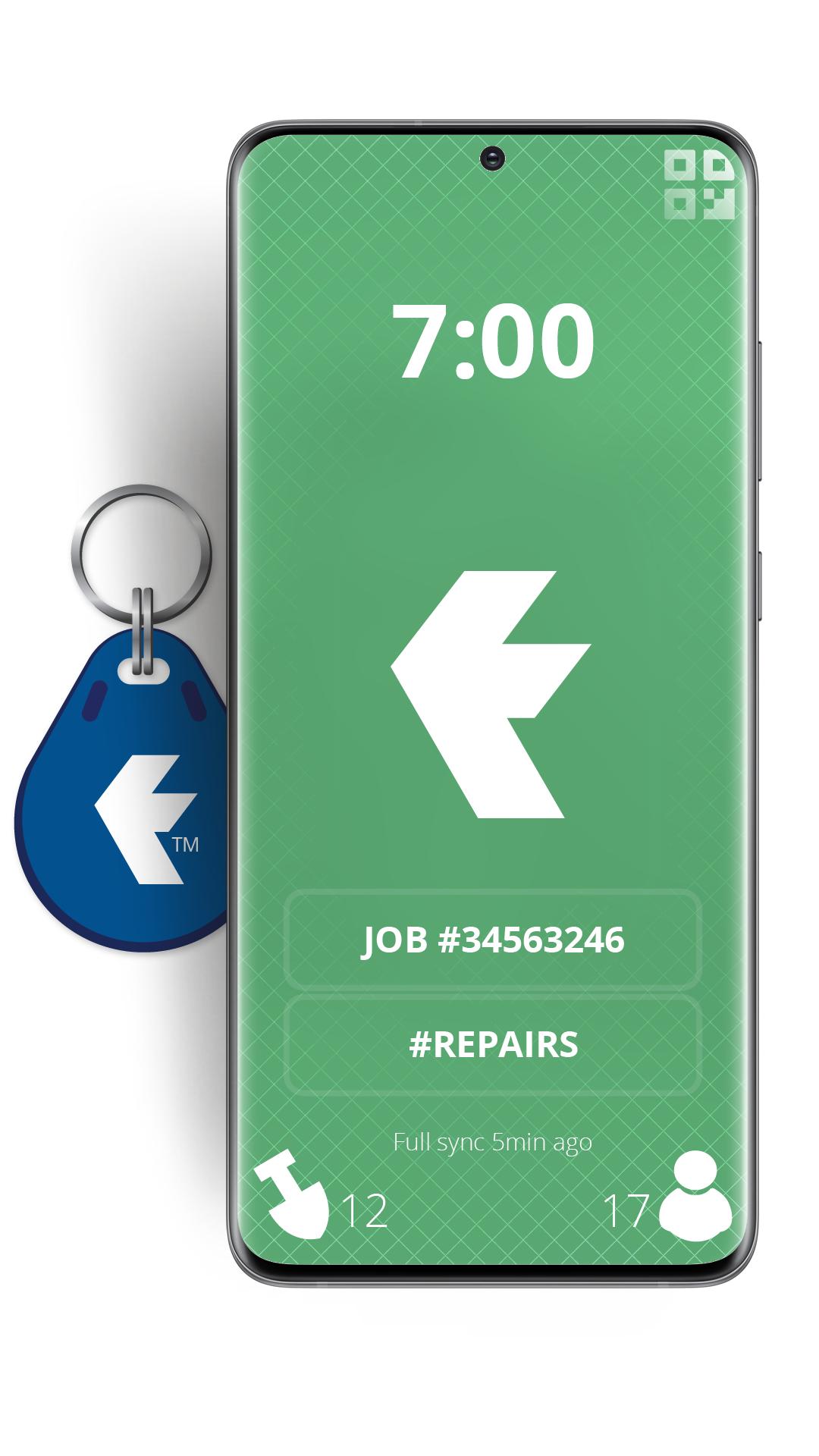
Turn your devices into badge-based employee time clock machines, using QR Codes or NFC badges for staff to swipe in on site, or out in the field.
TimeDock is a web-based, scalable and robust timesheet system, with online job timesheets.
We also supply wall-mounted time clock machines that work in tandem with this mobile time clock app, sold as optional extras.
You will need a TimeDock.com registered account to use this app. However, for the price of a cup of coffee per employee per month, companies save on average 2% gross wages annually, when compared with a manual time entry system prone to error and timesheet fraud.
Top 5 reasons you'll be the new hero of your business, by using TimeDock to record your employee hours:
• Scale from 1 to 1000+ staff, without diminishing workflow.
• Report online timesheets and job hours, in real time.
• Save 2% of your gross annual payroll ($1000 per employee).
• No more late timesheets or rounding issues!
• Reduces your employment liability, by storing accurate work logs.
Register for your free trial at http://timedock.com
Avance

Etiquetas
ProductividadInformación
Desarrollador
TimeDock.com
La última versión
2.5.1
Última actualización
2025-10-20
Categoría
Productividad
Disponible en
Google Play
Mostrar más
Cómo jugar TimeDock - QR Code Time Clock con GameLoop en PC
1. Descargue GameLoop desde el sitio web oficial, luego ejecute el archivo exe para instalar GameLoop.
2. Abra GameLoop y busque "TimeDock - QR Code Time Clock", busque TimeDock - QR Code Time Clock en los resultados de búsqueda y haga clic en "Instalar".
3. Disfruta jugando TimeDock - QR Code Time Clock en GameLoop.
Minimum requirements
OS
Windows 8.1 64-bit or Windows 10 64-bit
GPU
GTX 1050
CPU
i3-8300
Memory
8GB RAM
Storage
1GB available space
Recommended requirements
OS
Windows 8.1 64-bit or Windows 10 64-bit
GPU
GTX 1050
CPU
i3-9320
Memory
16GB RAM
Storage
1GB available space