
Sync2 Outlook Google Companion para PC
4Team Corporation
Descarga Sync2 Outlook Google Companion en PC con GameLoop Emulator
Sync2 Outlook Google Companion en PC
Sync2 Outlook Google Companion, proveniente del desarrollador 4Team Corporation, se ejecuta en el sistema Android en el pasado.
Ahora, puedes jugar Sync2 Outlook Google Companion en PC con GameLoop sin problemas.
Descárgalo en la biblioteca de GameLoop o en los resultados de búsqueda. No más mirar la batería o llamadas frustrantes en el momento equivocado nunca más.
Simplemente disfrute de Sync2 Outlook Google Companion PC en la pantalla grande de forma gratuita!
Sync2 Outlook Google Companion Introducción
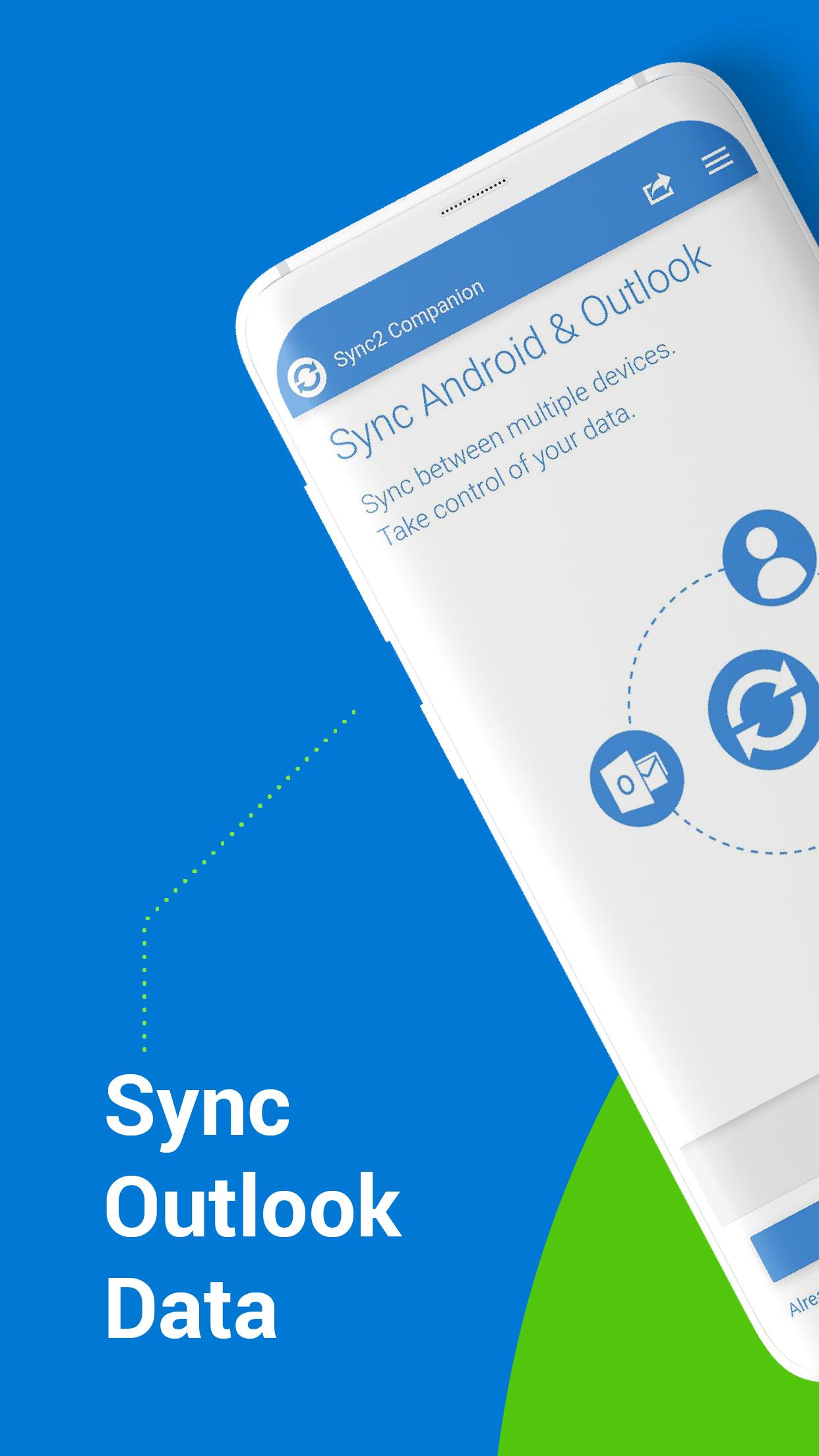
This is a Complimentary Companion that helps you set up synchronization for Outlook with Google, Office 365, Exchange, iCloud and Android, iPhone, iPad sync with iCloud and other cloud services. Sync2 Companion will go through all the necessary settings to set up synchronization.
Public Folder Sync to smartphones
Public Folders sync solution. Microsoft Exchange Public Folders are not displayed natively on smartphones. Choose sync type “Public Folders on Mobile Device" and you will be guided to set up Sync2 Cloud. The new Sync2 Cloud helps to sync Public Folders. Sync & Share Public Folders on multiple platforms or smartphones (Android, iPhone, iPad). Sync any type of Public folders (calendars, contacts, tasks, emails, notes).
About Sync2 desktop app:
The Microsoft Outlook synchronization add-in software keeps your Emails, Calendar, Contacts and Tasks in sync between your Outlook, Google, iPhone, iPad, Android or any other smartphone, tablet or PC. You can schedule automatic Outlook synchronization or perform a manual sync on demand, or use an instant sync feature for changes made on Outlook to be moved immediately.
Sync2 is the right tool for you if you are looking for a way to:
• sync Outlook with your smartphone or tablet;
• sync your Outlook Contacts, Calendars and/or Tasks with Google services in one-way or two-way direction;
• easily sync your Outlook data, such as emails, calendars, contacts, tasks, notes, Outlook journals between multiple PCs without the Microsoft Exchange server;
• synchronize specific Outlook folders with different workgroups.
Main Sync2 features:
* Sync Microsoft Outlook between PC’s without a server.
* Sync Outlook Calendar with Google Calendars.
* Instant synchronization of changes made on Microsoft Outlook.
* Synchronize Microsoft Outlook Contacts with Google Contacts.
* Sync Outlook Tasks with Google Tasks Lists.
* Automatic backup of Contacts and Calendar folders before each synchronization.
* Synchronize data even when Microsoft Outlook is closed.
* Manual or scheduled synchronization.
* Sync Exchange folders.
Avance
Etiquetas
ProductividadInformación
Desarrollador
4Team Corporation
La última versión
1.7.4
Última actualización
2024-07-15
Categoría
Productividad
Disponible en
Google Play
Mostrar más
Cómo jugar Sync2 Outlook Google Companion con GameLoop en PC
1. Descargue GameLoop desde el sitio web oficial, luego ejecute el archivo exe para instalar GameLoop.
2. Abra GameLoop y busque "Sync2 Outlook Google Companion", busque Sync2 Outlook Google Companion en los resultados de búsqueda y haga clic en "Instalar".
3. Disfruta jugando Sync2 Outlook Google Companion en GameLoop.
Minimum requirements
OS
Windows 8.1 64-bit or Windows 10 64-bit
GPU
GTX 1050
CPU
i3-8300
Memory
8GB RAM
Storage
1GB available space
Recommended requirements
OS
Windows 8.1 64-bit or Windows 10 64-bit
GPU
GTX 1050
CPU
i3-9320
Memory
16GB RAM
Storage
1GB available space