RS File Manager: File Explorer para PC
RS Mobile Group
Descarga RS File Manager: File Explorer en PC con GameLoop Emulator
RS File Manager: File Explorer en PC
RS File Manager: File Explorer, proveniente del desarrollador RS Mobile Group, se ejecuta en el sistema Android en el pasado.
Ahora, puedes jugar RS File Manager: File Explorer en PC con GameLoop sin problemas.
Descárgalo en la biblioteca de GameLoop o en los resultados de búsqueda. No más mirar la batería o llamadas frustrantes en el momento equivocado nunca más.
Simplemente disfrute de RS File Manager: File Explorer PC en la pantalla grande de forma gratuita!
RS File Manager: File Explorer Introducción
RS File Manager is a fast, full-featured file manager and file explorer for Android phones, tablets and Android TV. Browse your phone, SD card, USB drive, cloud drives and NAS in one place, zip and unzip ZIP, RAR and 7z archives, and open PDF, Word, Excel, PowerPoint, photos, music and video without installing anything else. Trusted by 10M+ users worldwide.
All your storage in one place
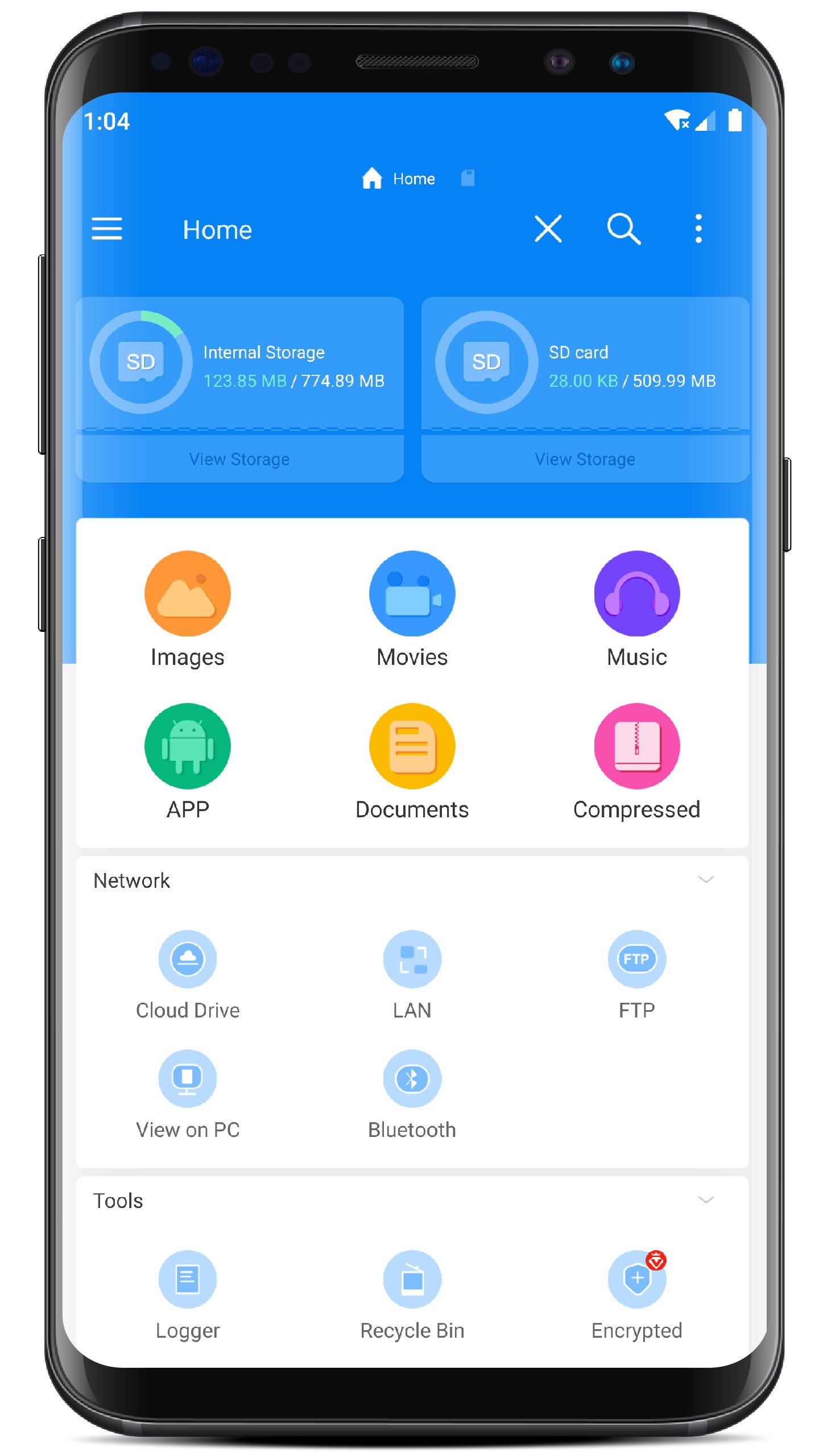
- Internal storage, SD card and USB OTG drives side by side on the home screen
- Copy, move, rename, delete and search across storages, with conflict handling for large batches
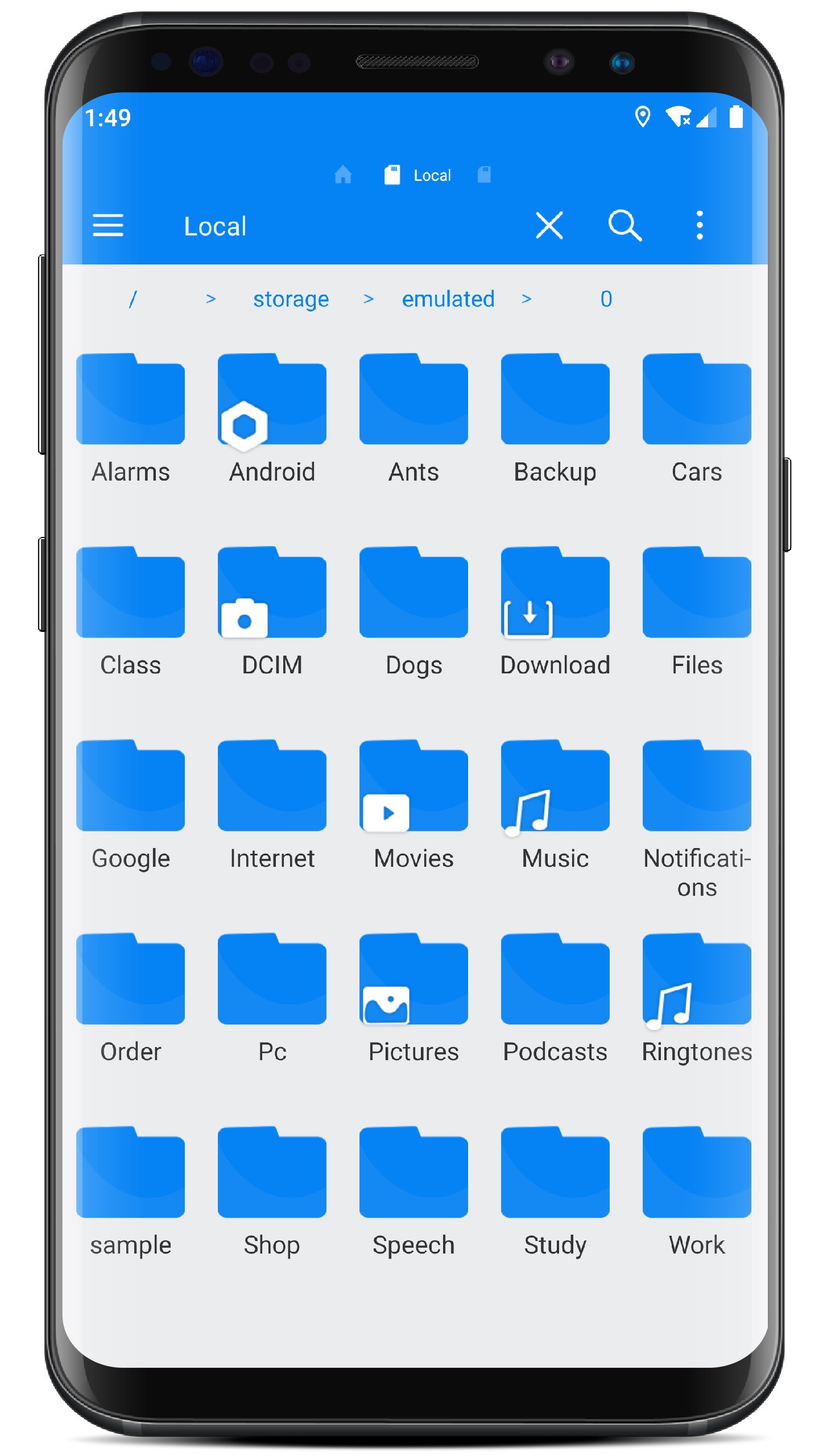
- Grid and list views, sort by name, type, size or date, thumbnails for photos and video
Zip and unzip: ZIP, RAR, 7z and more
- Create ZIP and 7z archives with password protection, compression levels and split volumes
- Browse and extract ZIP, RAR, 7z, TAR, GZ, BZ2 and CAB
- Open an archive like a normal folder and pull out only the files you need
Cloud drives and network storage
- Cloud: Google Drive (including shared drives), OneDrive, Dropbox, Box, MEGA, pCloud, Nextcloud and Yandex Disk
- LAN and NAS: SMB 1.0, SMB 2.0 and SMB 3.0 with network scanning, SFTP with password or private key, FTP and FTPS, WebDAV and WebDAVS
- Upload, download, move and rename remote files just like local ones; saved connections reconnect automatically
Open files without extra apps
- PDF viewer with search, thumbnails and bookmarks
- Word, Excel and PowerPoint viewer, including multi-sheet workbooks and slide shows
- Video player with subtitles, audio tracks, playback speed, gestures, resume and Chromecast
- Music player with playlists and background playback
- Image viewer with slideshow, EPUB/MOBI/TXT reader, Markdown viewer and a code editor with syntax highlighting
Send files to your PC or TV
- View on PC: turn on the built-in FTP server for Wi-Fi file transfer and open your phone's storage from any computer on the same network
- Share via Browser: send or receive files from any browser with a link, no cable and no app on the other side
- Cast video and music to Chromecast, or send files over Bluetooth
Free up space
- Storage analysis and cleaner: see which folders and apps take up space
- Find and delete large files, duplicate files, similar photos, empty folders and cache
- Recent files view to see what just arrived on your device
Keep files safe
- Recycle bin with automatic clean-up, so deleted files can be restored
- Encrypt files with a password, hide files and folders from the file list
- Lock the app with a PIN or fingerprint
Power tools
- Multiple windows and a dual toolbar: everything you expect from a desktop file explorer, on your phone
- Batch rename with numbering, checksum verification and multi-threaded transfers
- App manager: back up, share or uninstall apps, and install APK and XAPK files you downloaded
- Root explorer for rooted devices
Works everywhere
- Phones and tablets, Android TV with remote-control navigation, and Chromebook
- Light, dark and black themes; available in 60+ languages
RS File Manager is the file manager that keeps your local, cloud and network files in one app. Questions or ideas? Email rsfileapps@gmail.com and we will get back to you.
Avance
Etiquetas
ProductividadInformación
Desarrollador
RS Mobile Group
La última versión
2.3.2.tv
Última actualización
2026-10-30
Categoría
Productividad
Disponible en
Google Play
Mostrar más
Cómo jugar RS File Manager: File Explorer con GameLoop en PC
1. Descargue GameLoop desde el sitio web oficial, luego ejecute el archivo exe para instalar GameLoop.
2. Abra GameLoop y busque "RS File Manager: File Explorer", busque RS File Manager: File Explorer en los resultados de búsqueda y haga clic en "Instalar".
3. Disfruta jugando RS File Manager: File Explorer en GameLoop.
Minimum requirements
OS
Windows 8.1 64-bit or Windows 10 64-bit
GPU
GTX 1050
CPU
i3-8300
Memory
8GB RAM
Storage
1GB available space
Recommended requirements
OS
Windows 8.1 64-bit or Windows 10 64-bit
GPU
GTX 1050
CPU
i3-9320
Memory
16GB RAM
Storage
1GB available space