
Qt Notes: Notes and Lists para PC
Complit
Descarga Qt Notes: Notes and Lists en PC con GameLoop Emulator
Qt Notes: Notes and Lists en PC
Qt Notes: Notes and Lists, proveniente del desarrollador Complit, se ejecuta en el sistema Android en el pasado.
Ahora, puedes jugar Qt Notes: Notes and Lists en PC con GameLoop sin problemas.
Descárgalo en la biblioteca de GameLoop o en los resultados de búsqueda. No más mirar la batería o llamadas frustrantes en el momento equivocado nunca más.
Simplemente disfrute de Qt Notes: Notes and Lists PC en la pantalla grande de forma gratuita!
Qt Notes: Notes and Lists Introducción
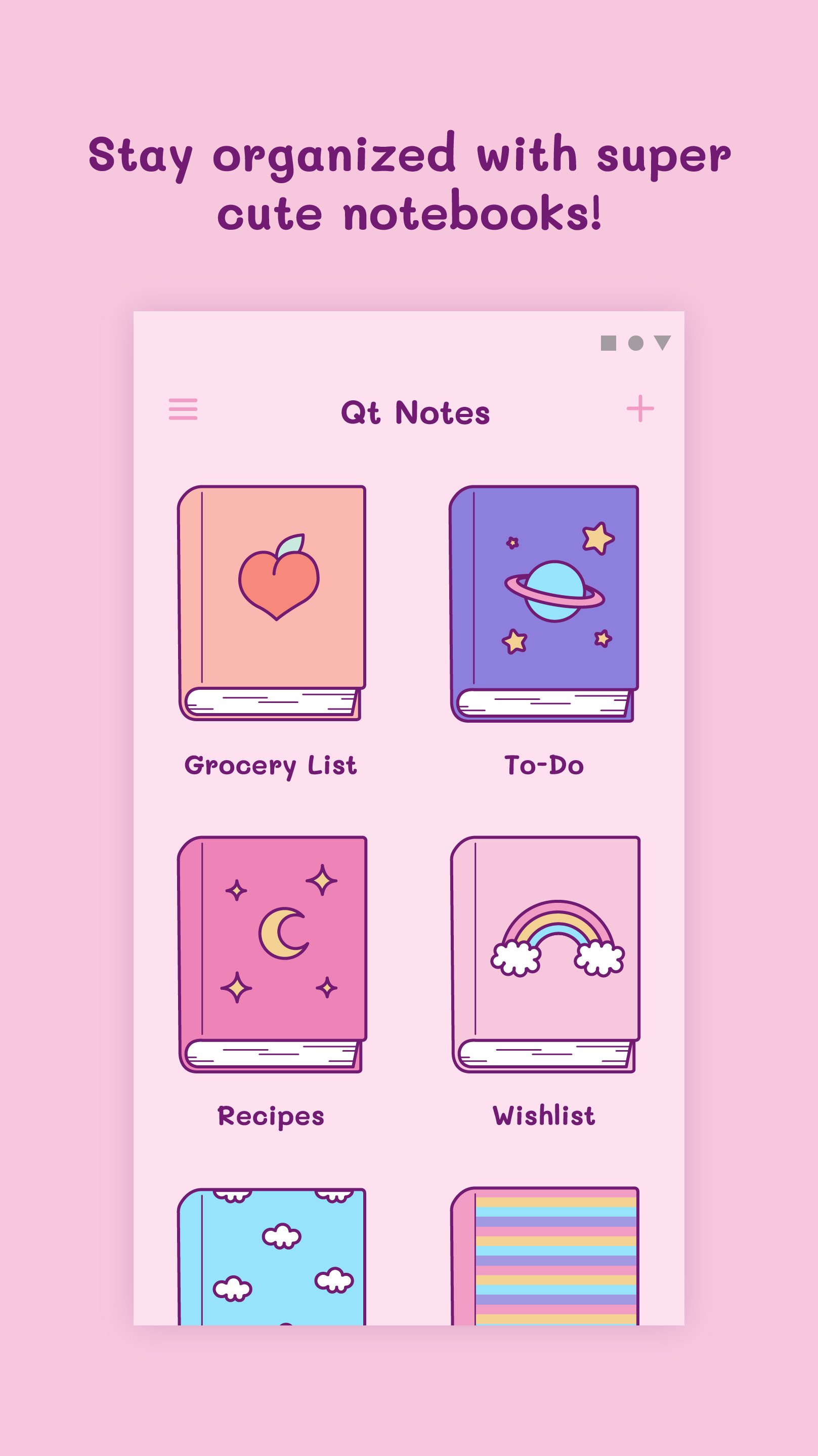
**Organize your life with cuteness! Qt Notes: The Adorable Notebook App.**
Looking for a sweet and simple way to track your thoughts? **Qt Notes** is the perfect aesthetic notepad for anyone who loves cute stationery and staying productive.
**Personalized Notebooks**
Choose from a library of super cute notebooks. Whether it’s for a “Grocery List,” a “Personal Journal,” or your daily “To-Do” tasks, your notes have never looked this good!
**Features you’ll love:**
- 📝 **Notes & Tasks:** Create quick to-do lists and reminders in seconds.
- ✨ **Quick Edit:** Edit your cards with a single tap.
- 📋 **Easy Copy:** Copy and share your note content effortlessly.
- 🎨 **Aesthetic Design:** A clean, colorful, and user-friendly interface.
- 🌎 **Now in your language:** Supports 17 languages for a global experience!
**Download Qt Notes today and start writing in your new favorite notebooks!**
Avance

Etiquetas
ProductividadInformación
Desarrollador
Complit
La última versión
2.9
Última actualización
2026-08-31
Categoría
Productividad
Disponible en
Google Play
Mostrar más
Cómo jugar Qt Notes: Notes and Lists con GameLoop en PC
1. Descargue GameLoop desde el sitio web oficial, luego ejecute el archivo exe para instalar GameLoop.
2. Abra GameLoop y busque "Qt Notes: Notes and Lists", busque Qt Notes: Notes and Lists en los resultados de búsqueda y haga clic en "Instalar".
3. Disfruta jugando Qt Notes: Notes and Lists en GameLoop.
Minimum requirements
OS
Windows 8.1 64-bit or Windows 10 64-bit
GPU
GTX 1050
CPU
i3-8300
Memory
8GB RAM
Storage
1GB available space
Recommended requirements
OS
Windows 8.1 64-bit or Windows 10 64-bit
GPU
GTX 1050
CPU
i3-9320
Memory
16GB RAM
Storage
1GB available space