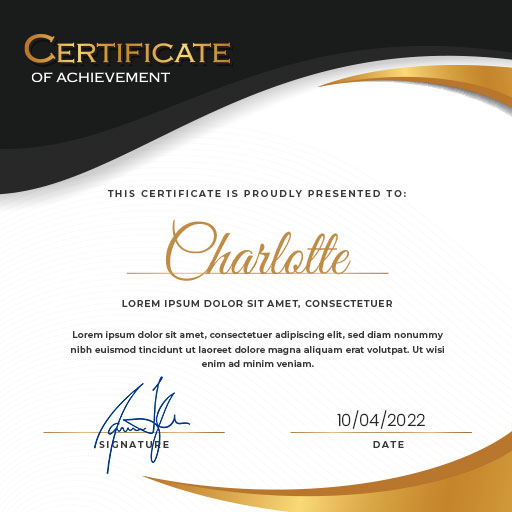
Professional Certificate Maker para PC
AST Apps
Descarga Professional Certificate Maker en PC con GameLoop Emulator
Professional Certificate Maker en PC
Professional Certificate Maker, proveniente del desarrollador AST Apps, se ejecuta en el sistema Android en el pasado.
Ahora, puedes jugar Professional Certificate Maker en PC con GameLoop sin problemas.
Descárgalo en la biblioteca de GameLoop o en los resultados de búsqueda. No más mirar la batería o llamadas frustrantes en el momento equivocado nunca más.
Simplemente disfrute de Professional Certificate Maker PC en la pantalla grande de forma gratuita!
Professional Certificate Maker Introducción
Are you looking for a certificate maker app to design custom certificates effortlessly?
Certificate Maker & Editor is a powerful tool that helps you create professional certificate designs tailored to your needs. Whether you need a digital certificate for online use or a printable award for events or achievements, this certificate creator app provides customizable certificate templates for every purpose.
Features:
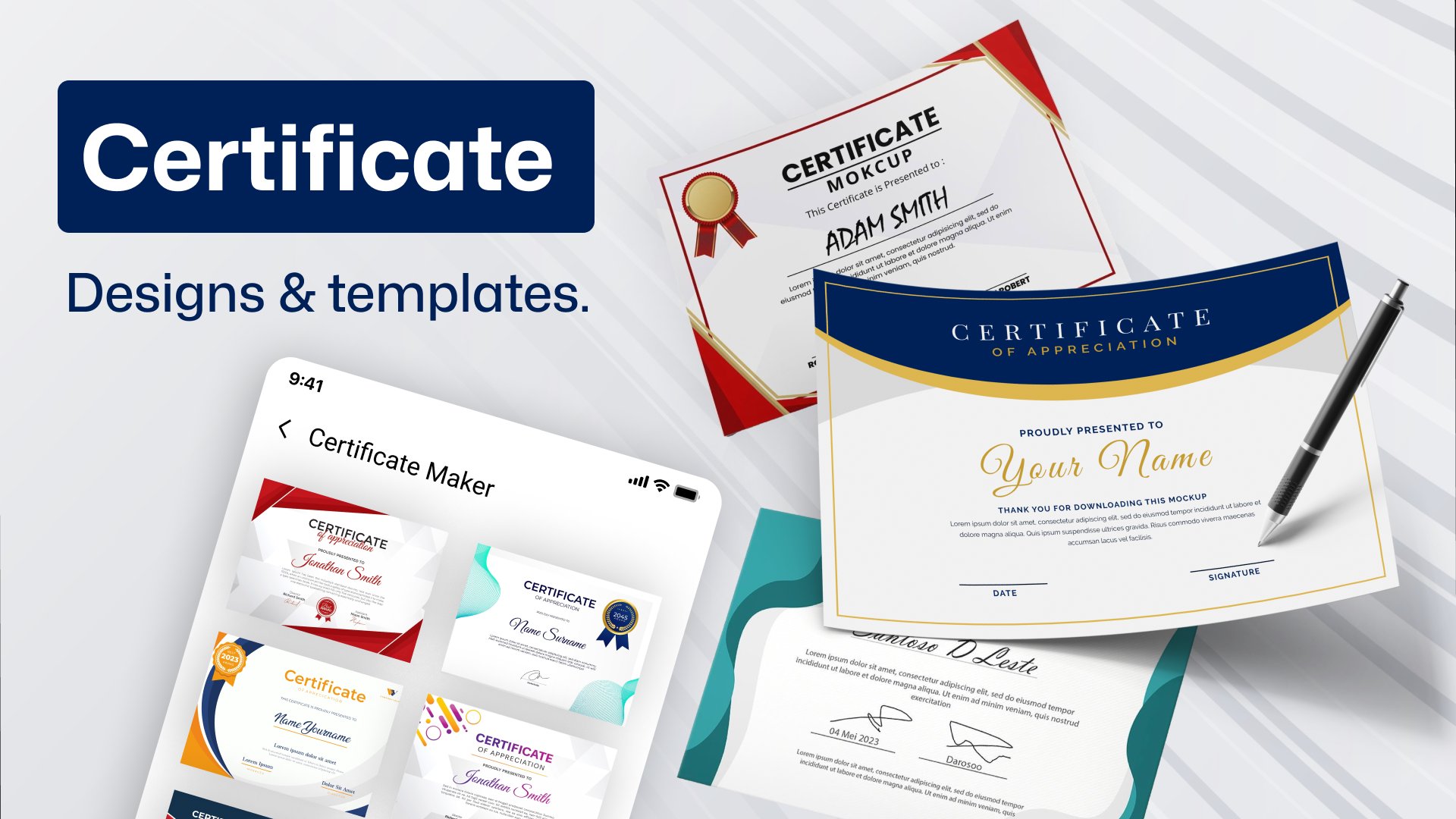
- Explore a wide range of certificate designs and templates.
- Effortlessly add your signature.
- Customize with professional stickers.
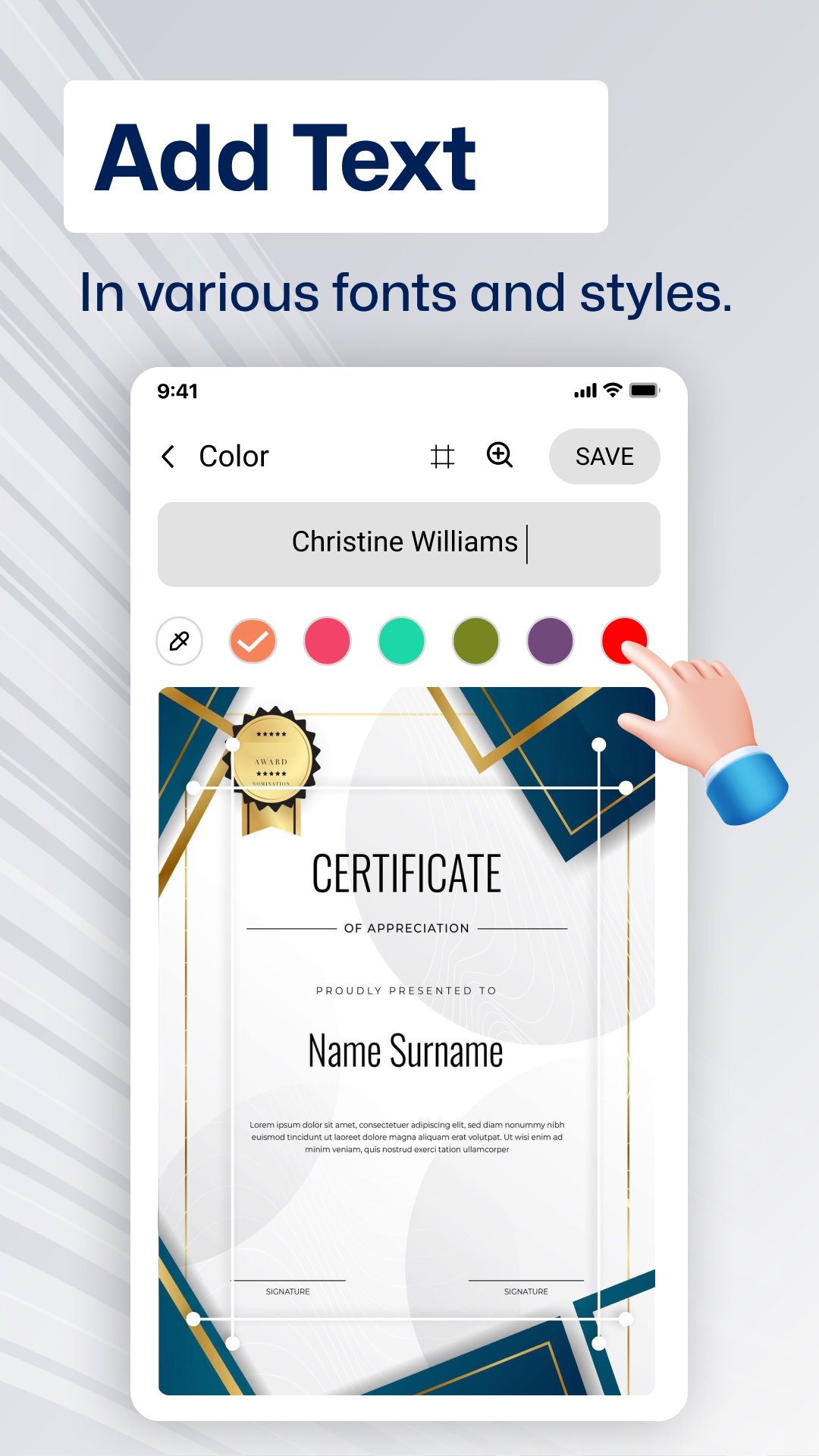
- Add text in various fonts and styles.
- Insert photos, logos, or company branding.
- Undo or redo changes with ease.
- Enjoy high-level customization options.
- Save certificates directly to your phone gallery.
- Instantly share on social media.
- User-friendly and easy to navigate.
Why Use Professional Certificate Maker & Editor App?
This certificate maker app lets you design high-quality, print-ready certificates or digital certificates for online sharing. It’s perfect for teachers, professionals, event organizers, and anyone who needs a fast, easy way to create custom certificates using fully editable templates.
🔹 Add your photo and logo to personalize your certificate.
🔹 Create professional certificates for easy sharing online.
🔹 Design certificates with no design skills required.
🔹 Customize certificates with logos, colors, fonts, and more.
🔹 DIY certificate design—edit and customize templates with ease using the certificate maker app with photo.
📲 How to Use the Certificate Maker App?
1️⃣ Choose a certificate template from the collection in the Certificate Creator & Editor.
2️⃣ Customize your certificate design with your images, logos, text, and stickers.
3️⃣ Share your certificate easily on social media or via email.
4️⃣ Save your custom certificate in JPG, PNG, or PDF format and share online.
Certificate Editor - Easy Design for All Purposes
▸ Sports Appreciation Certificates designer
▸ Diploma & Award Achievement Designer
▸ Attendance Certificate Creator
▸ Employee of the Year Certificates
▸ Sports and Employee of the Month Certificates
▸ Recognition Certificate Templates for Special Achievements
Start designing with Certificate Maker: Design today and create unique certificates in minutes!🚀
Avance
Etiquetas
ProductividadInformación
Desarrollador
AST Apps
La última versión
2.0
Última actualización
2025-12-15
Categoría
Productividad
Disponible en
Google Play
Mostrar más
Cómo jugar Professional Certificate Maker con GameLoop en PC
1. Descargue GameLoop desde el sitio web oficial, luego ejecute el archivo exe para instalar GameLoop.
2. Abra GameLoop y busque "Professional Certificate Maker", busque Professional Certificate Maker en los resultados de búsqueda y haga clic en "Instalar".
3. Disfruta jugando Professional Certificate Maker en GameLoop.
Minimum requirements
OS
Windows 8.1 64-bit or Windows 10 64-bit
GPU
GTX 1050
CPU
i3-8300
Memory
8GB RAM
Storage
1GB available space
Recommended requirements
OS
Windows 8.1 64-bit or Windows 10 64-bit
GPU
GTX 1050
CPU
i3-9320
Memory
16GB RAM
Storage
1GB available space