Notes: Easy Notebook, Notepad para PC
Leopard V7
Descarga Notes: Easy Notebook, Notepad en PC con GameLoop Emulator
Notes: Easy Notebook, Notepad en PC
Notes: Easy Notebook, Notepad, proveniente del desarrollador Leopard V7, se ejecuta en el sistema Android en el pasado.
Ahora, puedes jugar Notes: Easy Notebook, Notepad en PC con GameLoop sin problemas.
Descárgalo en la biblioteca de GameLoop o en los resultados de búsqueda. No más mirar la batería o llamadas frustrantes en el momento equivocado nunca más.
Simplemente disfrute de Notes: Easy Notebook, Notepad PC en la pantalla grande de forma gratuita!
Notes: Easy Notebook, Notepad Introducción
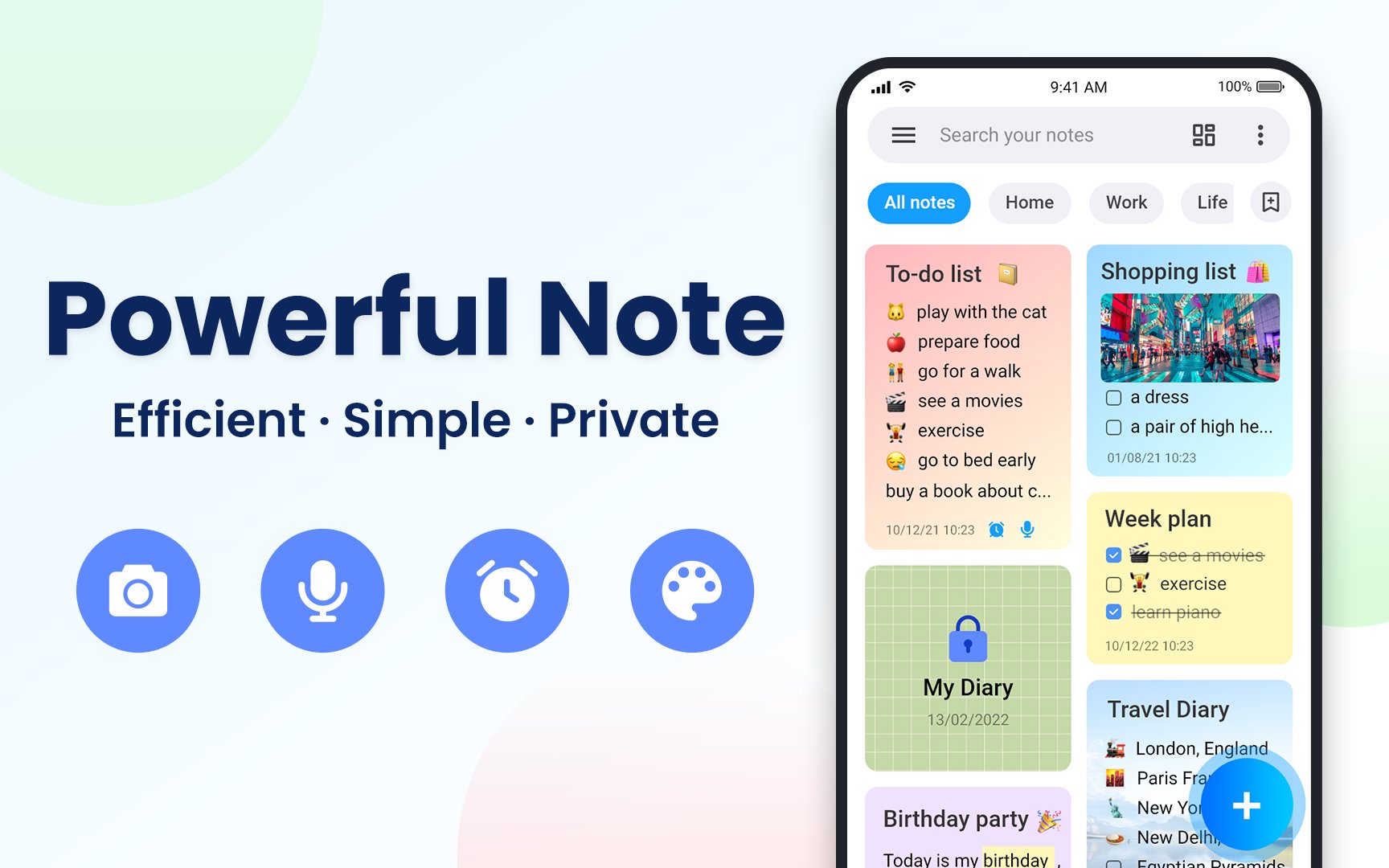
Notes - Notebook, Notepad is an efficient, lightweight & secure note taking app and notepad manager. It helps you easily organize and take notes, memos, e-mails, messages, checklists, shopping lists, to-do lists & reminders. With the help of this full-featured note, you can write down your ideas and simplify your plans for the important moments in your life. 🎈🚀
Notes - Notebook, Notepad can meets all your needs for keeping notes and organizing tasks. You can create categories or use colorful notes to manage your notebooks. Besides, attaching recordings, photos and drawings to your quick memos is also available. Notes - Notebook, Notepad will be the best solution to organize work, life and study. 🔥🌈
✍️ Take Note: Note, Checklist & Memo
* Create notes, memos, e-mails, work tasks, messages, daily journal & reminders
* Write lists, to-do lists, shopping lists and checklists -let you control what is to be done
* Attach recordings, videos, photos, doodles or website link to your notes
* Customize wordpad styles : bold, italic, underline, strikethrough and highlight options
* 100+ stylish backgrounds and 200+ different fonts for you to choose
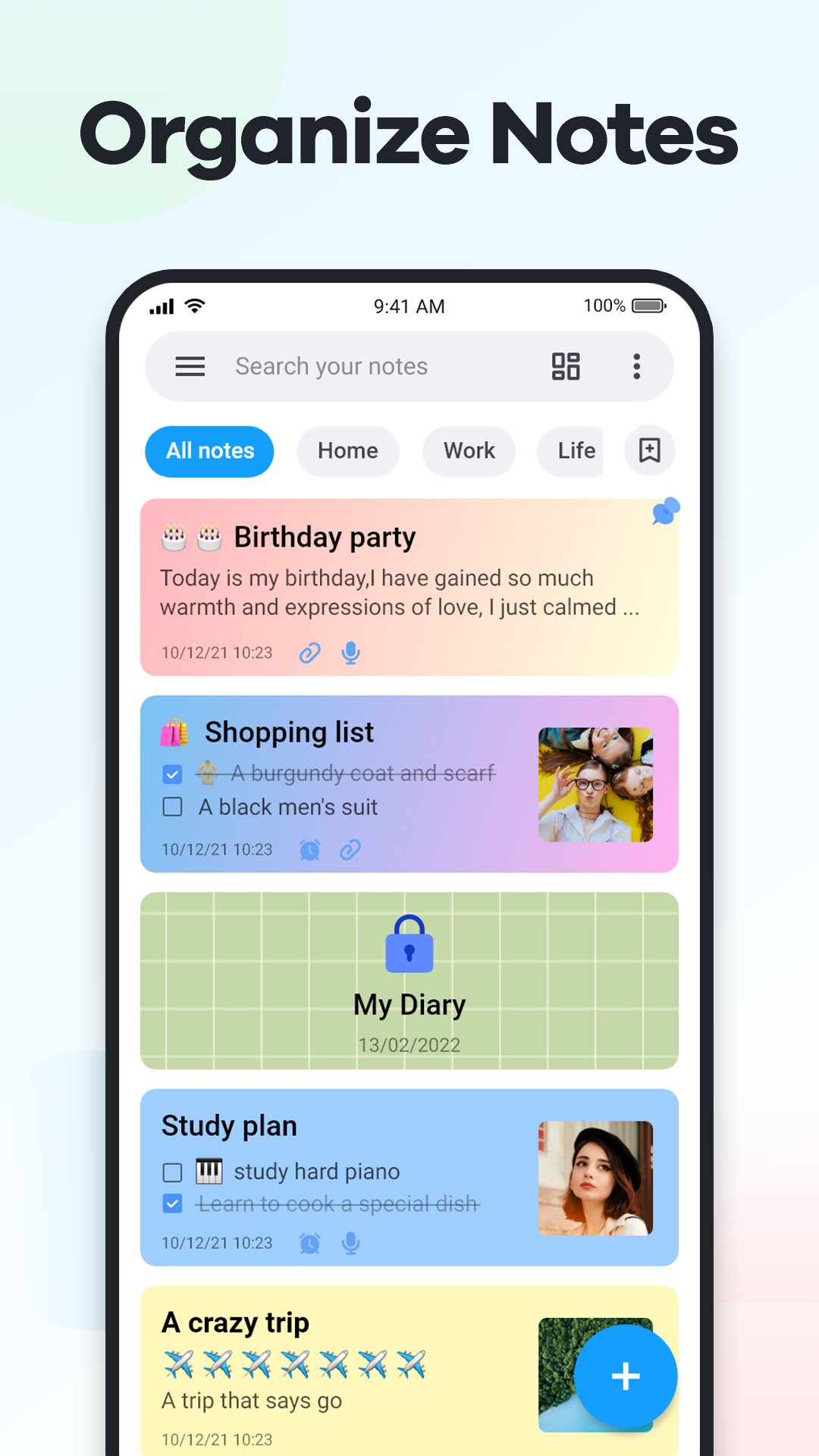
✨ Organize Note: Search, Sort & Reminder
* Sort notes by modified time, created time, reminder time, name...
* Search and find the notes you want by specific types or labels
* Retrieve accidentally deleted notes in the recycle bin
* Add reminders for your notes, never miss any important thing
* Share notes with friends and family via SMS, e-mail, Facebook, Twitter or any other app
🔐 Note Locker: Protect Privacy & Secret
* Lock the note or lock the entire note category to keep them safe
* Set PIN, pattern, password or fingerprint to protect confidential information
💭 Sync & Backup with Cloud
* Backup data to your phone or Google Drive, avoid losing any notes
* Sync notes across all your devices to access them anytime, anywhere
* Export notes to PDF or picture for printing, so your thoughts are always with you
💥 More Features for Notes - Notebook, Notepad
☆ Automatically save notes when taking notes
☆ Draw and paint inside the notepad
☆ Undo and redo buttons help you easily fix note mistakes
☆ Display notes in list or grid mode
☆ Pin important notes to the top
☆ Move checked items to bottom
☆ Copy or move notes between labels
☆ Import, crop and resize images
☆ One-touch quick note with shortcut feature
☆ Dark Mode
☆ Home screen widgets(1x1, 2x2, 4x1, 4x2, 4x4 )
☆ Available in portrait mode for Android phones and landscape mode for Android tablets
Download Quick Notes - Notebook & Notepad right now and it will be a perfect life companion for you! Easy notes for easy life! Enjoy! 🎊🎉
Tips: For your privacy and data protection, we have no right to access any content of your notes or store any information contained in them. So please use the backup function of this Notepad app regularly to avoid accidental loss of any important information.
Avance
Etiquetas
ProductividadInformación
Desarrollador
Leopard V7
La última versión
3.1.0
Última actualización
2025-08-29
Categoría
Productividad
Disponible en
Google Play
Mostrar más
Cómo jugar Notes: Easy Notebook, Notepad con GameLoop en PC
1. Descargue GameLoop desde el sitio web oficial, luego ejecute el archivo exe para instalar GameLoop.
2. Abra GameLoop y busque "Notes: Easy Notebook, Notepad", busque Notes: Easy Notebook, Notepad en los resultados de búsqueda y haga clic en "Instalar".
3. Disfruta jugando Notes: Easy Notebook, Notepad en GameLoop.
Minimum requirements
OS
Windows 8.1 64-bit or Windows 10 64-bit
GPU
GTX 1050
CPU
i3-8300
Memory
8GB RAM
Storage
1GB available space
Recommended requirements
OS
Windows 8.1 64-bit or Windows 10 64-bit
GPU
GTX 1050
CPU
i3-9320
Memory
16GB RAM
Storage
1GB available space