Label Print Bluetooth Printer para PC
Hardiyoso
Descarga Label Print Bluetooth Printer en PC con GameLoop Emulator
Label Print Bluetooth Printer en PC
Label Print Bluetooth Printer, proveniente del desarrollador Hardiyoso, se ejecuta en el sistema Android en el pasado.
Ahora, puedes jugar Label Print Bluetooth Printer en PC con GameLoop sin problemas.
Descárgalo en la biblioteca de GameLoop o en los resultados de búsqueda. No más mirar la batería o llamadas frustrantes en el momento equivocado nunca más.
Simplemente disfrute de Label Print Bluetooth Printer PC en la pantalla grande de forma gratuita!
Label Print Bluetooth Printer Introducción
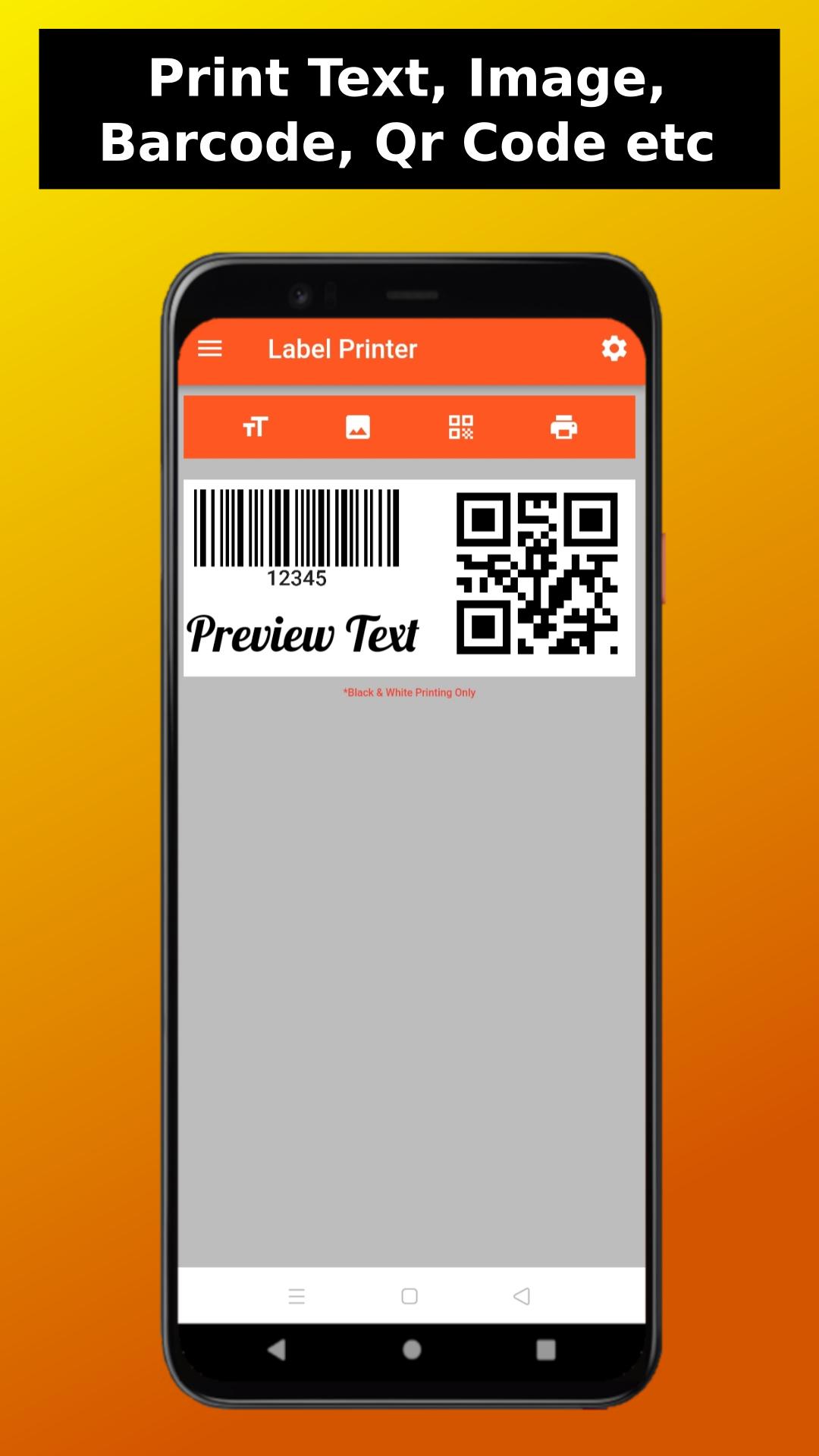
Label Print Bluetooth Printer is an application to print Text, Image, Bar Code, QR Code, Label, Shipping, to your Bluetooth Printer Via Bluetooth Connection.
Label Print Bluetooth Printer is a label printer app to print Text, Image, Bar Code, QR Code, Label, Shipping, Receipt etc to your Bluetooth Printer Via Bluetooth Connection.
With Label Print Bluetooth Printer app you can do so many things, pair it with your thermal Bluetooth printer or label Bluetooth printer and you can do printing easily. Do quick print or make combination between text, image, bar code etc in one page then send it to your Bluetooth printer and you are set.
Label Print Bluetooth Printer app is 100% free app with no payments needed, it means that you can use all of the function within the app without any restriction.
Features:
• Print Text.
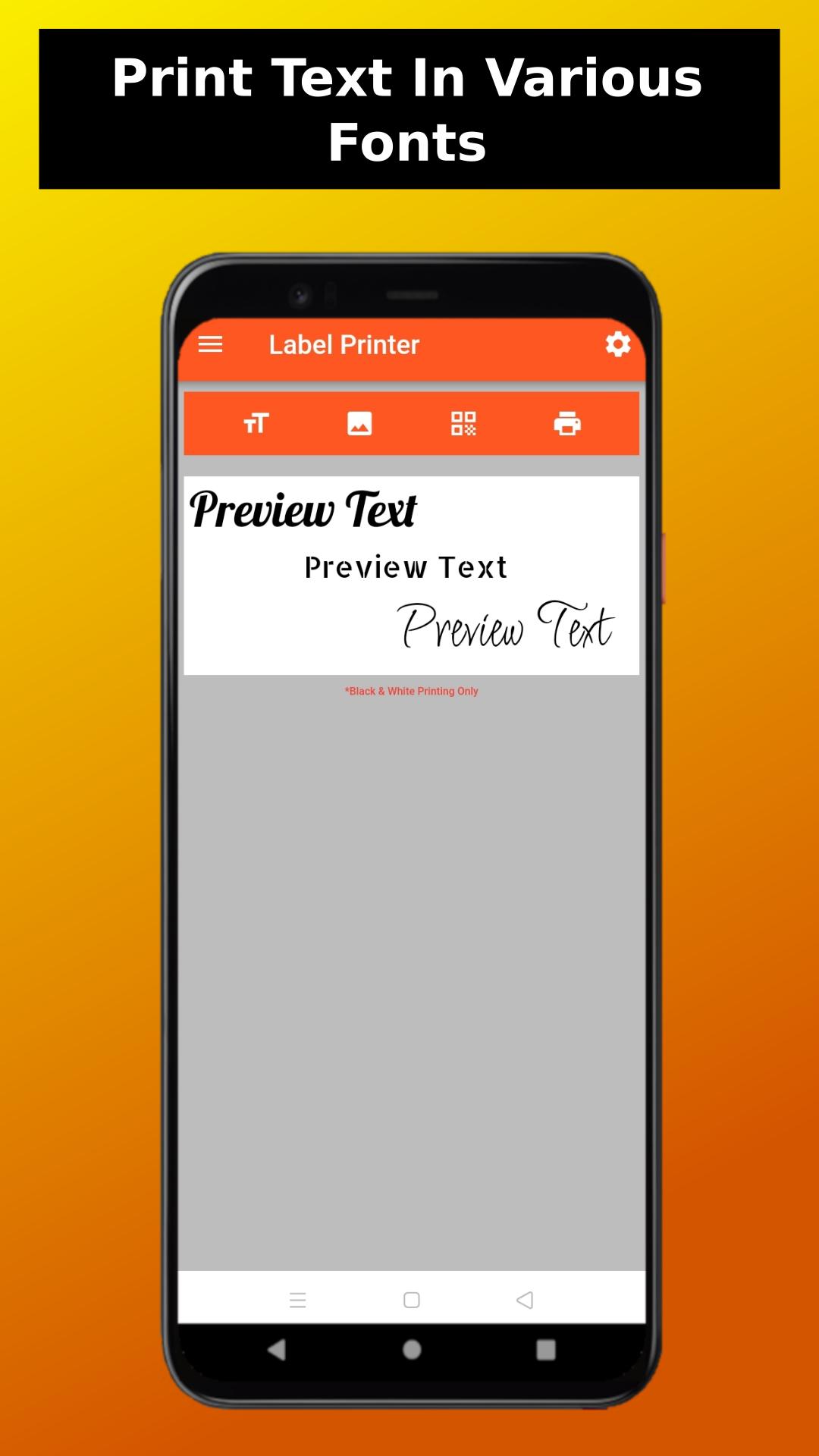
Add text to the page with best selected free fonts to use, change colors between black or white (with black background), put text with background blocking.
• Print Image.
Add image(s) to the page, scale it and print it without any hustle.
• Print Bar code.
Add massive collection of Bar codes including Qr code to use without any restriction
• Fully customization page setup.
change the paper size, paper height, image width, black level to accommodate your need.
Avance
Etiquetas
ProductividadInformación
Desarrollador
Hardiyoso
La última versión
1.0.2
Última actualización
2024-01-16
Categoría
Productividad
Disponible en
Google Play
Mostrar más
Cómo jugar Label Print Bluetooth Printer con GameLoop en PC
1. Descargue GameLoop desde el sitio web oficial, luego ejecute el archivo exe para instalar GameLoop.
2. Abra GameLoop y busque "Label Print Bluetooth Printer", busque Label Print Bluetooth Printer en los resultados de búsqueda y haga clic en "Instalar".
3. Disfruta jugando Label Print Bluetooth Printer en GameLoop.
Minimum requirements
OS
Windows 8.1 64-bit or Windows 10 64-bit
GPU
GTX 1050
CPU
i3-8300
Memory
8GB RAM
Storage
1GB available space
Recommended requirements
OS
Windows 8.1 64-bit or Windows 10 64-bit
GPU
GTX 1050
CPU
i3-9320
Memory
16GB RAM
Storage
1GB available space