Image Measure para PC
BackCasey Software
Descarga Image Measure en PC con GameLoop Emulator
Image Measure en PC
Image Measure, proveniente del desarrollador BackCasey Software, se ejecuta en el sistema Android en el pasado.
Ahora, puedes jugar Image Measure en PC con GameLoop sin problemas.
Descárgalo en la biblioteca de GameLoop o en los resultados de búsqueda. No más mirar la batería o llamadas frustrantes en el momento equivocado nunca más.
Simplemente disfrute de Image Measure PC en la pantalla grande de forma gratuita!
Image Measure Introducción
*Use with the understanding of "set as reference" in the explanation below. It is a wrong usage that the length value changes when scaling up/down the image.
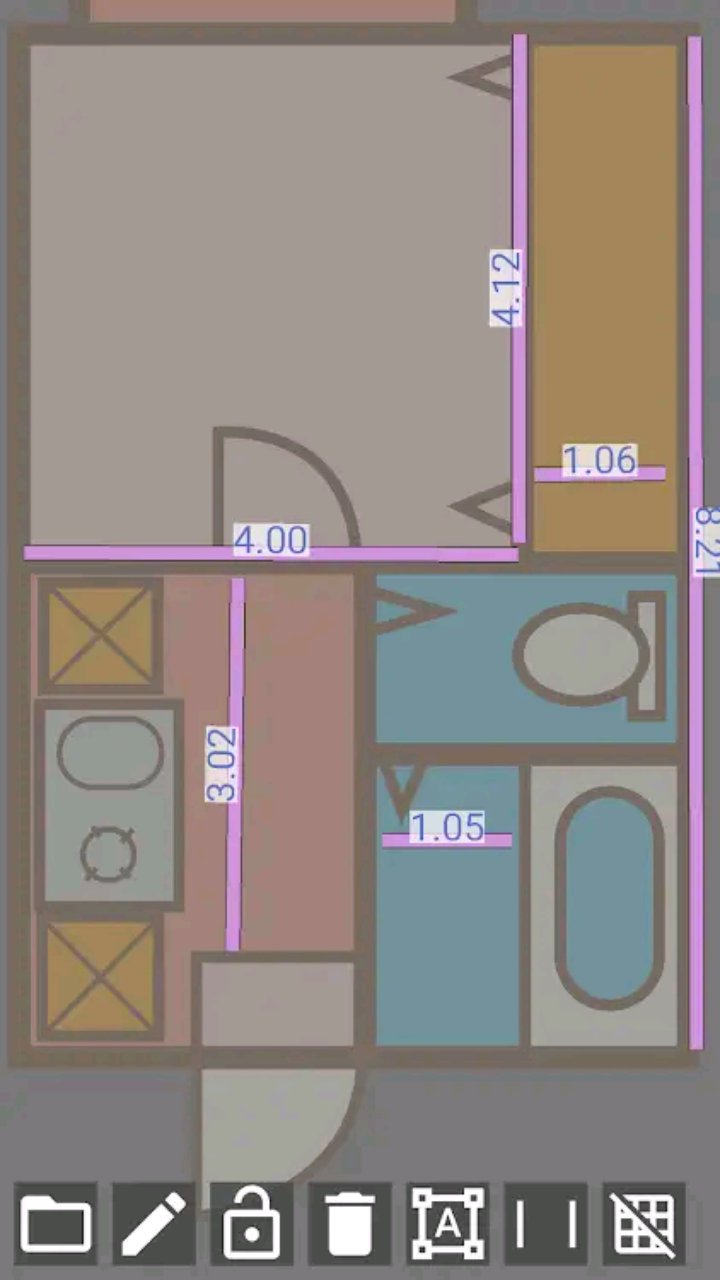
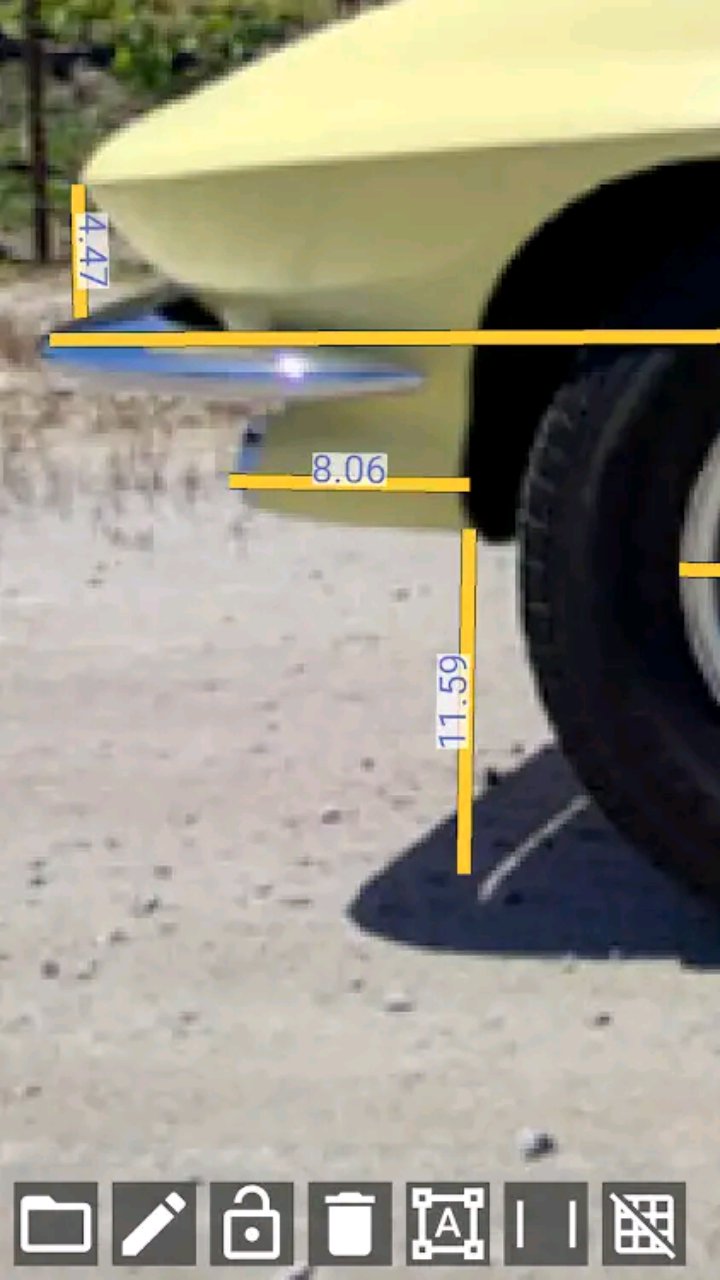
Draw a line as a reference length on the image. Once the reference is set you can measure any place on the image as relative length based on the reference.
Usage examples)
- Measuring arbitrary part of neighbour's car from blueprint
- Measuring the bath room size from floor plan
- Measuring the height of a celebrity who falsely claiming to be taller than he/she is.
How to use
1. Load an image, tap the pen icon to enable it, and draw a straight line.
2. Disable the pen icon and double-tap the straight line.
3. Enter the actual length of the straight line on the image. At this time, check the “Set as reference” checkbox. You can decide the unit of length by yourself; enter 1 for 1 meter, 100 for 100 cm, etc.
4. Touch the pen icon and draw another straight line to display the length relative to the reference line.
The app is for 2D image, but you can transform perspective image into a plane so you can measure them (in that case you need to have TWO known lengths as vertical and horizontal as the reference)
FAQ
Q: Line length changes on scaling
A: Before setting a reference the line length is the same as screen pixel size. Please set the reference.
Q: I can't specify unit!!
A: You should know the unit because you type the reference. You can convert the length as centi-meter or percec whatever you want.
Q: After transforming the image flew away from the screen
A: It is because of the calcutation. Please try tweaking the transform shape.
Q: After transforming the lines shifted from the image
A: Transforming doesnot effect to lines. Draw lines after transforming.
Avance
Etiquetas
ProductividadInformación
Desarrollador
BackCasey Software
La última versión
1.4
Última actualización
2025-07-14
Categoría
Productividad
Disponible en
Google Play
Mostrar más
Cómo jugar Image Measure con GameLoop en PC
1. Descargue GameLoop desde el sitio web oficial, luego ejecute el archivo exe para instalar GameLoop.
2. Abra GameLoop y busque "Image Measure", busque Image Measure en los resultados de búsqueda y haga clic en "Instalar".
3. Disfruta jugando Image Measure en GameLoop.
Minimum requirements
OS
Windows 8.1 64-bit or Windows 10 64-bit
GPU
GTX 1050
CPU
i3-8300
Memory
8GB RAM
Storage
1GB available space
Recommended requirements
OS
Windows 8.1 64-bit or Windows 10 64-bit
GPU
GTX 1050
CPU
i3-9320
Memory
16GB RAM
Storage
1GB available space