GeoViewer from Extensis para PC
Extensis
Descarga GeoViewer from Extensis en PC con GameLoop Emulator
GeoViewer from Extensis en PC
GeoViewer from Extensis, proveniente del desarrollador Extensis, se ejecuta en el sistema Android en el pasado.
Ahora, puedes jugar GeoViewer from Extensis en PC con GameLoop sin problemas.
Descárgalo en la biblioteca de GameLoop o en los resultados de búsqueda. No más mirar la batería o llamadas frustrantes en el momento equivocado nunca más.
Simplemente disfrute de GeoViewer from Extensis PC en la pantalla grande de forma gratuita!
GeoViewer from Extensis Introducción
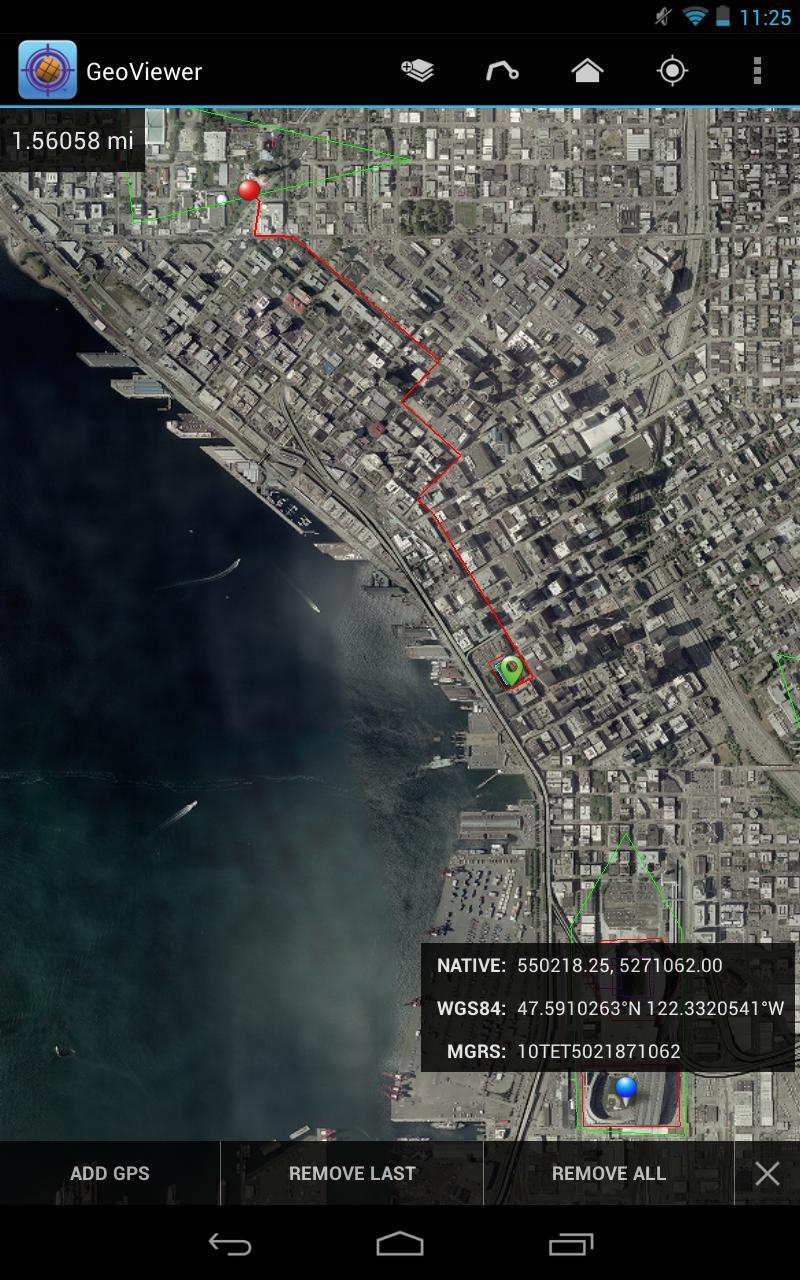
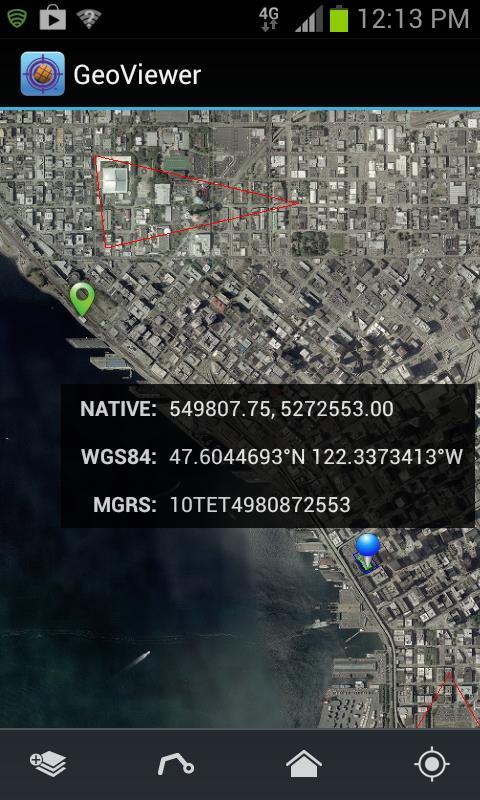
GeoViewer puts high resolution imagery right at your fingertips. GeoViewer enables you to view, pan and zoom MrSID and JPEG 2000 images on your Android device using familiar touch gestures. Open raster and vector layers, measure distances, find locations on maps using GPS, and more.
Things you can do with GeoViewer:
• Open MrSID and JPEG 2000 images.
• Select bands to view from a multispectral image.
• Explore imagery by panning, zooming in and zooming out.
• Add vector overlays (Esri Shapefiles and KML files) to get more out of image layers.
• Center on your GPS location so you can see what’s nearby.
• Measure the distance between a series of points.
• Identify geolocation by touching on any image.
• View layer properties, including coordinate reference system, geo bounding box, dimensions, colorspace, datatype, and resolution.
• Search by geographic coordinates in WGS 84 (Lat/Long) or the image’s native coordinate reference system.
• Set viewing preferences (band selection, layer line color, etc.).
By installing or using this App you agree to be bound by the terms and conditions of the End User License Agreement, https://www.extensis.com/geoviewer-for-android-eula.
Avance
Etiquetas
ProductividadInformación
Desarrollador
Extensis
La última versión
1.0.4
Última actualización
2017-05-24
Categoría
Productividad
Disponible en
Google Play
Mostrar más
Cómo jugar GeoViewer from Extensis con GameLoop en PC
1. Descargue GameLoop desde el sitio web oficial, luego ejecute el archivo exe para instalar GameLoop.
2. Abra GameLoop y busque "GeoViewer from Extensis", busque GeoViewer from Extensis en los resultados de búsqueda y haga clic en "Instalar".
3. Disfruta jugando GeoViewer from Extensis en GameLoop.
Minimum requirements
OS
Windows 8.1 64-bit or Windows 10 64-bit
GPU
GTX 1050
CPU
i3-8300
Memory
8GB RAM
Storage
1GB available space
Recommended requirements
OS
Windows 8.1 64-bit or Windows 10 64-bit
GPU
GTX 1050
CPU
i3-9320
Memory
16GB RAM
Storage
1GB available space