Farsi keyboard: Persian Typing para PC
mydroid
Descarga Farsi keyboard: Persian Typing en PC con GameLoop Emulator
Farsi keyboard: Persian Typing en PC
Farsi keyboard: Persian Typing, proveniente del desarrollador mydroid, se ejecuta en el sistema Android en el pasado.
Ahora, puedes jugar Farsi keyboard: Persian Typing en PC con GameLoop sin problemas.
Descárgalo en la biblioteca de GameLoop o en los resultados de búsqueda. No más mirar la batería o llamadas frustrantes en el momento equivocado nunca más.
Simplemente disfrute de Farsi keyboard: Persian Typing PC en la pantalla grande de forma gratuita!
Farsi keyboard: Persian Typing Introducción
Are you looking for an easy way to enjoy a smooth Persian typing keyboard on your phone?
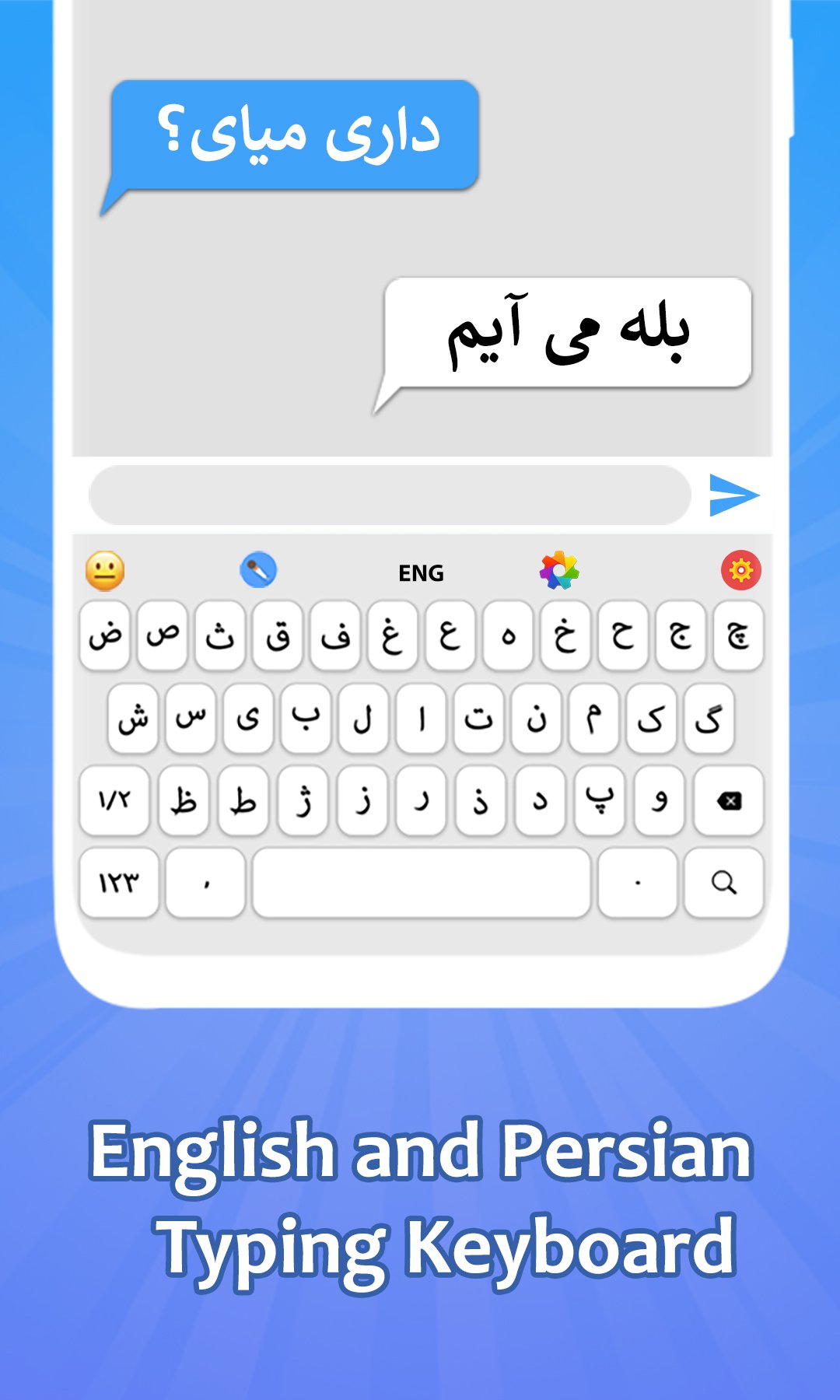
Type comfortably with Farsi Keyboard, a smart Farsi keyboard app designed for smooth and effortless Persian typing. farsi keyboard app seamlessly combines an easy-to-use Farsi and English keyboard, instant translation, voice input, colorful themes, smart typing, and quotes features in one place. Whether you are looking for a reliable Farsi keyboard for Android or want to switch languages instantly with one tap, Farsi keyboard app makes your everyday communication simple, comfortable, and stylish.
Here are some key features of the Farsi Keyboard app
Persian Typing Enjoy accurate Persian typing with full Persian character support.
Farsi & English Keyboard Switch languages instantly with one tap.
Translator Translate text using the Farsi to English translation keyboard.
Voice Typing Dictate messages with the Farsi voice keyboard and speech to text.
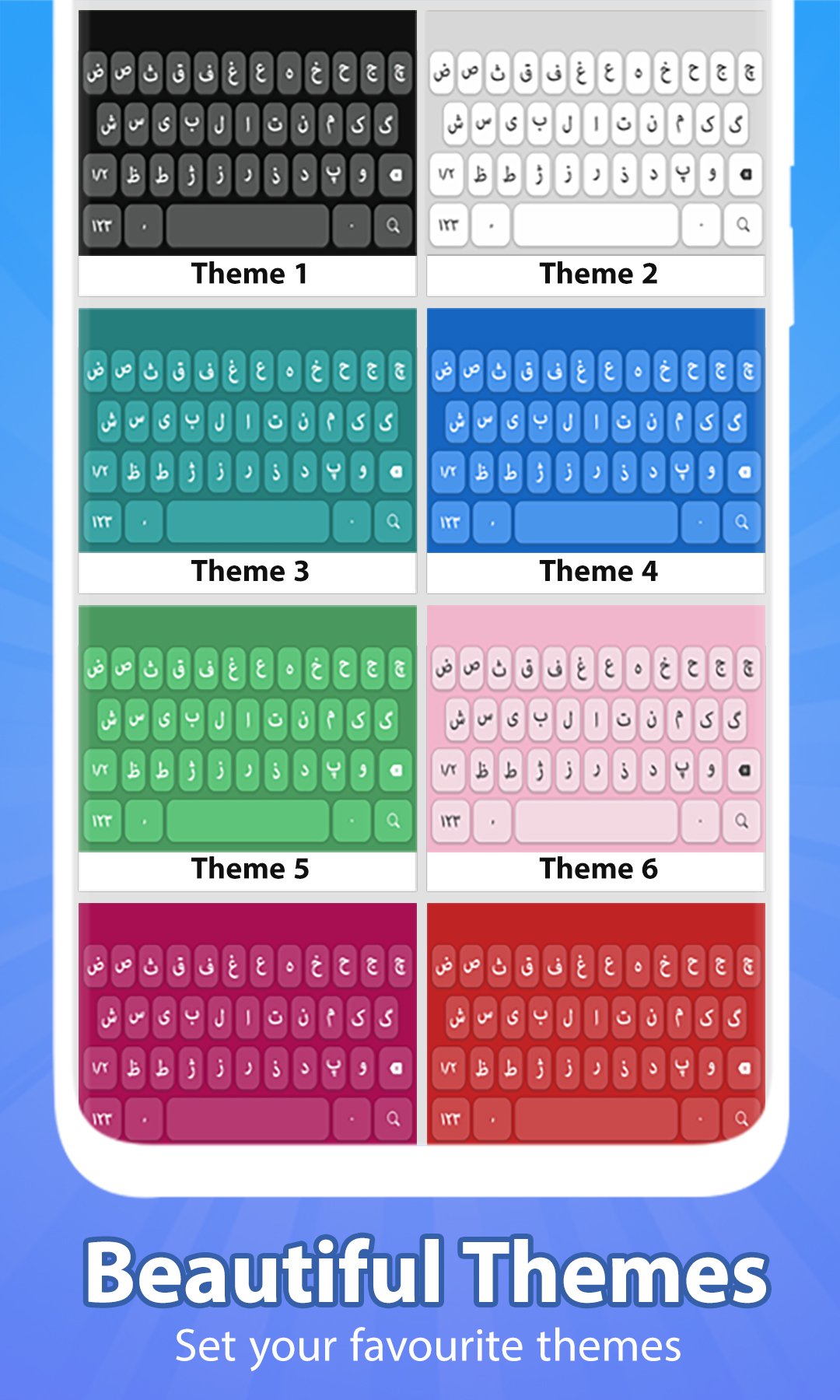
Themes & Wallpapers Personalize your color keyboard with stylish designs.
English to Persian Convert English text into Persian with transliteration with persian keyboard app.
Smart Typing Use auto-completion, auto-correct, and swipe typing.
Fun Emojis Express yourself with emojis on the Farsi keyboard app.
Quotes & Tutorial Read Persian quotes and learn farsi keyboard features with ease.
Comfortable Persian Typing
The Farsi keyboard provides a responsive Farsi keypad for messages, emails, notes, and social media.The Farsi type keyboard supports Persian letters, symbols, and punctuation, making everyday Persian typing smooth and natural.
Translate, Speak & Personalize
Use the Farsi to English translation keyboard to translate while typing, or dictate text with the Farsi voice keyboard and speech to text. Customize your color keyboard with themes, wallpapers, and fonts to match your style.
How to Use the Farsi Keyboard App
Open the Farsi Keyboard app.
Enable the keyboard in your phone settings.
Select Farsi Keyboard as your default keyboard.
Switch between the Farsi & English keyboard anytime.
Enjoy Persian typing, translation, voice input, and personalized themes.
Avance
Etiquetas
ProductividadInformación
Desarrollador
mydroid
La última versión
1.4.2
Última actualización
2026-04-30
Categoría
Productividad
Disponible en
Google Play
Mostrar más
Cómo jugar Farsi keyboard: Persian Typing con GameLoop en PC
1. Descargue GameLoop desde el sitio web oficial, luego ejecute el archivo exe para instalar GameLoop.
2. Abra GameLoop y busque "Farsi keyboard: Persian Typing", busque Farsi keyboard: Persian Typing en los resultados de búsqueda y haga clic en "Instalar".
3. Disfruta jugando Farsi keyboard: Persian Typing en GameLoop.
Minimum requirements
OS
Windows 8.1 64-bit or Windows 10 64-bit
GPU
GTX 1050
CPU
i3-8300
Memory
8GB RAM
Storage
1GB available space
Recommended requirements
OS
Windows 8.1 64-bit or Windows 10 64-bit
GPU
GTX 1050
CPU
i3-9320
Memory
16GB RAM
Storage
1GB available space