PDF Scanner, Documents Scanner para PC
TezLife
Descarga PDF Scanner, Documents Scanner en PC con GameLoop Emulator
PDF Scanner, Documents Scanner en PC
PDF Scanner, Documents Scanner, proveniente del desarrollador TezLife, se ejecuta en el sistema Android en el pasado.
Ahora, puedes jugar PDF Scanner, Documents Scanner en PC con GameLoop sin problemas.
Descárgalo en la biblioteca de GameLoop o en los resultados de búsqueda. No más mirar la batería o llamadas frustrantes en el momento equivocado nunca más.
Simplemente disfrute de PDF Scanner, Documents Scanner PC en la pantalla grande de forma gratuita!
PDF Scanner, Documents Scanner Introducción
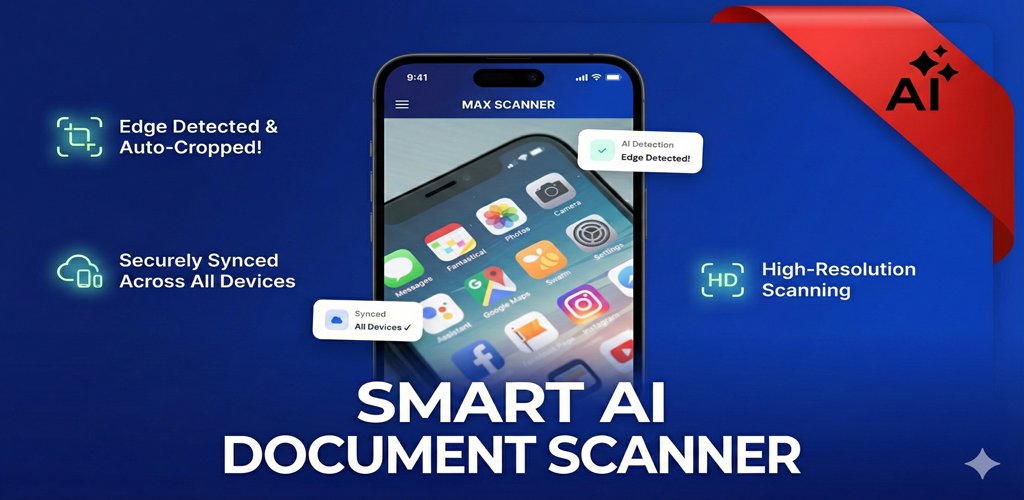
MaxScanner is a powerful Camera Scanner and PDF editor app designed to make document scanning, editing, and sharing quick and effortless. Whether you're scanning receipts, notes, ID cards, or business documents, MaxScan turns your phone into a smart scanner and PDF toolkit.
📸 Key Features:
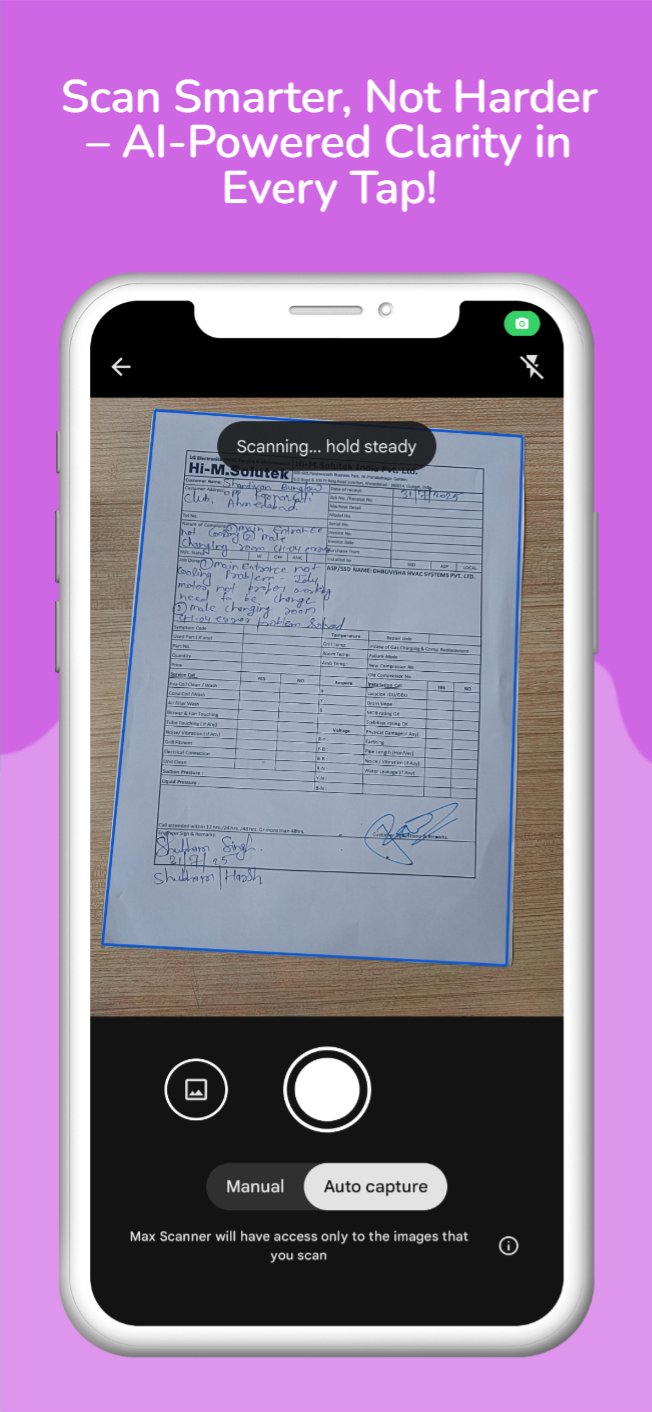
Document Scanner: Scan physical documents with high clarity using your phone camera.
PDF Converter: Instantly convert images and scans into professional-quality PDFs.
PDF Editor: Add text, draw, highlight, and annotate your PDF files directly.
OCR (Text Recognition): Extract text from images and scanned documents.
Batch Scanning: Scan multiple pages and merge them into a single PDF.
Smart Filters: Enhance scan quality with auto-crop and brightness adjustments.
Secure PDFs: Add passwords to protect sensitive files.
Share & Save: Easily share your PDFs via email, WhatsApp, or cloud storage.
Our DocScanner is a powerful application for scanning your documents. Anywhere and anytime, scan, save and archive. Managing and searching has never been so easy.
DocScanner is a must-have application for business travelers, being available to send scans to customers even when you are out of the office.
Auto enhancing makes the PDF look clear and sharp.
In DocScanner PDF generation is completely offline and requires no internet connection. It saves your PDF file in history and in the list of recently used documents.
The documents scanned in DocScanner are not uploaded to any server for any processing. Document recognition in the photos after scanning is done on the device.
Using DocScanner you can scan almost anything, be it documents, invoices, notes, or business cards, all into PDFs.
Indeed DocScanner simplifies your Life.
DocScanner is a great simple app to use, capable of beautiful scan quality. Best of all, it’s totally free.
So what are you waiting for?? Download DocScanner for free today and simplify your life!!
How to Use MaxScanner?
Use options in the top bar to scan, click or choose photos from gallery.
The “Create PDF” tab shows the documents/scans that will be included in the PDF.
The “Recent Files” tab shows the recently used documents/scans.
The “History” tab shows recently generated PDF files.
In the “Create PDF” tab, use the options button for additional options.
“Generate PDF” button generates PDF file using the files in the first tab
◆◆◆◆ DocScanner Features ◆◆◆◆
❖ No subscription charges - unlimited scans, shares and document creation, absolutely free!
❖ Choose documents from your gallery or scan/click photos from camera.
❖ Works completely offline - no online servers.
❖ Convert multiple images into single PDF.
❖ Maintains file history.
❖ Open the PDF with any PDF viewer.
❖ Enhance the visibility of your documents after scanning using built in effects
❖ Easily share your PDF file via email.
❖ Saves your document in process, so you can start over from where you left.
Feel free to review your experience with the CamScanner app. Do leave your thoughts on the DocScanner app.
We will be grateful to hear your opinions and improve - whenever needed - in future versions!
Keep scanning with MaxScanner!!
Avance
Etiquetas
ProductividadInformación
Desarrollador
TezLife
La última versión
1.1.24
Última actualización
2026-02-21
Categoría
Productividad
Disponible en
Google Play
Mostrar más
Cómo jugar PDF Scanner, Documents Scanner con GameLoop en PC
1. Descargue GameLoop desde el sitio web oficial, luego ejecute el archivo exe para instalar GameLoop.
2. Abra GameLoop y busque "PDF Scanner, Documents Scanner", busque PDF Scanner, Documents Scanner en los resultados de búsqueda y haga clic en "Instalar".
3. Disfruta jugando PDF Scanner, Documents Scanner en GameLoop.
Minimum requirements
OS
Windows 8.1 64-bit or Windows 10 64-bit
GPU
GTX 1050
CPU
i3-8300
Memory
8GB RAM
Storage
1GB available space
Recommended requirements
OS
Windows 8.1 64-bit or Windows 10 64-bit
GPU
GTX 1050
CPU
i3-9320
Memory
16GB RAM
Storage
1GB available space