
Story Writer - Write Novels para PC
Futuretech Apps
Descarga Story Writer - Write Novels en PC con GameLoop Emulator
Story Writer - Write Novels en PC
Story Writer - Write Novels, proveniente del desarrollador Futuretech Apps, se ejecuta en el sistema Android en el pasado.
Ahora, puedes jugar Story Writer - Write Novels en PC con GameLoop sin problemas.
Descárgalo en la biblioteca de GameLoop o en los resultados de búsqueda. No más mirar la batería o llamadas frustrantes en el momento equivocado nunca más.
Simplemente disfrute de Story Writer - Write Novels PC en la pantalla grande de forma gratuita!
Story Writer - Write Novels Introducción
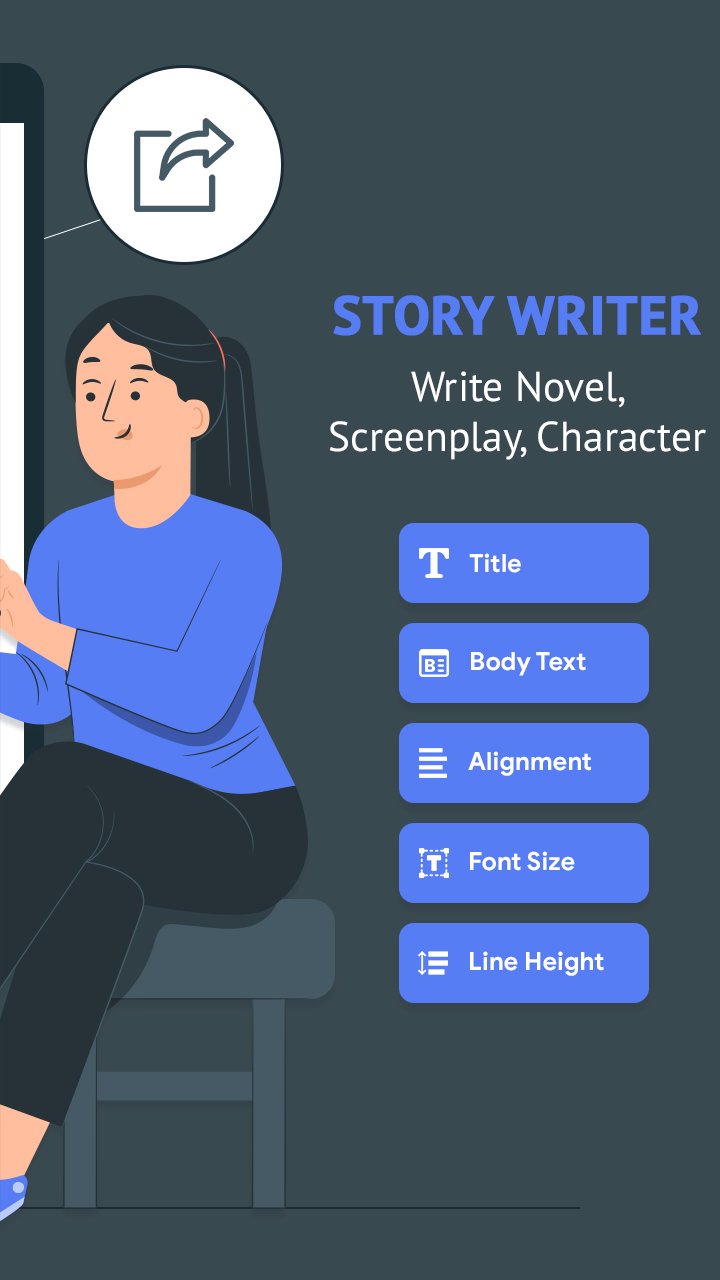
Story Writer - Write Novels, Scripts & Screenplays
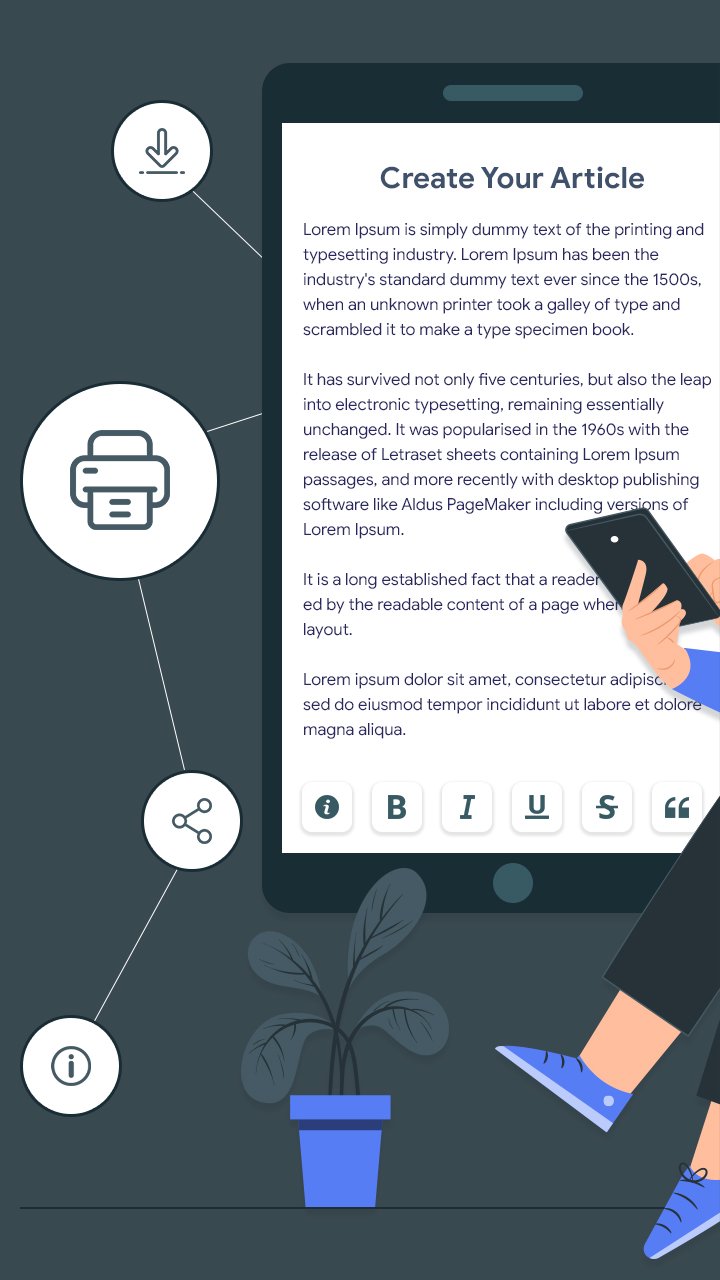
Story Writer - Write Novels is the ultimate writing companion for authors, screenwriters, and storytellers. Whether you're drafting a novel, screenplay, character notes, or just quick ideas, this free and lightweight app helps you write, edit, and organize with ease.
📝 Start writing your book, screenplay, or story anytime – even offline.
Perfect for novelists, short story writers, and anyone looking for a clean, distraction-free writing environment. Story Writer supports Markdown formatting, rich text editing, and even character building for structured storytelling.
🔥 Top Features:
✅ AI-Ready Story Structure
Start with an idea and build your plot, chapters, and characters with intuitive organization tools.
✅ Markdown & Rich Text Editor
Write with full formatting options—bold, italic, underline, strike-through, headers, bullets, and more.
✅ Organize with Folders & Projects
Create multiple projects, group chapters, scenes, and character bios in neatly structured folders.
✅ Import/Export Easily
Import text or Markdown files and export your work as PDF, TXT, or Markdown—great for sharing or backup.
✅ Word Count & Writing Stats
Track your progress with live stats like word count, character count, reading time, and paragraph count.
✅ Customizable Appearance
Choose from light or dark themes, set your preferred font size, text alignment, and line spacing.
✅ Offline Mode
Write wherever you are. All features work offline, no internet required.
✅ Cloud Backup & Restore
Keep your stories safe with Google Drive backup and restore functionality.
🌟 Why Writers Love Story Writer:
🧠 Great for plotting novels and screenplays
📖 Minimal, clean, distraction-free design
🎭 Ideal for character creation and worldbuilding
📚 Works well as a daily writing tracker
✍️ No ads, no sign-up required
Whether you're a beginner author, professional screenwriter, or just love writing stories, Story Writer - Write Novels helps turn your imagination into reality—anytime, anywhere.
Avance
Etiquetas
ProductividadInformación
Desarrollador
Futuretech Apps
La última versión
1.10
Última actualización
2025-12-18
Categoría
Productividad
Disponible en
Google Play
Mostrar más
Cómo jugar Story Writer - Write Novels con GameLoop en PC
1. Descargue GameLoop desde el sitio web oficial, luego ejecute el archivo exe para instalar GameLoop.
2. Abra GameLoop y busque "Story Writer - Write Novels", busque Story Writer - Write Novels en los resultados de búsqueda y haga clic en "Instalar".
3. Disfruta jugando Story Writer - Write Novels en GameLoop.
Minimum requirements
OS
Windows 8.1 64-bit or Windows 10 64-bit
GPU
GTX 1050
CPU
i3-8300
Memory
8GB RAM
Storage
1GB available space
Recommended requirements
OS
Windows 8.1 64-bit or Windows 10 64-bit
GPU
GTX 1050
CPU
i3-9320
Memory
16GB RAM
Storage
1GB available space