
Cloud Admin - Panel for Vultr para PC
NotionBit Mobile
Descarga Cloud Admin - Panel for Vultr en PC con GameLoop Emulator
Cloud Admin - Panel for Vultr en PC
Cloud Admin - Panel for Vultr, proveniente del desarrollador NotionBit Mobile, se ejecuta en el sistema Android en el pasado.
Ahora, puedes jugar Cloud Admin - Panel for Vultr en PC con GameLoop sin problemas.
Descárgalo en la biblioteca de GameLoop o en los resultados de búsqueda. No más mirar la batería o llamadas frustrantes en el momento equivocado nunca más.
Simplemente disfrute de Cloud Admin - Panel for Vultr PC en la pantalla grande de forma gratuita!
Cloud Admin - Panel for Vultr Introducción
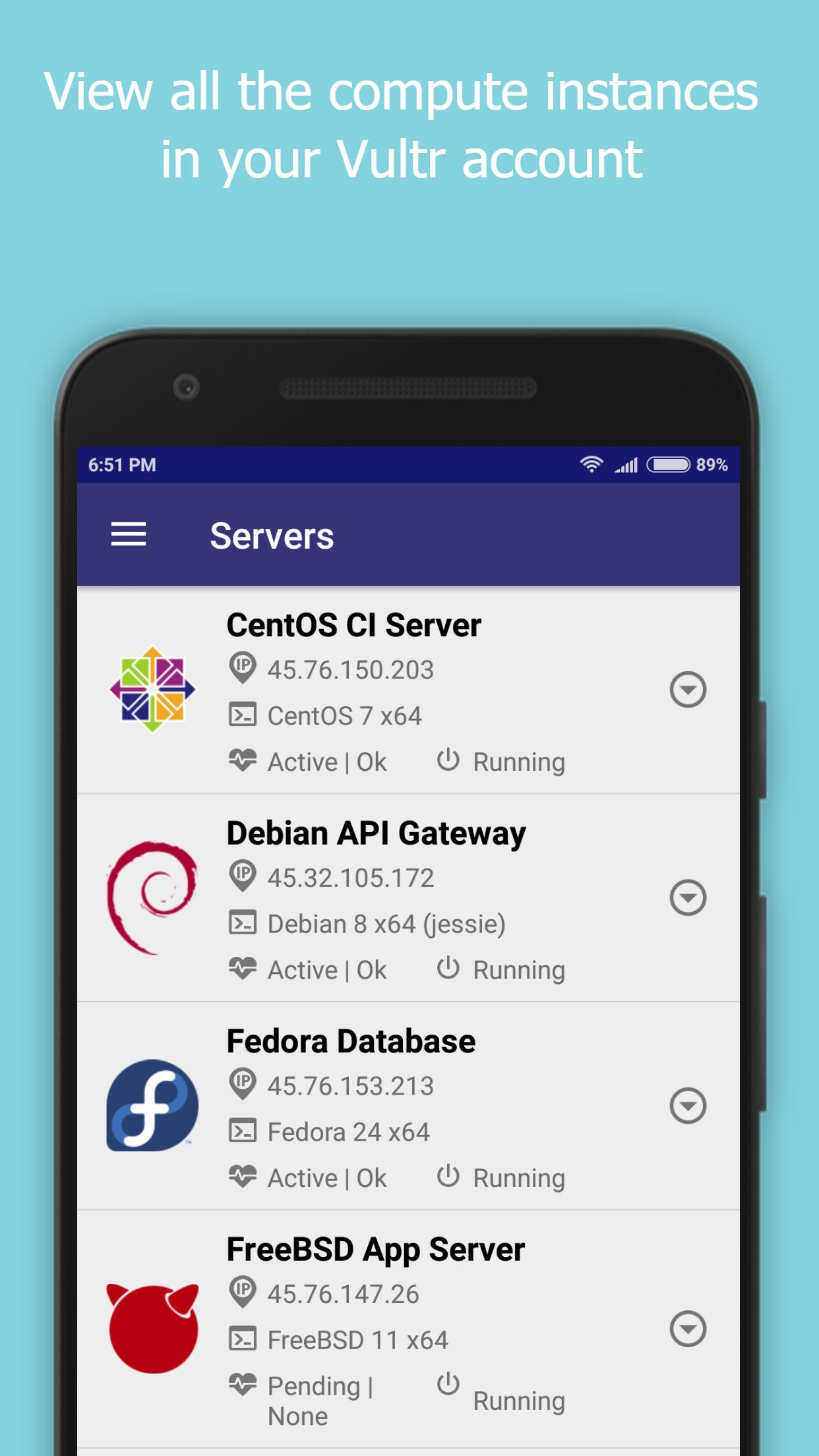
Cloud Admin for Vultr provides a control panel to manage your Vultr Cloud Account, instances and snapshots.
Vultr Cloud functionality currently supported are -
- Create/View servers
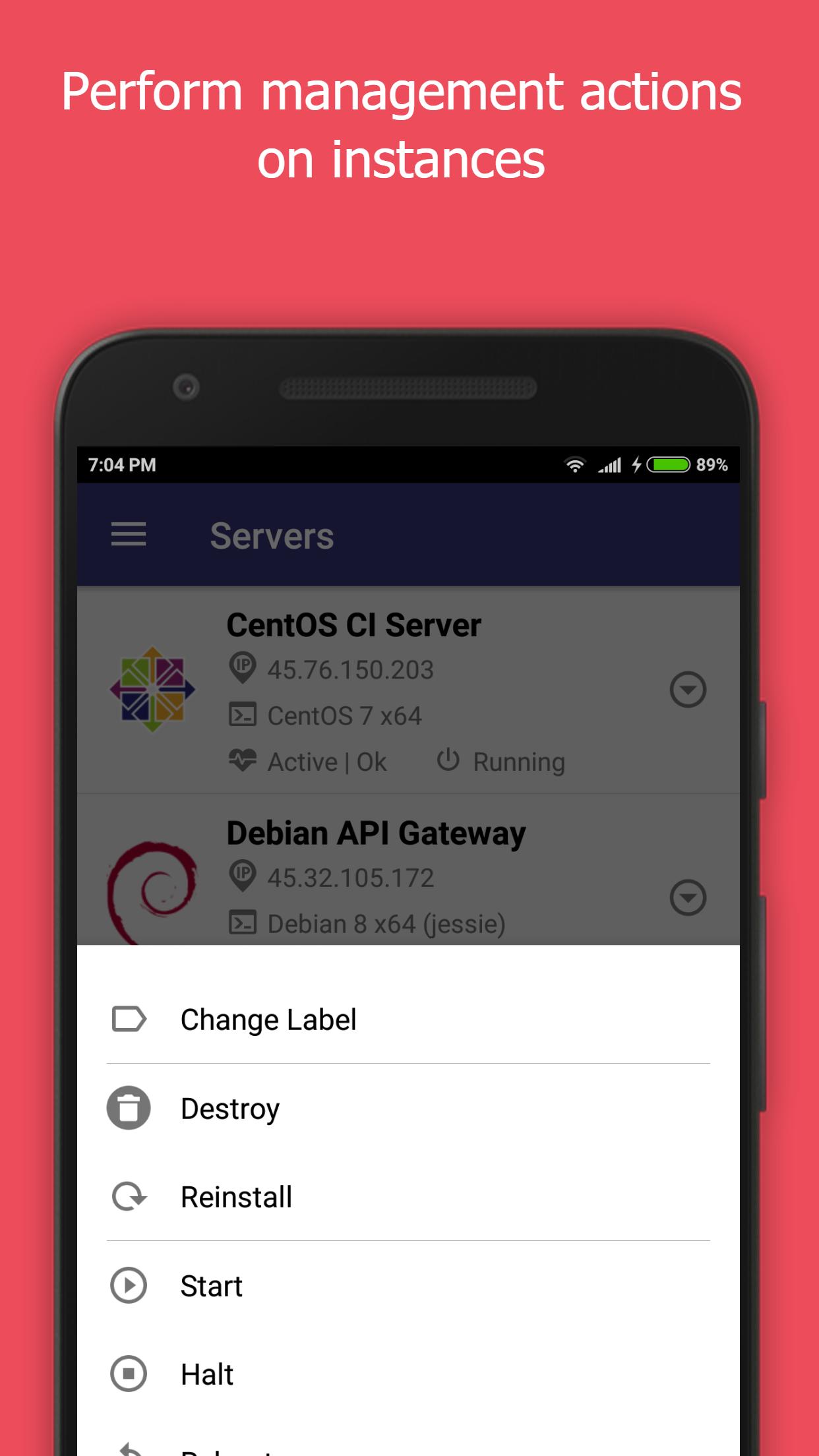
- Start/Stop/Restart/Reinstall/Destroy servers
- Enable/Disable Server backups
- Create/Delete/View snapshots
- Create/Edit/View users
- Experimental support for viewing bandwidth usage.
Notes -
- The IP Address of your mobile device will have to be white listed in the Vultr Admin Console for this application to function. This can be set at the following location.
https://my.vultr.com/settings/#settingsapi
- You can also allow access to all IP Addresses at the above link.
We would really appreciate it if you could provide us with your feedback, criticisms and problems encountered for us to be able to make this app better.
Also, please let us know the features that you would like the see the most in the app.
What is Vultr? - https://www.vultr.com/features/
New Vultr accounts can be created by registering here - http://www.vultr.com/?ref=7042741-3B
Disclaimer -
This is an unofficial app, we are not associated with Vultr.
We do not own any rights to the Vultr name or the logo.
Avance
Etiquetas
ProductividadInformación
Desarrollador
NotionBit Mobile
La última versión
0.9.8.2
Última actualización
2018-12-19
Categoría
Productividad
Disponible en
Google Play
Mostrar más
Cómo jugar Cloud Admin - Panel for Vultr con GameLoop en PC
1. Descargue GameLoop desde el sitio web oficial, luego ejecute el archivo exe para instalar GameLoop.
2. Abra GameLoop y busque "Cloud Admin - Panel for Vultr", busque Cloud Admin - Panel for Vultr en los resultados de búsqueda y haga clic en "Instalar".
3. Disfruta jugando Cloud Admin - Panel for Vultr en GameLoop.
Minimum requirements
OS
Windows 8.1 64-bit or Windows 10 64-bit
GPU
GTX 1050
CPU
i3-8300
Memory
8GB RAM
Storage
1GB available space
Recommended requirements
OS
Windows 8.1 64-bit or Windows 10 64-bit
GPU
GTX 1050
CPU
i3-9320
Memory
16GB RAM
Storage
1GB available space