aTimeLogger Pro: Hours Tracker para PC
BGCI
Descarga aTimeLogger Pro: Hours Tracker en PC con GameLoop Emulator
aTimeLogger Pro: Hours Tracker en PC
aTimeLogger Pro: Hours Tracker, proveniente del desarrollador BGCI, se ejecuta en el sistema Android en el pasado.
Ahora, puedes jugar aTimeLogger Pro: Hours Tracker en PC con GameLoop sin problemas.
Descárgalo en la biblioteca de GameLoop o en los resultados de búsqueda. No más mirar la batería o llamadas frustrantes en el momento equivocado nunca más.
Simplemente disfrute de aTimeLogger Pro: Hours Tracker PC en la pantalla grande de forma gratuita!
aTimeLogger Pro: Hours Tracker Introducción
Maximize Your Productivity with aTimeLogger Pro – The Ultimate Time Tracking App! Track work hours easily with time tracker! Set a timer, clock your tasks, and boost productivity. Perfect app for managing time and work efficiency.
Effortlessly enhance your daily routine with aTimeLogger Pro, the premier time management app designed to streamline your schedule. This intuitive time tracking tool is perfect for anyone looking to boost their productivity, from business professionals and athletes to freelancers and proactive individuals.
Why Choose aTimeLogger Pro?
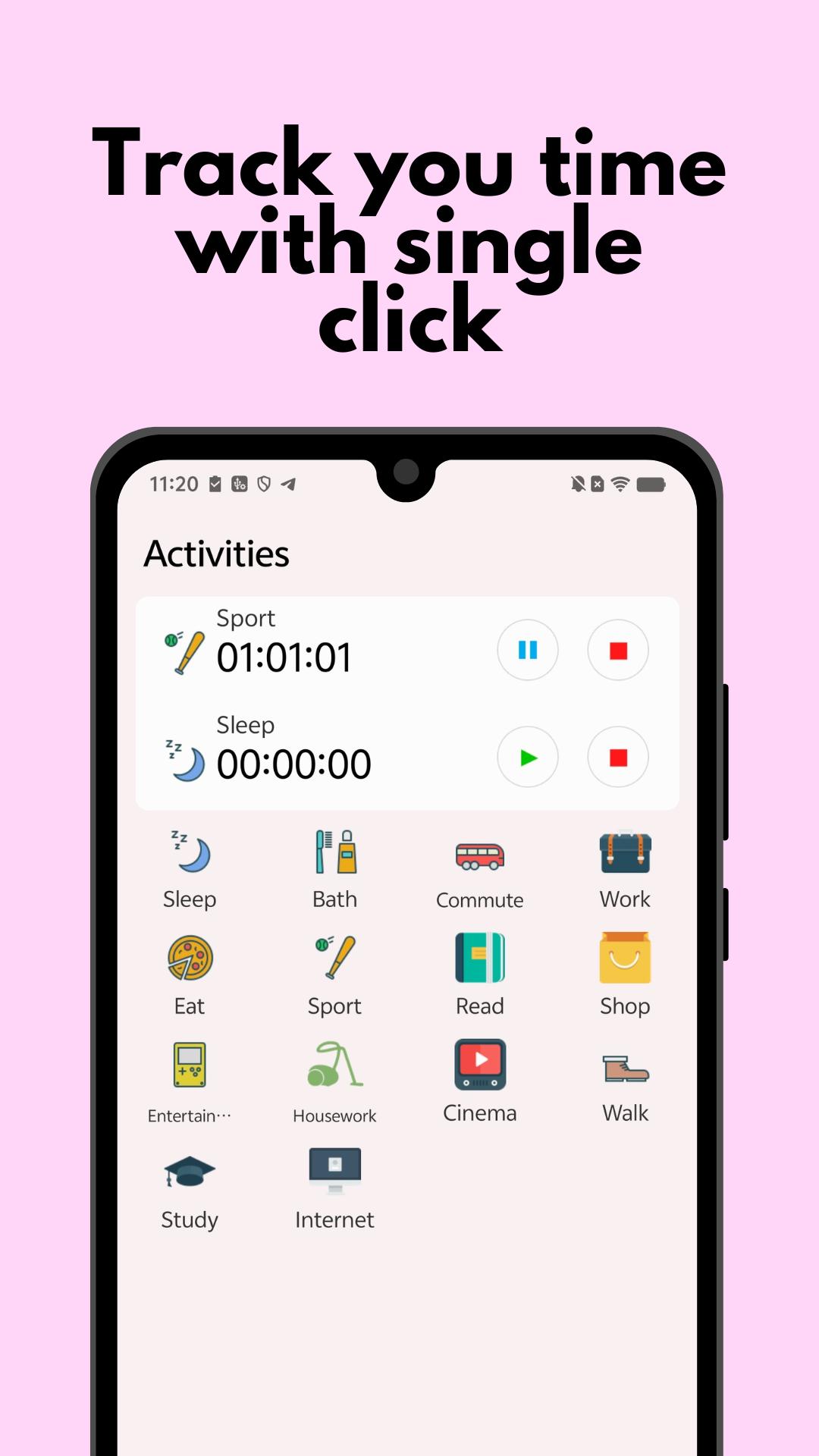
- Effective Time Management: With just a single tap, start tracking and gain valuable insights into how you manage time, making it easier to optimize your day.
- For Every Schedule: Whether you're a business person with a packed daily routine, an athlete tracking every minute, a freelancer juggling multiple projects, or simply curious about your time distribution, this time management app is your ideal partner.
Robust Features to Boost Your Time Tracking:
- Intuitive Interface: Jump right into time tracking with our easy-to-use interface.
- Set and Achieve Goals: Customize and track your personal productivity goals.
- Seamless Activity Tracking: Pause and resume your activities effortlessly.
- Organize with Groups: Manage time by categorizing related tasks.
- Pomodoro Technique: Stay focused with built-in Pomodoro sessions to manage time efficiently.
- Simultaneous Activities: Handle multiple tasks at once with settings that allow for concurrent tracking.
- Tailor-Made Custom Fields: Enhance your productivity tracking with customizable fields like project rates.
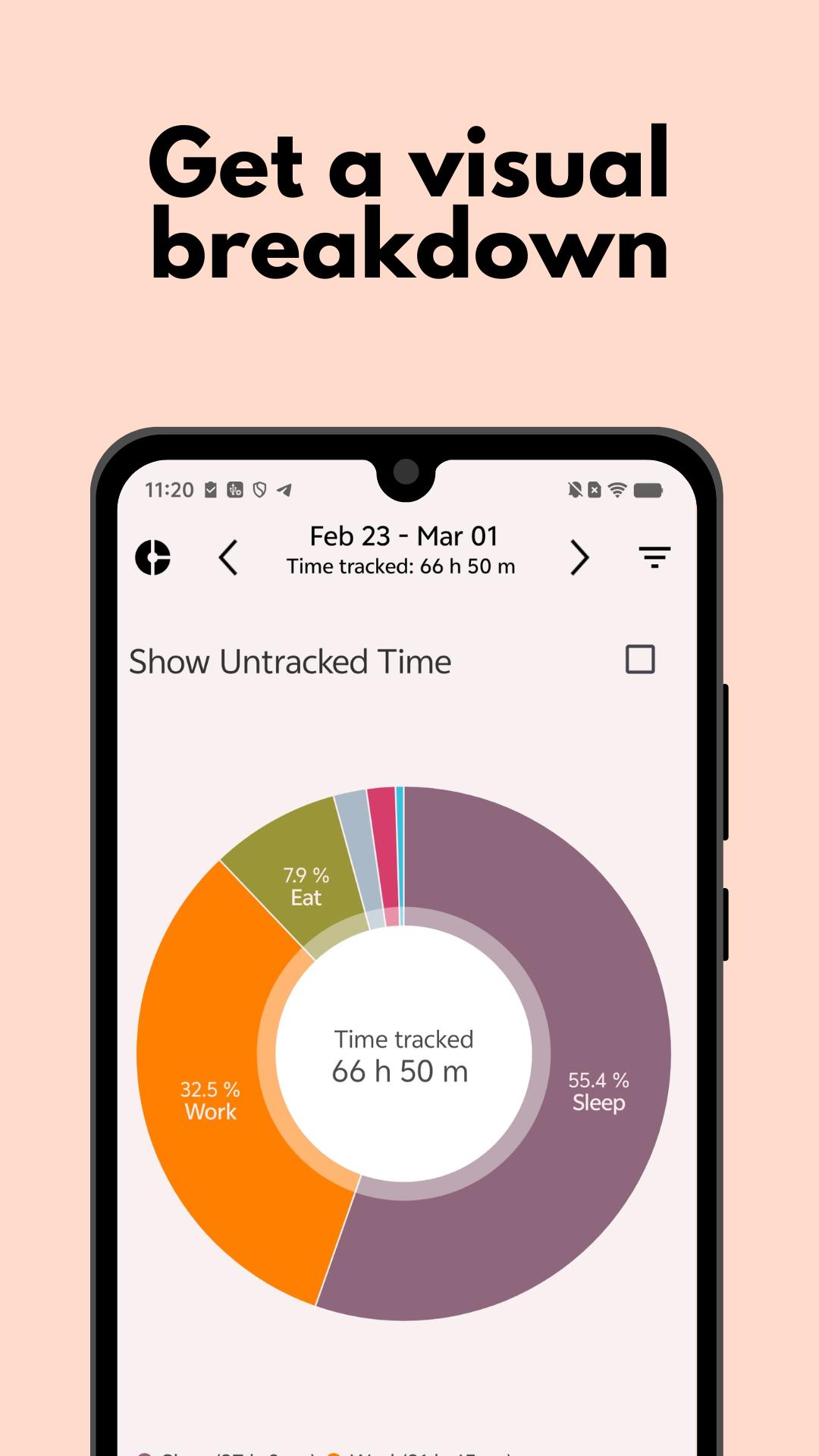
- Advanced Analytics: Dive into extensive time tracking statistics with detailed graphs and pie charts.
- Detailed Reports: Export your time management data in various formats like CSV and HTML for comprehensive reviews.
- Customizable Icons: Personalize your activities with a wide array of icons, making it easier to visualize your daily routine.
- Unmatched Support: Count on our responsive support team to help enhance your productivity with aTimeLogger Pro.
Transform how you manage time and elevate your productivity with aTimeLogger Pro. Count work hours, track tasks & boost efficiency! Control your time — work smarter! Tap into powerful time tracking and manage your day like never before!
Avance
Etiquetas
ProductividadInformación
Desarrollador
BGCI
La última versión
1.5.114
Última actualización
2025-08-02
Categoría
Productividad
Disponible en
Google Play
Mostrar más
Cómo jugar aTimeLogger Pro: Hours Tracker con GameLoop en PC
1. Descargue GameLoop desde el sitio web oficial, luego ejecute el archivo exe para instalar GameLoop.
2. Abra GameLoop y busque "aTimeLogger Pro: Hours Tracker", busque aTimeLogger Pro: Hours Tracker en los resultados de búsqueda y haga clic en "Instalar".
3. Disfruta jugando aTimeLogger Pro: Hours Tracker en GameLoop.
Minimum requirements
OS
Windows 8.1 64-bit or Windows 10 64-bit
GPU
GTX 1050
CPU
i3-8300
Memory
8GB RAM
Storage
1GB available space
Recommended requirements
OS
Windows 8.1 64-bit or Windows 10 64-bit
GPU
GTX 1050
CPU
i3-9320
Memory
16GB RAM
Storage
1GB available space