
PhotoGuru Media Player para PC
CMP-Soft, LLC
Descarga PhotoGuru Media Player en PC con GameLoop Emulator
PhotoGuru Media Player en PC
PhotoGuru Media Player, proveniente del desarrollador CMP-Soft, LLC, se ejecuta en el sistema Android en el pasado.
Ahora, puedes jugar PhotoGuru Media Player en PC con GameLoop sin problemas.
Descárgalo en la biblioteca de GameLoop o en los resultados de búsqueda. No más mirar la batería o llamadas frustrantes en el momento equivocado nunca más.
Simplemente disfrute de PhotoGuru Media Player PC en la pantalla grande de forma gratuita!
PhotoGuru Media Player Introducción
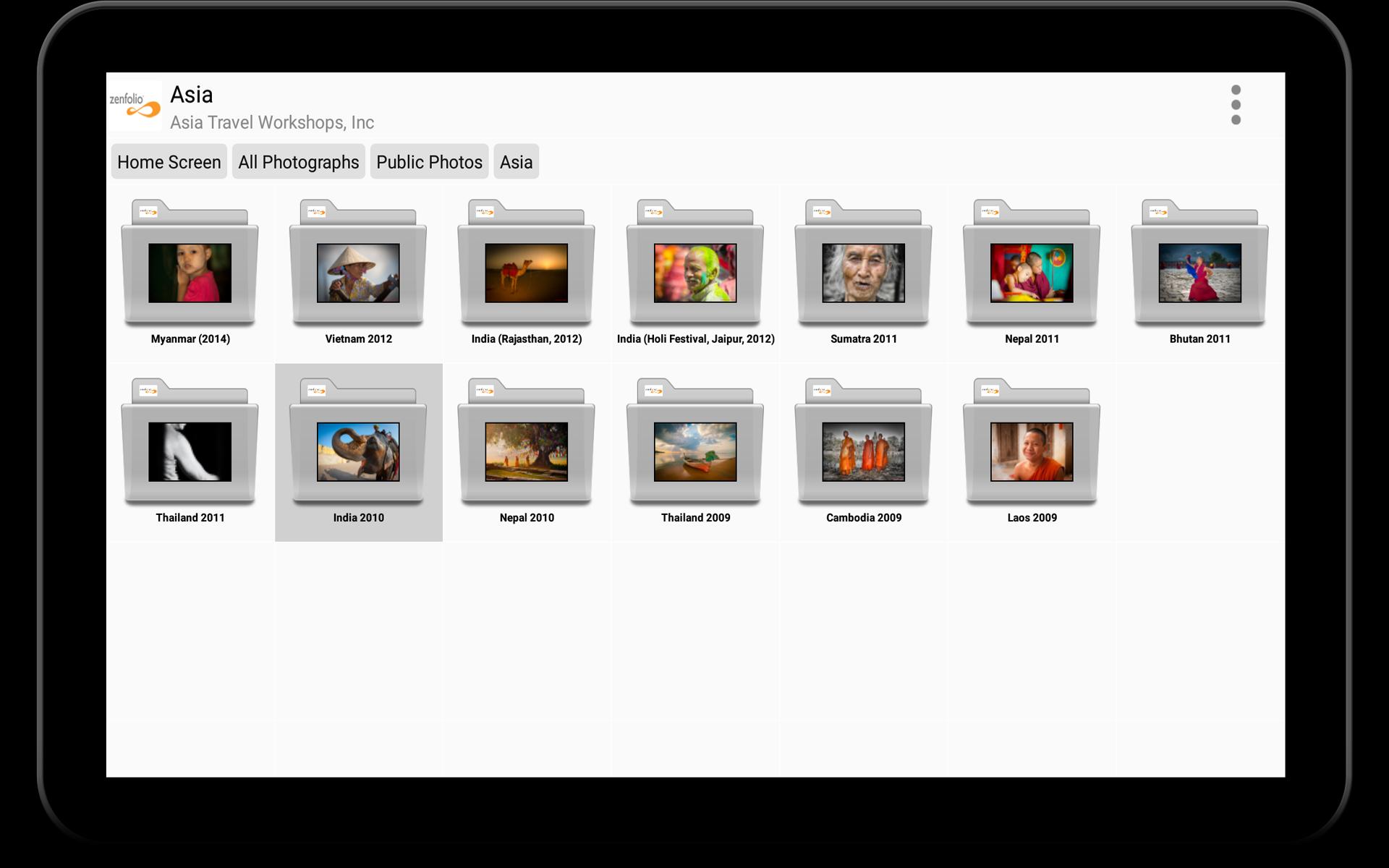
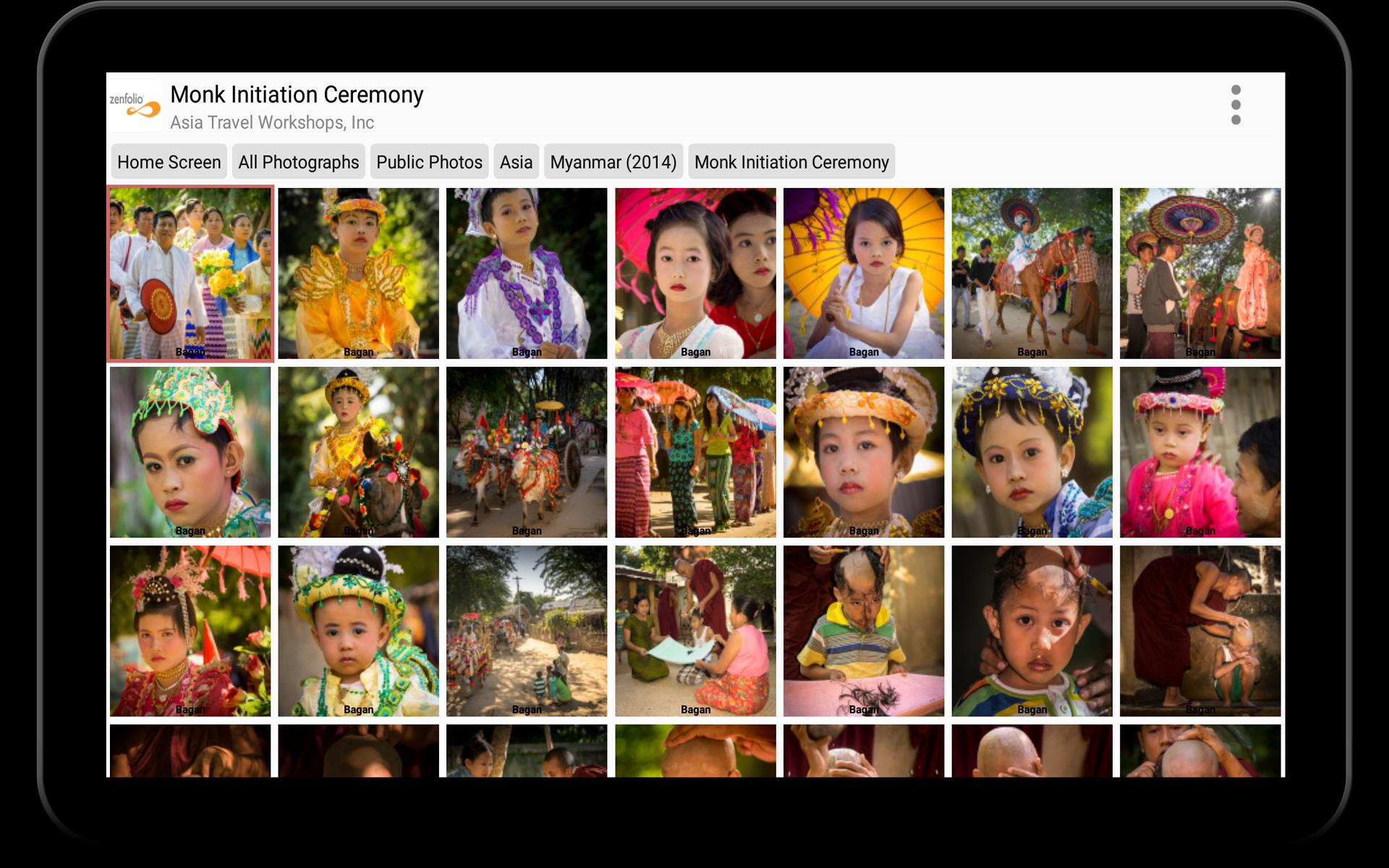
PhotoGuru Media Player is designed to display photos and videos from various file- and photo hosting services on Android-based phones, tablets, smart TVs and set-top boxes. The intuitive and beautiful user interface gives users easy access to the photos and provides an inexpensive way to showcase photos, videos and media presentations in the most professional way possible. PhotoGuru is compatible with Google Android TV devices as well as Amazon’s FireTV media players. 4K/UHD rendering of images is supported on several high-end devices.
The app has been installed >200,000 times from the Google- and Amazon stores and is used in homes, offices and store fronts as well as by promoters during concerts and other events.
PhotoGuru Media Player can access photos and videos from the following cloud-based photo- and file hosting services:
• Dropbox
• Flickr
• Google Drive
• Google Photos
• Local USB Sticks/drives
• Microsoft OneDrive
• SmugMug
• UPnP/DLNA
• Windows Server (Samba, CIFS)
• WebDAV
• Zenfolio
The app supports true 4K/UHD rendering of images on the following devices:
• FireTV 4K (small rectangular box released in 2015)
• FireTV Stick 4K (released in 11/2018)
• NVidia Shield (all versions)
Due to hardware limitations, PhotoGuru does not support 4K rendering on the FireTV 4K dongle that was released in 11/2017.
The app is ad-free and does not cost anything. In order to keep it that way and to remove a trial message within the app, we ask you to purchase the module for the cloud-storage provider that you use for approximately $4.50. Proceeds are used to finance future development of the app and to purchase new equipment for testing.
For more information please visit:
http://www.cmpsoft.com
Avance
Etiquetas
FotografíaInformación
Desarrollador
CMP-Soft, LLC
La última versión
7.0.0.50902
Última actualización
2025-09-13
Categoría
Fotografía
Disponible en
Google Play
Mostrar más
Cómo jugar PhotoGuru Media Player con GameLoop en PC
1. Descargue GameLoop desde el sitio web oficial, luego ejecute el archivo exe para instalar GameLoop.
2. Abra GameLoop y busque "PhotoGuru Media Player", busque PhotoGuru Media Player en los resultados de búsqueda y haga clic en "Instalar".
3. Disfruta jugando PhotoGuru Media Player en GameLoop.
Minimum requirements
OS
Windows 8.1 64-bit or Windows 10 64-bit
GPU
GTX 1050
CPU
i3-8300
Memory
8GB RAM
Storage
1GB available space
Recommended requirements
OS
Windows 8.1 64-bit or Windows 10 64-bit
GPU
GTX 1050
CPU
i3-9320
Memory
16GB RAM
Storage
1GB available space