GPS Map Camera - Job Timestamp para PC
GPS Map Camera
Descarga GPS Map Camera - Job Timestamp en PC con GameLoop Emulator
GPS Map Camera - Job Timestamp en PC
GPS Map Camera - Job Timestamp, proveniente del desarrollador GPS Map Camera, se ejecuta en el sistema Android en el pasado.
Ahora, puedes jugar GPS Map Camera - Job Timestamp en PC con GameLoop sin problemas.
Descárgalo en la biblioteca de GameLoop o en los resultados de búsqueda. No más mirar la batería o llamadas frustrantes en el momento equivocado nunca más.
Simplemente disfrute de GPS Map Camera - Job Timestamp PC en la pantalla grande de forma gratuita!
GPS Map Camera - Job Timestamp Introducción
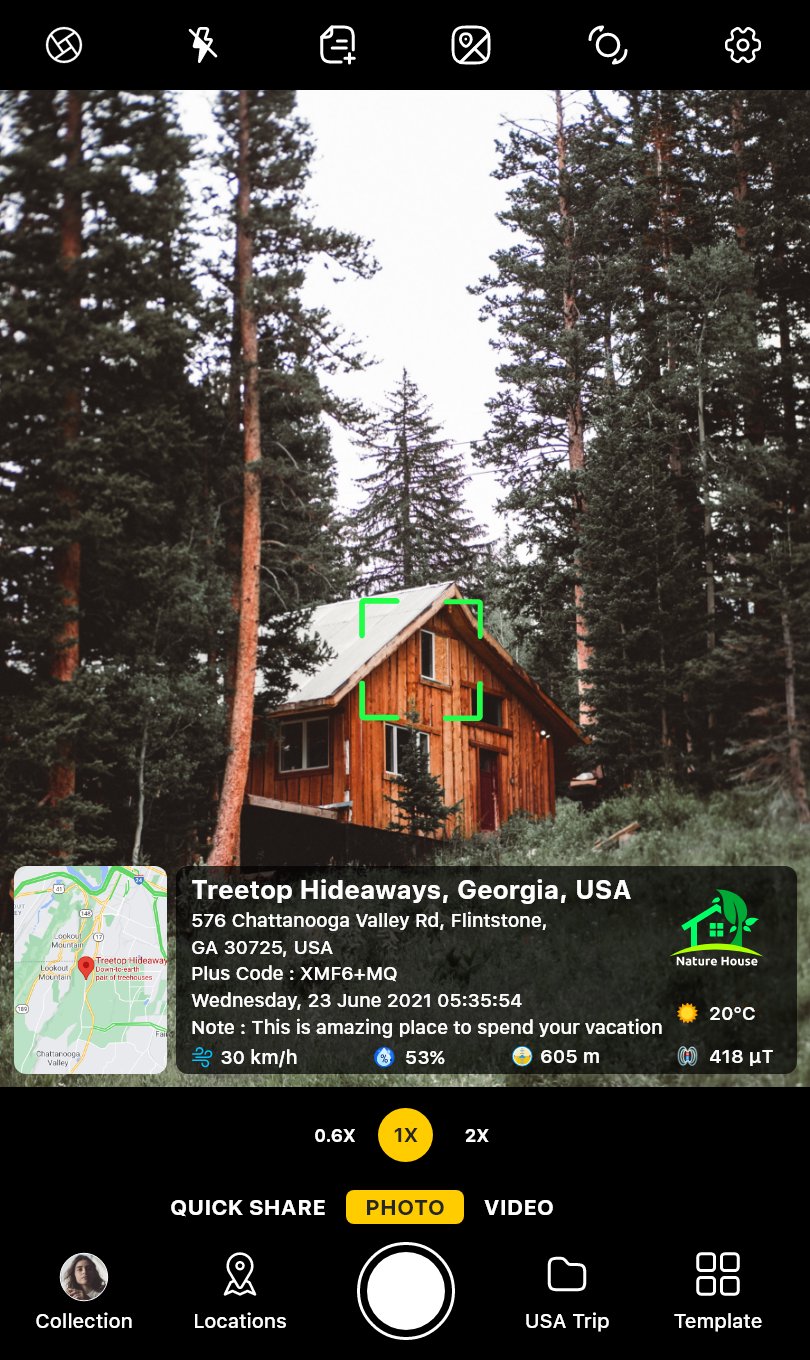
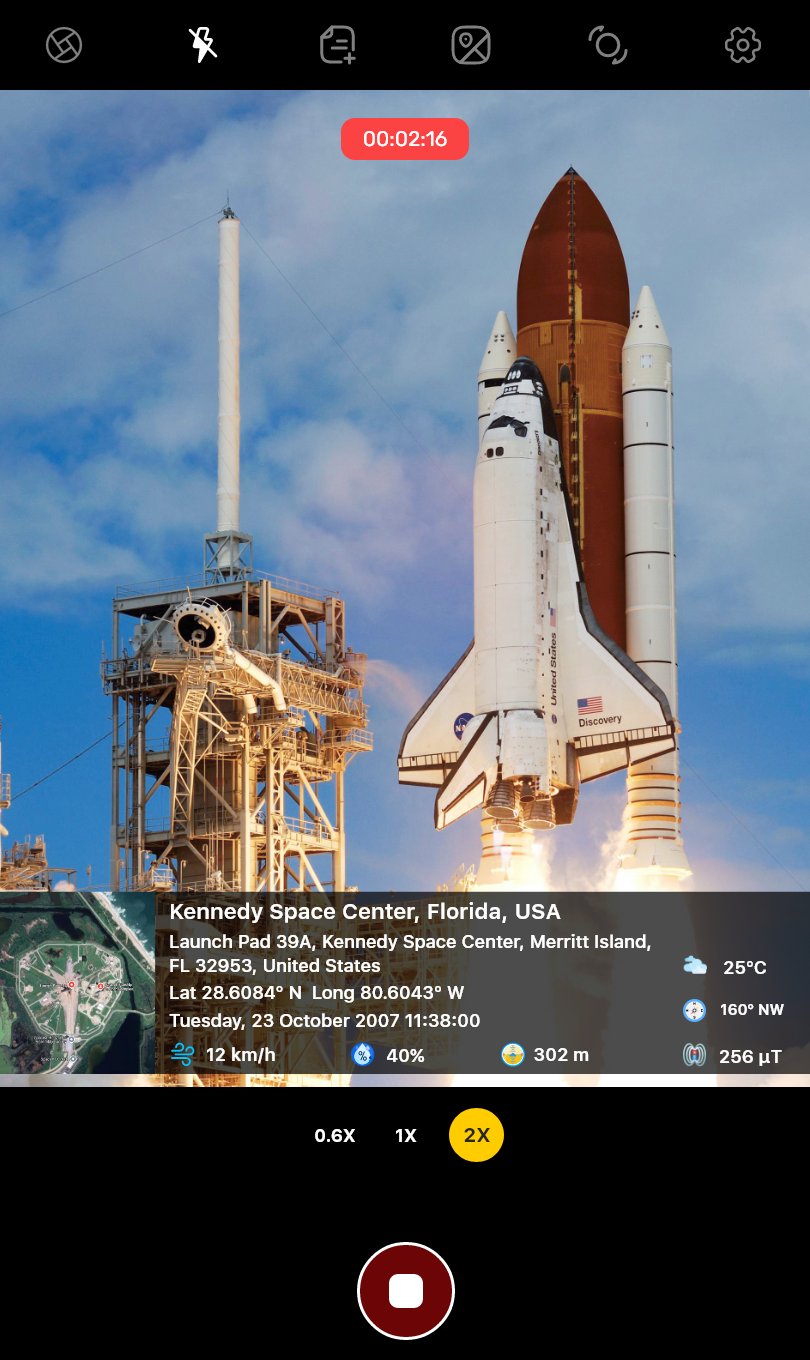
A phone photo on its own proves very little. The date hides in file data that often gets stripped when you text the picture, and "the job was done Tuesday" turns into your word against theirs. GPS Map Camera is a timestamp camera that prints the date, time, address and a live map onto the photo the moment you take it. Text it, email it or print it, and the proof goes with it.
A time and place you can trust
- The date and time come from the network, not your phone's clock, so changing the phone's settings won't change the time stamp
- Fake GPS and mock location apps are detected, so the stamp shows where you actually stood
- Need photo codes anyone can verify, plus team management? Look for GPS Map Camera Enterprise from the same developer
Set it up once, then just shoot
- Save your logo, company name, project name and phone number one time, and every job photo carries them
- Pick a timestamp template and it stays your default
- Save a job site as a named location. Every photo taken there is geotagged as "Smith Residence," not the nearest street
- Photos number themselves, so a set of 40 shows nothing is missing
- Shoot with the volume button, even with gloves on
Your photos reach the office before you do
- Auto-save every timestamped photo to Google Drive or OneDrive
- Auto-email each photo to a client or office inbox as you take it
- The share screen opens right after the shot, so proof of delivery goes out by text before you leave the porch
- Keep a clean, unstamped original next to every stamped copy
One PDF report instead of 30 loose photos
- Reporting mode gathers the day's job photos into a branded PDF with your logo, title and remarks
- Report details are saved, so the next one takes minutes
- Only photos taken in the app can go into a report, so every page carries a real time stamp
- Send it as a PDF, or as an image that opens on any phone
When the conditions matter too
- Weather in °F, wind and humidity print next to the GPS location, useful for hail, storm damage or a day lost to rain
- Compass heading and GPS coordinates help you retake the exact same shot next month
Who uses this GPS camera
- Contractors and handymen: show the work was finished, and when, before the invoice goes out
- Renters and landlords: photograph every room at move-in and move-out with a date and time stamp on each shot
- Homeowners: timestamp and geotag storm or water damage before repairs start, for your insurance claim
- Delivery drivers: keep your own proof of delivery with the address and time
- Farmers and ranchers: geotagged, dated records of fields, fences and livestock
- Hikers and hunters: geotag trailheads and campsites so you can find them again
GPS camera templates for every kind of job
- Date & Time: a big, easy-to-read time stamp for crew check-ins
- Scan Location: a QR code that opens the exact spot on a map
- Navigation Compass: heading, altitude and magnetic field
- Advanced and Classic: show as much or as little as you need
Free to use, Premium if you want it clean
The GPS camera, your logo, project name and PDF reports are free. Premium removes ads and our watermark, so clients see your business, not ours.
GPS Map Camera: job timestamp proof, done for you.
Avance
Etiquetas
FotografíaInformación
Desarrollador
GPS Map Camera
La última versión
1.9.47
Última actualización
2026-11-18
Categoría
Fotografía
Disponible en
Google Play
Mostrar más
Cómo jugar GPS Map Camera - Job Timestamp con GameLoop en PC
1. Descargue GameLoop desde el sitio web oficial, luego ejecute el archivo exe para instalar GameLoop.
2. Abra GameLoop y busque "GPS Map Camera - Job Timestamp", busque GPS Map Camera - Job Timestamp en los resultados de búsqueda y haga clic en "Instalar".
3. Disfruta jugando GPS Map Camera - Job Timestamp en GameLoop.
Minimum requirements
OS
Windows 8.1 64-bit or Windows 10 64-bit
GPU
GTX 1050
CPU
i3-8300
Memory
8GB RAM
Storage
1GB available space
Recommended requirements
OS
Windows 8.1 64-bit or Windows 10 64-bit
GPU
GTX 1050
CPU
i3-9320
Memory
16GB RAM
Storage
1GB available space