Durga Devi Photo Frames para PC
JMR APPS
Descarga Durga Devi Photo Frames en PC con GameLoop Emulator
Durga Devi Photo Frames en PC
Durga Devi Photo Frames, proveniente del desarrollador JMR APPS, se ejecuta en el sistema Android en el pasado.
Ahora, puedes jugar Durga Devi Photo Frames en PC con GameLoop sin problemas.
Descárgalo en la biblioteca de GameLoop o en los resultados de búsqueda. No más mirar la batería o llamadas frustrantes en el momento equivocado nunca más.
Simplemente disfrute de Durga Devi Photo Frames PC en la pantalla grande de forma gratuita!
Durga Devi Photo Frames Introducción
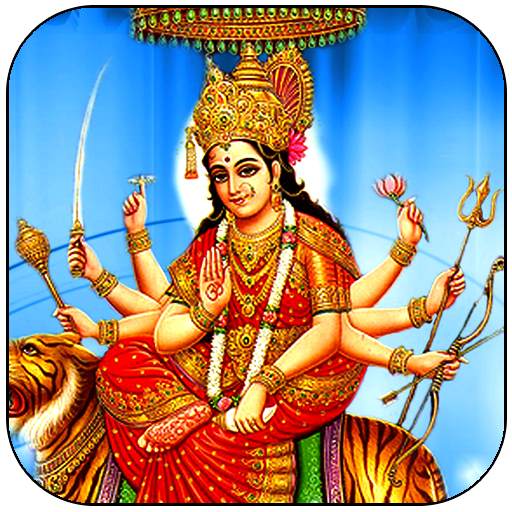
Durga, also known as Devi, Shakti and by numerous other names, is a principal and popular form of Hindu goddess. She is the warrior goddess, whose mythology centers around combating evils and demonic forces that threaten peace, prosperity and dharma of the good. She is the fierce form of the protective mother goddess, willing to unleash her anger against wrong, violence for liberation and destruction to empower creation.
urga is depicted in the Hindu pantheon as a fearless woman riding a lion or tiger, with many arms each carrying a weapon, often defeating the mythical buffalo demon. She appears in Indian texts as the wife of god Shiva, as another form of Parvathi or mother goddess.
She is a central deity in Shaktism tradition of Hinduism, where she is equated with the concept of ultimate reality called Brahman. One of the most important texts of Shaktism is Devi Mahatyam, also called as Durga Saptashati, which celebrates Durga as the Goddess, declaring her as the Supreme Being and the creator of the universe. this text is considered by Shakti Hindus to be as important scripture as the Bhagavad Gita. She has a significant following all over India and in Nepal, particularly in its eastern states such as West Bengal, Odisha, Jharkhand, Assam and Bihar. Durga is revered after spring and autumn harvests, specially during the festival of Navaratri.
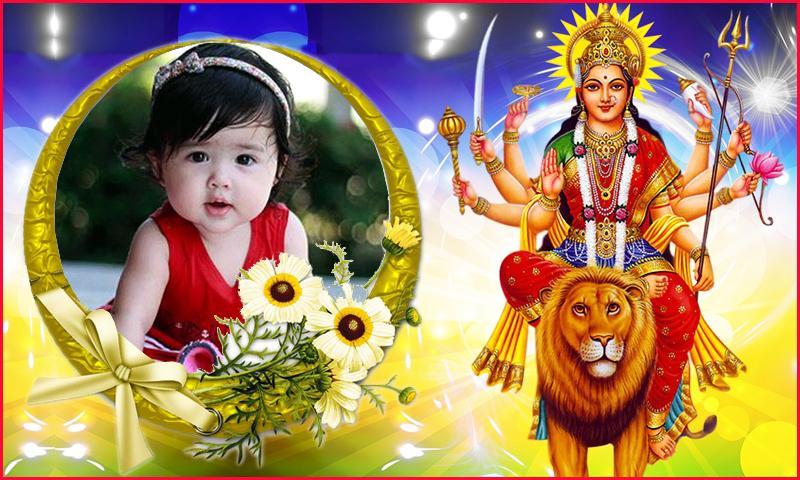
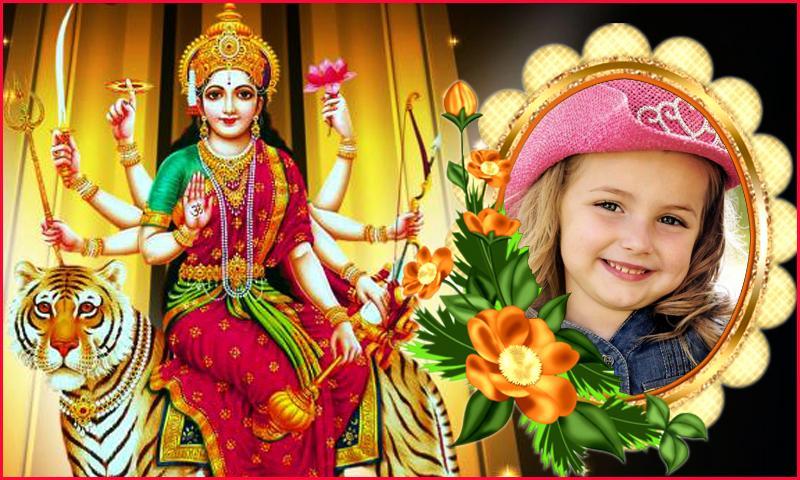
This festival Rejoice and send your Navaratri greetings with lovely Durga Devi Photo frames to your family and friend by sharing and customize with this Photo frames Android application.
Durgadevi Photo Frames maker has finest collection of Durga Photo frames and photo editor that helps you stitch up your personalized photos with frames and photo.
This Photo Frames application have an easy design with a powerful and an incredible photo editor!
Get pleasure from making exceptional your personalized Dussehra greetings with Navaratri photo Frames, You will certainly like your and love Navaratri photo Frames!
FEATURES:
-Many Photo Frames available.
-Enter text, with different font color and style
-Easy to use.
-Select a photo from gallery or capture it with your camera phone in real time.
-Rotate, scale, zoom in, zoom out or drag the photo to fit the frame as you like.
-Save your image to memory card.
-This application supports all screen resolutions of mobile and tablet devices.
-Save your new edited frame and share it instantly on social networks.
-Share your images via WhatsApp, Telegram, Line, Facebook, Twitter, email and other social networks.
-this application does not require internet connection.
-It is completely free download.
if you like this app plz send your feedback & suggestions to jmrapps7@gmail.com
Avance
Etiquetas
FotografíaInformación
Desarrollador
JMR APPS
La última versión
1.0.6
Última actualización
2021-04-09
Categoría
Fotografía
Disponible en
Google Play
Mostrar más
Cómo jugar Durga Devi Photo Frames con GameLoop en PC
1. Descargue GameLoop desde el sitio web oficial, luego ejecute el archivo exe para instalar GameLoop.
2. Abra GameLoop y busque "Durga Devi Photo Frames", busque Durga Devi Photo Frames en los resultados de búsqueda y haga clic en "Instalar".
3. Disfruta jugando Durga Devi Photo Frames en GameLoop.
Minimum requirements
OS
Windows 8.1 64-bit or Windows 10 64-bit
GPU
GTX 1050
CPU
i3-8300
Memory
8GB RAM
Storage
1GB available space
Recommended requirements
OS
Windows 8.1 64-bit or Windows 10 64-bit
GPU
GTX 1050
CPU
i3-9320
Memory
16GB RAM
Storage
1GB available space