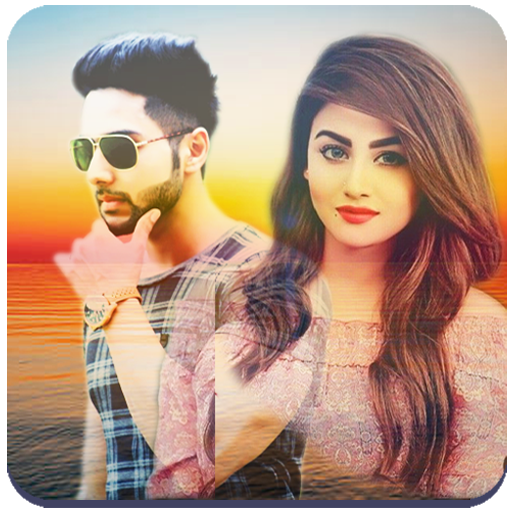
Dual Photo Mixer - Photo joint para PC
MVLTR Apps
Descarga Dual Photo Mixer - Photo joint en PC con GameLoop Emulator
Dual Photo Mixer - Photo joint en PC
Dual Photo Mixer - Photo joint, proveniente del desarrollador MVLTR Apps, se ejecuta en el sistema Android en el pasado.
Ahora, puedes jugar Dual Photo Mixer - Photo joint en PC con GameLoop sin problemas.
Descárgalo en la biblioteca de GameLoop o en los resultados de búsqueda. No más mirar la batería o llamadas frustrantes en el momento equivocado nunca más.
Simplemente disfrute de Dual Photo Mixer - Photo joint PC en la pantalla grande de forma gratuita!
Dual Photo Mixer - Photo joint Introducción
Dual Photo Editor – Double Photo Frame & Photo Joint App
Create beautiful photo blends and double photo effects easily with Dual Photo Editor – the ultimate app for merging two pictures creatively!
Want to join two photos side by side or blend them elegantly? With this 2 Photo Joint Editor app, you can mix two images to create stunning Double Photo Frames you can easily combine two photos, apply stylish photo frames, and make your memories even more special.
Features:
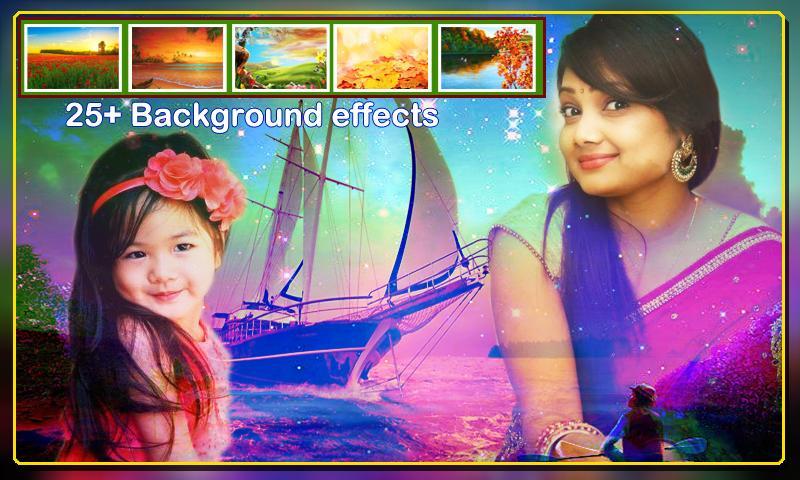
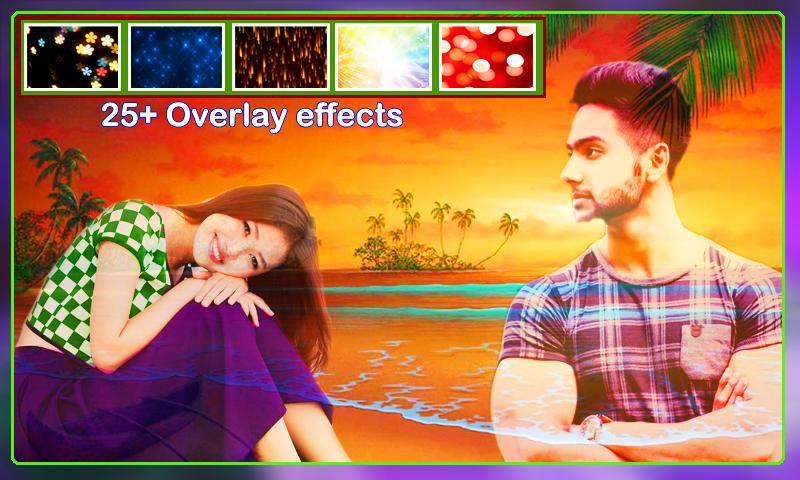
Dual Photo Mix : Merge two photos—background and foreground—using a selection of blending modes like Overlay, Multiply, and Screen. Adjust opacity and positioning with intuitive controls (pinch, drag, rotate).
Photo Frame: Enclose your blend within stylish frames and borders. Customize thickness, color, and opacity for perfect presentation.
Photo Collage: Combine multiple images into grid or freestyle layouts. Adjust spacing, borders, backgrounds, and shadows to create personalized collages.
Transparent Photo : This transparent photo seamlessly merges with any background, creating a unique mixed visual effect. Easily customize by changing background images to suit your style or theme.
Photo Joint App:Merge two memories into one with our easy-to-use photo join app! Seamlessly combine two photos side by side or top to bottom in a single frame. Perfect for before-and-after shots, comparison photos, or creating beautiful collages. Fast, free, and simple — create your perfect picture combo in seconds!
Photo Album : Save and organize your edited images in gallery .View, share, or delete creations at any time.
How to Use:
Launch the app and choose your mode: Dual Photo Mix, Double Photo Frame, Photo Collage, or Transparent Photo.
Select your photos and start editing.
Apply blending, frames, text, stickers, and filters.
Save your creation to the photo album.
Share your pics on Instagram, Facebook, WhatsApp, and more!
Download Dual Photo Blender now and turn your photos into creative works of art with the best dual photo editor and photo joint app!
Avance
Etiquetas
FotografíaInformación
Desarrollador
MVLTR Apps
La última versión
1.58
Última actualización
2025-10-28
Categoría
Fotografía
Disponible en
Google Play
Mostrar más
Cómo jugar Dual Photo Mixer - Photo joint con GameLoop en PC
1. Descargue GameLoop desde el sitio web oficial, luego ejecute el archivo exe para instalar GameLoop.
2. Abra GameLoop y busque "Dual Photo Mixer - Photo joint", busque Dual Photo Mixer - Photo joint en los resultados de búsqueda y haga clic en "Instalar".
3. Disfruta jugando Dual Photo Mixer - Photo joint en GameLoop.
Minimum requirements
OS
Windows 8.1 64-bit or Windows 10 64-bit
GPU
GTX 1050
CPU
i3-8300
Memory
8GB RAM
Storage
1GB available space
Recommended requirements
OS
Windows 8.1 64-bit or Windows 10 64-bit
GPU
GTX 1050
CPU
i3-9320
Memory
16GB RAM
Storage
1GB available space