DateCamera2 (Date & Location) para PC
Office110
Descarga DateCamera2 (Date & Location) en PC con GameLoop Emulator
DateCamera2 (Date & Location) en PC
DateCamera2 (Date & Location), proveniente del desarrollador Office110, se ejecuta en el sistema Android en el pasado.
Ahora, puedes jugar DateCamera2 (Date & Location) en PC con GameLoop sin problemas.
Descárgalo en la biblioteca de GameLoop o en los resultados de búsqueda. No más mirar la batería o llamadas frustrantes en el momento equivocado nunca más.
Simplemente disfrute de DateCamera2 (Date & Location) PC en la pantalla grande de forma gratuita!
DateCamera2 (Date & Location) Introducción
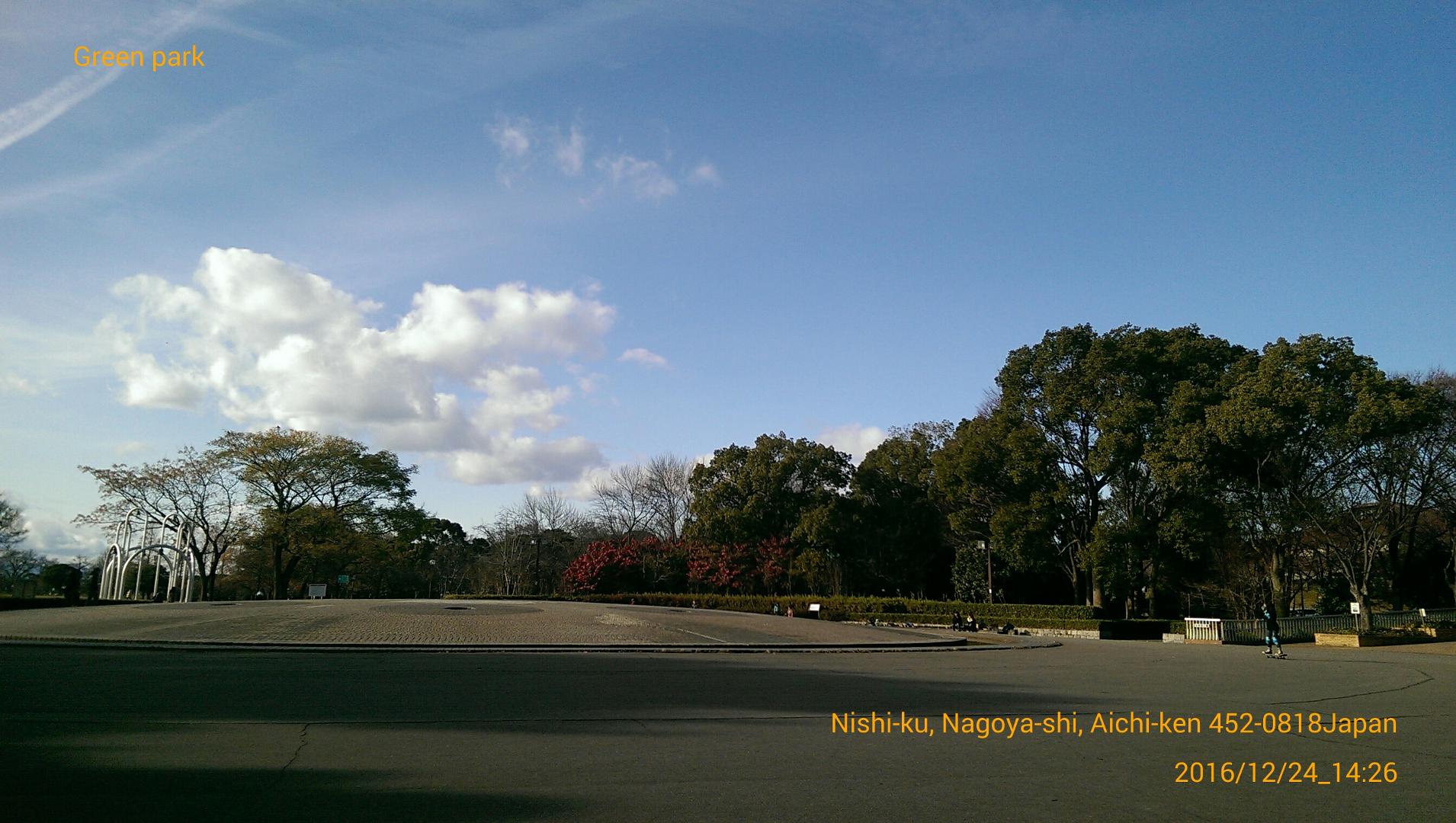
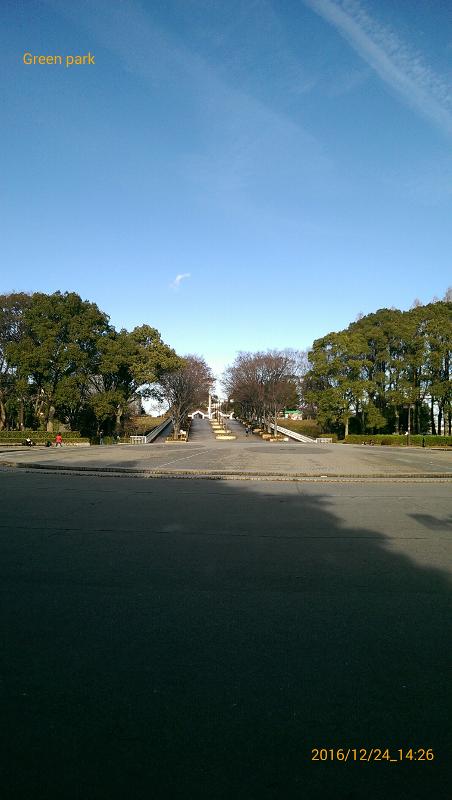
It is a camera that allows you to put the shooting date, current location, and simple text in the image.You can select the date type and color. You can also record the current location. It can be used for traveling and business records shooting important scenes, which will be useful for later management.With this "DateCamera2", simple text can be included, and operation has also been reduced in weight!
==Simple text(Text button)==
You can enter a simple single line of text.
You can switch between display and non-display.
==Display of location name(Location button)==
Display the current location.Each time you press the button, you can switch the display.
You can delete the text by long tapping the place name.Permission is required to use location information.If an error occurred, please enable (ON) the location from the setting screen of the smartphone.
==Date type(Style button)==
11 types.
==Date color(Color button)==
You can change the color and transparency you like.
==Text size(Size button)==
You can change the font size in 5 levels.
==Camera button==
Start shooting.
==Grid button==
Switches between grid display and individual display.
==Folder button==
Change the image save destination.
==Open button==
Select the captured image.
Thumbnails are displayed on the screen for the selected image.
By tapping the image, you can display full screen or delete it.
==Share button==
You can post images currently being displayed on other applications such as Twitter.
==Direction to insert date==
2 types.Automatic switching.
==Save image==
Save format(.jpeg)
Important point
Depending on your smartphone, images before processing without date may be saved in duplicate.
Even if you delete it, it is okay because the date-containing image is saved.
==Recommended operating environment==
Android 4.4 or later
== Privacy Policy Overview ==
This application acquires camera functions and positional information.This data shall not be utilized for any purpose aside from the use of this app and to serve advertisements.
For details on the Privacy Policy,please refer to the page below.
https://office110.info/policy_datecamera2.html
You can navigate to the above address from the Privacy Policy link in the developer information.
Avance
Etiquetas
FotografíaInformación
Desarrollador
Office110
La última versión
1.5.0
Última actualización
2025-05-13
Categoría
Fotografía
Disponible en
Google Play
Mostrar más
Cómo jugar DateCamera2 (Date & Location) con GameLoop en PC
1. Descargue GameLoop desde el sitio web oficial, luego ejecute el archivo exe para instalar GameLoop.
2. Abra GameLoop y busque "DateCamera2 (Date & Location)", busque DateCamera2 (Date & Location) en los resultados de búsqueda y haga clic en "Instalar".
3. Disfruta jugando DateCamera2 (Date & Location) en GameLoop.
Minimum requirements
OS
Windows 8.1 64-bit or Windows 10 64-bit
GPU
GTX 1050
CPU
i3-8300
Memory
8GB RAM
Storage
1GB available space
Recommended requirements
OS
Windows 8.1 64-bit or Windows 10 64-bit
GPU
GTX 1050
CPU
i3-9320
Memory
16GB RAM
Storage
1GB available space