Crop Camera - auto crop photo para PC
hardcoded joy
Descarga Crop Camera - auto crop photo en PC con GameLoop Emulator
Crop Camera - auto crop photo en PC
Crop Camera - auto crop photo, proveniente del desarrollador hardcoded joy, se ejecuta en el sistema Android en el pasado.
Ahora, puedes jugar Crop Camera - auto crop photo en PC con GameLoop sin problemas.
Descárgalo en la biblioteca de GameLoop o en los resultados de búsqueda. No más mirar la batería o llamadas frustrantes en el momento equivocado nunca más.
Simplemente disfrute de Crop Camera - auto crop photo PC en la pantalla grande de forma gratuita!
Crop Camera - auto crop photo Introducción
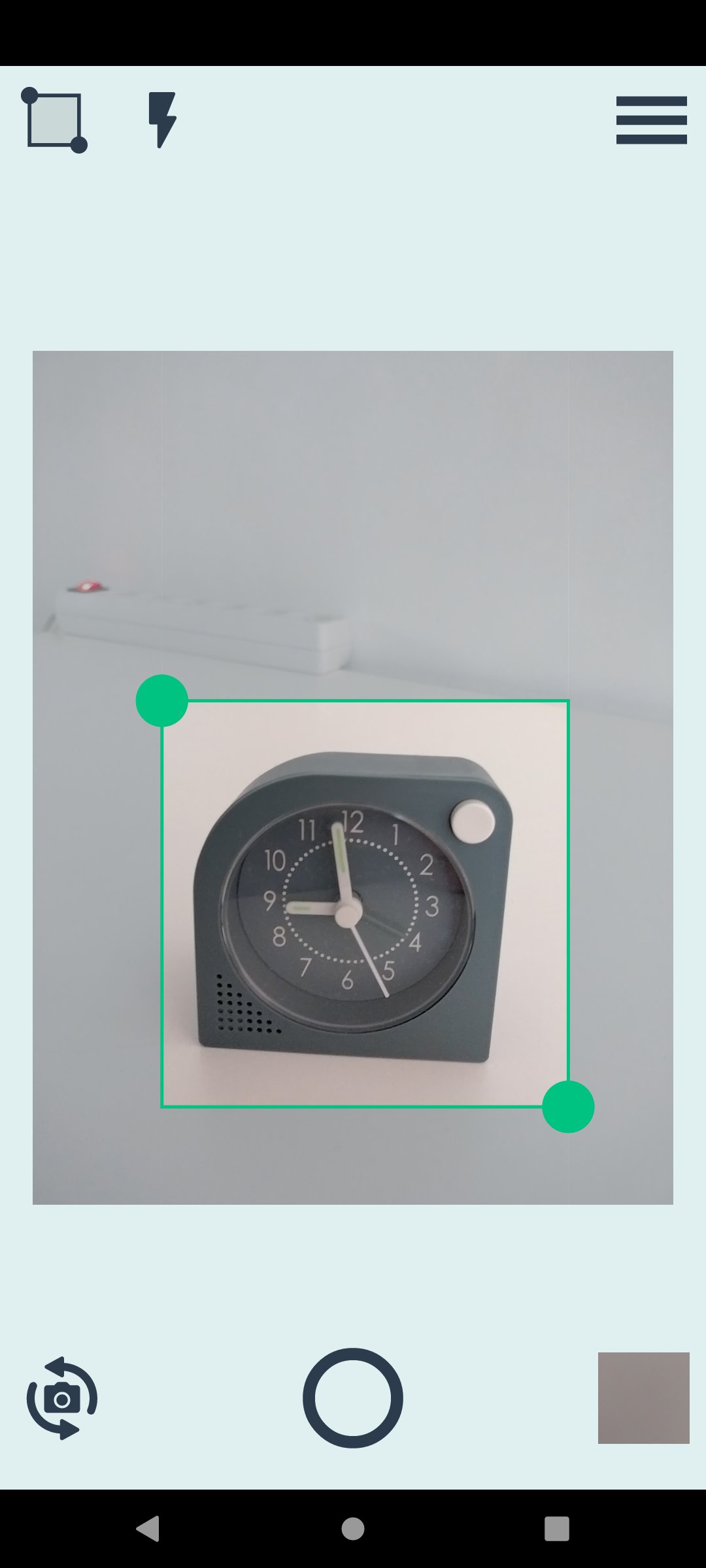
Crop Camera (former "Custom Size Camera") allows you to perform 3 operations at once:
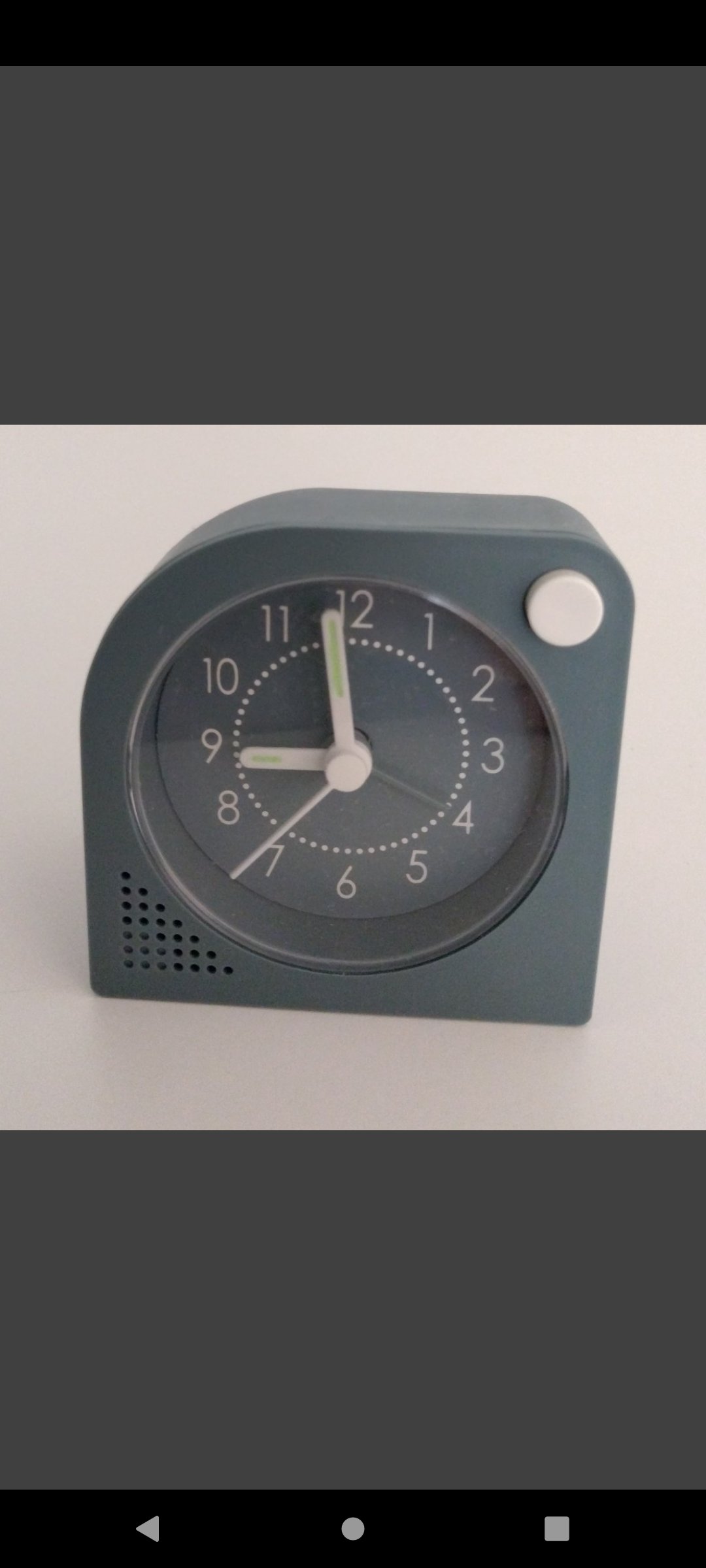
Take a picture + Crop the image + Scale the image to the desired resolution.
The app is useful when taking pictures for:
• social media posts
• writing articles
• products to upload to a store
• documentation for a DIY project
• recipes
• etc.
Features:
• selectable camera (back facing camera / front facing camera)
• adjustable crop region dispalyed on top of the camera preview
• output resolution is selectable from a list of presets
• output resolution presets can be edited in the app settings
• the crop region automatically keeps the asppect ratio of the current output resolution
• selectable output image format (JPG / PNG)
• configurable output JPEG quality (for JPG)
• configurable review time (output image is displayed after a picture si taken)
• configurable storage folder
• in-app image gallery (see the pictures taken, zoom, share, delete)
Free version limitations:
• output image format JPG only
• output JPEG quality 90% only
• the list of output resolution presets is limited to 5 entries.
• the output image width and height are limited to the interval [500, 1600] pixels.
Users can upgrade to Premium Version via in-app purchase (one time payment).
Premium advantages:
• no ads
• adjustable JPEG quality
• output size below 500 px is also accepted
• output size above 1600 px is also accepted, limited only by the device's resources
• store more than 5 presets for the output size
• additional output image format: PNG
Combine with Folder Server app -> take pictures with phone, access them on PC.
Avance
Etiquetas
FotografíaInformación
Desarrollador
hardcoded joy
La última versión
1.3.4
Última actualización
2025-08-06
Categoría
Fotografía
Disponible en
Google Play
Mostrar más
Cómo jugar Crop Camera - auto crop photo con GameLoop en PC
1. Descargue GameLoop desde el sitio web oficial, luego ejecute el archivo exe para instalar GameLoop.
2. Abra GameLoop y busque "Crop Camera - auto crop photo", busque Crop Camera - auto crop photo en los resultados de búsqueda y haga clic en "Instalar".
3. Disfruta jugando Crop Camera - auto crop photo en GameLoop.
Minimum requirements
OS
Windows 8.1 64-bit or Windows 10 64-bit
GPU
GTX 1050
CPU
i3-8300
Memory
8GB RAM
Storage
1GB available space
Recommended requirements
OS
Windows 8.1 64-bit or Windows 10 64-bit
GPU
GTX 1050
CPU
i3-9320
Memory
16GB RAM
Storage
1GB available space