SnapVault Media & File Manager para PC
TechnoBrains
Descarga SnapVault Media & File Manager en PC con GameLoop Emulator
SnapVault Media & File Manager en PC
SnapVault Media & File Manager, proveniente del desarrollador TechnoBrains, se ejecuta en el sistema Android en el pasado.
Ahora, puedes jugar SnapVault Media & File Manager en PC con GameLoop sin problemas.
Descárgalo en la biblioteca de GameLoop o en los resultados de búsqueda. No más mirar la batería o llamadas frustrantes en el momento equivocado nunca más.
Simplemente disfrute de SnapVault Media & File Manager PC en la pantalla grande de forma gratuita!
SnapVault Media & File Manager Introducción
📸 SnapVault - Auto Secure Gallery 🌟
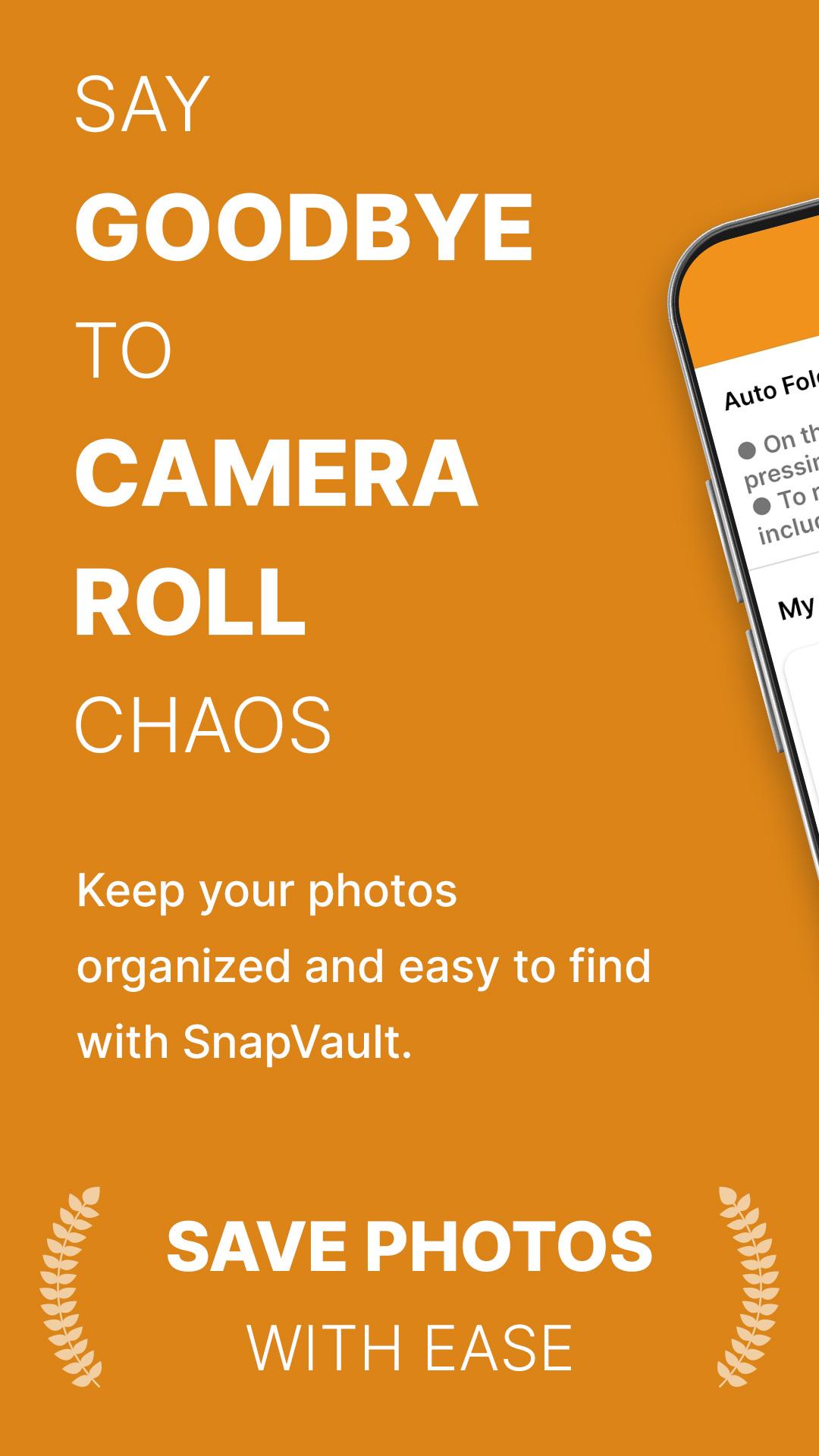
SnapVault empowers you to reclaim control of your photo and video collection like never before. Say goodbye to cluttered galleries and unprotected memories - SnapVault simplifies media management and ensures your private moments stay truly private.
🔒 Create Your Personal Secret Gallery: Unlock the power to create your very own secret gallery within SnapVault. Once you've made your purchase, you can securely store your most treasured photos and videos away from prying eyes. Capturing images using your device's default camera? They'll automatically be saved to your SnapVault secret folder, ensuring that your cherished memories remain for your eyes only.
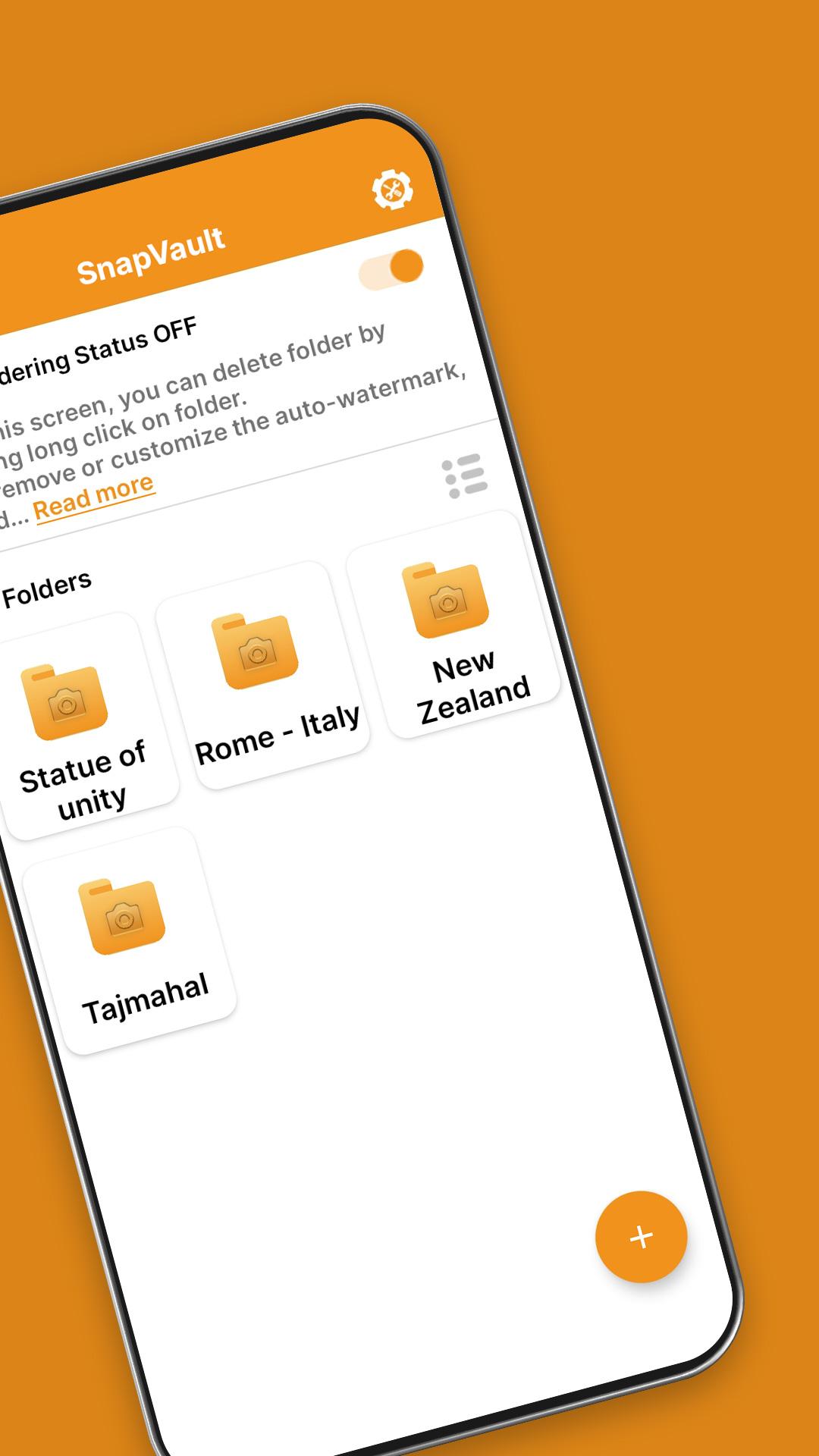
📂 Organize and Personalize: SnapVault takes the hassle out of organization. Craft custom folders to sort your media by events, people, or whatever criteria you choose. Keep your photos and videos elegantly organized, so you can effortlessly rediscover your favorite moments.
⚡ Swift and Intuitive: Capture life's moments in an instant using SnapVault's in-app camera or import your existing media from your device's gallery. Our user-friendly interface ensures seamless navigation, making it effortless to access and manage your media with just a few taps.
🖋️ Personalize Your Photos: Make your photos uniquely yours! SnapVault's Auto Signature feature allows you to add personalized signatures or watermarks to your photos. Customize the text, font, size, and position to add a professional touch or showcase your creative flair.
🔄 Import and Export: SnapVault offers the flexibility to import media from your device's gallery into your secret folder or export content to your gallery when needed. Take charge of your media, your way.
🏢 Industry Uses: SnapVault isn't just for personal use - it's a powerful tool for various industries too:
🏗️ Construction: Capture images and videos of construction sites, document progress, and track issues during the building process.
🏡 Real Estate: Take photos and record videos of properties for listing purposes, keeping track of essential details such as square footage, room count, and amenities.
🏢 Insurance: Capture visual evidence of damage to vehicles, buildings, and other property to aid in the claims process for insurance adjusters.
🏭 Manufacturing: Document production processes, track quality control and identify areas for improvement in the manufacturing industry.
🏥 Healthcare: Capture images and videos of patient injuries, track the healing process, and monitor any changes for healthcare professionals.
🌟 Perfect for All: Whether you're a photography enthusiast, content creator, or simply someone who cherishes their memories, SnapVault is the ideal app for keeping your media organized, accessible, and secure.
Download SnapVault now and experience the joy of a clutter-free, secure, and personalized media library! Safeguard your memories with SnapVault, where your secret gallery awaits. #SnapVaultingMemories
Avance
Etiquetas
FotografíaInformación
Desarrollador
TechnoBrains
La última versión
4.0.4
Última actualización
2023-11-21
Categoría
Fotografía
Disponible en
Google Play
Mostrar más
Cómo jugar SnapVault Media & File Manager con GameLoop en PC
1. Descargue GameLoop desde el sitio web oficial, luego ejecute el archivo exe para instalar GameLoop.
2. Abra GameLoop y busque "SnapVault Media & File Manager", busque SnapVault Media & File Manager en los resultados de búsqueda y haga clic en "Instalar".
3. Disfruta jugando SnapVault Media & File Manager en GameLoop.
Minimum requirements
OS
Windows 8.1 64-bit or Windows 10 64-bit
GPU
GTX 1050
CPU
i3-8300
Memory
8GB RAM
Storage
1GB available space
Recommended requirements
OS
Windows 8.1 64-bit or Windows 10 64-bit
GPU
GTX 1050
CPU
i3-9320
Memory
16GB RAM
Storage
1GB available space