
PicMa: AI Video&Photo Enhancer para PC
PicMa
Descarga PicMa: AI Video&Photo Enhancer en PC con GameLoop Emulator
PicMa: AI Video&Photo Enhancer en PC
PicMa: AI Video&Photo Enhancer, proveniente del desarrollador PicMa, se ejecuta en el sistema Android en el pasado.
Ahora, puedes jugar PicMa: AI Video&Photo Enhancer en PC con GameLoop sin problemas.
Descárgalo en la biblioteca de GameLoop o en los resultados de búsqueda. No más mirar la batería o llamadas frustrantes en el momento equivocado nunca más.
Simplemente disfrute de PicMa: AI Video&Photo Enhancer PC en la pantalla grande de forma gratuita!
PicMa: AI Video&Photo Enhancer Introducción
Elevate Your Photos and Videos with a Single Tap!
Transform ordinary moments into extraordinary memories with PicMa! Harness the power of AI to enhance photos and videos instantly. Whether you're restoring cherished family photos, predicting your future child's appearance, or creating heartwarming moments like virtual hugs, kisses, and dance moves—PicMa brings it all to life with a single tap.
Explore Our AI-Powered Features:
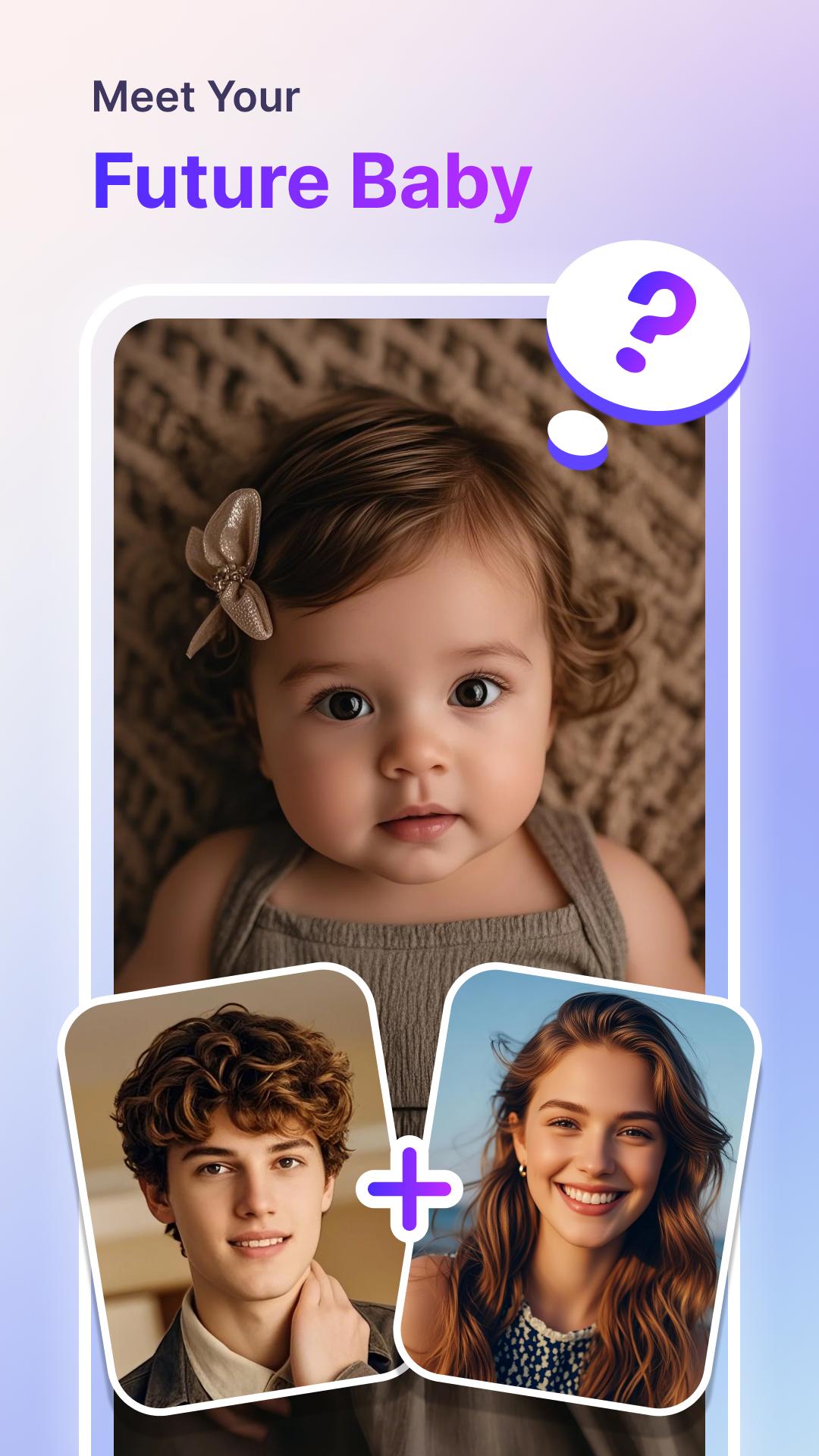
· AI Baby – Future Baby Generator: Curious about your future child? Upload a photo of you and your loved one, and let AI give you a sneak peek of the future!
· AI Hug Video – Hugs Across Time & Space: Reconnect with loved ones or your younger self through AI Hug Videos. Transform photos into heartwarming hug moments that bridge any distance.
· AI Kiss Video – Add a Romantic Touch: Bring a playful and affectionate AI kiss effect to your photos, making those special moments even sweeter.
· Revive Video – Make Your Photos Move: Add energy to your images with the Revive feature, turning static photos into vivid AI videos.
· Video Enhance – Instant Video Upgrades: Instantly enhance video quality, boosting clarity, color, and appeal with AI video technology.
· One-Tap Enhancement: Instantly enhance portraits, pet photos, landscapes, and more with just one tap.
· Restore Old Photos: Restore photos with cutting-edge AI photo algorithm. Breathe new life into faded or blur remini photos by removing scratches and blurriness.
· Dress Up & Hair Style: Experiment with endless styles - change your dress, makeup and hairstyle effortlessly to discover your perfect look in a lightroom. Dress up now!
· Colorize B&W Photos: Bring color to your black-and-white images, making them vibrant and modern.
· Remove Unwanted Objects: Effortlessly clean up your photos by removing distracting background elements.
· Easy Photo Editor: Fine-tune your images with advanced editing tools for a polished airbrush look in less than a minute.
· Magic Filter: Unlock a world of creativity with our diverse Magic Filters - enhance your remini photos with stunning, unique styles!
· AI Photo Styles: Use AI to generate new perspectives and styles, pushing the limits of your creativity.
Why Choose PicMa?
Join millions who trust PicMa to enhance, restore, and create their photos and videos. Whether you're a casual user or a pro, PicMa makes powerful AI tools accessible for everyone.
Subscription Plans:
Unlock premium features with flexible subscription options—weekly, monthly, or yearly plans. Payment is managed via your Google Account, with easy renewals and management to turn off in Account Settings.
Contact Us:
For support or inquiries, email us at picma_support@magictiger.ai
Terms of Use: https://magictiger.ai/picma/termsofuse.html
Privacy Policy: https://magictiger.ai/picma/privacypolicy.html
Connect with Us
Facebook.com/PicMaAI
Twitter.com/PicMaAI
instagram.com/picma_official
tiktok.com/@picma.official
Avance

Etiquetas
FotografíaInformación
Desarrollador
PicMa
La última versión
3.1.7
Última actualización
2025-03-11
Categoría
Fotografía
Disponible en
Google Play
Mostrar más
Cómo jugar PicMa: AI Video&Photo Enhancer con GameLoop en PC
1. Descargue GameLoop desde el sitio web oficial, luego ejecute el archivo exe para instalar GameLoop.
2. Abra GameLoop y busque "PicMa: AI Video&Photo Enhancer", busque PicMa: AI Video&Photo Enhancer en los resultados de búsqueda y haga clic en "Instalar".
3. Disfruta jugando PicMa: AI Video&Photo Enhancer en GameLoop.
Minimum requirements
OS
Windows 8.1 64-bit or Windows 10 64-bit
GPU
GTX 1050
CPU
i3-8300
Memory
8GB RAM
Storage
1GB available space
Recommended requirements
OS
Windows 8.1 64-bit or Windows 10 64-bit
GPU
GTX 1050
CPU
i3-9320
Memory
16GB RAM
Storage
1GB available space