
Color Splash Magic Effect Cand para PC
Stylish Photo Apps
Descarga Color Splash Magic Effect Cand en PC con GameLoop Emulator
Color Splash Magic Effect Cand en PC
Color Splash Magic Effect Cand, proveniente del desarrollador Stylish Photo Apps, se ejecuta en el sistema Android en el pasado.
Ahora, puedes jugar Color Splash Magic Effect Cand en PC con GameLoop sin problemas.
Descárgalo en la biblioteca de GameLoop o en los resultados de búsqueda. No más mirar la batería o llamadas frustrantes en el momento equivocado nunca más.
Simplemente disfrute de Color Splash Magic Effect Cand PC en la pantalla grande de forma gratuita!
Color Splash Magic Effect Cand Introducción
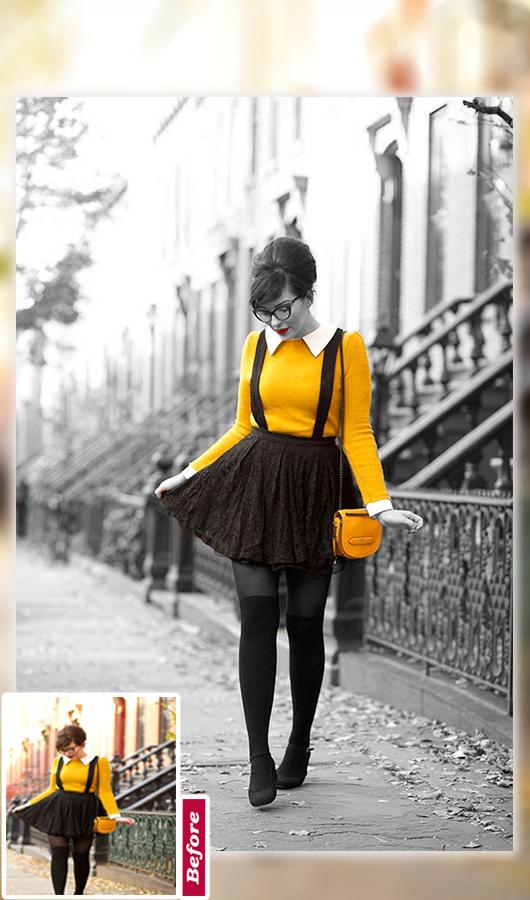
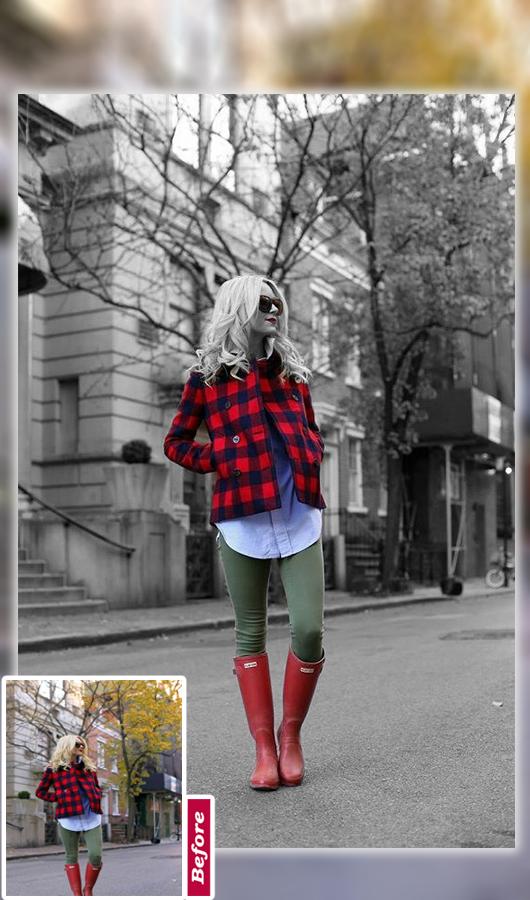
♥ Color Splash Magic Effect Candy Camera Photo Editor Converts your photo into gorgeous black and white (B&W) image and makes your photos more artistic and vibrant. As a result your simple art of pics turn into stunning pieces of art. It has unique shape splash feature. Using shape splash feature highlight color with desired shape and get stunning color pop effect.
♥ Color Splash Magic Effect Candy Camera Photo Editor is the best photo editor with special effects like black & white, sepia, grey scale, sharpen, blur and many more. You can adjust color temperature, reflection, mirror effects, color Splash, beauty skin and transition effects to create picture into art.
♥ Color Splash Magic Effect Candy Camera Photo Editor will make your photo more beautiful . There are a variety of color splash templates for you . You can use it and exchange the effect so easy .
♥ Color Splash Magic Effect Candy Camera Photo Editor take amazing classic Splash effect with touch, with fingers, you can create best color photo effects.it is a color photo editor which allows you to create awesome images by converting images to grey color or apply colors to your images. It’s a free color splash effect application.
How To Use :
♥ Select photo from gallery or capture picture from camera.
♥ Use either Touch Color Effects or Color Filters.
♥ Color Touch lets you turn photo into Black and White Photo, Old Photo or Sepia Color Photo.
♥ Use Color Filters to Change Colors of your photos from a Wide range of Photo Filters.
♥ Save and share Photo Color Splash with friends and family.
Main Feature :
♥ Pick Image from gallery. ♥ Move, zoom in, zoom out, pan around the image to fit the frame ♥ Amazing photo fx filters, powerful effects ♥ No Internet Connection...
♥ Supports a variety of photo filters.
♥ Convert images to grey color and color mode.
♥ High resolution image quality.
♥ Recolor image with any color of your choice.
♥ Configure brush size in settings screen.
♥ Undo your changes using refresh button.
♥ Save & Share your edited photo on social platform with friend and family ♥ Powerful Photo Editing Tool
Avance
Etiquetas
FotografíaInformación
Desarrollador
Stylish Photo Apps
La última versión
2.8
Última actualización
2022-10-03
Categoría
Fotografía
Disponible en
Google Play
Mostrar más
Cómo jugar Color Splash Magic Effect Cand con GameLoop en PC
1. Descargue GameLoop desde el sitio web oficial, luego ejecute el archivo exe para instalar GameLoop.
2. Abra GameLoop y busque "Color Splash Magic Effect Cand", busque Color Splash Magic Effect Cand en los resultados de búsqueda y haga clic en "Instalar".
3. Disfruta jugando Color Splash Magic Effect Cand en GameLoop.
Minimum requirements
OS
Windows 8.1 64-bit or Windows 10 64-bit
GPU
GTX 1050
CPU
i3-8300
Memory
8GB RAM
Storage
1GB available space
Recommended requirements
OS
Windows 8.1 64-bit or Windows 10 64-bit
GPU
GTX 1050
CPU
i3-9320
Memory
16GB RAM
Storage
1GB available space