Calligraphy para PC
Devkrushna Infotech
Descarga Calligraphy en PC con GameLoop Emulator
Calligraphy en PC
Calligraphy, proveniente del desarrollador Devkrushna Infotech, se ejecuta en el sistema Android en el pasado.
Ahora, puedes jugar Calligraphy en PC con GameLoop sin problemas.
Descárgalo en la biblioteca de GameLoop o en los resultados de búsqueda. No más mirar la batería o llamadas frustrantes en el momento equivocado nunca más.
Simplemente disfrute de Calligraphy PC en la pantalla grande de forma gratuita!
Calligraphy Introducción
What is calligraphy and how it is different from hand lettering?
Calligraphy is a visual art related to writing. It is the design and execution of lettering with a broad tip instrument, brush, or other writing instruments. In this Calligraphy name app, we will introduce you to the basic calligraphy alphabet and teach you beginner techniques you can use to practice making letter forms.
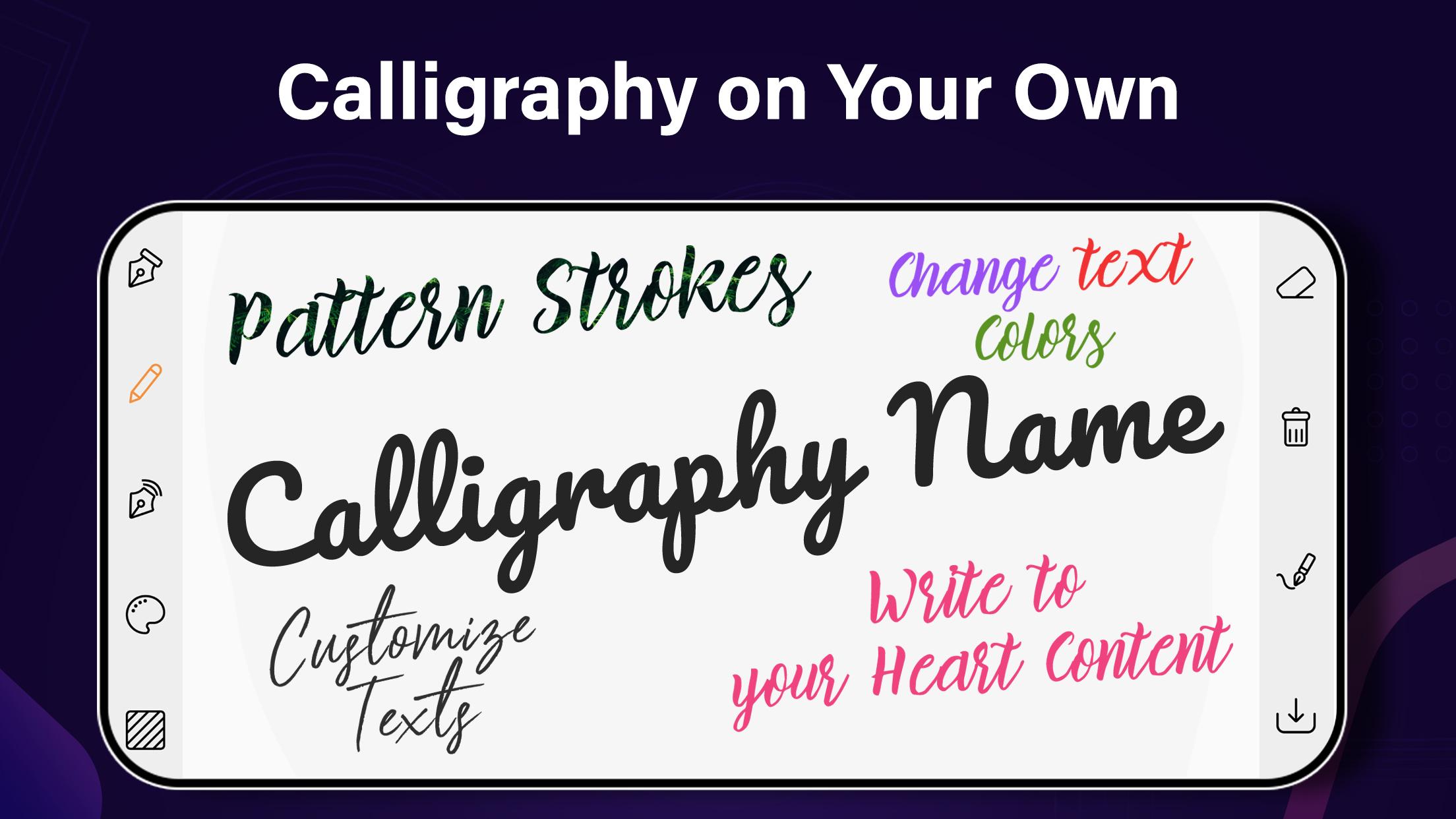
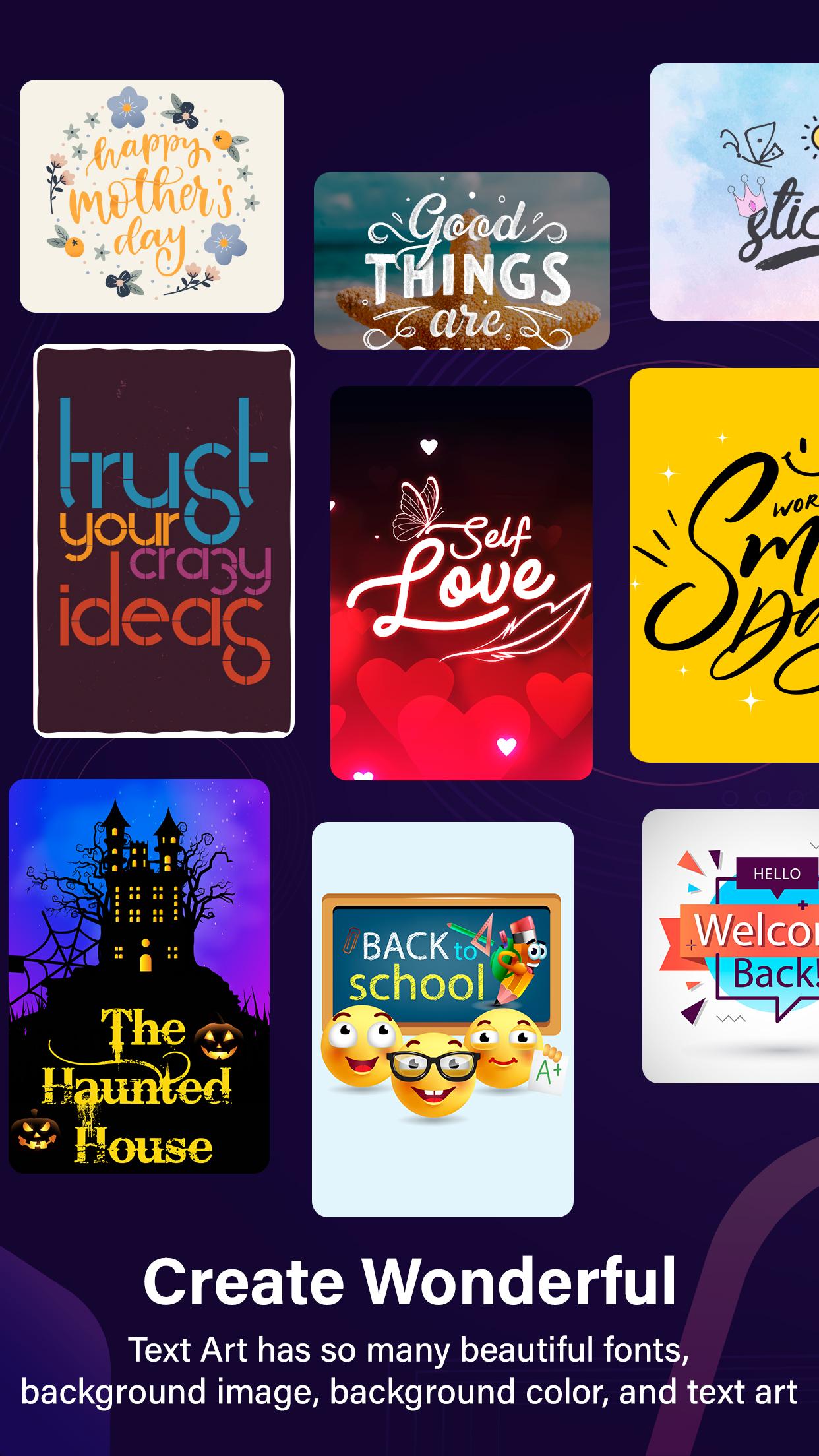
So, to continue the tradition of the calligraphy lettering or calligraphy font, we had created an amazing application of classic fonts which is known as calligraphy names. In calligraphy lettering you will get all free fancy and stylist fonts for artistic handwriting. With these free fancy fonts you can also try the background effects. Yes, there are some gradients and canvas effects of background are available for you to create your own story image or quote type images. There are lots of symbol to decorate your Calligraphy Name. Make Calligraphy Text profile picture using this stylist font. There is a one special feature in this app is that you can use your own gallery image for background.
This Name app provides 20+ calligraphy fancy font styles to write your name on different background and gradients or create your signature. After that you can decorate it with different decorative item as feathers, love items, art item, love stickers, color brush, color filter, heart shapes. Calligraphy Name or the art of fancy writing has thousands of years in its history and development. You can use Calligraphy classic font to generate text designs based on your selection of colors, sizes using calligraphy fonts in seconds. Calligraphy Text App for Android is a collection of best flip font for your device to write your name.
A contemporary calligraphic practice can be defined as the art of giving form to signs in an expressive, harmonious, and skillful manner. Calligraphy Letters are easy to learn, but like any craft, it needs practice. And actually, in this case practice is a lot of fun: it’s very enjoyable and calming to fill pages and pages with calligraphy fonts, calligraphy letters, calligraphy alphabets and cursive letters and different words.
Calligraphy alphabet is a simple and fun way to create calligraphy art by using these amazing calligraphy fonts. You need not learn old-fashioned calligraphy cursive writing text art to create your name in stylish text. All you need is to download and install our calligraphy art generator app “Calligraphy Name” on your Android device and leave everything else to it.
App-Features:
- Lots of calligraphy font styles
- Attractive and beautiful gradients and canvas
- Text with color choosing
- Attractive stickers for making picture beautiful
- Also set your gallery image in background
- Save in your gallery
- Share it with your friends via whatsapp, facebook, instagram or etc.
Avance
Etiquetas
FotografíaInformación
Desarrollador
Devkrushna Infotech
La última versión
3.0.3
Última actualización
2022-02-18
Categoría
Fotografía
Disponible en
Google Play
Mostrar más
Cómo jugar Calligraphy con GameLoop en PC
1. Descargue GameLoop desde el sitio web oficial, luego ejecute el archivo exe para instalar GameLoop.
2. Abra GameLoop y busque "Calligraphy", busque Calligraphy en los resultados de búsqueda y haga clic en "Instalar".
3. Disfruta jugando Calligraphy en GameLoop.
Minimum requirements
OS
Windows 8.1 64-bit or Windows 10 64-bit
GPU
GTX 1050
CPU
i3-8300
Memory
8GB RAM
Storage
1GB available space
Recommended requirements
OS
Windows 8.1 64-bit or Windows 10 64-bit
GPU
GTX 1050
CPU
i3-9320
Memory
16GB RAM
Storage
1GB available space