
Auto Background Changer para PC
DuoApptech
Descarga Auto Background Changer en PC con GameLoop Emulator
Auto Background Changer en PC
Auto Background Changer, proveniente del desarrollador DuoApptech, se ejecuta en el sistema Android en el pasado.
Ahora, puedes jugar Auto Background Changer en PC con GameLoop sin problemas.
Descárgalo en la biblioteca de GameLoop o en los resultados de búsqueda. No más mirar la batería o llamadas frustrantes en el momento equivocado nunca más.
Simplemente disfrute de Auto Background Changer PC en la pantalla grande de forma gratuita!
Auto Background Changer Introducción
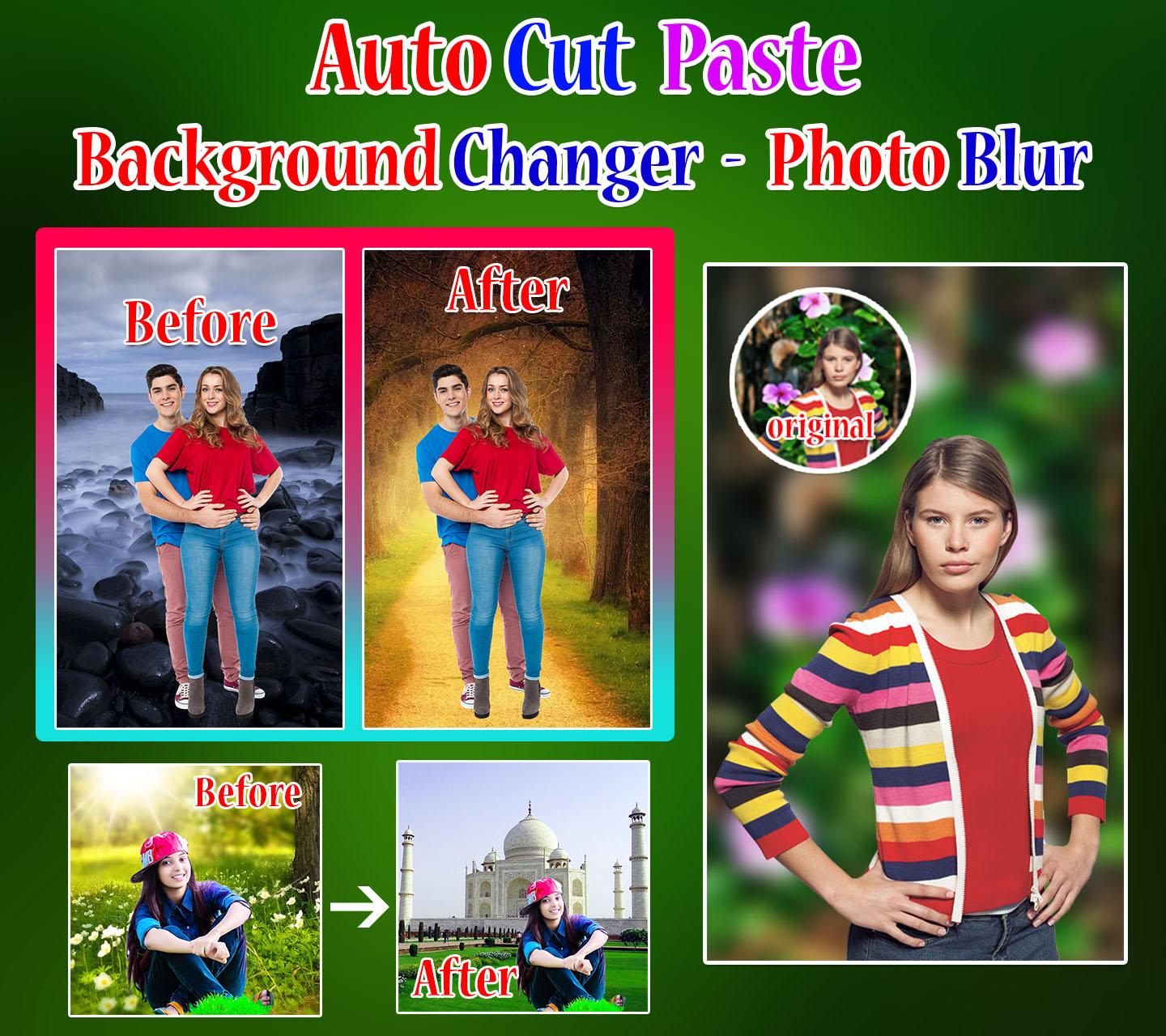
Auto cut paste photo editor – Background changer and photo blur application is use to create your photos into memorable moments.
How to change backgrounds and blur background of my image/photo? You will choose answer to these questions by “INSTALL” this amazing app.
Automatically cut out paste the picture through One-click to change the background easily. Auto Photo Cut Paste has a fast and easy way to create awesome pictures. Just tap on the Remove Bg button to erase photo background approximately. Then apply the default backgrounds, text with multiple fonts, stickers finally done you can save.
Features:
• Automatic background changer and photo blur app easily change background with your photos.
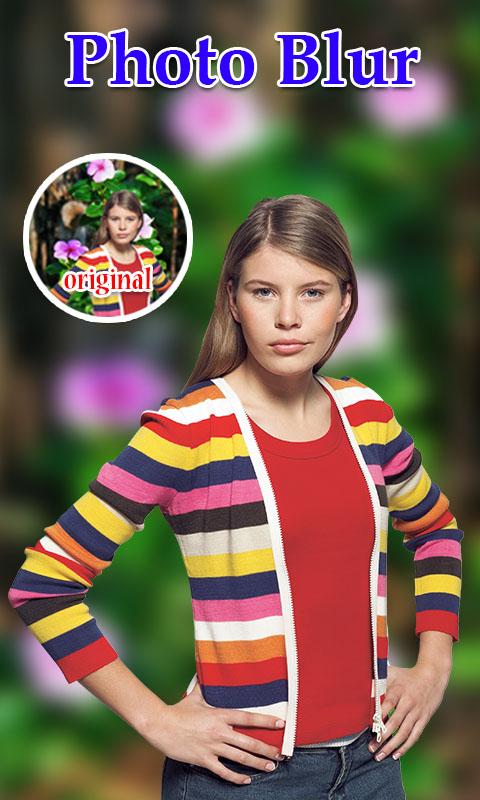
• Simply blur your photo background automatically easily pick your photo with one touch.
• Apply fonts and stickers easily on your photo.
• Save and share a photo with other or blur background.
How to use the app?
In this application mainly you have 3 buttons to create awesome pictures.
1. Start with Photo
2. Start with Background
3. Blur Photo
1. Start with Photo and 2. Start with Background
• Click on button start with photo and choose a photo from your mobile gallery
Or
• Click on button start with Background to choose background then select a photo from your mobile gallery.
• Simply click on remove Bg button.
• If your choosing image not cropped correctly then you tap on change photo button.
• Click on Next button.
• Apply text with multiple fonts, styles and color.
• Apply Stickers easily on your photo.
• Finally click on SAVE button to capture your amazing background changer picture.
3. Blur Photo
• Click on button Blur Photo and choose a photo from your mobile gallery.
• Automatically blur your background and you can see awesome creation.
• Apply text with multiple fonts, styles and color.
• Apply Stickers easily on your photo.
• Finally click on SAVE button to capture your amazing background changer picture.
Write us suggestions and rate this app to encourage us.
Thank You for using this application, leave us your feedback and we will consider them for future updates.
Thank you for installing and using this amazing application!
Avance
Etiquetas
FotografíaInformación
Desarrollador
DuoApptech
La última versión
7.0
Última actualización
2023-10-17
Categoría
Fotografía
Disponible en
Google Play
Mostrar más
Cómo jugar Auto Background Changer con GameLoop en PC
1. Descargue GameLoop desde el sitio web oficial, luego ejecute el archivo exe para instalar GameLoop.
2. Abra GameLoop y busque "Auto Background Changer", busque Auto Background Changer en los resultados de búsqueda y haga clic en "Instalar".
3. Disfruta jugando Auto Background Changer en GameLoop.
Minimum requirements
OS
Windows 8.1 64-bit or Windows 10 64-bit
GPU
GTX 1050
CPU
i3-8300
Memory
8GB RAM
Storage
1GB available space
Recommended requirements
OS
Windows 8.1 64-bit or Windows 10 64-bit
GPU
GTX 1050
CPU
i3-9320
Memory
16GB RAM
Storage
1GB available space