3D Cube PhotoFramePhotoEditor para PC
Stylish Photo Apps
Descarga 3D Cube PhotoFramePhotoEditor en PC con GameLoop Emulator
3D Cube PhotoFramePhotoEditor en PC
3D Cube PhotoFramePhotoEditor, proveniente del desarrollador Stylish Photo Apps, se ejecuta en el sistema Android en el pasado.
Ahora, puedes jugar 3D Cube PhotoFramePhotoEditor en PC con GameLoop sin problemas.
Descárgalo en la biblioteca de GameLoop o en los resultados de búsqueda. No más mirar la batería o llamadas frustrantes en el momento equivocado nunca más.
Simplemente disfrute de 3D Cube PhotoFramePhotoEditor PC en la pantalla grande de forma gratuita!
3D Cube PhotoFramePhotoEditor Introducción
3D Cube photo frame photo editor:
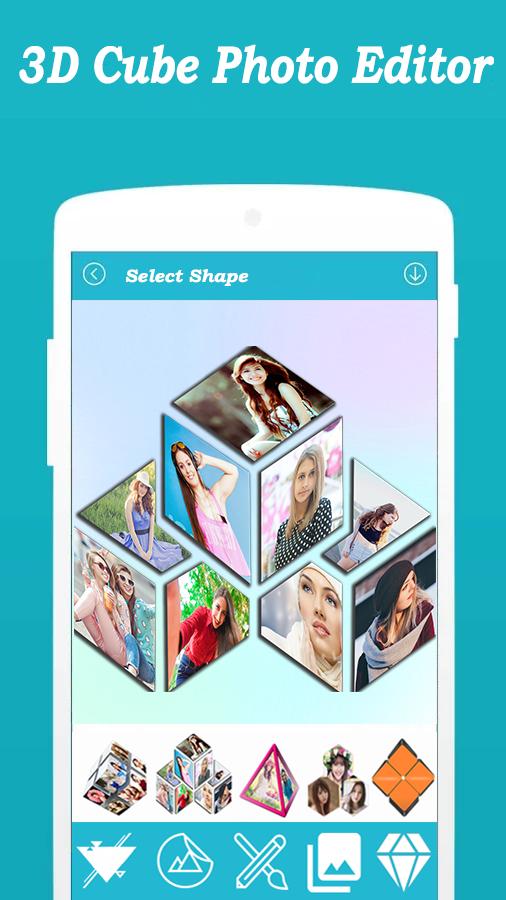
♦ This 3D Cube photo frame photo editor supports a wide variety of collage layouts. Use these collage layouts to create some impeccable pic collages.
♦ Edit your photo instantly with this Awesome powerful 3D Cube photo frame photo editor, which is one of the best photo editing tool in android. Get the best photography art in your photos with large number of amazing photo effects.
♦ 3D Cube photo frame photo editor is good app to attract your friends by making beautiful lovable photo 3D cube.
♦ Want to make 3D cube photo frames and memorable by making latest 3D cube photo frames photo editor maker. Would you like your pictures to be appearing in the beautiful cube frame as wallpaper? Decorates your pictures with these 3D Cube photo frame photo editor.
■■■■How to use ■■■■
♦ Select your photo from gallery or capture from camera.
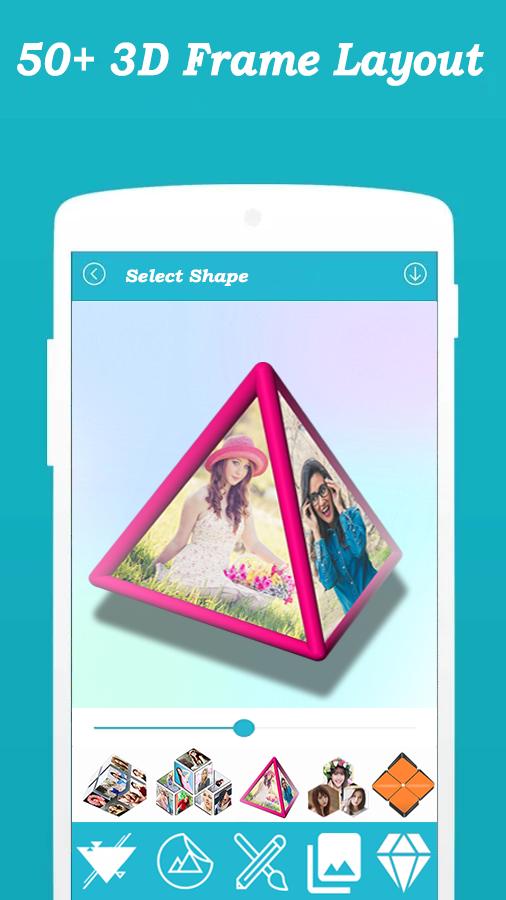
♦ Choose 3D effect which you want to apply on your image.
♦ Use flip option to set your image properly to the frame.
♦ Apply over from lot of Effects
♦ Use fingers to scale and rotate your photo.
♦ Share your master piece with your friends by using social media.
♦ Set your 3D output as your phone wallpaper.
Avance
Etiquetas
FotografíaInformación
Desarrollador
Stylish Photo Apps
La última versión
2.6
Última actualización
2022-10-10
Categoría
Fotografía
Disponible en
Google Play
Mostrar más
Cómo jugar 3D Cube PhotoFramePhotoEditor con GameLoop en PC
1. Descargue GameLoop desde el sitio web oficial, luego ejecute el archivo exe para instalar GameLoop.
2. Abra GameLoop y busque "3D Cube PhotoFramePhotoEditor", busque 3D Cube PhotoFramePhotoEditor en los resultados de búsqueda y haga clic en "Instalar".
3. Disfruta jugando 3D Cube PhotoFramePhotoEditor en GameLoop.
Minimum requirements
OS
Windows 8.1 64-bit or Windows 10 64-bit
GPU
GTX 1050
CPU
i3-8300
Memory
8GB RAM
Storage
1GB available space
Recommended requirements
OS
Windows 8.1 64-bit or Windows 10 64-bit
GPU
GTX 1050
CPU
i3-9320
Memory
16GB RAM
Storage
1GB available space