
写真クラウド para PC
KDDI株式会社
Descarga 写真クラウド en PC con GameLoop Emulator
写真クラウド en PC
写真クラウド, proveniente del desarrollador KDDI株式会社, se ejecuta en el sistema Android en el pasado.
Ahora, puedes jugar 写真クラウド en PC con GameLoop sin problemas.
Descárgalo en la biblioteca de GameLoop o en los resultados de búsqueda. No más mirar la batería o llamadas frustrantes en el momento equivocado nunca más.
Simplemente disfrute de 写真クラウド PC en la pantalla grande de forma gratuita!
写真クラウド Introducción
■The Photo Cloud app is for customers who have subscribed to "Failure and Loss Support with Cloud" and "Failure and Loss Support Wide with Cloud" on au/UQ mobile smartphones and tablets (5G) released after May 17, 2022. It's a service.
*Not applicable if you join with a corporate contract after June 30, 2022.
Please see the URL below to check the release date.
URL: https://www.au.com/mobile/product/smartphone
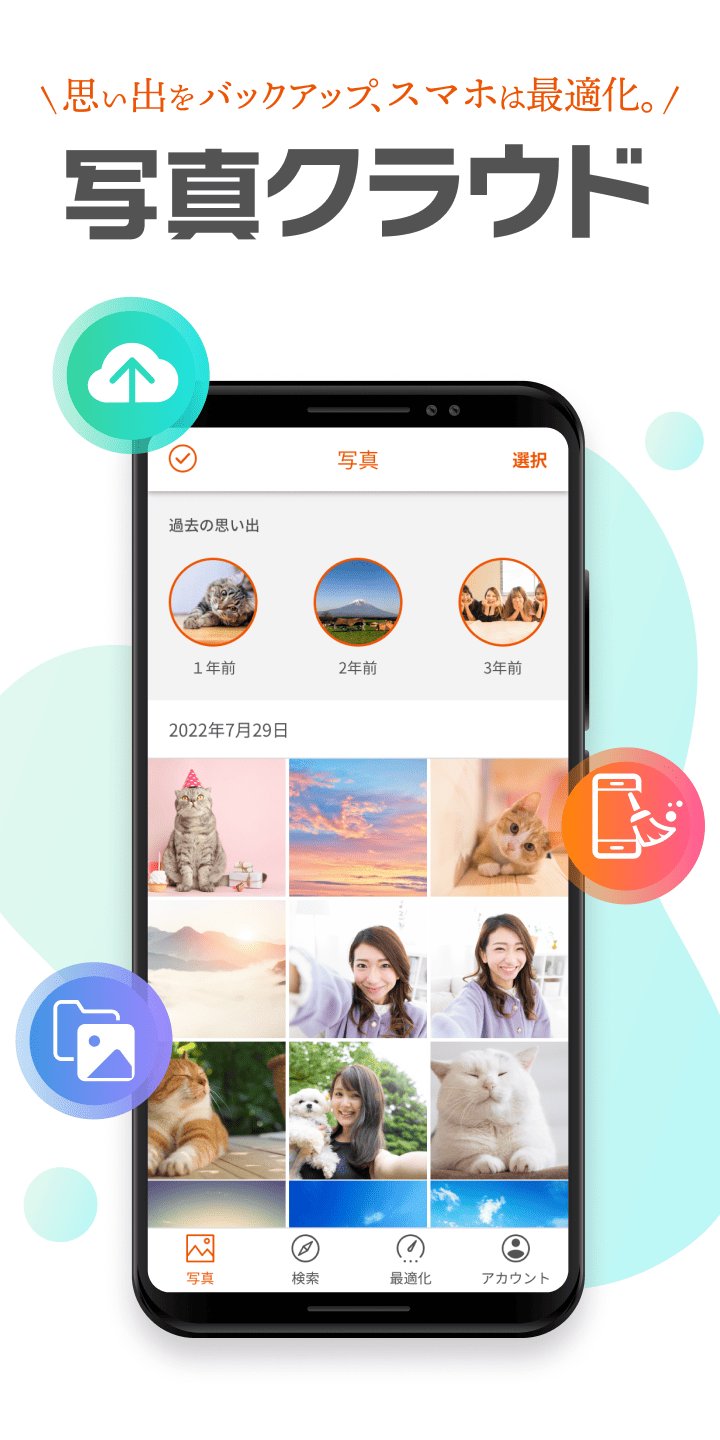
You can back up the photos and videos you have taken.
We also have a wide range of functions (large-capacity cloud/data organization functions) to solve the problem of device capacity constraints.
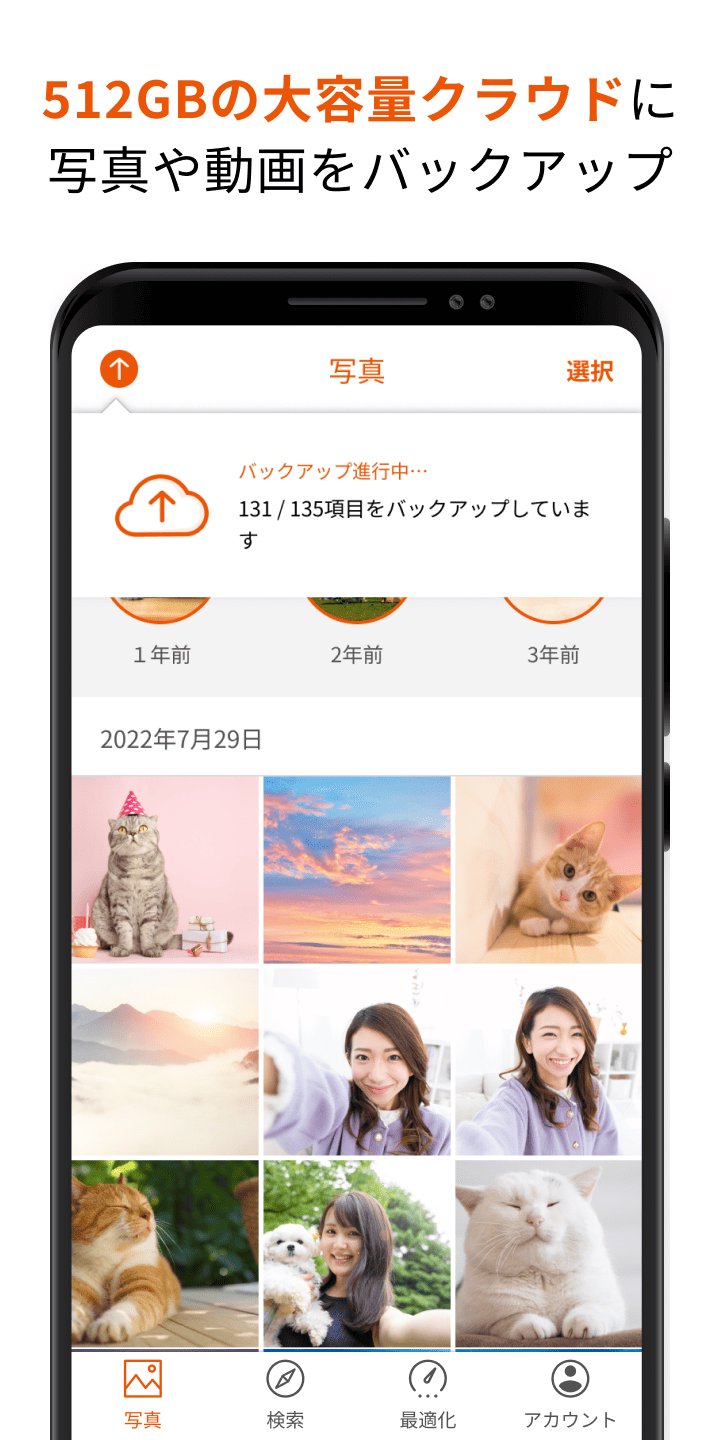
1. Back up photos and videos to a large capacity cloud of 512GB
・You can select the backup method to suit your style from automatic or manual selection.
- Improved backup function allows for smooth transfer of photos and videos (time required to complete backup of 5GB: approximately 10 minutes)
*Upload speed: Measured results when connected to Wi-Fi of approximately 200 Mbps, and may vary depending on the customer's usage environment and device used.
*Backup will be completed in the same amount of time even during background communication.
2. Optimize free space on your device
・Image authentication using AI selects blurry or similar photos, etc.
- Supports organizing free space on your device by suggesting deletion of selected photos
3. Easily edit backed up photos
・Photos saved in the cloud can be edited using various functions (cropping, filters, color correction, focus, frames, etc.)
4. Easily organize your backed up photos and videos
・Organize by location, selfie, or video, and AI automatically identifies the people in the photo to support organization.
5. Easily search backed up photos and videos
・Function to search for photos and videos by tag based on album name and location
■Android OS version recommended for use 11.0 or higher (installable 6.0 or higher)
*For devices equipped with the above installable OS, it may not work due to OS updates, special settings of the device, free space, communication status/speed, etc. Please note that we do not guarantee operation on all devices.
Avance
Etiquetas
FotografíaInformación
Desarrollador
KDDI株式会社
La última versión
3.5
Última actualización
2026-08-31
Categoría
Fotografía
Disponible en
Google Play
Mostrar más
Cómo jugar 写真クラウド con GameLoop en PC
1. Descargue GameLoop desde el sitio web oficial, luego ejecute el archivo exe para instalar GameLoop.
2. Abra GameLoop y busque "写真クラウド", busque 写真クラウド en los resultados de búsqueda y haga clic en "Instalar".
3. Disfruta jugando 写真クラウド en GameLoop.
Minimum requirements
OS
Windows 8.1 64-bit or Windows 10 64-bit
GPU
GTX 1050
CPU
i3-8300
Memory
8GB RAM
Storage
1GB available space
Recommended requirements
OS
Windows 8.1 64-bit or Windows 10 64-bit
GPU
GTX 1050
CPU
i3-9320
Memory
16GB RAM
Storage
1GB available space