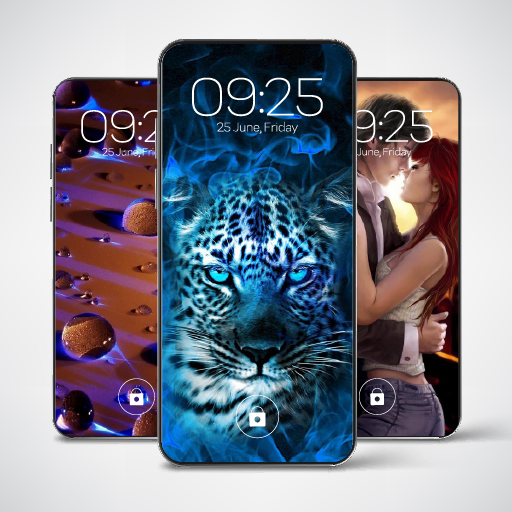
Video Wall Beautiful Wallpaper para PC
Mega Wallpapers - HD & Cool Wallpapers
Descarga Video Wall Beautiful Wallpaper en PC con GameLoop Emulator
Video Wall Beautiful Wallpaper en PC
Video Wall Beautiful Wallpaper, proveniente del desarrollador Mega Wallpapers - HD & Cool Wallpapers, se ejecuta en el sistema Android en el pasado.
Ahora, puedes jugar Video Wall Beautiful Wallpaper en PC con GameLoop sin problemas.
Descárgalo en la biblioteca de GameLoop o en los resultados de búsqueda. No más mirar la batería o llamadas frustrantes en el momento equivocado nunca más.
Simplemente disfrute de Video Wall Beautiful Wallpaper PC en la pantalla grande de forma gratuita!
Video Wall Beautiful Wallpaper Introducción
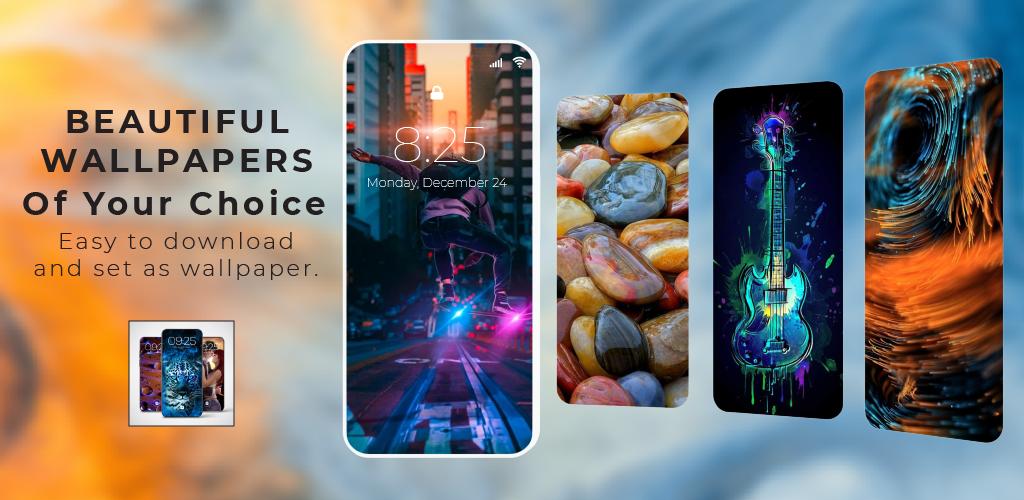
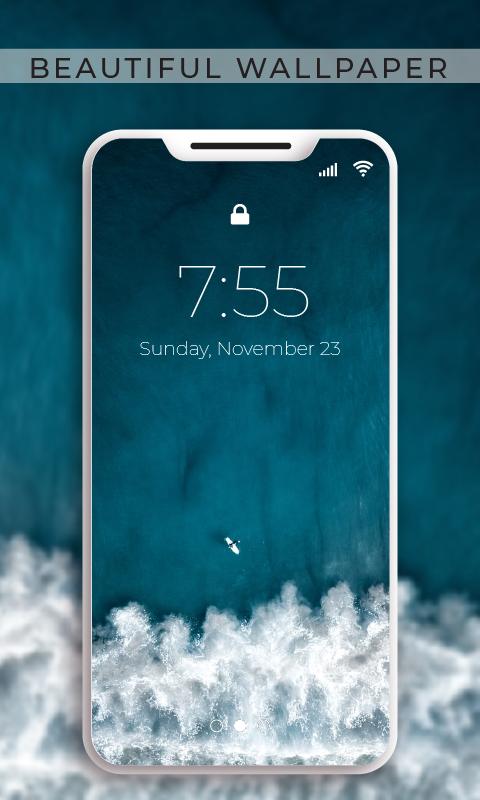
Give your Mobile a fresh and unique look with Live Video Wallpaper app, which provide you the privilege to set your most favourite and memorial Video as live Wallpaper. Now you are all set toput any Video from your mobile gallery as Live Wallpaper on your android device as live video wallpaper or you can also use the already available video Wallapapers available in app. This is a User-friendly app which gives you some advance features and you can set any video as HD video wallpaper
Cool Features of Video Wall – Beautiful Wallpaper app:
The video wallpaper app comes with advanced& Wonderful features:
You can set Online HD Videos as Live Video Wallpapers
Online Video Wallpapers updates Regularly with advanced once.
Online videos come with high-quality
You can set any video from the mobile as a live Wallpaper
Video Wallpaper download option allows you to Download online Video
Time range of the video can be adjusted as well
You can mute audio of video as well
Formats of Video should be 3GPP (.3gp), MPEG-4 (.mp4).
Gamers can enjoy Video Game Wallpapers
One can also Set Favorite Video game Background as Mobile Wallpaper
The app allows you to Delete Downloaded Video Wallpaper too.
Set Video Wallpaper on just one click.
Why Video Wall – Beautiful Wallpaper should be your First Choice:
You can enjoy High-Quality video live Wallpapers. You can set your video from the Mobile handset’s gallery as Wallpaper, your memorial Video, Favorite Video, which you like so much and don't get tired after seeing that again and again. You can set Live Video Background
3D Video& Wallpaper of HD-Quality can be set as your mobile’s Wallpaper.
This app also gives you the privilege to set Live Video Wallpaper either on the Lock Screen or Home Screen of your Android Mobile for free.
Online Video Wallpapers:
You can set Any Video as Wallpaper direct online and can download too from there. Thousands of HD video Wallpapers are available and you can set them as mobile wallpaper through this app. You can Download them in the internal storage of mobile. Thousands of HD Live Video Wallpapers are available in the app so you can set them as Video Lock Screen and Home Screen Wallpaper of your Mobile.
User Friendly Interface& Easy to use Video Wall – Beautiful wallpaper app:
This Live Video Wallpaper app is a user-friendly app that is very easy to access its features. Video wallpaper app does not use much battery on your mobile. You can also pause the video for any particular instance and turn your Live Video Wallpaper into static Wallpaper.
Now have some fun by putting a funny video on mobile Wallpaper, or you can Set any beautiful moving Sceneries as Live Wallpaper to have some positive vibes.
Easy to use Video Wall – Beautiful Wallpaper app:
Being a user-friendly, it provides you with all the advanced features to use in an effortless manner
Just Go to Online Video Wallpaper library of Vide Wall – Beautiful Backgrounds
Select a video and set is as Video Wallpaper of your mobile
Can set offline video as Wallpaper from your mobile’s gallery
Can enable and disable the audio of the video
Can set the time range of video
You can easily pause the video
This app takes significantly less battery usage
Now enjoy 3D Wallpaper Videos and 4K Video Wallpapers, you can set Classic and Fantastic videos as Live video Wallpaper on your Android Mobile Screen. Video Wall– Beautiful Wallpapers gives you free Video wallpapers and all the privilege to put your treasured videos as Wallpaper
Avance
Etiquetas
PersonalizaciónInformación
Desarrollador
Mega Wallpapers - HD & Cool Wallpapers
La última versión
1.0
Última actualización
2021-10-11
Categoría
Personalización
Disponible en
Google Play
Mostrar más
Cómo jugar Video Wall Beautiful Wallpaper con GameLoop en PC
1. Descargue GameLoop desde el sitio web oficial, luego ejecute el archivo exe para instalar GameLoop.
2. Abra GameLoop y busque "Video Wall Beautiful Wallpaper", busque Video Wall Beautiful Wallpaper en los resultados de búsqueda y haga clic en "Instalar".
3. Disfruta jugando Video Wall Beautiful Wallpaper en GameLoop.
Minimum requirements
OS
Windows 8.1 64-bit or Windows 10 64-bit
GPU
GTX 1050
CPU
i3-8300
Memory
8GB RAM
Storage
1GB available space
Recommended requirements
OS
Windows 8.1 64-bit or Windows 10 64-bit
GPU
GTX 1050
CPU
i3-9320
Memory
16GB RAM
Storage
1GB available space