
Tile Shortcuts: Quick settings para PC
Tom Bayley
Descarga Tile Shortcuts: Quick settings en PC con GameLoop Emulator
Tile Shortcuts: Quick settings en PC
Tile Shortcuts: Quick settings, proveniente del desarrollador Tom Bayley, se ejecuta en el sistema Android en el pasado.
Ahora, puedes jugar Tile Shortcuts: Quick settings en PC con GameLoop sin problemas.
Descárgalo en la biblioteca de GameLoop o en los resultados de búsqueda. No más mirar la batería o llamadas frustrantes en el momento equivocado nunca más.
Simplemente disfrute de Tile Shortcuts: Quick settings PC en la pantalla grande de forma gratuita!
Tile Shortcuts: Quick settings Introducción
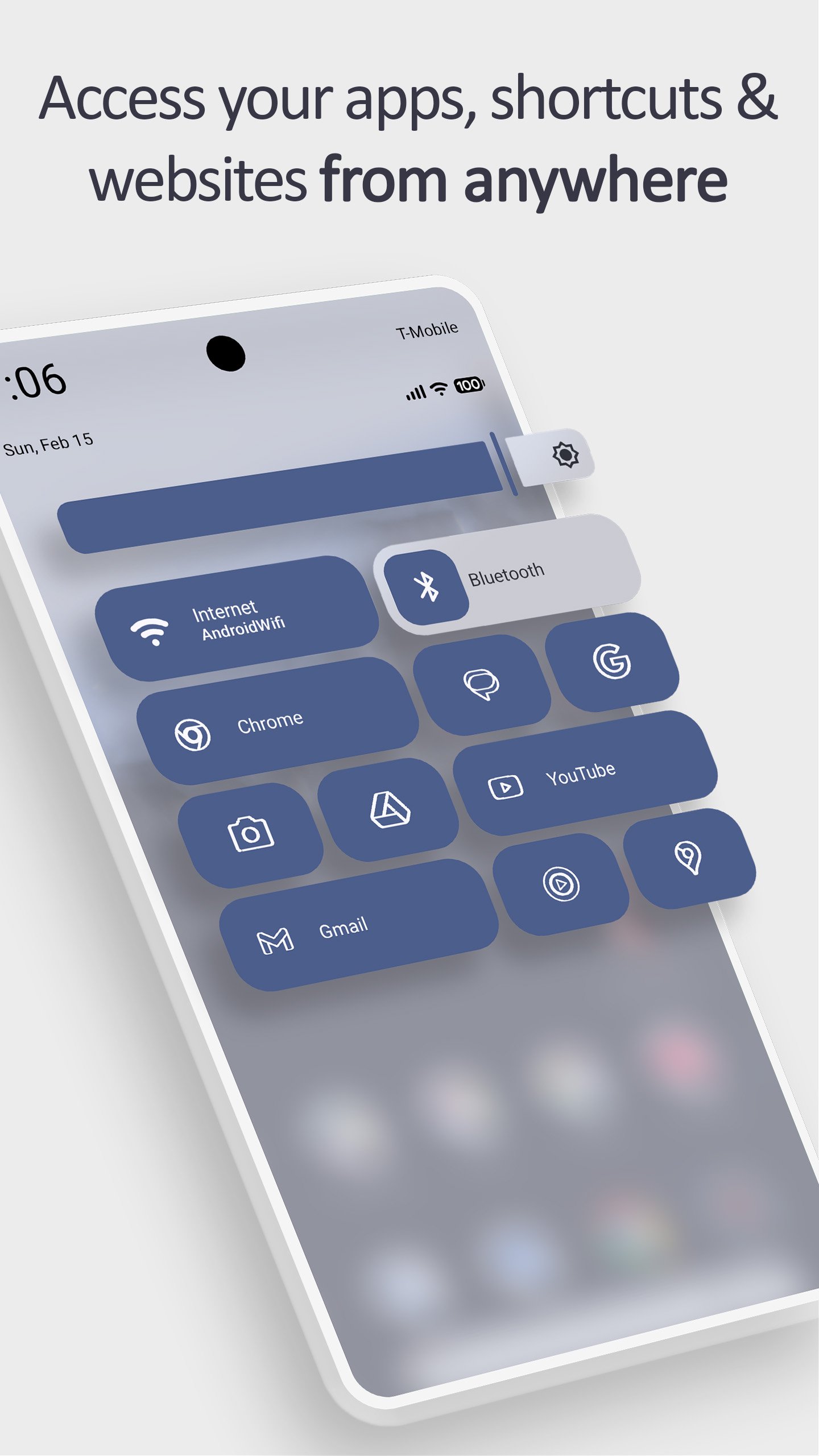
Open any app, shortcut, or website from your Android quick settings panel with a single tap. Get instant one-tap access to everything you use — directly from the notification shade, without digging through your app drawer.
⚡ REAL APP ICONS IN YOUR QUICK SETTINGS
Other quick settings tile apps replace your icon with a letter or a generic placeholder. Tile Shortcuts displays the actual app icon inside every quick settings tile — so you instantly recognize what you're tapping. One glance. One tap. Done.
📱 SHORTCUT TILES
• Apps — launch any installed app directly from the notification shade
• App Shortcuts — trigger specific in-app actions (compose a message, start navigation, open a new note)
• Websites — open any URL with a single tap from the quick settings panel
• Intents & Activities — advanced Android shortcuts for power users
• Shortcut Folders — group multiple shortcuts behind one quick settings tile
🎨 TILE CUSTOMIZATION
• Real app icons — your actual app icon displayed in the quick settings panel
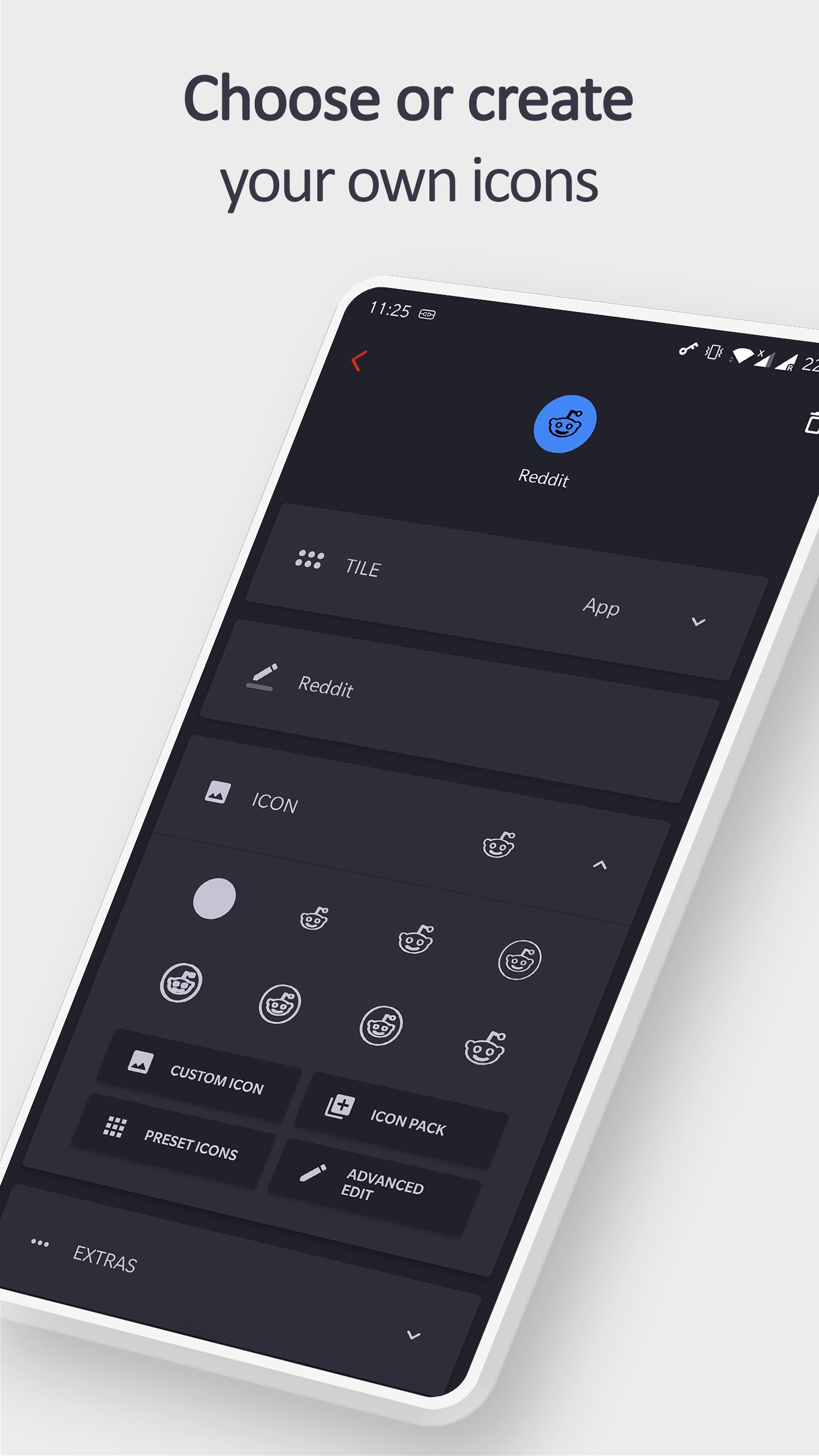
• Custom icons — use any image from your device
• Icon Pack support — pick icons from any installed icon pack
• Website favicons — real site icons for website tiles
• Custom tile labels — name every quick settings tile anything you want
⚙️ EASY SETUP
1. Open Tile Shortcuts and create a tile — note the number shown beneath it
2. Pull down your notification shade and tap the Edit button in quick settings
3. Drag the matching numbered tile into your active quick settings area
4. Tap your new shortcut tile anytime to launch instantly
📲 BOTTOM QUICK SETTINGS & MIUI-ify COMPATIBLE
Tiles created in Tile Shortcuts work seamlessly with Bottom Quick Settings and MIUI-ify. Build a fully custom quick settings panel complete with real app icons and one-tap shortcuts.
Avance
Etiquetas
PersonalizaciónInformación
Desarrollador
Tom Bayley
La última versión
1.8.1
Última actualización
2026-08-20
Categoría
Personalización
Disponible en
Google Play
Mostrar más
Cómo jugar Tile Shortcuts: Quick settings con GameLoop en PC
1. Descargue GameLoop desde el sitio web oficial, luego ejecute el archivo exe para instalar GameLoop.
2. Abra GameLoop y busque "Tile Shortcuts: Quick settings", busque Tile Shortcuts: Quick settings en los resultados de búsqueda y haga clic en "Instalar".
3. Disfruta jugando Tile Shortcuts: Quick settings en GameLoop.
Minimum requirements
OS
Windows 8.1 64-bit or Windows 10 64-bit
GPU
GTX 1050
CPU
i3-8300
Memory
8GB RAM
Storage
1GB available space
Recommended requirements
OS
Windows 8.1 64-bit or Windows 10 64-bit
GPU
GTX 1050
CPU
i3-9320
Memory
16GB RAM
Storage
1GB available space