Qwerty RGB Keyboard para PC
ThemesJoy
Descarga Qwerty RGB Keyboard en PC con GameLoop Emulator
Qwerty RGB Keyboard en PC
Qwerty RGB Keyboard, proveniente del desarrollador ThemesJoy, se ejecuta en el sistema Android en el pasado.
Ahora, puedes jugar Qwerty RGB Keyboard en PC con GameLoop sin problemas.
Descárgalo en la biblioteca de GameLoop o en los resultados de búsqueda. No más mirar la batería o llamadas frustrantes en el momento equivocado nunca más.
Simplemente disfrute de Qwerty RGB Keyboard PC en la pantalla grande de forma gratuita!
Qwerty RGB Keyboard Introducción
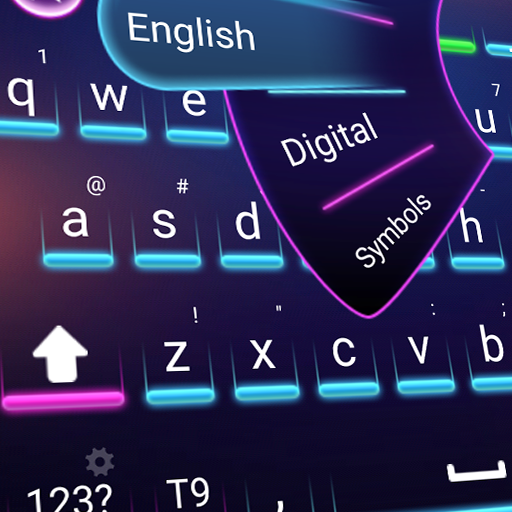
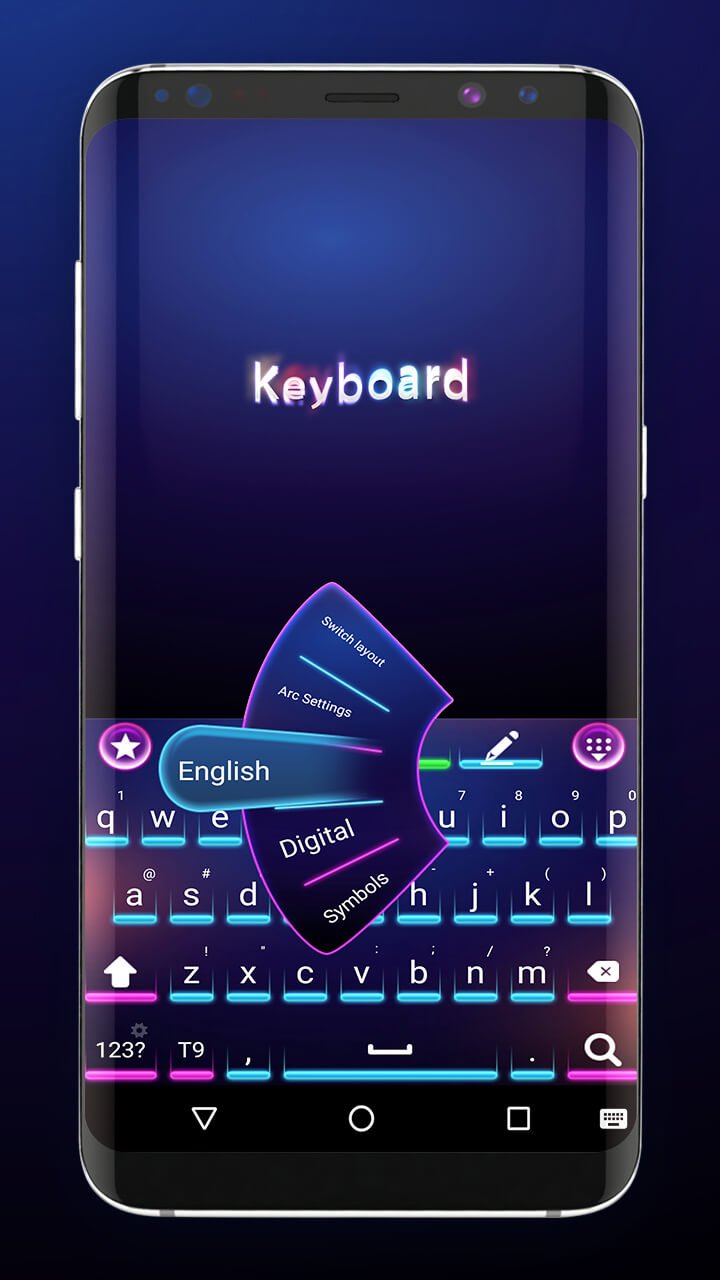
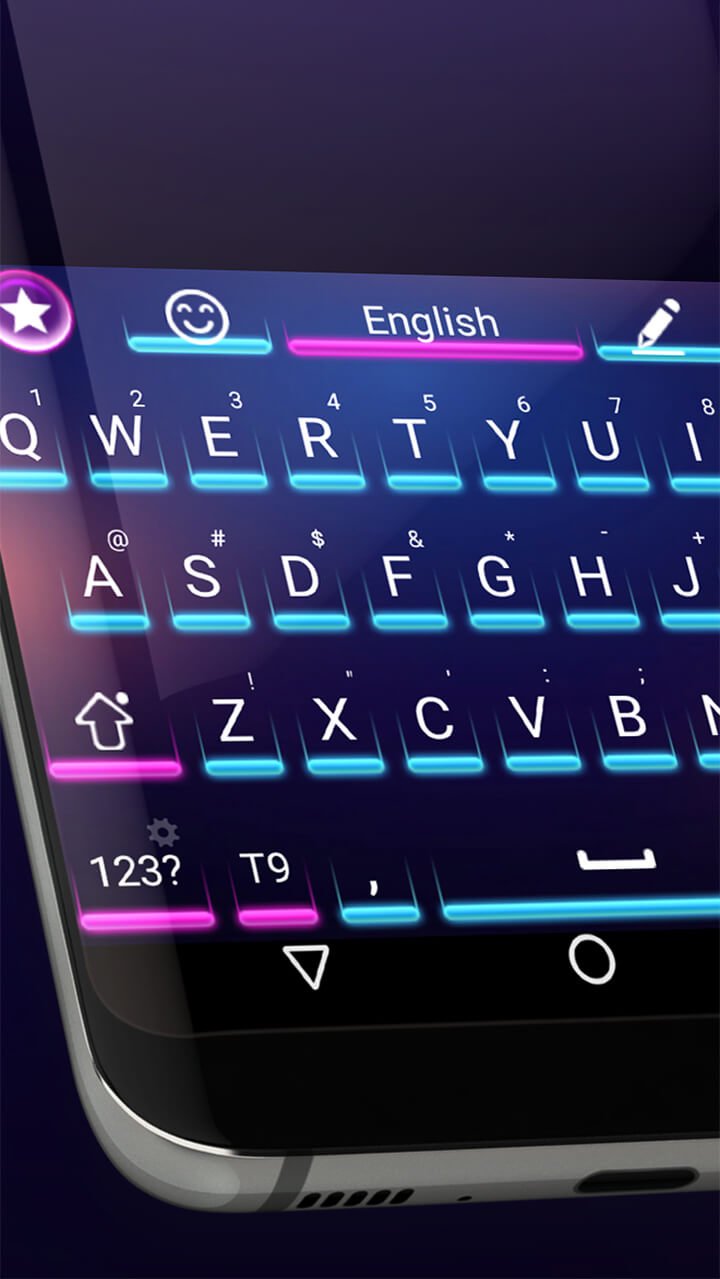
Say goodbye to boring default keyboards and upgrade to Qwerty RGB Keyboard, the ultimate theme for Android devices! Designed for speed, style, and simplicity, this vibrant RGB keyboard brings your screen to life with stunning neon colors and smooth animations.
Why Qwerty RGB Keyboard?
Vibrant RGB effects – Light up your keyboard with beautiful neon colors
Unique, clean design – Professionally crafted visuals you won’t find anywhere else
Fast & lightweight – No lag, no slowdown, just smooth performance
Easy setup – Apply in seconds with no complicated steps
Completely FREE – No subscriptions, hidden fees, or paywalls
Voice input & emoji support – Type smarter and express more
Whether you're sending messages, using emojis, or just want your keyboard to look amazing, Qwerty RGB Keyboard is the perfect blend of elegance and performance.
Download Qwerty RGB Keyboard now and enjoy the most stylish, intelligent, and responsive typing experience available on Android.
Avance
Etiquetas
PersonalizaciónInformación
Desarrollador
ThemesJoy
La última versión
3.0.1
Última actualización
2025-06-04
Categoría
Personalización
Disponible en
Google Play
Mostrar más
Cómo jugar Qwerty RGB Keyboard con GameLoop en PC
1. Descargue GameLoop desde el sitio web oficial, luego ejecute el archivo exe para instalar GameLoop.
2. Abra GameLoop y busque "Qwerty RGB Keyboard", busque Qwerty RGB Keyboard en los resultados de búsqueda y haga clic en "Instalar".
3. Disfruta jugando Qwerty RGB Keyboard en GameLoop.
Minimum requirements
OS
Windows 8.1 64-bit or Windows 10 64-bit
GPU
GTX 1050
CPU
i3-8300
Memory
8GB RAM
Storage
1GB available space
Recommended requirements
OS
Windows 8.1 64-bit or Windows 10 64-bit
GPU
GTX 1050
CPU
i3-9320
Memory
16GB RAM
Storage
1GB available space