Sasuke Keyboard Theme para PC
kopi_ketjil
Descarga Sasuke Keyboard Theme en PC con GameLoop Emulator
Sasuke Keyboard Theme en PC
Sasuke Keyboard Theme, proveniente del desarrollador kopi_ketjil, se ejecuta en el sistema Android en el pasado.
Ahora, puedes jugar Sasuke Keyboard Theme en PC con GameLoop sin problemas.
Descárgalo en la biblioteca de GameLoop o en los resultados de búsqueda. No más mirar la batería o llamadas frustrantes en el momento equivocado nunca más.
Simplemente disfrute de Sasuke Keyboard Theme PC en la pantalla grande de forma gratuita!
Sasuke Keyboard Theme Introducción
sasuke keyboard theme
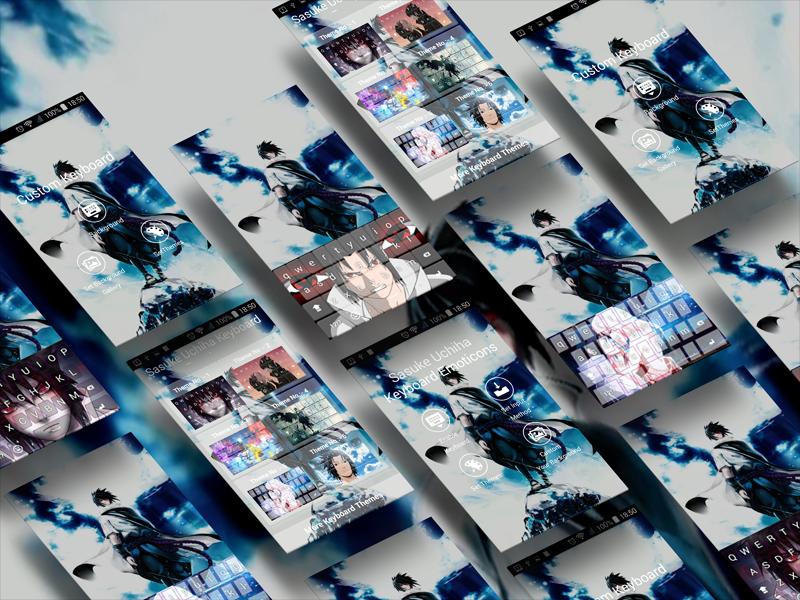
Want something interesting while chatting? This cute emoji keyboard can satisfy you! Sasuke Uchiha Keyboard HD Free supports more than 1000 cute emojis, fun emoticons, funny stickers and much more! Wipe and input smart, fast response. Sasuke Uchiha HD Free Keyboard with a completely new look and feel. More fun! Sasuke Uchiha HD Free Keyboard
You can set your own photos as a keyboard background.
Change background photos for keyboards from:
- available themes
- gallery
- camera
Sasuke Uchiha Keyboard HD Free - Keyboard Emoticon helps you to quickly enter more than 3000 emojis, emoticons, smileys, stickers, symbols, icons, free GIFs and face text anywhere like Facebook, Twitter, Snapchat, Instagram, WhatsApp and etc. Sasuke Uchiha HD Free Keyboard
Guide
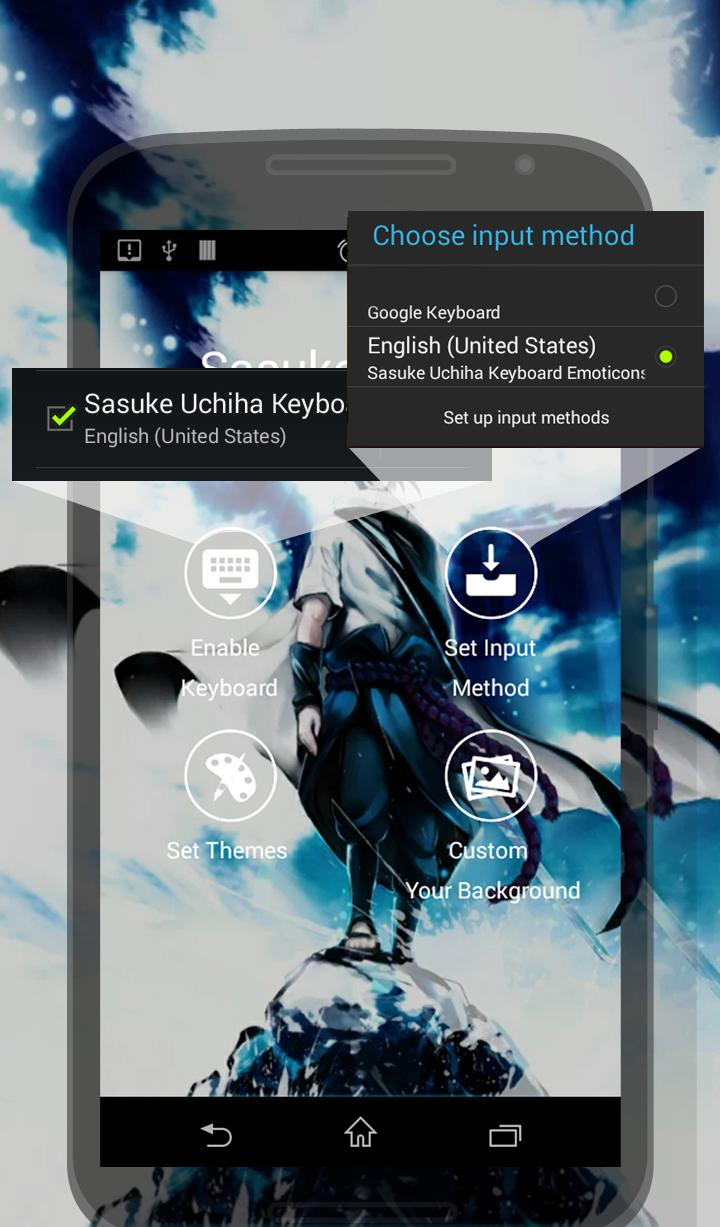
1. Make sure you have installed Sasuke Uchiha HD Keyboard Free from Google Play.
2. Activate the Sasuke Uchiha HD Free Keyboard by clicking on the Enable Keyboard icon then selecting the input method of Sasuke Uchiha Keyboard HD Free. Follow the instructions (sceenshoot)
4. Ready! Free using this funny emoji package! Sasuke Uchiha HD Free Keyboard
MULTILINGUAL TYPING
English-EN
Arabic-AR
Bulgarian-BG
Catalan-CA
Chinese-CN(Pinyin, Wubi, Handwriting)
Croatian-HR
Czech-CS
Danish-DA
Dutch-NL
Farsi-FA
Finnish-FT
French-FR
Georgian-KA
German-DE
Greek-EL
Hebrew-HE
Hindi-HI
Hungarian-HU
Indonesian-ID
Italian-IT
Japanese-JA
Korean- KO
Lithuanian-LT
Malay- MS
Norwegian-NO
Philippines(Tagalog)- TL
Polish-PL
Portuguese-PT
Romanian-RO
Russian-RU
Slovak-SK
Slovenian- SL
Spanish-ES
Swedish-SV
Thai- TH
Turkish-TR
Taiwanese (Cangjie, Zhuyin, Simplified Cangjie)
Ukrainian –UG
Urdu-UR
Avance
Etiquetas
PersonalizaciónInformación
Desarrollador
kopi_ketjil
La última versión
6.1
Última actualización
2023-01-06
Categoría
Personalización
Disponible en
Google Play
Mostrar más
Cómo jugar Sasuke Keyboard Theme con GameLoop en PC
1. Descargue GameLoop desde el sitio web oficial, luego ejecute el archivo exe para instalar GameLoop.
2. Abra GameLoop y busque "Sasuke Keyboard Theme", busque Sasuke Keyboard Theme en los resultados de búsqueda y haga clic en "Instalar".
3. Disfruta jugando Sasuke Keyboard Theme en GameLoop.
Minimum requirements
OS
Windows 8.1 64-bit or Windows 10 64-bit
GPU
GTX 1050
CPU
i3-8300
Memory
8GB RAM
Storage
1GB available space
Recommended requirements
OS
Windows 8.1 64-bit or Windows 10 64-bit
GPU
GTX 1050
CPU
i3-9320
Memory
16GB RAM
Storage
1GB available space