RealmeUI 5.0 - icon pack para PC
DebojyotiChakraborty
Descarga RealmeUI 5.0 - icon pack en PC con GameLoop Emulator
RealmeUI 5.0 - icon pack en PC
RealmeUI 5.0 - icon pack, proveniente del desarrollador DebojyotiChakraborty, se ejecuta en el sistema Android en el pasado.
Ahora, puedes jugar RealmeUI 5.0 - icon pack en PC con GameLoop sin problemas.
Descárgalo en la biblioteca de GameLoop o en los resultados de búsqueda. No más mirar la batería o llamadas frustrantes en el momento equivocado nunca más.
Simplemente disfrute de RealmeUI 5.0 - icon pack PC en la pantalla grande de forma gratuita!
RealmeUI 5.0 - icon pack Introducción
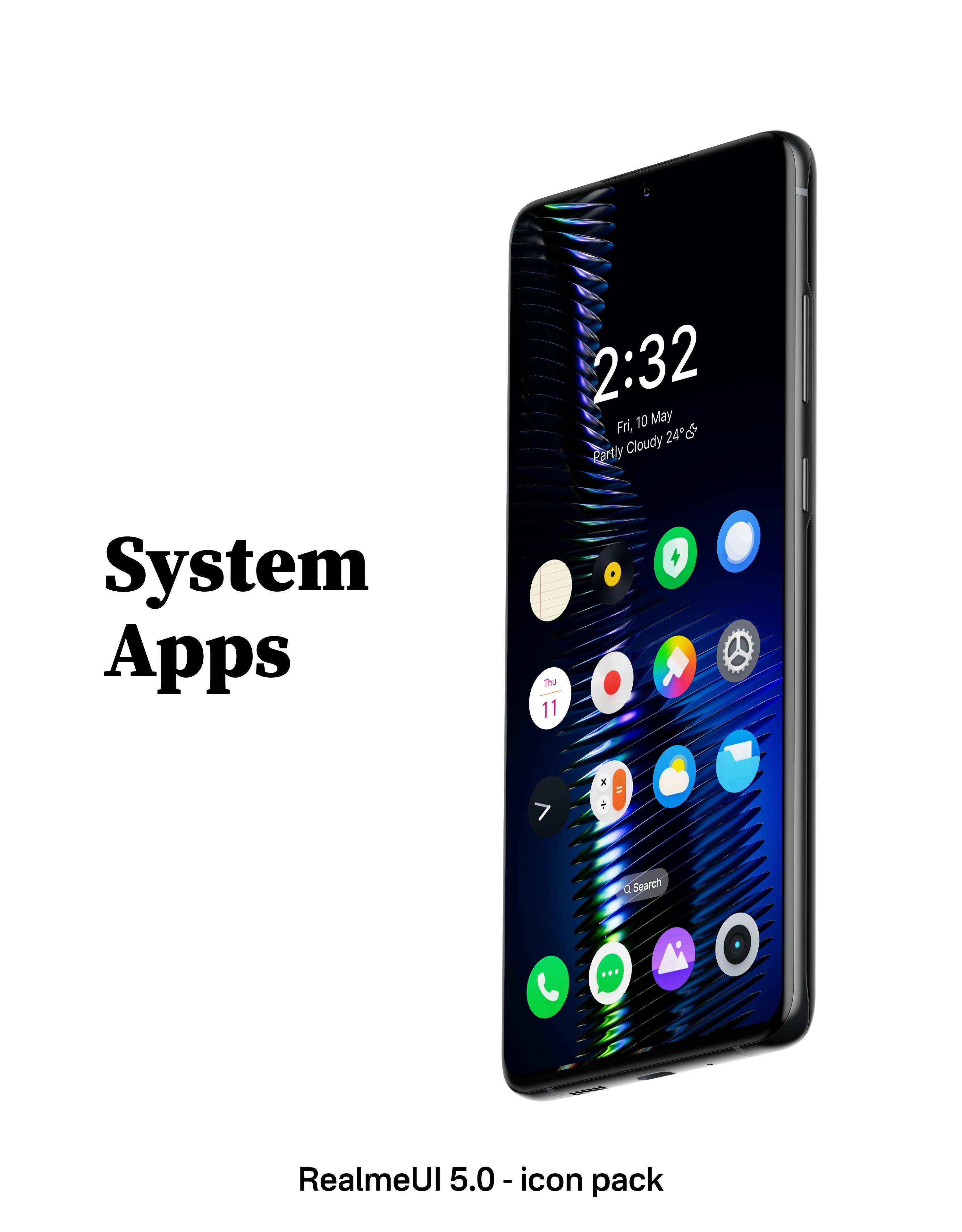
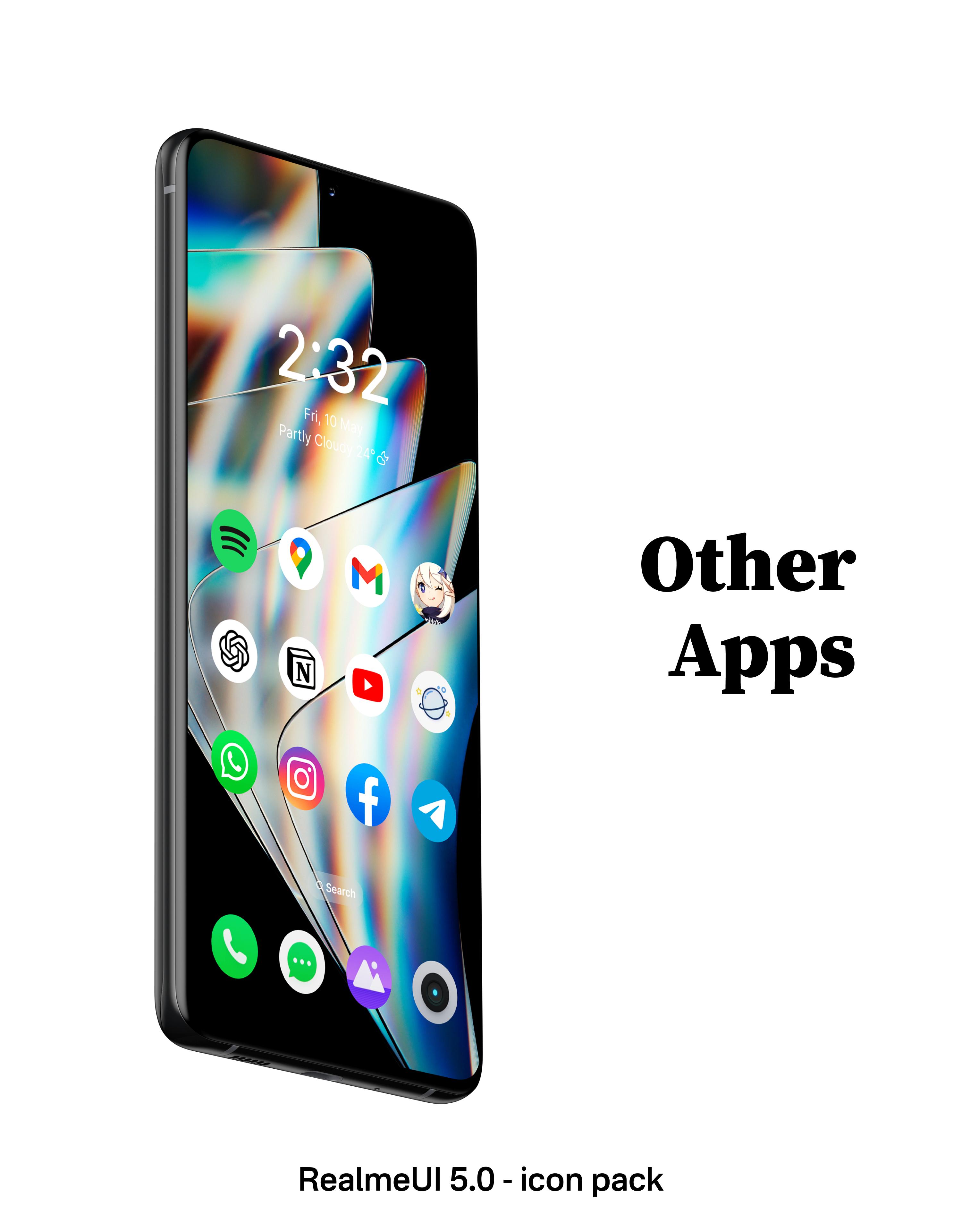
RealmeUI 5.0 - icon pack brings the 3D - textured look of RealmeUI to your device, enhancing your user experience with its visually stunning design.
✨Key Features:
- Over 1500+ meticulously crafted icons, continuously expanding with each update.
- Uniform round icons for a harmonious look.
- Modern and minimalistic app UI with subtle animations that bring a smooth and enjoyable experience.
- Each icon is 192*192 px in size, perfect for modern high-definition screens.
- Exclusive analog and digital widgets for a complete customization experience without the hassle of additional tools like KWGT.
✨ Extensive Launcher Compatibility:
Our icon pack is designed to work seamlessly with a wide range of launchers, ensuring you can enjoy our icons no matter what interface you prefer. Compatible with:
- Action Launcher
- ADW Launcher
- Apex Launcher
- BlackBerry Launcher
- ColorOS Launcher
- Evie Launcher
- Hyperion Launcher
- Kvaesitso Launcher
- Lawnchair Launcher
- Microsoft Launcher
- Niagara Launcher
- Nova Launcher
- OnePlus Launcher
- POCO Launcher
- RealmeUI Launcher
- Samsung OneUI Launcher
and many more.
✨Easy Application:
Not sure how to get started? Our FAQ page provides simple, step-by-step instructions to apply your new icons effortlessly.
✨Join Our Community:
Need assistance or have suggestions? Join our Telegram community at t.me/Stellar_Fam or reach out to us at debojyotichakraborty.appshelp@gmail.com. We’re here to help!
⚠️Important Note:
To customize your smartphone experience with our RealmeUI 5.0 - icon pack, please ensure you have a compatible launcher installed.
Missing an icon? Request it directly through our app, and we’ll add it in our next update.
Acknowledgments:
Special thanks to Sarsa Murmu for the exceptional CandyBar Dashboard.
Avance
Etiquetas
PersonalizaciónInformación
Desarrollador
DebojyotiChakraborty
La última versión
2.2
Última actualización
2024-08-23
Categoría
Personalización
Disponible en
Google Play
Mostrar más
Cómo jugar RealmeUI 5.0 - icon pack con GameLoop en PC
1. Descargue GameLoop desde el sitio web oficial, luego ejecute el archivo exe para instalar GameLoop.
2. Abra GameLoop y busque "RealmeUI 5.0 - icon pack", busque RealmeUI 5.0 - icon pack en los resultados de búsqueda y haga clic en "Instalar".
3. Disfruta jugando RealmeUI 5.0 - icon pack en GameLoop.
Minimum requirements
OS
Windows 8.1 64-bit or Windows 10 64-bit
GPU
GTX 1050
CPU
i3-8300
Memory
8GB RAM
Storage
1GB available space
Recommended requirements
OS
Windows 8.1 64-bit or Windows 10 64-bit
GPU
GTX 1050
CPU
i3-9320
Memory
16GB RAM
Storage
1GB available space