
Order List para PC
Zircon Infotech
Descarga Order List en PC con GameLoop Emulator
Order List en PC
Order List, proveniente del desarrollador Zircon Infotech, se ejecuta en el sistema Android en el pasado.
Ahora, puedes jugar Order List en PC con GameLoop sin problemas.
Descárgalo en la biblioteca de GameLoop o en los resultados de búsqueda. No más mirar la batería o llamadas frustrantes en el momento equivocado nunca más.
Simplemente disfrute de Order List PC en la pantalla grande de forma gratuita!
Order List Introducción
The app is very useful to prepare list, call or send quotation and give orders to various parties.
How it is Useful:
This application is useful to prepare the Price list and send it to customers via various digital sharing options.
Users can call or send the quotation from/to other parties anytime, anywhere on urgent basis.
This app is also useful to give an authentic order for procuring material with the help of various digital sharing options.
It provides flexibility to send the list of items to supplier, executives, friends, etc.
How it Works:
This app gives a facility to add new items, categorize the items in different groups as well as changes the item’s description.
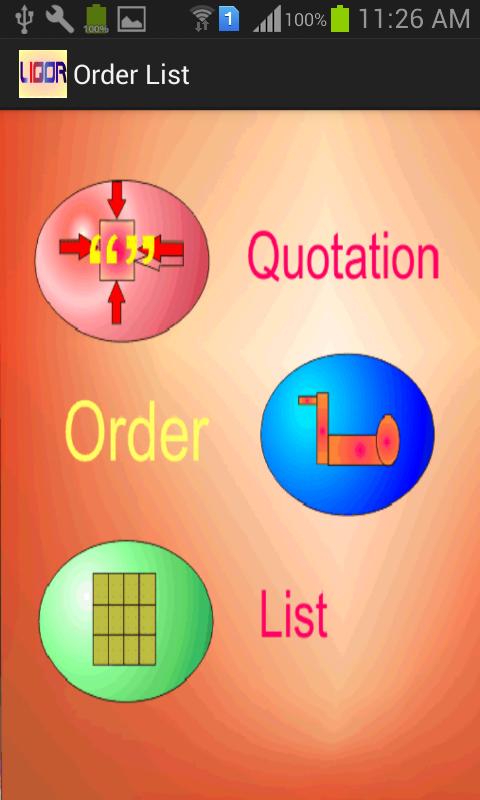
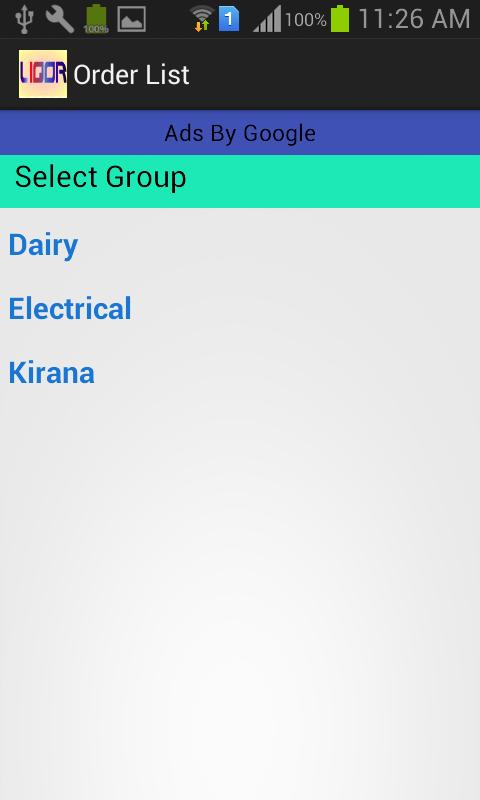
Main Screen of Application shows the various groups of items (whatever you insert). ‘Add new Items’ by using Main Menu or ‘Show and Send List’ which are already selected by you.
When you ‘Show and Send List’, app displays the entire selected item and give a choice to send this information to receiver through various sharing option. You may send these items as a ‘List’, ‘Quotation’ or as an ‘Order’ also at the time of sending of items you can add the description for the same.
After sending this list you can ‘Refresh List’, to nullify all the selected Quantity, Rate and Amount and to make another list.
How to Prepare List:
From the Main Screen, you may select the Group and get the list of items of the selected group. Now you can select an Item and enter the Quantity, Rate to get the amount. If you want to Edit the details of Items or change the Group then Select Edit button and change the Name and Group of the selected item.
After saving the details, it will show you the previous list and you may select new items or or go back further to select the new group.
After completion of list you can once again send the information in the form of ‘List’, ‘Quotation’ or ‘Order’ and save the time and enjoy the life.
Avance
Etiquetas
PersonalizaciónInformación
Desarrollador
Zircon Infotech
La última versión
1.1
Última actualización
2018-05-24
Categoría
Personalización
Disponible en
Google Play
Mostrar más
Cómo jugar Order List con GameLoop en PC
1. Descargue GameLoop desde el sitio web oficial, luego ejecute el archivo exe para instalar GameLoop.
2. Abra GameLoop y busque "Order List", busque Order List en los resultados de búsqueda y haga clic en "Instalar".
3. Disfruta jugando Order List en GameLoop.
Minimum requirements
OS
Windows 8.1 64-bit or Windows 10 64-bit
GPU
GTX 1050
CPU
i3-8300
Memory
8GB RAM
Storage
1GB available space
Recommended requirements
OS
Windows 8.1 64-bit or Windows 10 64-bit
GPU
GTX 1050
CPU
i3-9320
Memory
16GB RAM
Storage
1GB available space