Kakashi Hatake : Hokage Keyboard Shinobi para PC
DevByBasit
Descarga Kakashi Hatake : Hokage Keyboard Shinobi en PC con GameLoop Emulator
Kakashi Hatake : Hokage Keyboard Shinobi en PC
Kakashi Hatake : Hokage Keyboard Shinobi, proveniente del desarrollador DevByBasit, se ejecuta en el sistema Android en el pasado.
Ahora, puedes jugar Kakashi Hatake : Hokage Keyboard Shinobi en PC con GameLoop sin problemas.
Descárgalo en la biblioteca de GameLoop o en los resultados de búsqueda. No más mirar la batería o llamadas frustrantes en el momento equivocado nunca más.
Simplemente disfrute de Kakashi Hatake : Hokage Keyboard Shinobi PC en la pantalla grande de forma gratuita!
Kakashi Hatake : Hokage Keyboard Shinobi Introducción
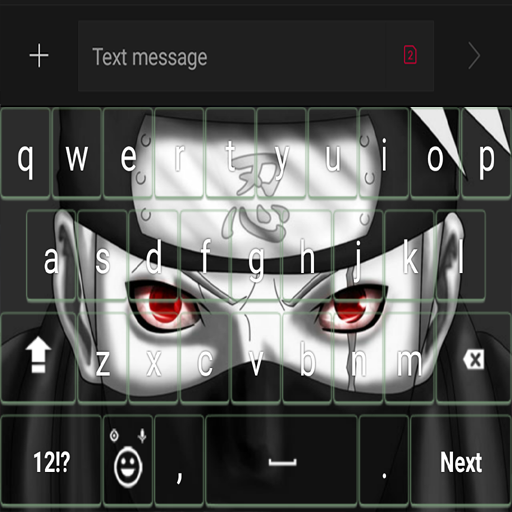
These themes with of Japanese anime will personalize your device in the best way and hypnotize you.
How to use?
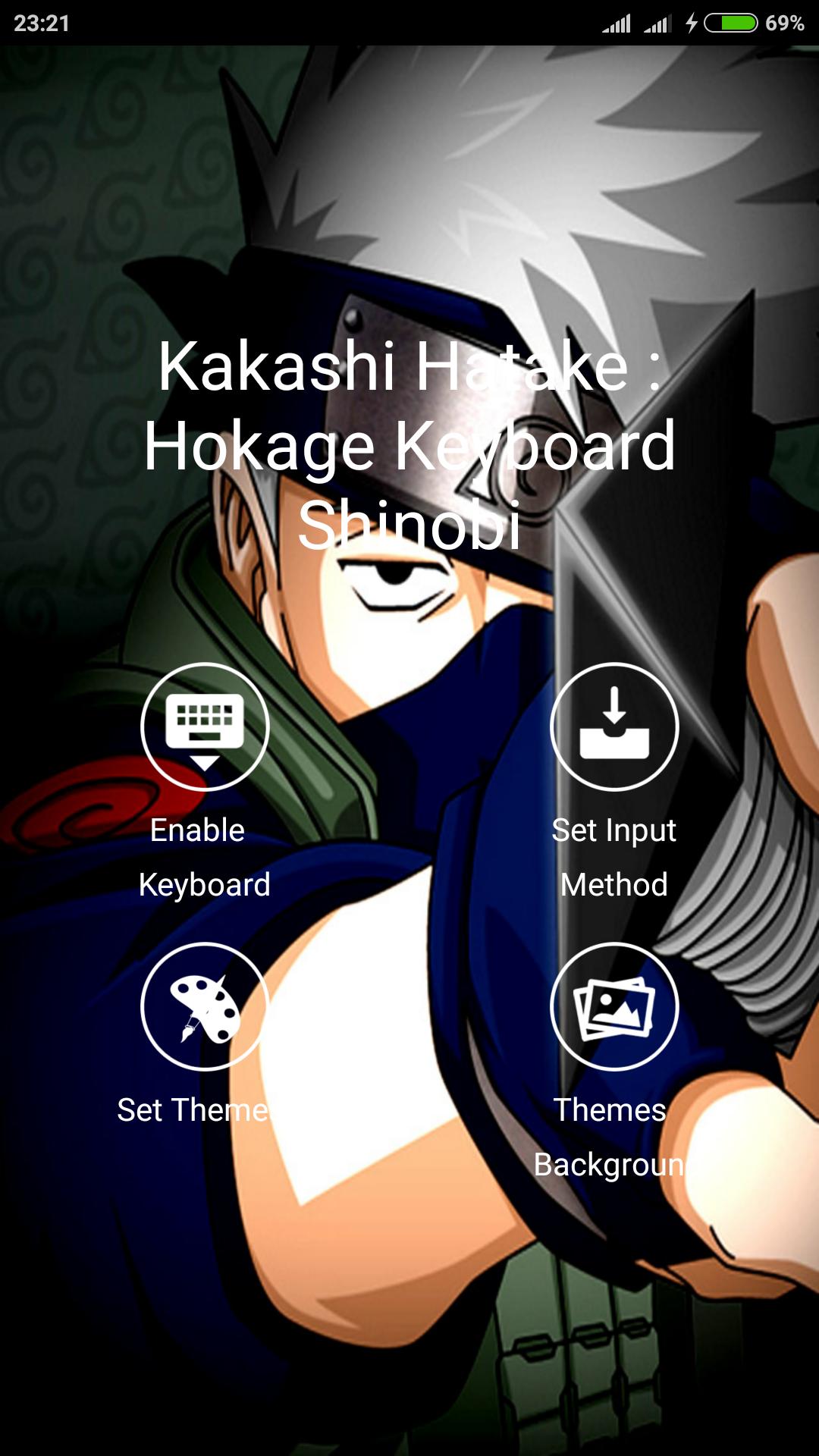
- Open the application after finally installed
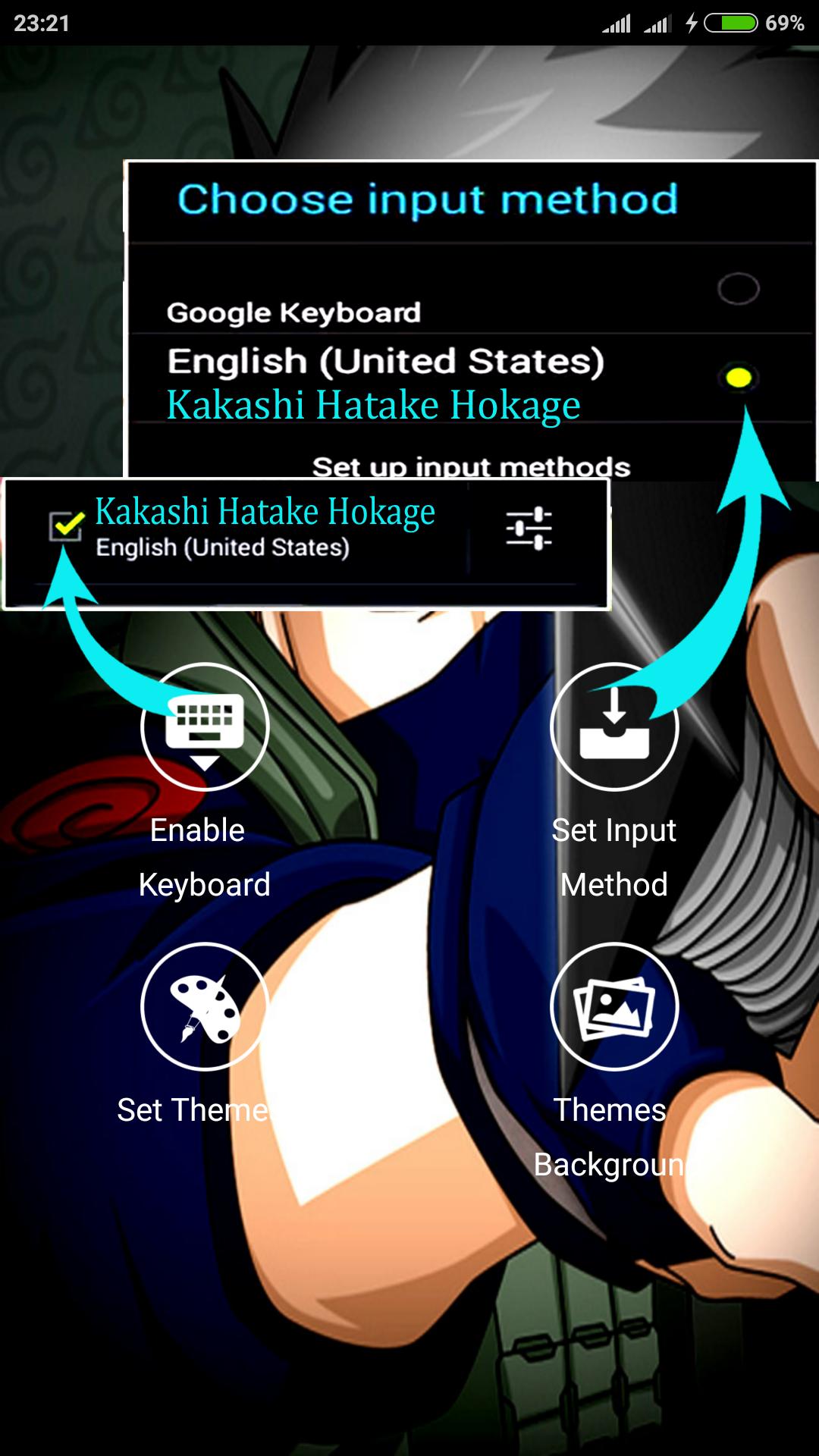
- Click "Enable Keyboard" and select "Keyboard Theme" (later returned)
- Click "Set Input Method" and select "Keyboard Theme" (later returned)
- Click "Set Theme" and then select the keyboard theme you want.
- Done. keyboard theme has been changed to the selected theme on the application.
* You can choose to include a photo of you that will be used as the theme for your keyboard
- Open the app
- Click on "Scene Background" then
- Click "Set Background Gallery" select existing photos in your gallery.
- Set the image size to be used as a keyboard theme (later returned)
- Click "Set Theme" under the menu "Set Background Gallery"
- Done. keyboard theme you have turned into the theme of the photo you choose.
Absolutely free, you can change and choose from our "Kakashi Hatake Keyboard Shinobi" collection! Choosing your favorite wallpaper background keyboard and start texting! Kakashi Hatake HD walpaper known around the world, so why not set as your sms theme, Customize every part of your smartphone with "Hatake Kakashi Keyboard Shinobi" - in addition to Kakashi wallpaper, this symbol can be perfect for application design keyboard Japan
Take a good look at that magic eyes and start typing faster than ever before! Boy, if you are looking for a change of color style keypad, these anime theme Keyboard for Android which is great for you! You have the option to select different keypad design with "kind Shinobi" - key shape and sound! Also, our red keyboard with emoji will give you the opportunity for a quick answer! Send a message template with just a tap!
- equipped with "EMOJI"
- Support the theme. carefully designed theme keyboard to improve typing experience.
- Keyboard changer. Changing the keyboard easier than ever. Apply theme or create your own custom keyboard with our cool feature that allows changing the background keyboard that uses an image gallery.
- Keyboard fonts. Change the letter keyboard style with a cool font.
- Beautiful design keyboard.
- Make your own keyboard. Create your own keyboard using background changer features a photo of us. A photo or picture from the gallery, adjust transparency and keyboard wallpaper will change!
- "Kakashi Hatake Hokage Keyboard Shinobi" is one of the coolest anime Keyboard theme dark red on the market!
-Different keypad sound collection in the theme keypad with Kakashi Hatake real design!
-Keyboard Color changer with the "theme of red and black text message"!
-Fast Reply to the text message option in the "Hatake Kakashi theme with Emoji Keyboard"!
Avance
Información
Desarrollador
DevByBasit
La última versión
3.1
Última actualización
2017-07-11
Categoría
Personalización
Disponible en
Google Play
Mostrar más
Cómo jugar Kakashi Hatake : Hokage Keyboard Shinobi con GameLoop en PC
1. Descargue GameLoop desde el sitio web oficial, luego ejecute el archivo exe para instalar GameLoop.
2. Abra GameLoop y busque "Kakashi Hatake : Hokage Keyboard Shinobi", busque Kakashi Hatake : Hokage Keyboard Shinobi en los resultados de búsqueda y haga clic en "Instalar".
3. Disfruta jugando Kakashi Hatake : Hokage Keyboard Shinobi en GameLoop.
Minimum requirements
OS
Windows 8.1 64-bit or Windows 10 64-bit
GPU
GTX 1050
CPU
i3-8300
Memory
8GB RAM
Storage
1GB available space
Recommended requirements
OS
Windows 8.1 64-bit or Windows 10 64-bit
GPU
GTX 1050
CPU
i3-9320
Memory
16GB RAM
Storage
1GB available space