Control Center iOS 16 para PC
Xtream Apps Solutions
Descarga Control Center iOS 16 en PC con GameLoop Emulator
Control Center iOS 16 en PC
Control Center iOS 16, proveniente del desarrollador Xtream Apps Solutions, se ejecuta en el sistema Android en el pasado.
Ahora, puedes jugar Control Center iOS 16 en PC con GameLoop sin problemas.
Descárgalo en la biblioteca de GameLoop o en los resultados de búsqueda. No más mirar la batería o llamadas frustrantes en el momento equivocado nunca más.
Simplemente disfrute de Control Center iOS 16 PC en la pantalla grande de forma gratuita!
Control Center iOS 16 Introducción
Control Center provides you the instant access. You can use Control Center to get quick access to settings, turn on Wi-Fi, screen recorder, and much more.
Control Center OS 15 is a user-friendly application for all users. This application is very easy to use, Approachable to everyone. Anyone can use this quick launcher for easy access.
Features of Control Center OS 15 app:
- Simple interface, easy to use, with the floating bar without hanging
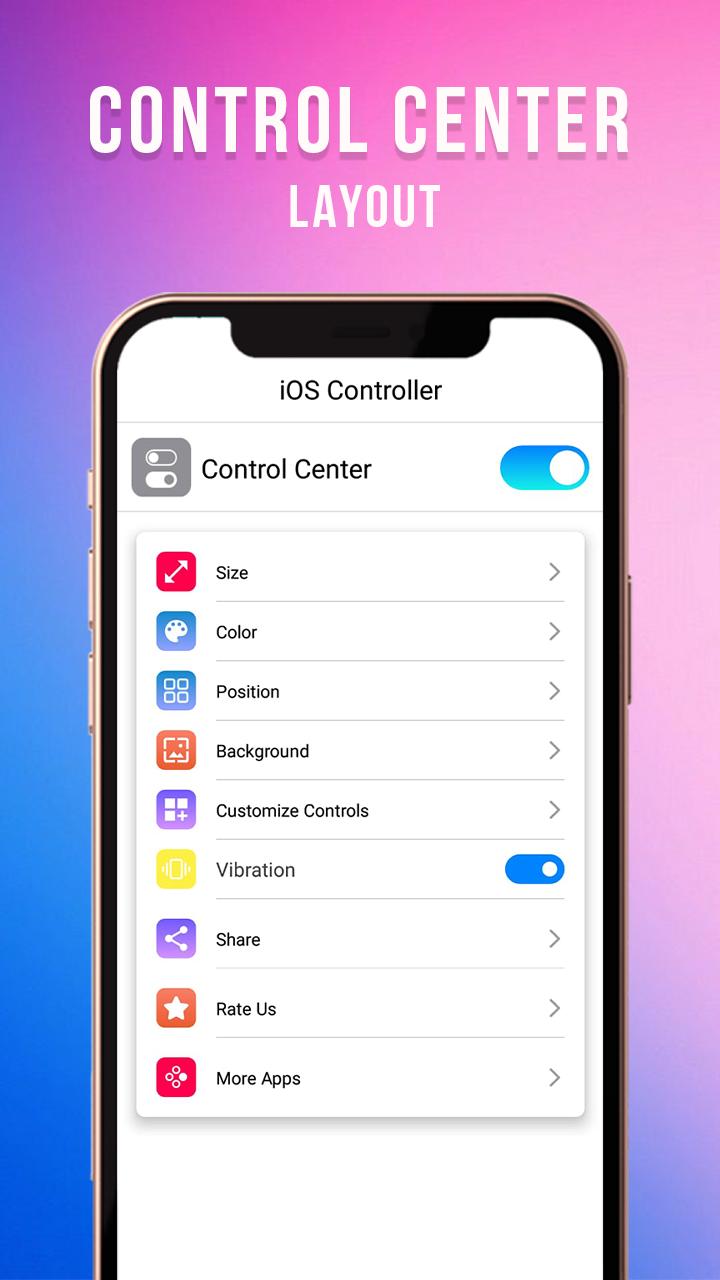
- Easy to resize the control panel
- Change the color of the notch
- Its Night mode automatically shifts the colors of your display. This feature helps you to get a better night’s sleep.
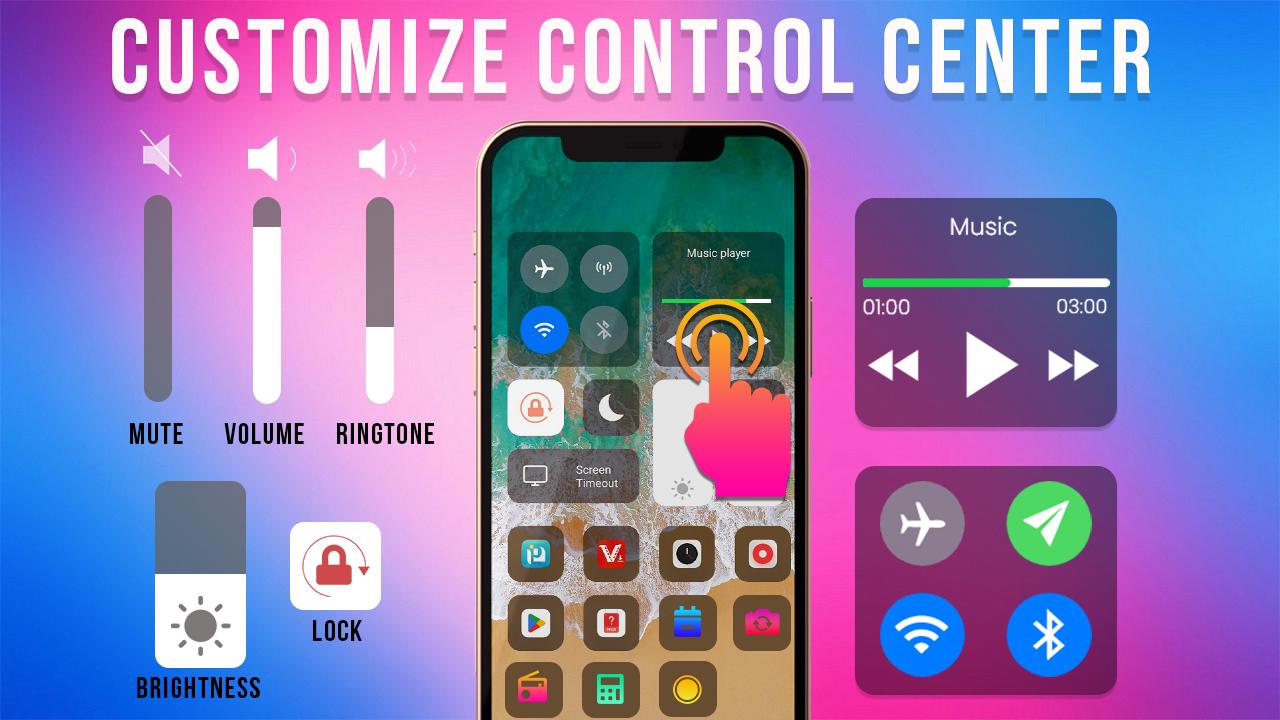
- Easy to customize the Control Center
- In Control Center you can quickly access multiple settings and apps.
- Airplane Mode to instantly turn off Bluetooth, Wi-Fi, and other connections on your phone.
- Wi-Fi: Turn on/ turn off
- Bluetooth: Turn on/ turn off Bluetooth
- Control Center provides the amazing Do Not Disturb feature, which silences the calls, alerts, and notifications that you receive while your device is locked.
- In this feature adjust the brightness of your display from any screen.
- The flash on your camera doubles as a flashlight, you can get extra light
- Set an alarm, timer, or stopwatch, or check the time in another country or region.
- Now it’s become very simple & easy to make your own personal hotspot and share the internet with your friends.
- Volume feature, change volume ringtone, music, alarm, notification, and system sound.
- Control Music Player: Control Center you can quickly play, pause, and control the volume of your favorite songs
- Favorite applications, Pin the app in Control panel, the maximum is 12 controls.
How to ON/Off Control Center?
- Open the Control panel and swipe down from the top-right corner of your screen.
- Close the Control panel and swipe up from the bottom of the screen or tap the screen.
Customize Control Center on your App
Easley customizes the Control panel by adding controls for apps, settings, and other features like Camera, Calculator, Recording, Dark Mode, and more.
Customize Control Center
Must add control for some applications, settings, and other features in order to use them from Control Center.
How to remove a control?
Go to Control Center and Custom Controls
Tap the Remove button, then tap Remove.
How to rearrange a control
Go to Control Center -> Custom Controls
You can hold and touch the lines, and icons and move the controls in the order that you want.
Avance
Etiquetas
PersonalizaciónInformación
Desarrollador
Xtream Apps Solutions
La última versión
1.6
Última actualización
2023-02-09
Categoría
Personalización
Disponible en
Google Play
Mostrar más
Cómo jugar Control Center iOS 16 con GameLoop en PC
1. Descargue GameLoop desde el sitio web oficial, luego ejecute el archivo exe para instalar GameLoop.
2. Abra GameLoop y busque "Control Center iOS 16", busque Control Center iOS 16 en los resultados de búsqueda y haga clic en "Instalar".
3. Disfruta jugando Control Center iOS 16 en GameLoop.
Minimum requirements
OS
Windows 8.1 64-bit or Windows 10 64-bit
GPU
GTX 1050
CPU
i3-8300
Memory
8GB RAM
Storage
1GB available space
Recommended requirements
OS
Windows 8.1 64-bit or Windows 10 64-bit
GPU
GTX 1050
CPU
i3-9320
Memory
16GB RAM
Storage
1GB available space