Voice Recorder: Memo & Editor para PC
Secure Private Browser Productivity Apps
Descarga Voice Recorder: Memo & Editor en PC con GameLoop Emulator
Voice Recorder: Memo & Editor en PC
Voice Recorder: Memo & Editor, proveniente del desarrollador Secure Private Browser Productivity Apps, se ejecuta en el sistema Android en el pasado.
Ahora, puedes jugar Voice Recorder: Memo & Editor en PC con GameLoop sin problemas.
Descárgalo en la biblioteca de GameLoop o en los resultados de búsqueda. No más mirar la batería o llamadas frustrantes en el momento equivocado nunca más.
Simplemente disfrute de Voice Recorder: Memo & Editor PC en la pantalla grande de forma gratuita!
Voice Recorder: Memo & Editor Introducción
Voice recorder is an easy to use utility app for free. It provides high quality & ✔️ unlimited voice recordings.
This audio recording app is full-featured and it’s popular for a simple design. It's the perfect audio recorder utility app for android.
Using this sound recorder, record interviews, concerts - professionally.
Not only that, you can record voice notes, business meetings, lectures, speeches, etc.
It’s fun 😎 to use this voice record - Morgane reciting poems, sleep talking! Or anything similar.
Use editing tools like trim / cut / merge recordings and get what part you want, from full recordings.
Best features of this recording app:
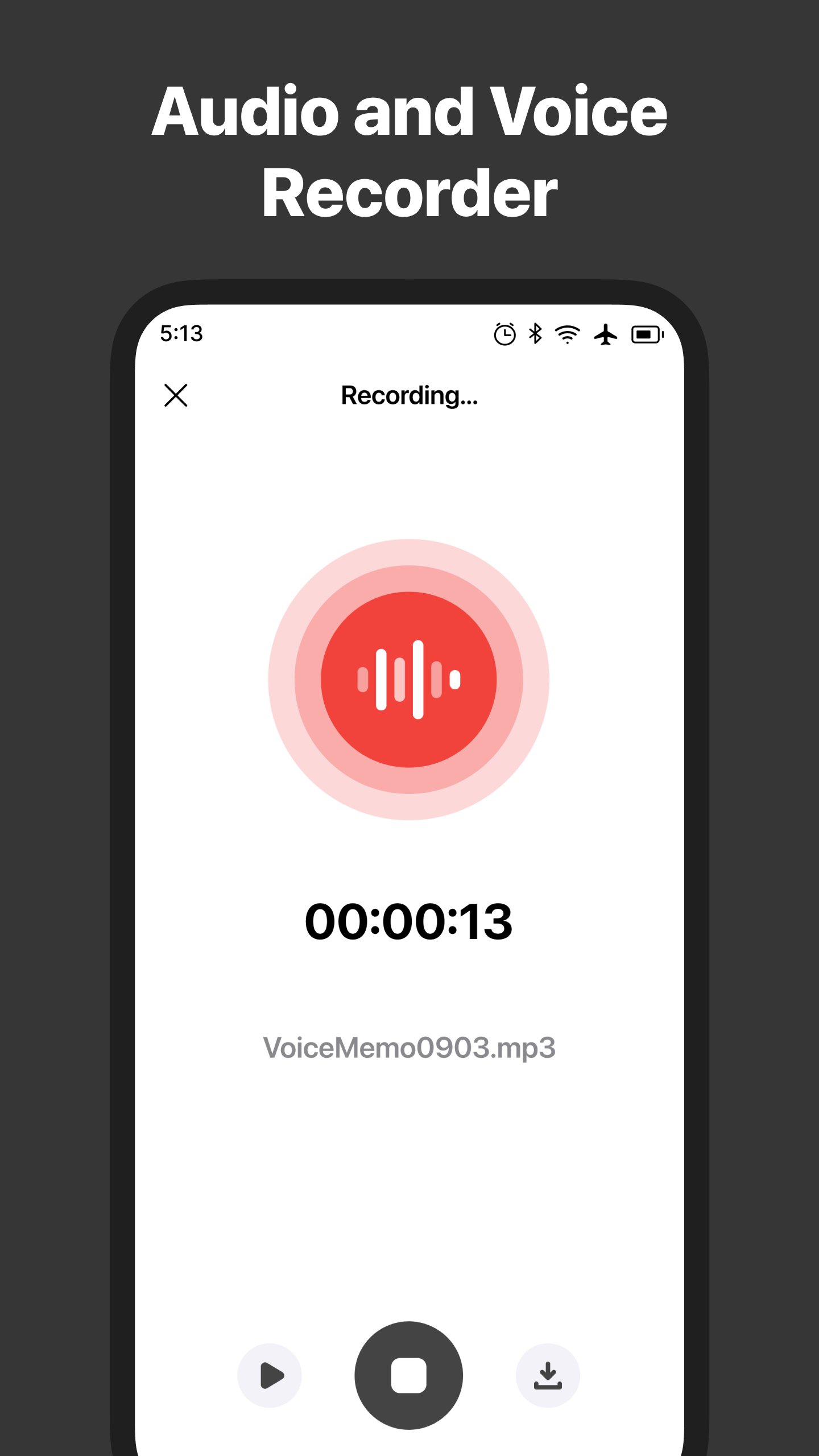
1. Single-tap to record ⏺️
★ Start vioce recording with one tap.
★ Continue recording in the background (even when the display is off).
★ Pause voice rec as many times as you want till you stop recording
★ Stop recording using the easy voice recorder app.
★ Store recorded audio to your preferred file format like MP3, WAV, etc.
2. Playback & listen 🎧
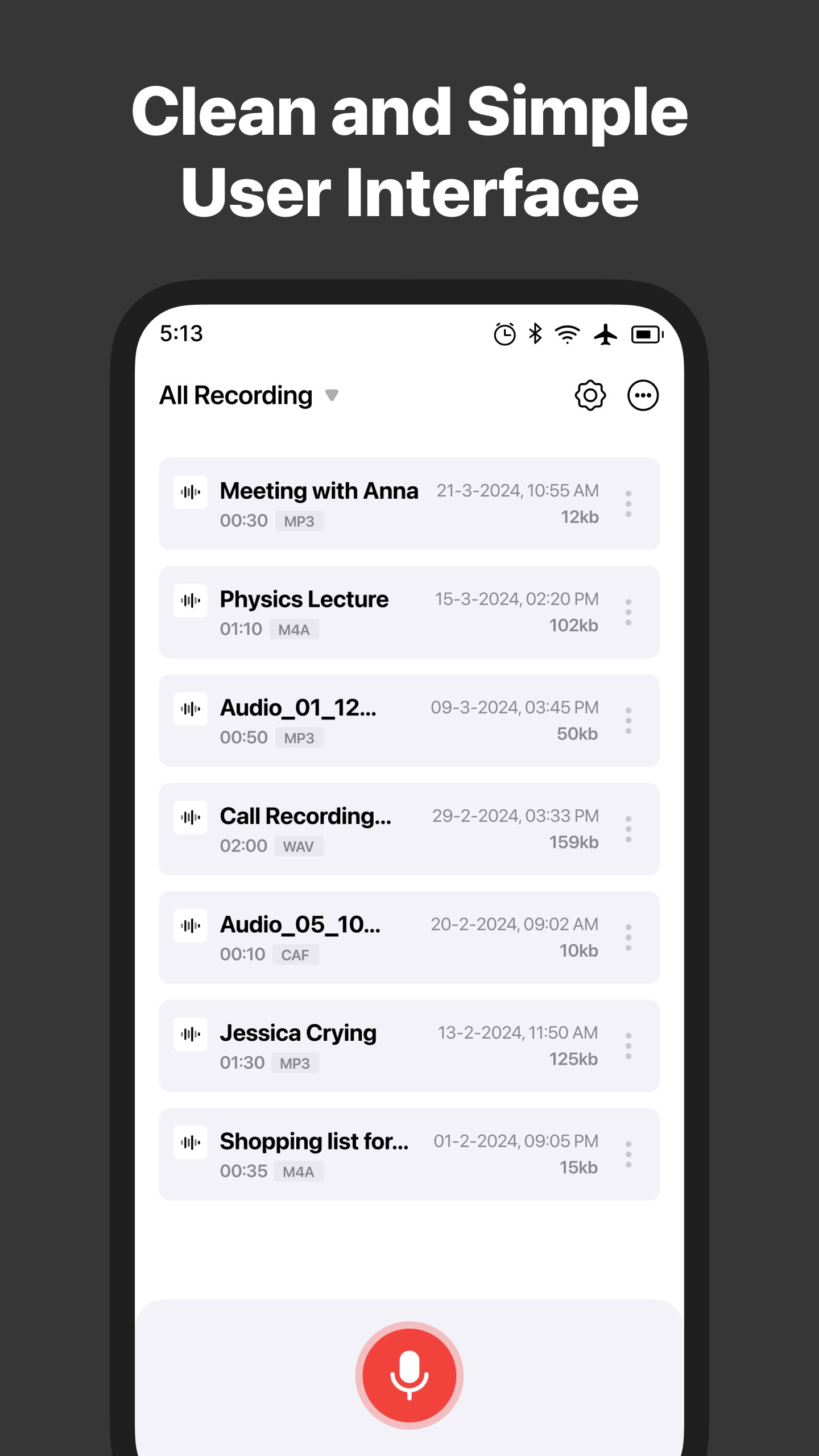
★ Do you know it's quick to find recordings? Use the sort options like name, size & recording date.
★ Jump 5 seconds forward or backward.
★ The recorder playback audio when you want.
3. Edit Recordings
★ You can select a voice recording to trim and cut voices.
★ Spectrum analyzer to visualize audio during editing.
★ Merge many audio tracks and get a single voice thread.
★ Alternations simplified for everyone.
4. Convert Recordings
★ Convert your recordings to other formats. Eg .m4a to .mp3
★ The app takes care to maintain the same audio quality.
5. Other custom settings
★ When every audio piece is important, record it in high quality. Like musical concerts, narrative speeches, etc.
★ That's not enough! You have an option to record in default quality. It's a perfect fit for normal uses to record. Like lectures, social events, etc.
★ Recordaudio in low quality to save storage space.
6. Share your recordings easily 📤
★ Share recordings via Bluetooth, Gmail, Messages, Facebook, and more.
★ Anyone can reord & share clippings. Share through WhatsApp, SoundCloud and many other social apps.
★ Save to phone storage, then access recordings from the saved folder.
★ Use the audio file as a ringtone, alarm, or a notification sound.
This is a free utility app includes ‘em all for you.
This tape recorder like utility is your handy tool. It helps you in many occurring - events, meetings, concerts, speeches. Many talented people choose this microphone recording app. Such as musicians, students, specialists, and all. Our voice recorder app can alters audio. And you’re unique in the meritocracy.
Its a very useful recorder and free app for your Android phones & tablets. Download it NOW!
Conditions:
* Please note that "Voice Recorder - Record Voice Professionally" is not a call recorder. And doesn’t record audio of phone calls.
* Please contact us at help@voicememo.co for any recording issues and feedback. We are here to help you.
Required permissions:
- Photos/Media/Files: Save and open recording from your phone (or tablet) storage.
- Microphone: Record audio from your microphone.
Avance
Etiquetas
Music-&Información
Desarrollador
Secure Private Browser Productivity Apps
La última versión
1.3.5
Última actualización
2026-01-29
Categoría
Music-audio
Disponible en
Google Play
Mostrar más
Cómo jugar Voice Recorder: Memo & Editor con GameLoop en PC
1. Descargue GameLoop desde el sitio web oficial, luego ejecute el archivo exe para instalar GameLoop.
2. Abra GameLoop y busque "Voice Recorder: Memo & Editor", busque Voice Recorder: Memo & Editor en los resultados de búsqueda y haga clic en "Instalar".
3. Disfruta jugando Voice Recorder: Memo & Editor en GameLoop.
Minimum requirements
OS
Windows 8.1 64-bit or Windows 10 64-bit
GPU
GTX 1050
CPU
i3-8300
Memory
8GB RAM
Storage
1GB available space
Recommended requirements
OS
Windows 8.1 64-bit or Windows 10 64-bit
GPU
GTX 1050
CPU
i3-9320
Memory
16GB RAM
Storage
1GB available space