Trumpet Fingerings para PC
Notely Apps
Descarga Trumpet Fingerings en PC con GameLoop Emulator
Trumpet Fingerings en PC
Trumpet Fingerings, proveniente del desarrollador Notely Apps, se ejecuta en el sistema Android en el pasado.
Ahora, puedes jugar Trumpet Fingerings en PC con GameLoop sin problemas.
Descárgalo en la biblioteca de GameLoop o en los resultados de búsqueda. No más mirar la batería o llamadas frustrantes en el momento equivocado nunca más.
Simplemente disfrute de Trumpet Fingerings PC en la pantalla grande de forma gratuita!
Trumpet Fingerings Introducción
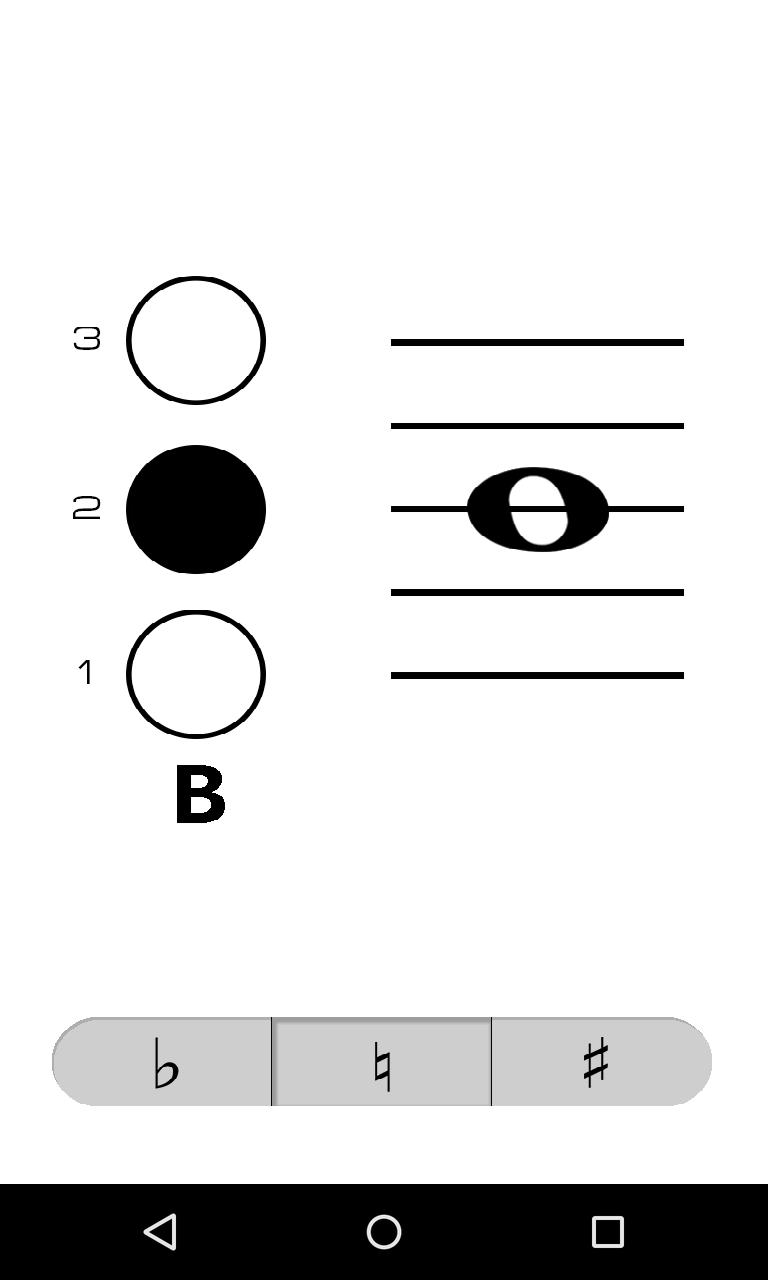
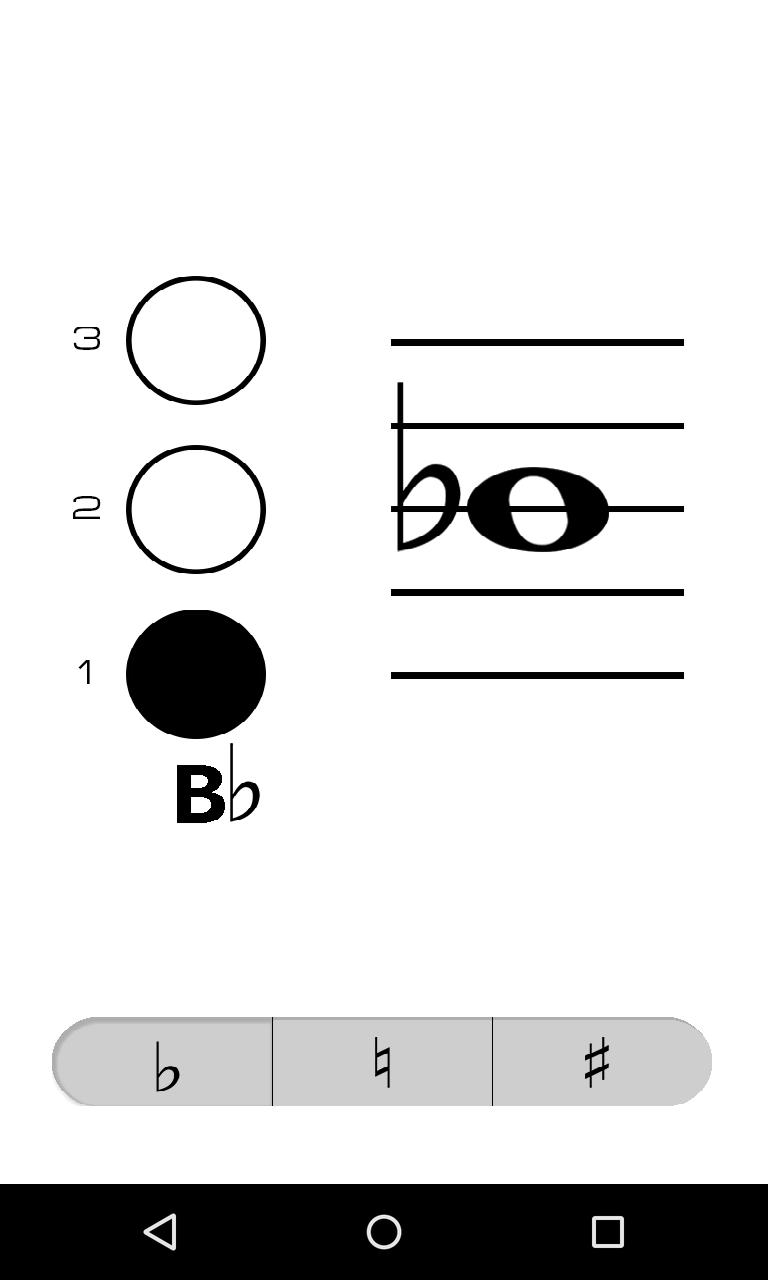
Trumpet Fingerings is a clean and simple virtual fingering chart that makes it fast and easy to look up the fingering and name of a note. No more flipping through clumsy paper fingering charts.
To use Trumpet Fingerings, simply tap the location on the staff of the note you wish to check or drag your finger up or down to the location of the note on the staff. Select whether the pitch of the note is flat, natural, or sharp by tapping the corresponding button on the bottom of the screen, notes are natural by default. The "1" next to the button on the left side of the screen represents the first valve on your trumpet (the one closest to your face when you play).
Avance
Etiquetas
Music-&Información
Desarrollador
Notely Apps
La última versión
1.2
Última actualización
2015-05-02
Categoría
Music-audio
Disponible en
Google Play
Mostrar más
Cómo jugar Trumpet Fingerings con GameLoop en PC
1. Descargue GameLoop desde el sitio web oficial, luego ejecute el archivo exe para instalar GameLoop.
2. Abra GameLoop y busque "Trumpet Fingerings", busque Trumpet Fingerings en los resultados de búsqueda y haga clic en "Instalar".
3. Disfruta jugando Trumpet Fingerings en GameLoop.
Minimum requirements
OS
Windows 8.1 64-bit or Windows 10 64-bit
GPU
GTX 1050
CPU
i3-8300
Memory
8GB RAM
Storage
1GB available space
Recommended requirements
OS
Windows 8.1 64-bit or Windows 10 64-bit
GPU
GTX 1050
CPU
i3-9320
Memory
16GB RAM
Storage
1GB available space