Music Widget: Music Player para PC
muslim wird
Descarga Music Widget: Music Player en PC con GameLoop Emulator
Music Widget: Music Player en PC
Music Widget: Music Player, proveniente del desarrollador muslim wird, se ejecuta en el sistema Android en el pasado.
Ahora, puedes jugar Music Widget: Music Player en PC con GameLoop sin problemas.
Descárgalo en la biblioteca de GameLoop o en los resultados de búsqueda. No más mirar la batería o llamadas frustrantes en el momento equivocado nunca más.
Simplemente disfrute de Music Widget: Music Player PC en la pantalla grande de forma gratuita!
Music Widget: Music Player Introducción
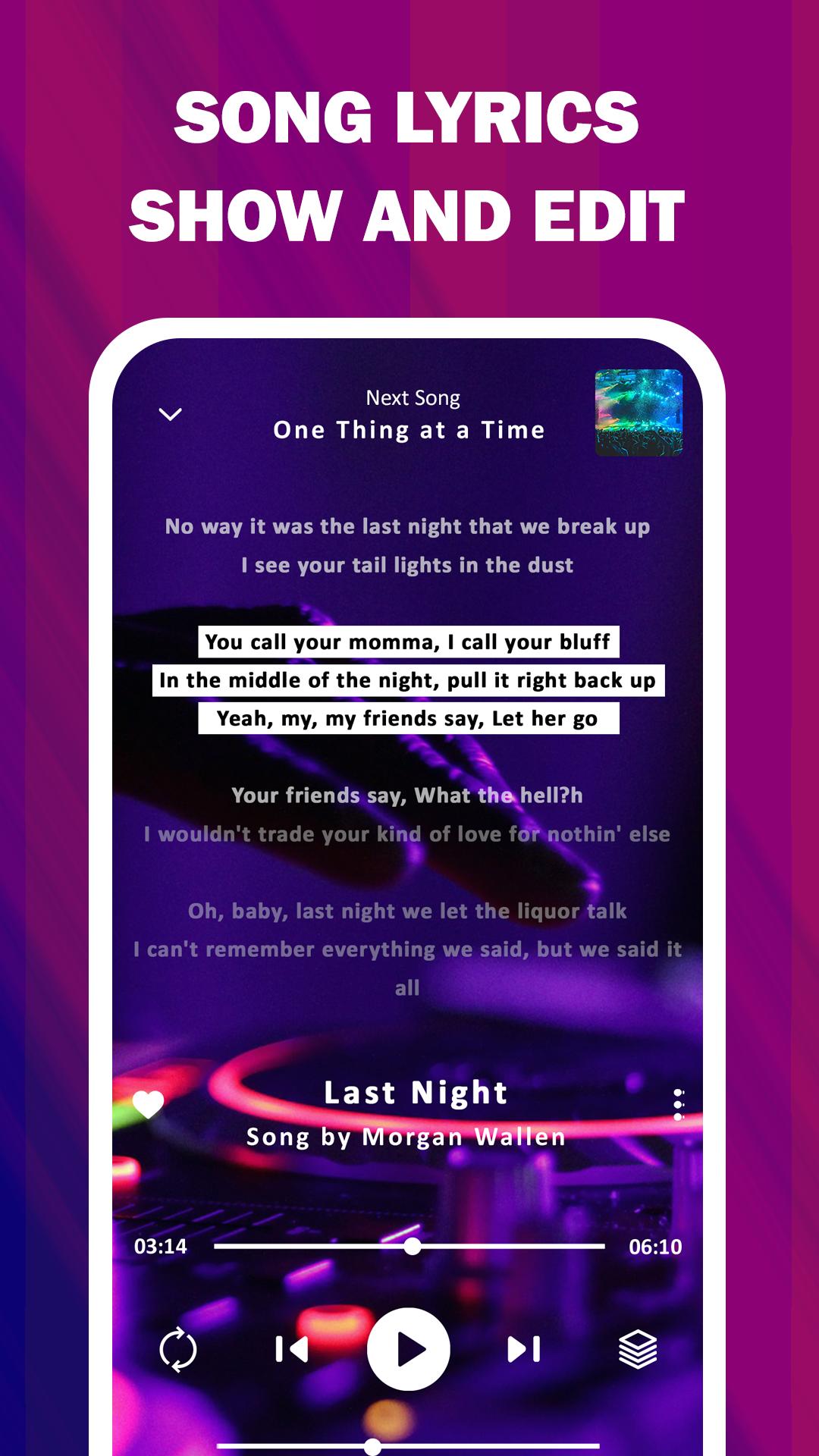
Offline Music Player - Play MP3, Equalizer, Lyrics, Playlists, Tags, Sleep Timer, it's a sample way to play music library without having to worry about an internet connection.
Offline music player app can help you to share, play your mp3 files, then you'll want to check out the mp3 player.
This free music player has all the features you need to play music files, including a built-in equalizer, music widget, volume control, and repeat and shuffle playback.
✓ Reasons to use this offline music player :
1. with this audio player you can avoid using data when play music.
2. use the offline music player because it can help save battery life.
3. when you play music library, your device has to keep a connection open to the internet, which can use up a lot of battery power.
4. keeping your music offline means that your device don't need internet when play music library.
6. with music widget built into this media player enjoy your favorite songs in any format and any times.
5. for this reason offline music player app is the best choice for you specially when we know that music widget on lock screen makes it easy to use.
✓ Listen to music offline and mp3 player.
- As a music player it is has a built-in a lot of features like a:
* music widget that you need to play music files for hours at a time.
* enjoy your music library and listen to your favorite tunes whenever you want.
* as a media player it's makes easy to find and play your favorite songs.
* it's a free music player forever enables you to use your phone as an mp3 player.
✓ Audio player with user experience.
- Whether you're looking for something to relax to or something to get pumped up for your workout, this media player music widget has will you covered because it's:
* Has a clean and simple interface that is easy to use.
* you can create playlists and share them with your friends.
* this media player organizes all of your media in a beautiful format for that it's a great free music player.
* provides a best way to listen to your music and audio files.
* In comparison with other apps it's a mp3 player small that allows you to listen to your music library on the go.
* It also has a variety of features that make it a great choice for a media player.
- Our app as music player that is smart and easy to use it make you can quickly and easily find the music you want to listen to, without having to search through a lot of different options, also:
* allows you to create playlists, so can easily keep track of your favorite songs.
* as smart audio player it's will play the right songs at the right time.
* you can add or remove songs from playlist.
* you can create smart playlists of your favorite artists.
finally our app as a audio player or mp3 player it's a sample way to enjoy your favorite songs and make or create playlists and share them with your friends.
Avance

Etiquetas
Music-&Información
Desarrollador
muslim wird
La última versión
128.4.103
Última actualización
2025-08-14
Categoría
Music-audio
Disponible en
Google Play
Mostrar más
Cómo jugar Music Widget: Music Player con GameLoop en PC
1. Descargue GameLoop desde el sitio web oficial, luego ejecute el archivo exe para instalar GameLoop.
2. Abra GameLoop y busque "Music Widget: Music Player", busque Music Widget: Music Player en los resultados de búsqueda y haga clic en "Instalar".
3. Disfruta jugando Music Widget: Music Player en GameLoop.
Minimum requirements
OS
Windows 8.1 64-bit or Windows 10 64-bit
GPU
GTX 1050
CPU
i3-8300
Memory
8GB RAM
Storage
1GB available space
Recommended requirements
OS
Windows 8.1 64-bit or Windows 10 64-bit
GPU
GTX 1050
CPU
i3-9320
Memory
16GB RAM
Storage
1GB available space