
Music Player Galaxy para PC
OneShot.Ltd
Descarga Music Player Galaxy en PC con GameLoop Emulator
Music Player Galaxy en PC
Music Player Galaxy, proveniente del desarrollador OneShot.Ltd, se ejecuta en el sistema Android en el pasado.
Ahora, puedes jugar Music Player Galaxy en PC con GameLoop sin problemas.
Descárgalo en la biblioteca de GameLoop o en los resultados de búsqueda. No más mirar la batería o llamadas frustrantes en el momento equivocado nunca más.
Simplemente disfrute de Music Player Galaxy PC en la pantalla grande de forma gratuita!
Music Player Galaxy Introducción
🎵 Music Player For Samsung – The Ultimate Music Experience
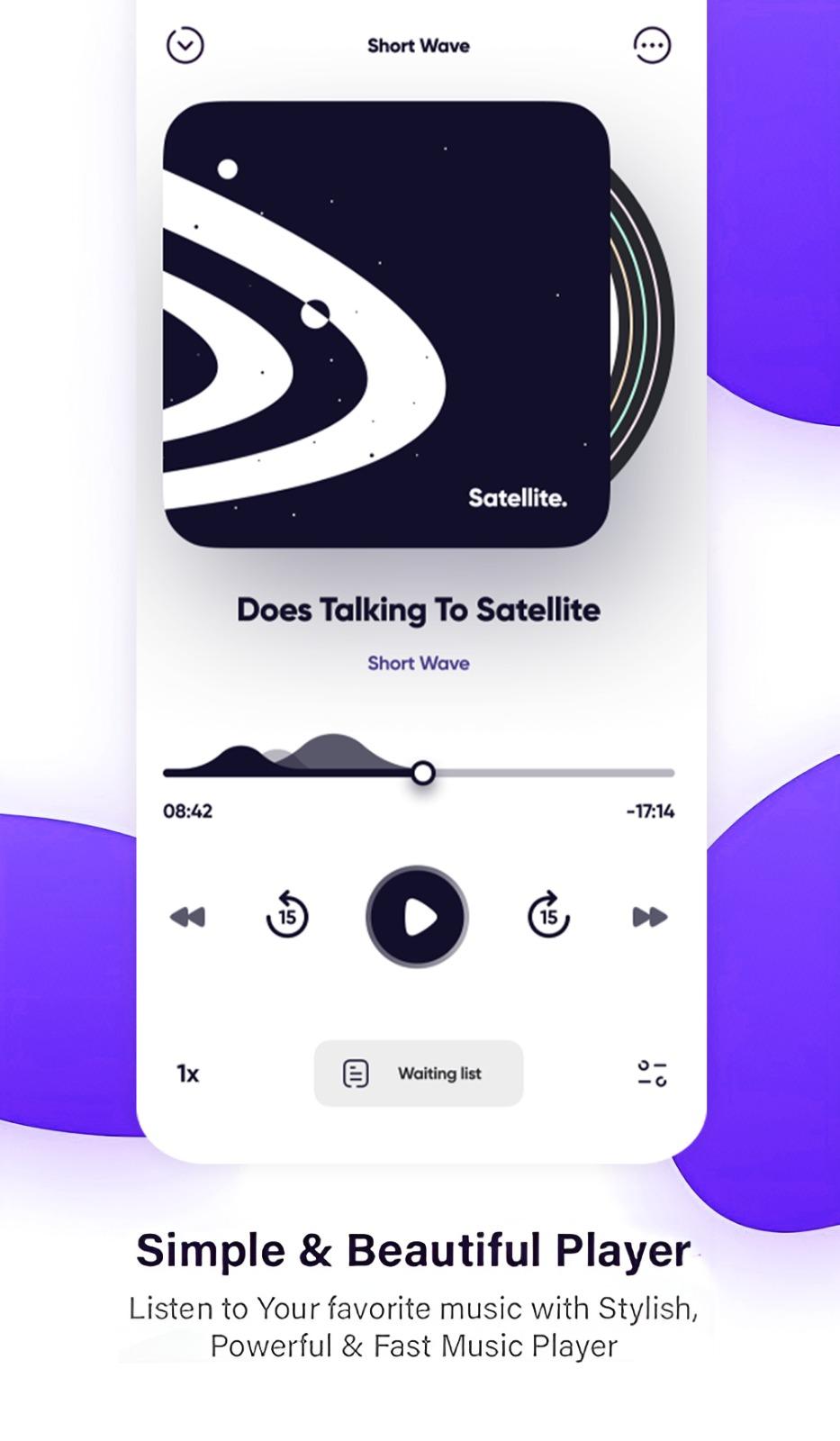
🔹 Music Player For Samsung is a free, feature-rich music player designed specifically for Galaxy smartphones. Enjoy your favorite MP3s and audio tracks anytime, anywhere, with a smooth and high-quality music experience on your Android phone.
🎧 Music Player for Galaxy
🚀 Powerful Equalizer: Adjust your music with 5-band and 10-band equalizers for a professional sound experience.
🎨 Multiple Themes: Customize your music player with a variety of beautiful and dynamic themes.
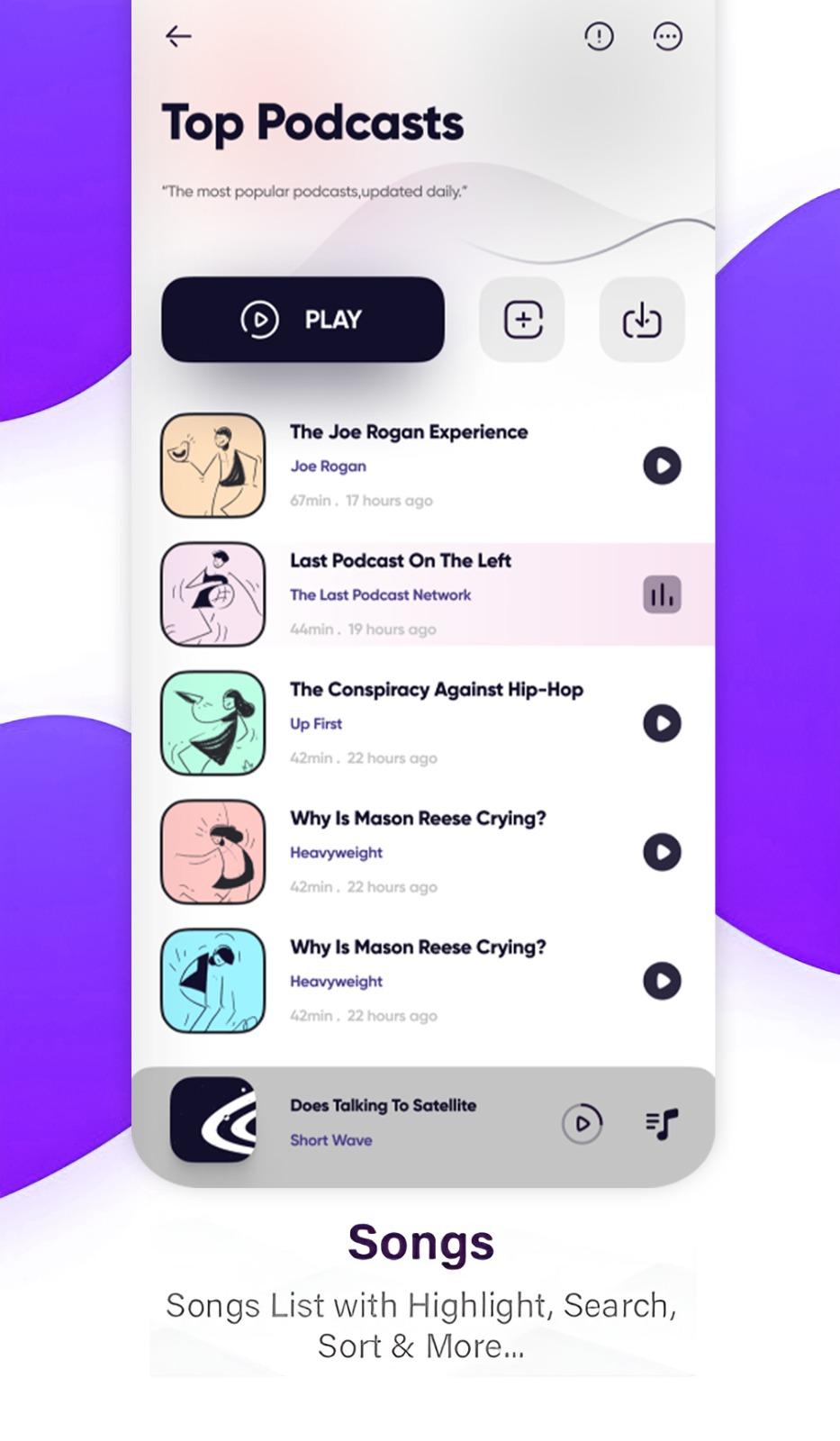
🔍 Quick Search: Easily find any song, artist, album, or playlist in your music library.
📁 All File Formats Supported: Play MP3, AAC, FLAC, WAV, OGG, AMR, and many other audio formats.
🔊 Bass Boost & 3D Sound: Enhance your audio with deep bass boost and immersive 3D surround sound.
🎵 Music Cutter & Ringtone Maker: Trim your favorite parts of a song and set them as your ringtone or notification sound.
🎶 Manage Your Music Effortlessly
📂 Smart Library: Organize your music collection by albums, artists, genres, folders, and playlists.
🎼 Lyrics Support: Automatically scan, match, and display lyrics for your songs.
📌 Set as Next Play: Queue up your favorite songs seamlessly.
📱 Beautiful UI: A sleek and intuitive interface designed specifically for Samsung Galaxy users.
📊 Sleep Timer: Set a timer to automatically stop the music at a specific time.
💾 Backup & Restore Playlists: Save and restore your custom playlists effortlessly.
📌 Default Music Player & Offline Music
🎵 Set as Default: Choose this app as your default music player for seamless playback.
📴 Offline Mode: Enjoy your music without an internet connection—no need for streaming or downloading extra files.
🎧 Headset & Bluetooth Support: Control playback using your wired or Bluetooth headset.
🔄 Auto-Refresh Library: Automatically detect and update newly added songs in your library.
🎼 Best Features of Music Player For Samsung
✅ High-quality audio playback for an immersive listening experience.
✅ Smart Playlists: Automatically remembers your last played songs and most played tracks.
✅ Crossfade & Gapless Playback: Enjoy smooth transitions between songs without interruptions.
✅ Custom Tone & Equalizer: Fine-tune your music with a manual equalizer adjustment.
✅ Quick Search & Video Support: Find music and watch related videos instantly.
✅ Works on All Samsung Devices: Fully supports S22 Ultra, S22 Plus, and all Galaxy series smartphones.
✅ Shake to Change Song: Simply shake your phone to switch between tracks.
✅ Floating Music Widget: Access your music controls from any screen with a stylish floating widget.
🎵 Samsung Music Player Edge Style
🎶 S22 Ultra Edge Music Player combines powerful equalizer settings, a stylish Galaxy-themed UI, and quick access to your entire music collection.
🎛️ Visualizer Effects: Enjoy stunning visual effects that move with your music.
📀 Album Art Editor: Edit and change album covers for a personalized look.
🔥 One of the most advanced and high-quality music players for Samsung users!
⚠️ Disclaimer
❌ Not an Official Samsung App: This app is independently developed and has no official connection to Samsung Inc..
🌌 About the Name ‘Galaxy’: The term "Galaxy" represents space and creativity and is not associated with any third-party brand.
🚀 Download Music Player For Samsung now and enjoy a premium music experience! 🎶
Avance
Etiquetas
Music-&Información
Desarrollador
OneShot.Ltd
La última versión
1.9.0
Última actualización
2025-08-11
Categoría
Music-audio
Disponible en
Google Play
Mostrar más
Cómo jugar Music Player Galaxy con GameLoop en PC
1. Descargue GameLoop desde el sitio web oficial, luego ejecute el archivo exe para instalar GameLoop.
2. Abra GameLoop y busque "Music Player Galaxy", busque Music Player Galaxy en los resultados de búsqueda y haga clic en "Instalar".
3. Disfruta jugando Music Player Galaxy en GameLoop.
Minimum requirements
OS
Windows 8.1 64-bit or Windows 10 64-bit
GPU
GTX 1050
CPU
i3-8300
Memory
8GB RAM
Storage
1GB available space
Recommended requirements
OS
Windows 8.1 64-bit or Windows 10 64-bit
GPU
GTX 1050
CPU
i3-9320
Memory
16GB RAM
Storage
1GB available space