boAt Hearables para PC
Imagine Marketing Private Limited
Descarga boAt Hearables en PC con GameLoop Emulator
boAt Hearables en PC
boAt Hearables, proveniente del desarrollador Imagine Marketing Private Limited, se ejecuta en el sistema Android en el pasado.
Ahora, puedes jugar boAt Hearables en PC con GameLoop sin problemas.
Descárgalo en la biblioteca de GameLoop o en los resultados de búsqueda. No más mirar la batería o llamadas frustrantes en el momento equivocado nunca más.
Simplemente disfrute de boAt Hearables PC en la pantalla grande de forma gratuita!
boAt Hearables Introducción
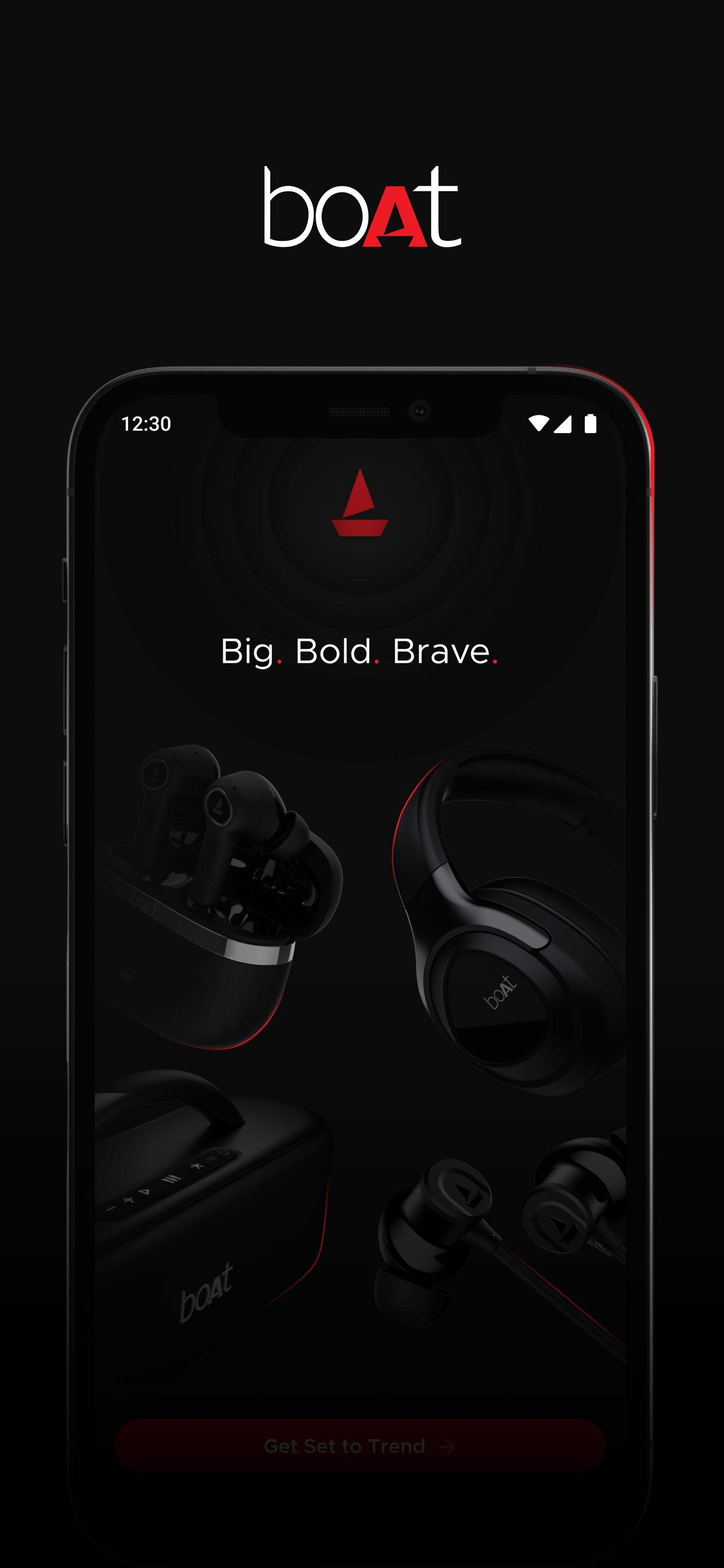
Upgrade your listening experience with the boAt Hearables app. Get one-touch access to the industry-first Smart Diagnostics function, button/touch personalization, seamless Over-the-Air updates, and more for supported boAt audio products.
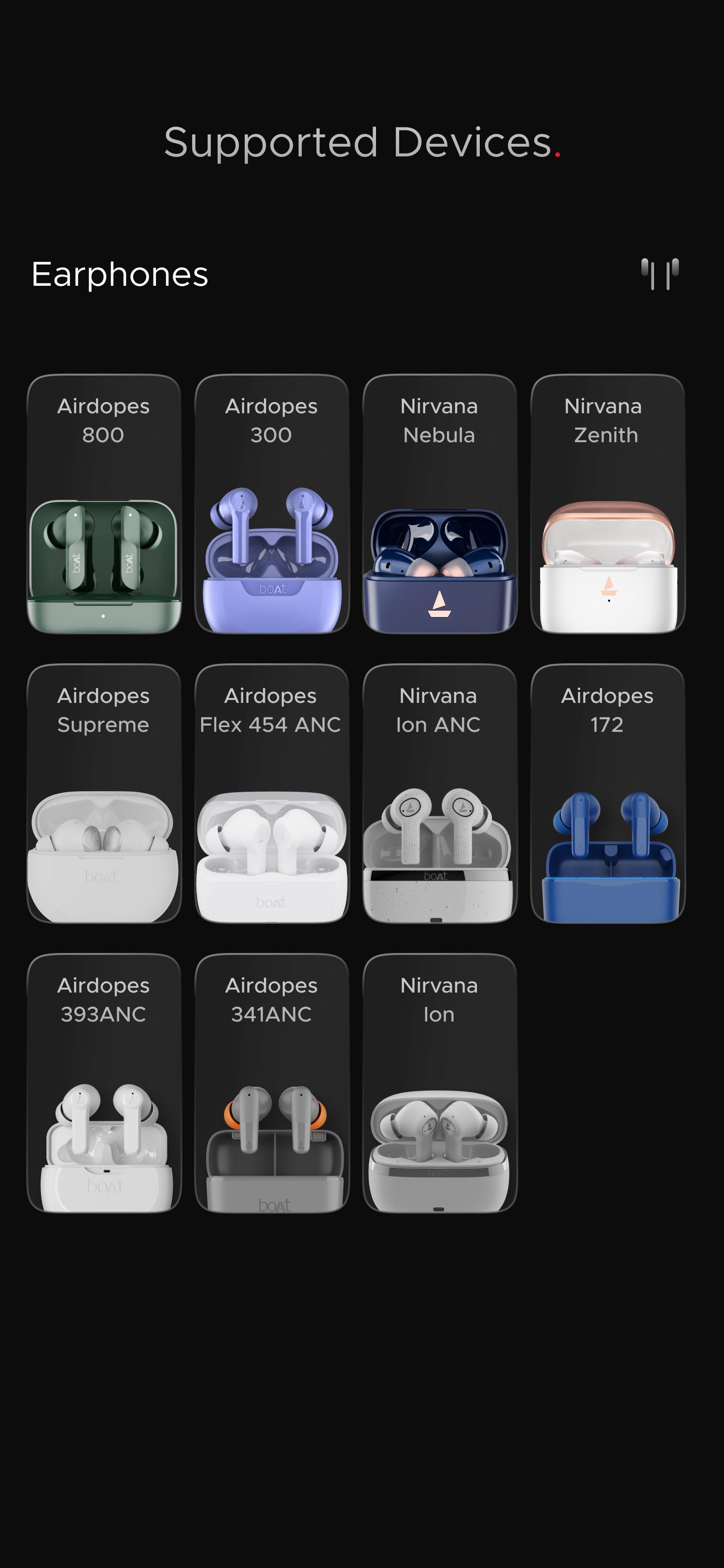
The compatible models can be viewed under the “Supported Devices” section of the app and include the following*:
-- TWS Earbuds
Airdopes Flex 454 ANC
Nirvana Ion ANC
Nirvana Ion
Airdopes 341 ANC
Airdopes 393 ANC
Airdopes 172
Airdopes Supreme
Airdopes 800
Airdopes 300
NIRVANA NEBULA
NIRVANA ZENITH
-- Neckbands
Rockerz 255 ANC
Rockerz 255 Max
Nirvana 525 ANC
Rockerz 255 Pro+
Rockerz 333 Pro
Rockerz 333
Rockerz 330 Pro
-- Headphones
Nirvana Eutopia
-- Speaker
Stone Lumos
Simply pair your boAt audio device with your smartphone, and it will automatically show up in the ‘My Devices’ section of the app, if compatible. You can also manage multiple boAt audio products from a single dashboard.
Once connected, you can check out the advanced features listed below for select models-
boAt Smart Talk: Use your voice to answer or reject incoming calls and get caller ID announcements to screen incoming calls without looking at your phone.
boAt SpeakThru Mode: Automatically reduces the in-ear audio volume when you speak into the microphone.
boAt Adaptive EQ by Mimi: Create a personal audio profile and fine-tune the audio to your hearing for heightened listening comfort.
Other innovative features to enhance your audio experience include the following-
Active Noise Cancellation: Enjoy noise-free listening with Hybrid/FF ANC, even in busy areas.
boAt Spatial Audio: Experience theater-like surround sound for immersive viewing.
Dolby Audio: Dive into audio with an added dimension powered by Dolby technology, such as Dolby Audio.
Multipoint Connectivity: Stay connected to two devices simultaneously and switch between them effortlessly.
boAt Equalizer: Choose from preset EQ modes (POP/ROCK/JAZZ/CLUB) or create your Custom EQ mode by modifying the sound elements.
Smart Diagnostics Mode: Get a quick fix for issues related to Bluetooth connectivity, microphone, speaker, battery, and more.
Battery and Connectivity Indicator: Monitor your product’s battery level and Bluetooth connectivity status from a visual indicator.
Button/Touch Personalization: Customize the button/touch controls of your product to your liking.
Over-the-air Software Updates: Tap into the latest audio technology with periodic releases of new and improved firmware for your audio device, including updated features (if applicable), performance improvements, deeper customization, and more.
Help and Support: Browse user manuals, get product information, opt for our Customer Support, etc., for a speedy resolution.
boAt Store: Easily search and compare products, including new launches, read reviews from other users, and make purchases directly from the app’s all-inclusive store section.
Accessibility Permission:
The accessibility function is used to complete actions for you in instances where you cannot access the app, for example, while driving or working out. In such cases, our Smart Talk feature comes in handy by making use of the Accessibility settings on your device. Using voice commands, such as ‘Accept’ and ‘Reject’, you can answer or deny an incoming call respectively. Smart Talk also announces the caller’s name to help you decide whether to accept or reject the call without looking at your phone to determine the caller. Please note that your voice commands are neither recorded in our servers nor shared with any 3rd party.
Note:
* - Legacy models to be included soon.
- The self-diagnostics mode helps resolve software issues ONLY. For solutions regarding hardware concerns, please contact our customer service center.
Avance
Etiquetas
Music-&Información
Desarrollador
Imagine Marketing Private Limited
La última versión
1.6.2
Última actualización
2025-09-25
Categoría
Music-audio
Disponible en
Google Play
Mostrar más
Cómo jugar boAt Hearables con GameLoop en PC
1. Descargue GameLoop desde el sitio web oficial, luego ejecute el archivo exe para instalar GameLoop.
2. Abra GameLoop y busque "boAt Hearables", busque boAt Hearables en los resultados de búsqueda y haga clic en "Instalar".
3. Disfruta jugando boAt Hearables en GameLoop.
Minimum requirements
OS
Windows 8.1 64-bit or Windows 10 64-bit
GPU
GTX 1050
CPU
i3-8300
Memory
8GB RAM
Storage
1GB available space
Recommended requirements
OS
Windows 8.1 64-bit or Windows 10 64-bit
GPU
GTX 1050
CPU
i3-9320
Memory
16GB RAM
Storage
1GB available space